1) Create a Service Provider
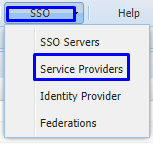
On the Management Console, go to SSO>Service Providers
Click on  on the top left.
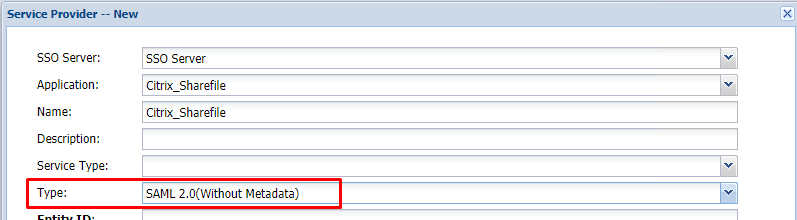
Fill in the details as below and make sure you select SAML 2.0(Without Metadata) as Type.
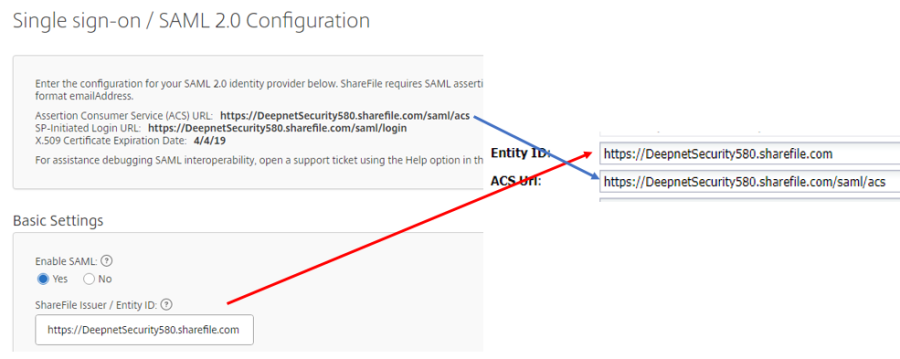
Now fill out Entity ID and ACS URL. This can be copied from the ShareFile SAML Configuration screen
The completed Service Provider dialogue box will look like this:

…..but do not hit Save just yet.
2) Add an Email Attribute
Click the Attributes Edit button

Click at the top.
Set the following parameters
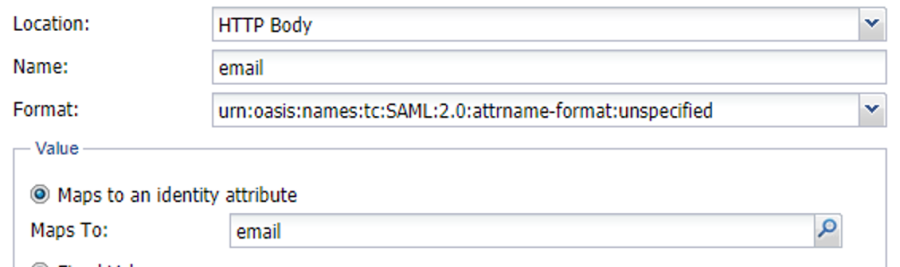
Make sure Return Response is checked and then hit Save.
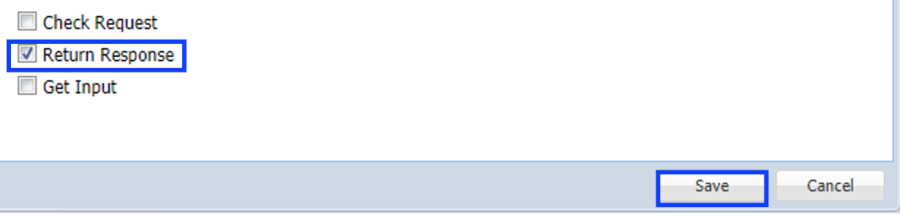
Click Save on the Attributes window.
Specify NameID Format and Attribute as follows:

Click Save.