Before a RADIUS application can be created, a RADIUS logon procedure must be created first.
To publish an application on an authentication agent, first navigate to the application list by selecting "Authentication | Applications" in the side panel
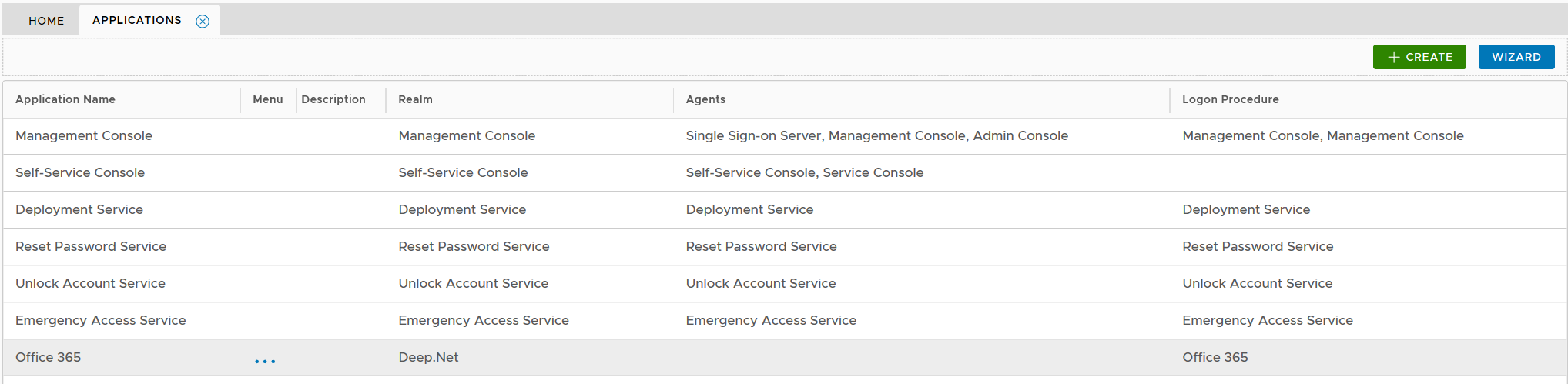
Click the context menu icon "..." of the application, e.g. "Office 365" to access its context menu

select "Agents" in the context menu
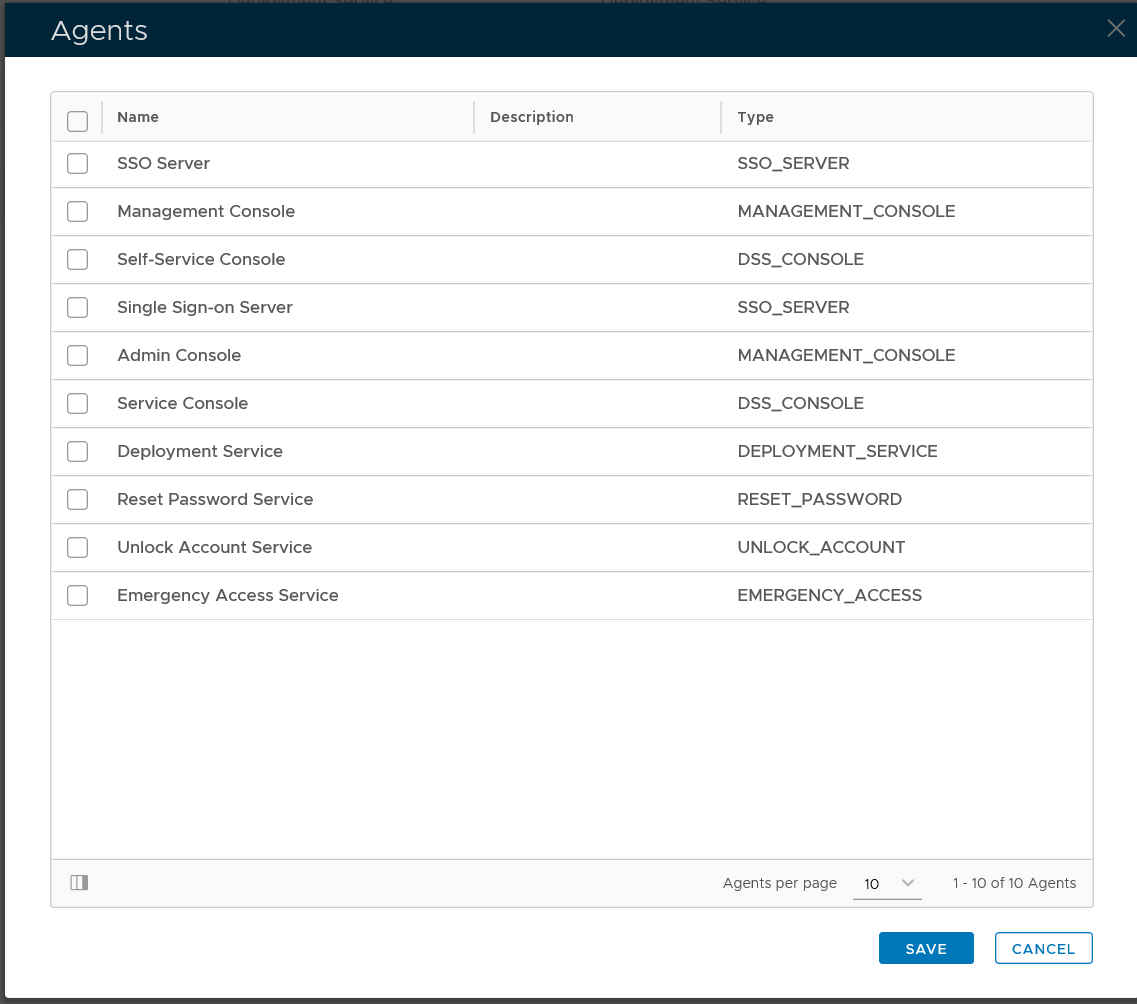
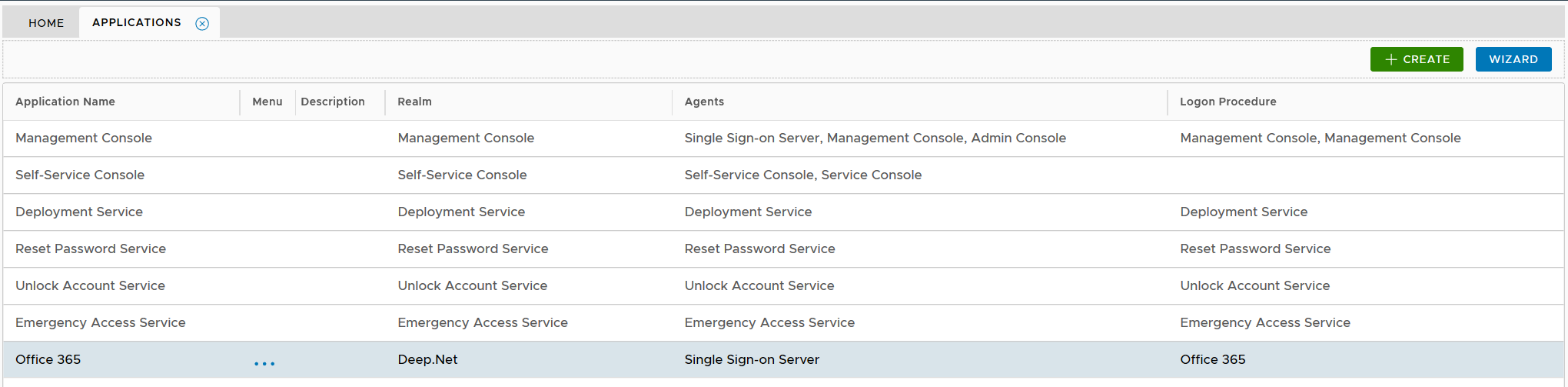
select the authentication agent on which the application is to be published, e.g. "Single-Sign-on Server"

Click "SAVE" button to save the settings
The type of logon procedure for an VPN integration must be RADIUS.
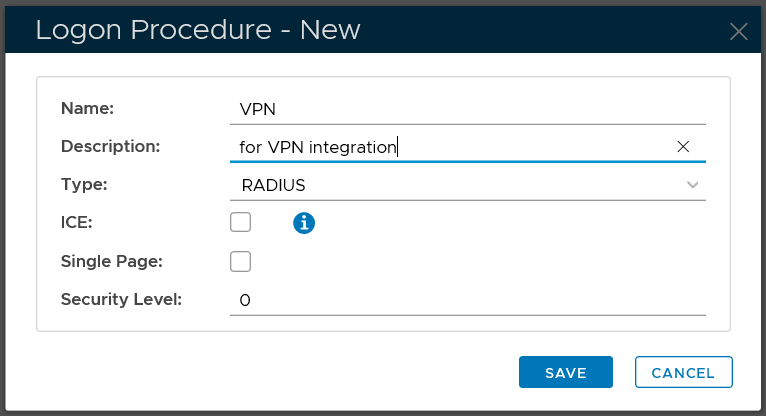
Once a logon procedure has been created, you need to add logon steps in to the newly created logon procedure. Depending on the VPN system and the authenticators to be used, you have two options: one-step logon and two-step logon.