Open a Remote Desktop Connection, enter the name of the remote computer that you want to connect to , e.g. server2.qaworld.com

"inde"
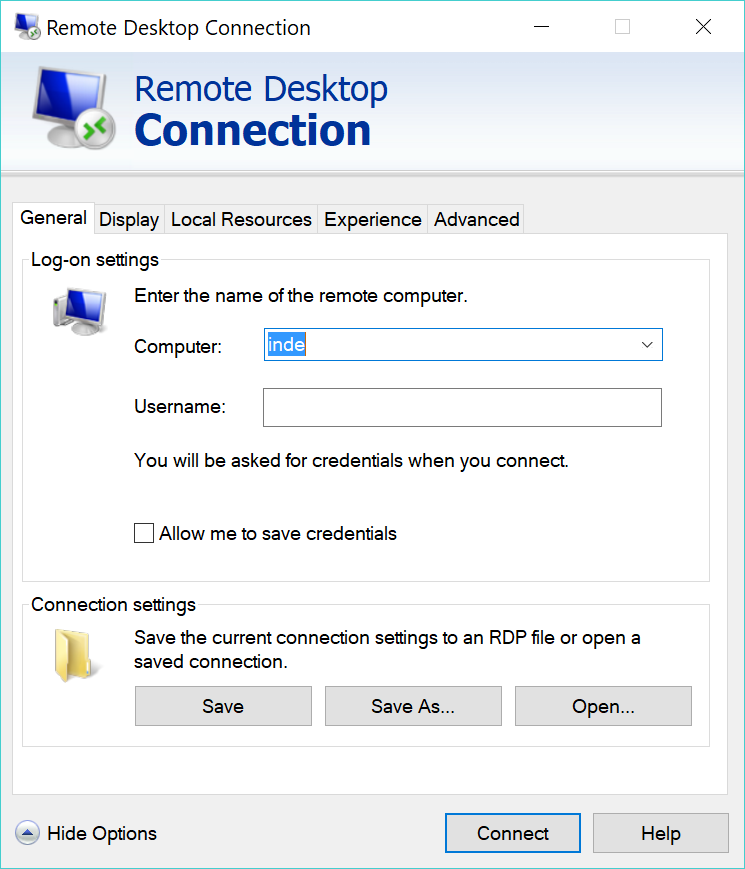
Click "Connect"
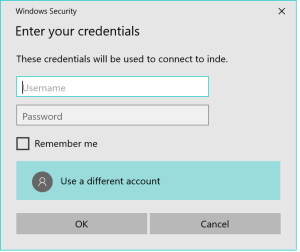
It It redirects to your RD Gateway server, e.g. "server-1rdgateway.qaworlddeepnetsecurity.com", and prompts for your login credentials:
...
Click "Approve", you will then be logged into the remote computer.
| Info | ||
|---|---|---|
| ||
You might be asked again to enter your logon credentials for the remote desktop computer that you want to access
|