...
Remove the "Challenge & Response" option from the Functions list, and save the change.
Please note that this change will not affect existing MobileID tokens that have already been installed on users' devices.
Disable/Enable Challenge/Response Function in User Verification
To disable MobileID token so that it cannot be used as a challenge/response method in the user verification process, you need to change the MobileID policy in the DualShield MFa server.
In the DualShield Admin Console, navigate to "Administration \ Policies". Find the MobileID policy and edit it
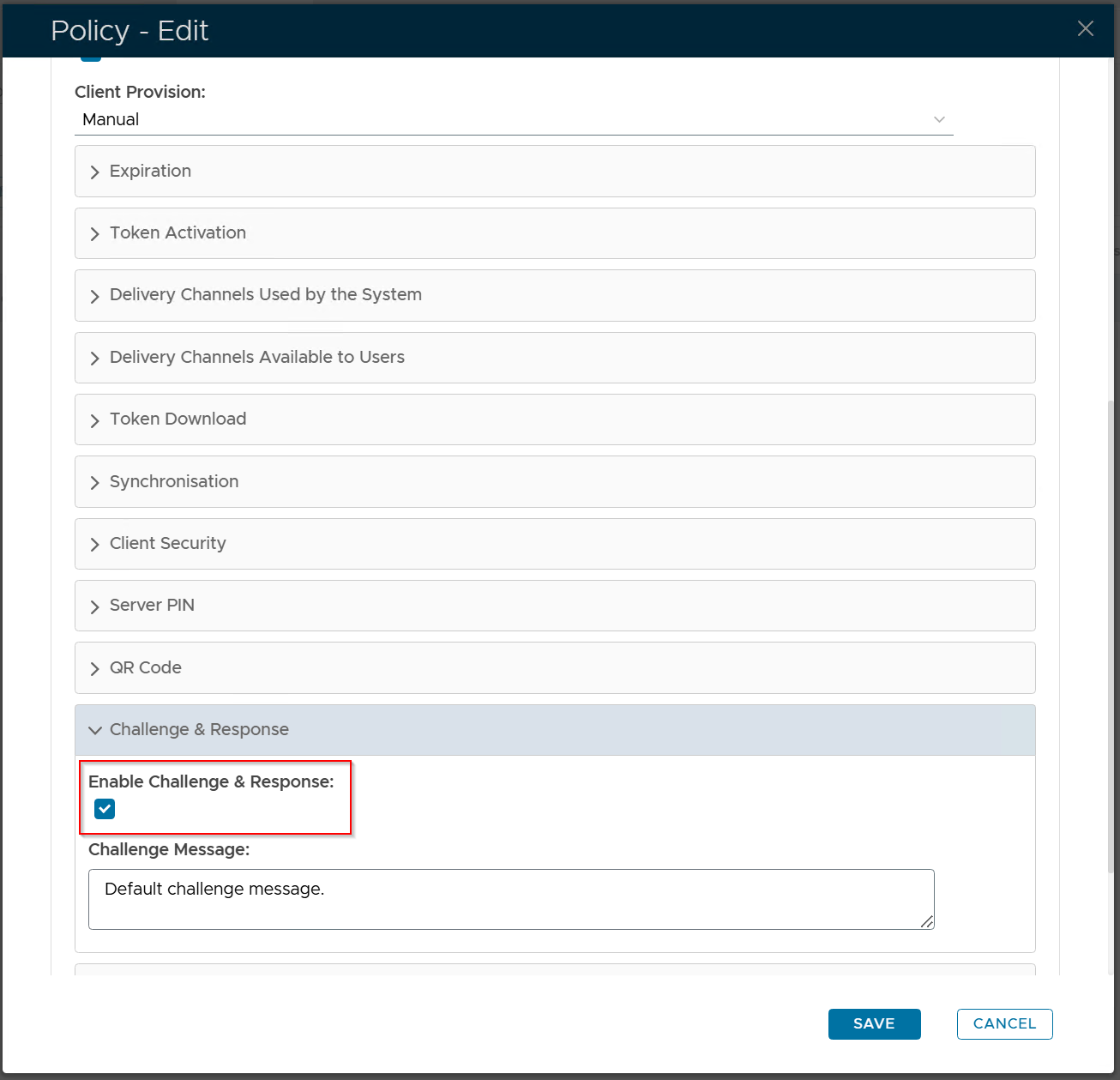
Disable the "Enable Challenge & Response" option, and save the change.