We will This guide describes how to add the Dualshield SSO as a SAML Claims Provider in the ADFS server.
First, download the IdP Metadata from the DualShield server
...
Launch the ADFS Management console
Right click on "Trust Relationships", and then select "Add Claims Provider Trust”
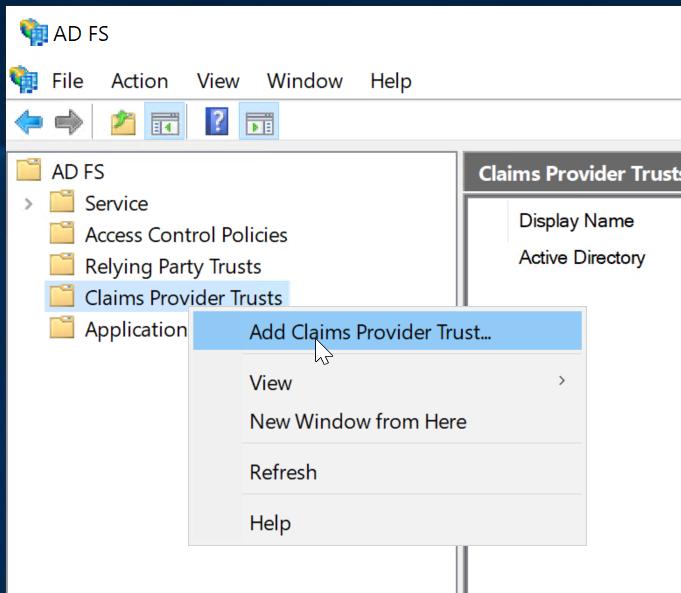
This will initiate
Now, open the ADFS Management console and in the left hand window expanding the Trust Relationships heading and selecting “Claims Provider Trust”.

Right click and select “Add Claims Provider Trust” to start the Add Claims Provider Trust wizardWizard.
Click In the wizard, click through the welcome panel page to the "Select Data Source panel, select the “Import " page
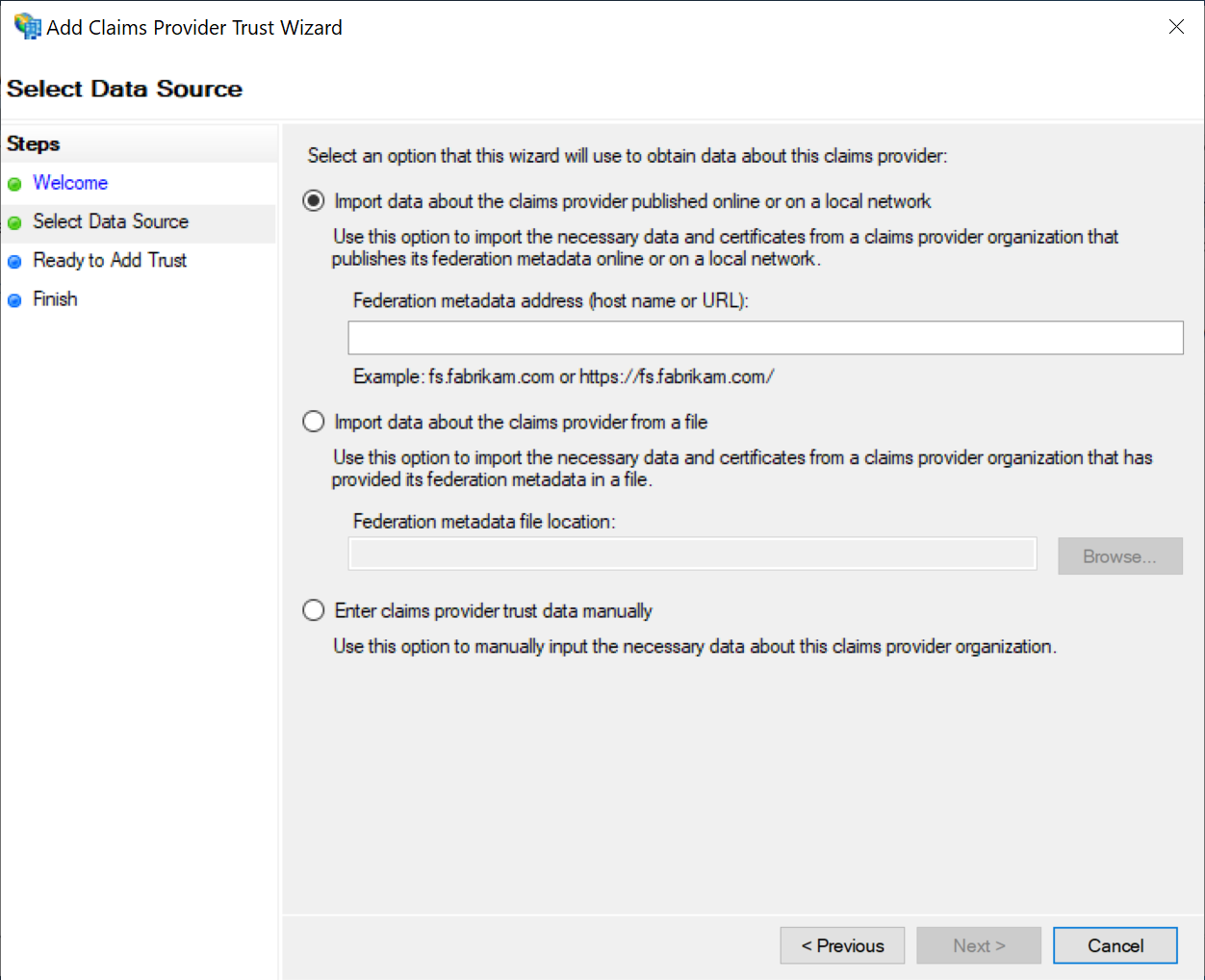
DualShield publishes its metadata to a standard URL (https://your-dualshield-fqdn:8074/sso/saml2metadata).If this URL is accessible from the ADFS server, then select the option "Import data about the claims provider from a file”.
In the "Federation metadata file location" text field enter the DualShield's IdP metadata file you have downloaded and saved:
...
published online or on a local network". Otherwise, select "Import data about the claims provider from a file"
| Expand | ||||||
|---|---|---|---|---|---|---|
| ||||||
|
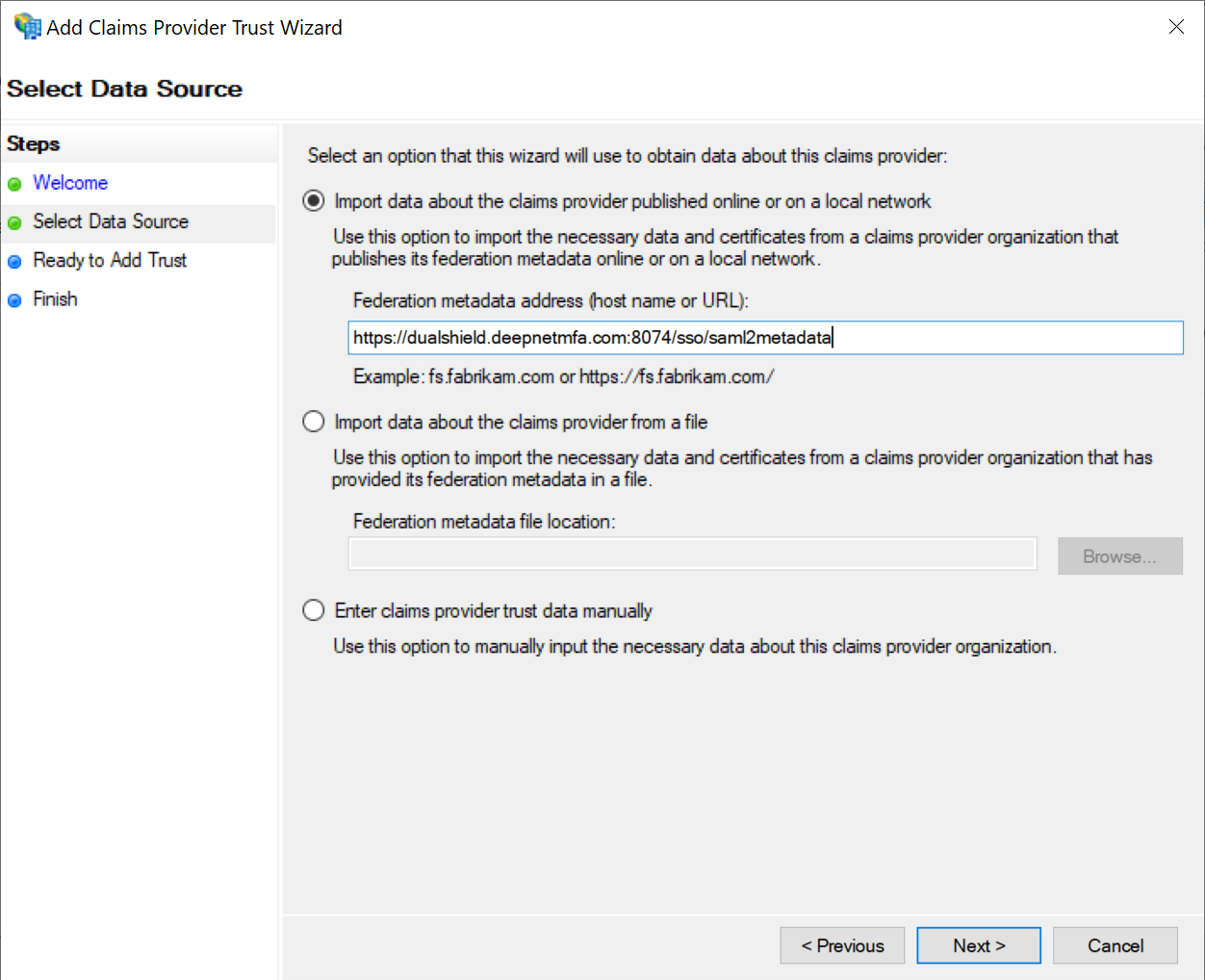
Click “Next” to continue.
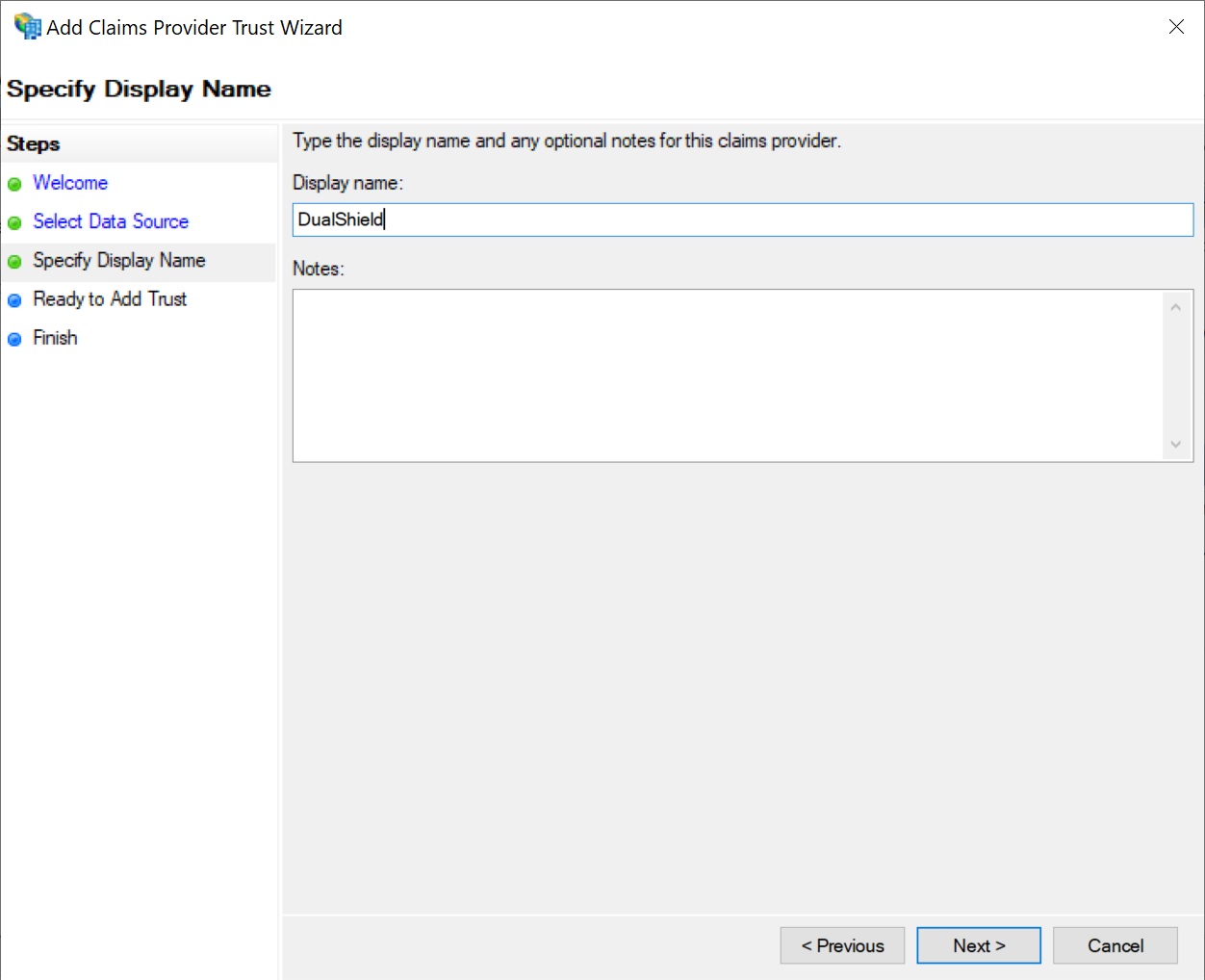
Change the display name to whatever you like, say e.g "DualShield"
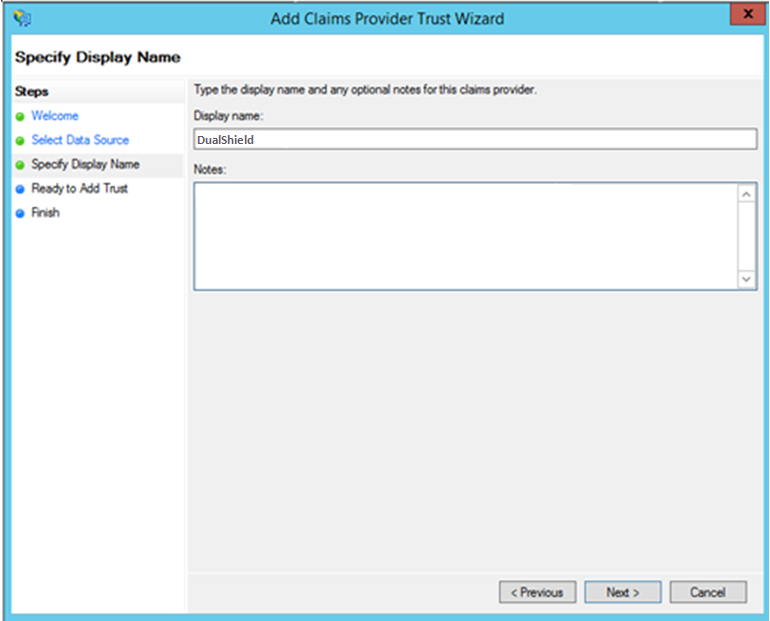
Click “Next” to continue .until the "Finish" page
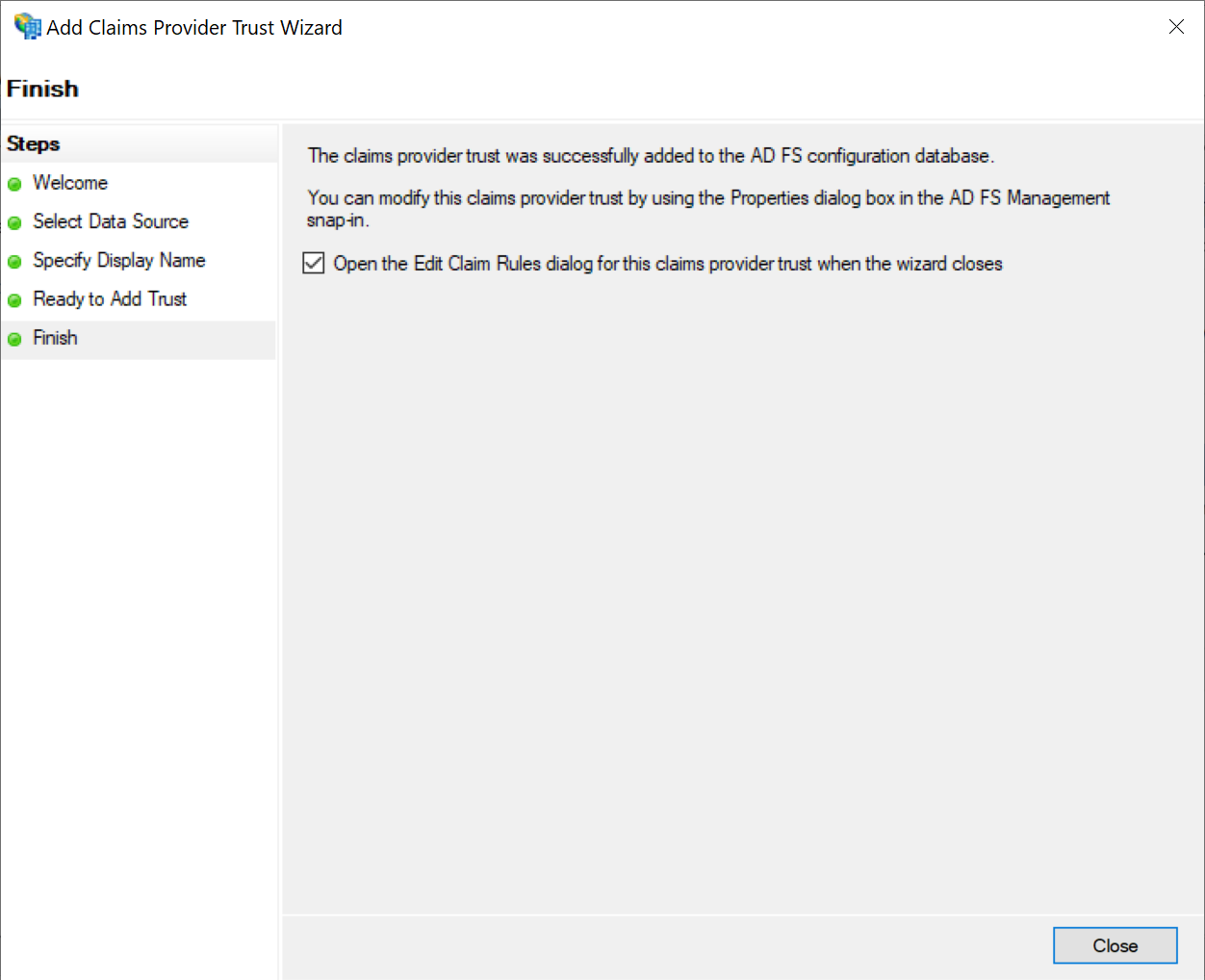
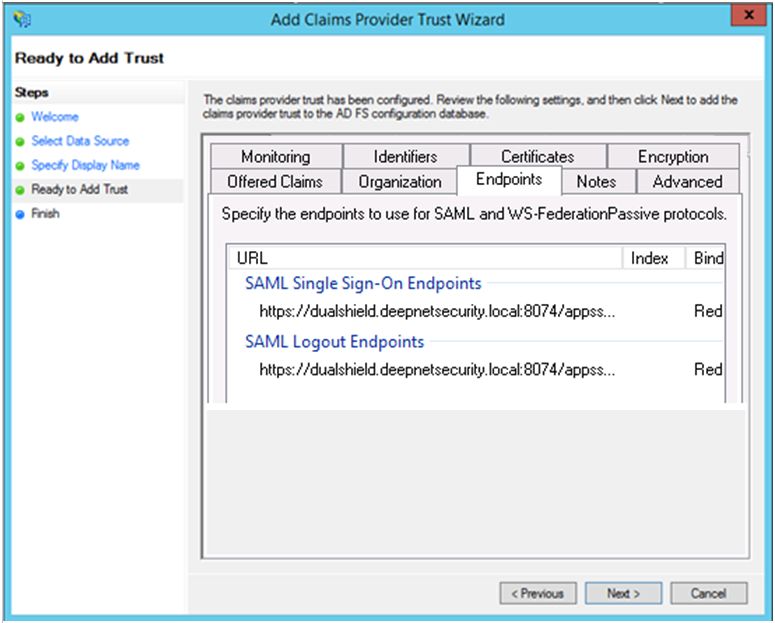
Click the "EndpointsClose" tab to review the SAML endpoint settings
to finish.
Right click on the newly created claims provider, e.g. "DualShield"
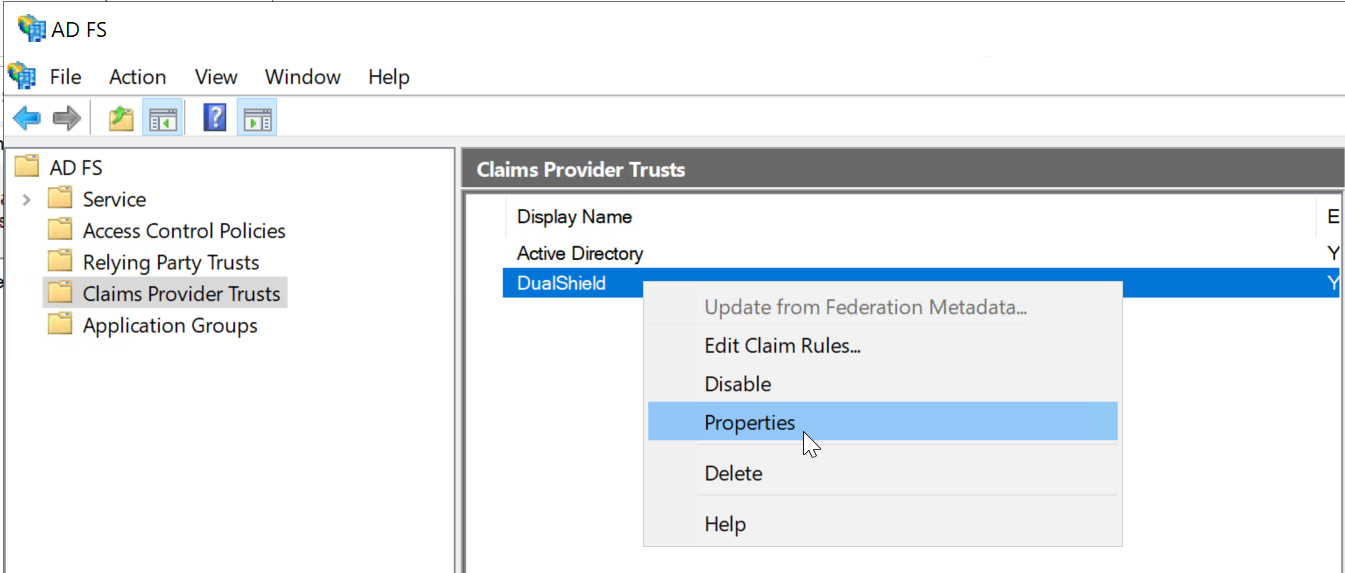
Select "Properties"
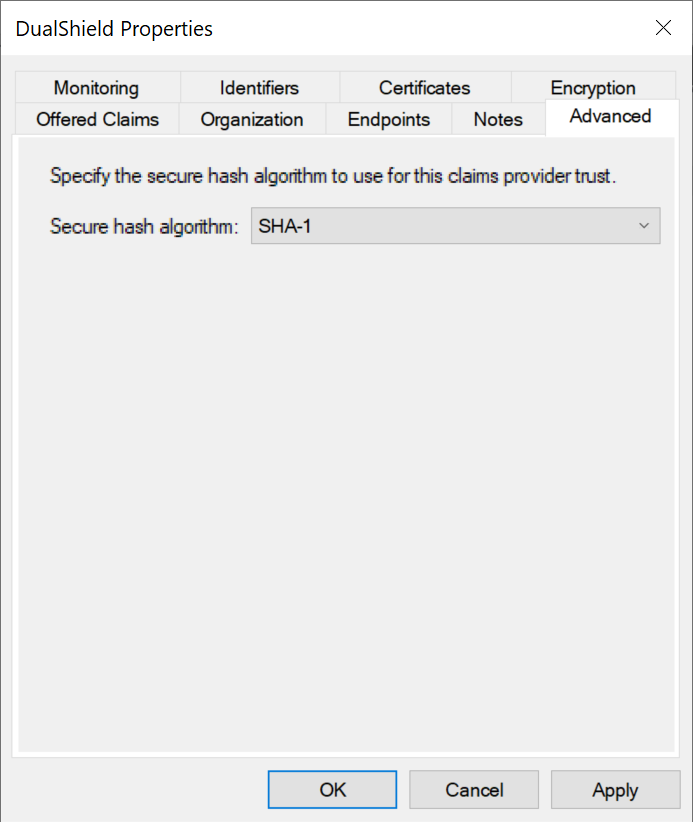
Select Click the "Advanced" tab and change
In "Secure hash algorithm to ". select SHA-1 "
...
Click “Next” to finishOK.