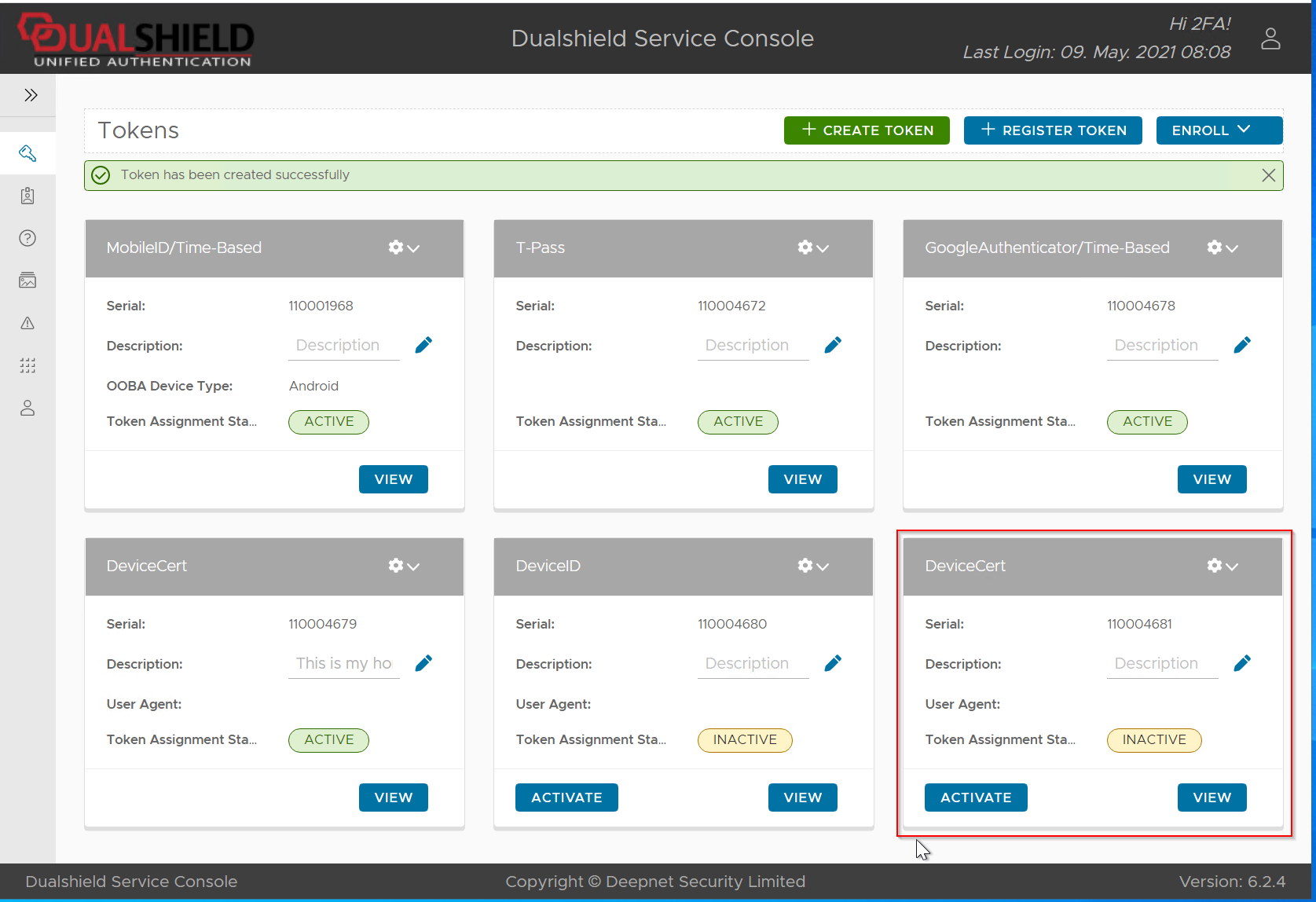
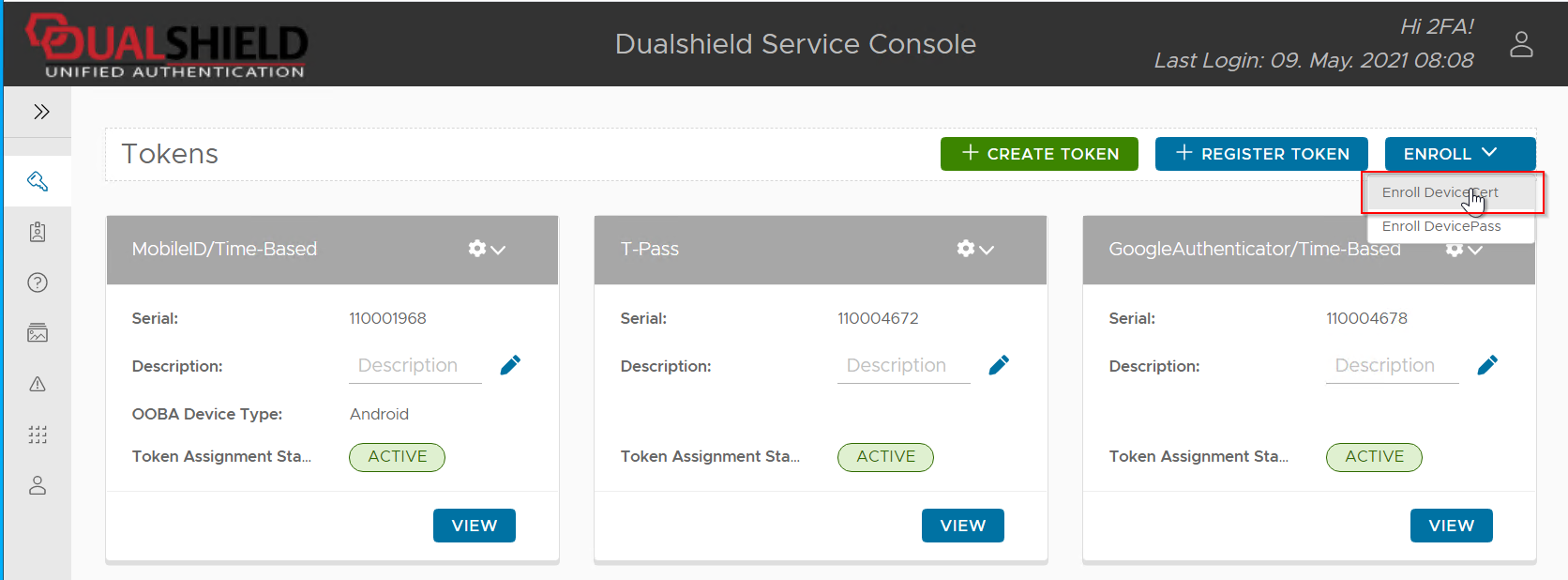
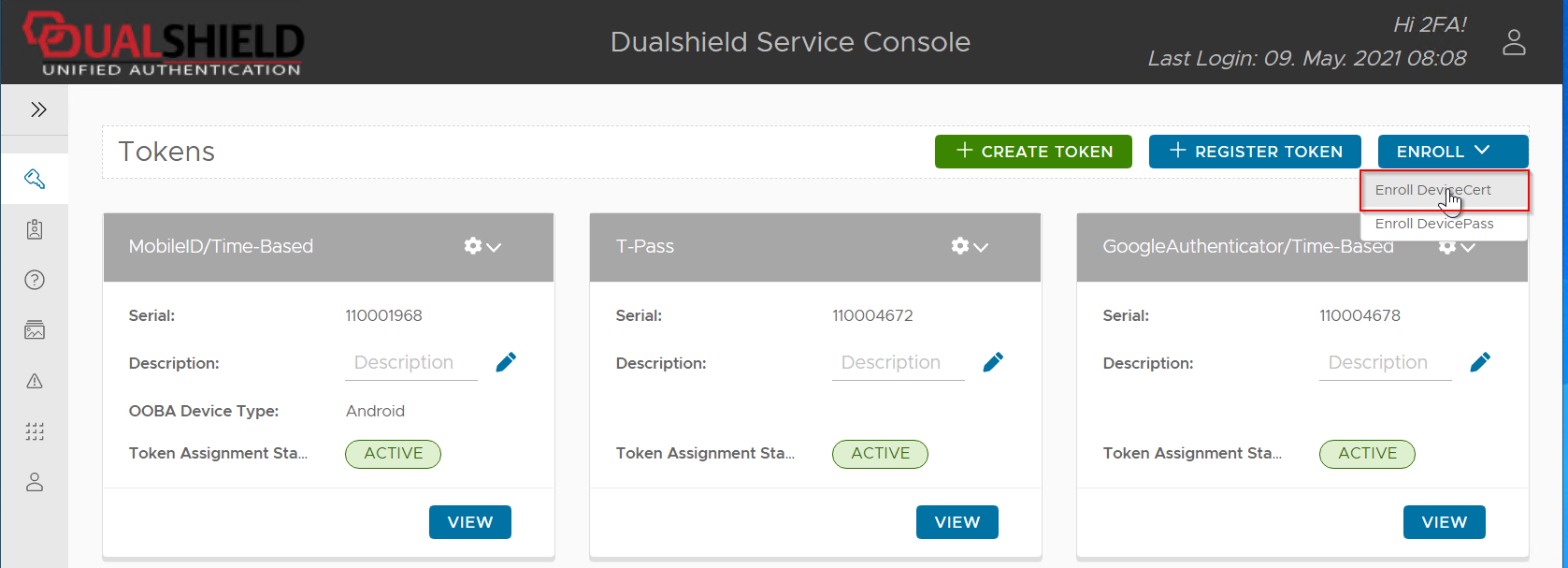
Click the "Enroll" button on the top right corner and select "Enroll DeviceCert"
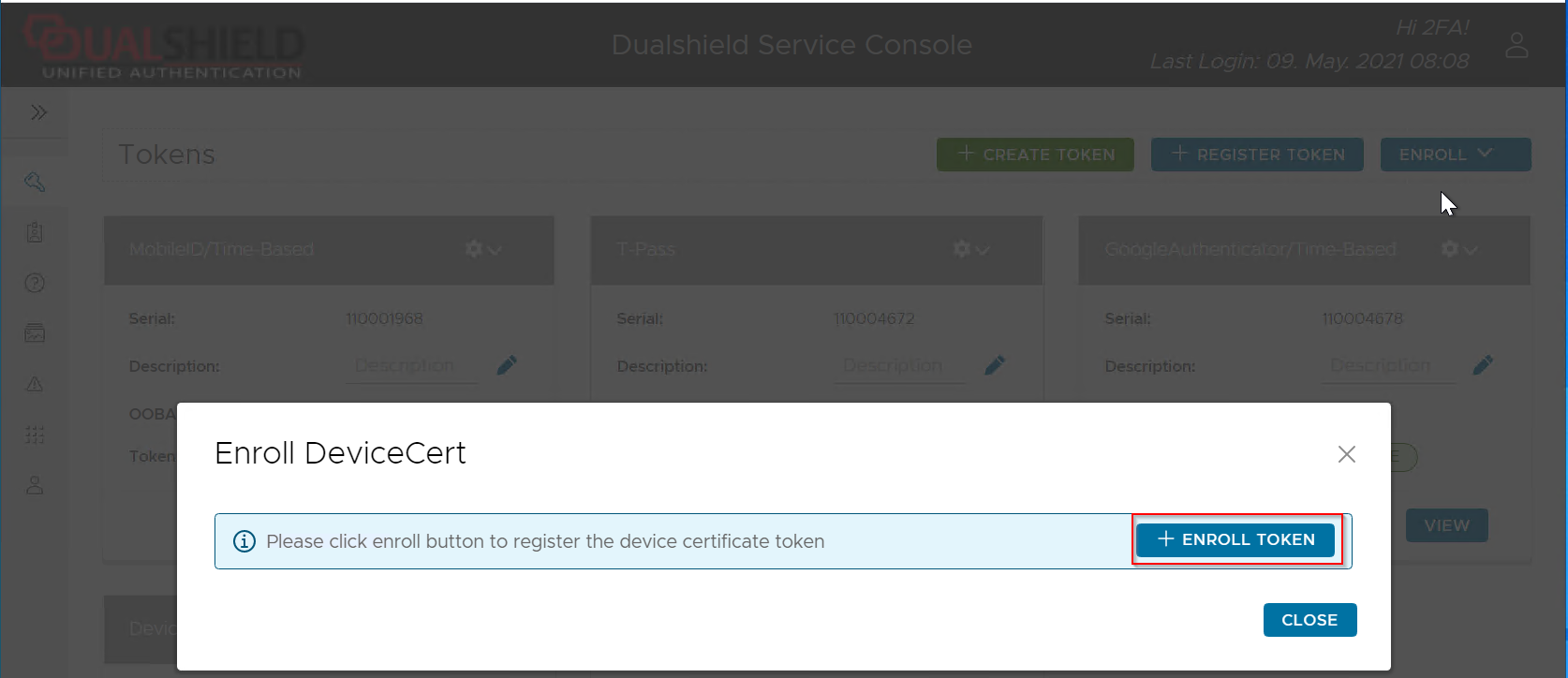
Then click "Enroll Token" to start the enrollment process.
...
You will then be prompted below. (If you do not get the prompt below, then click then
| Expand | ||
|---|---|---|
| ||
| Expand | ||
Click the "Close" button to close the popup window |
...
. Then click the "Enroll" button on the top right corner and select "Enroll DeviceCert" |
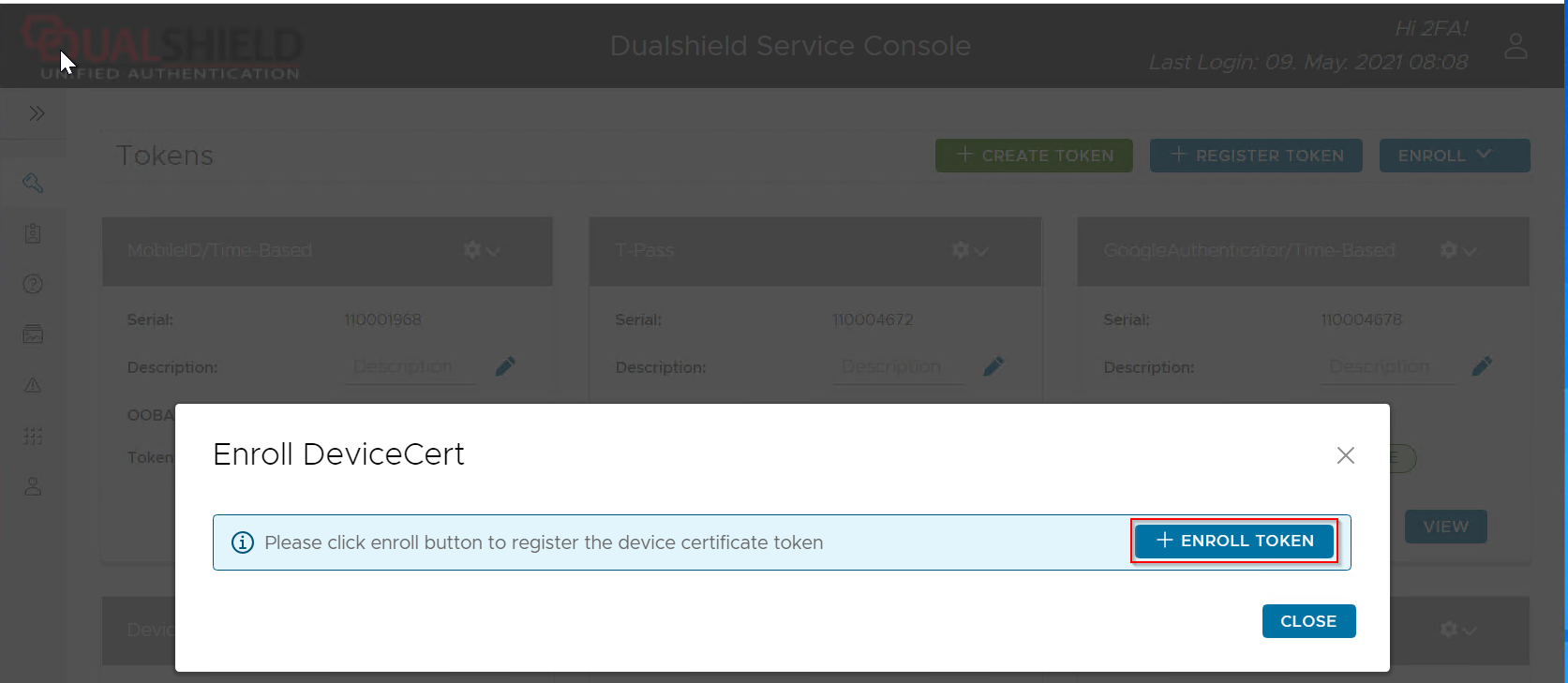 |
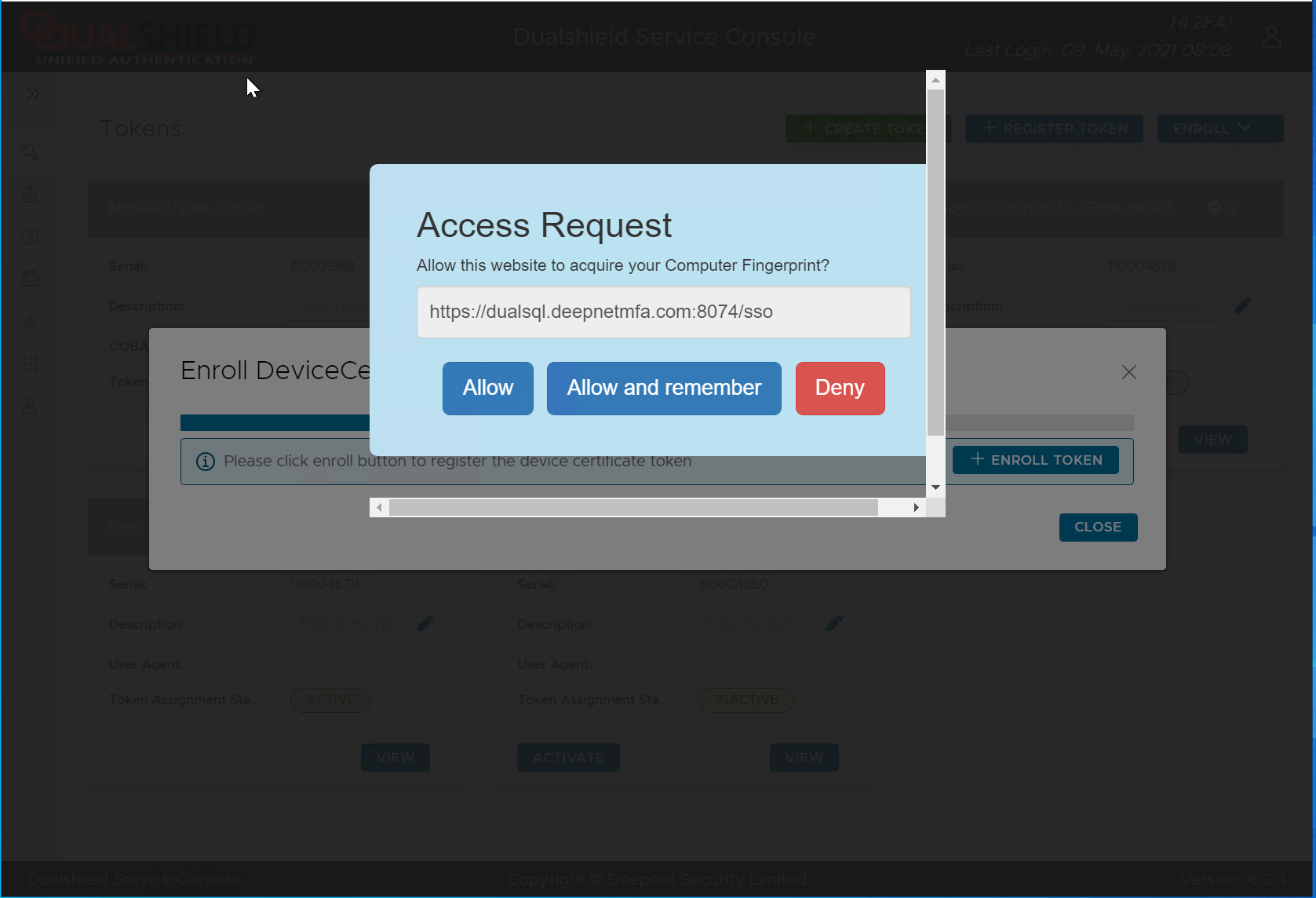
Click "Allow and remember"
Then, the DeviceCert should be registered and marked as being inactive.