Table of Contents
Setup SAML Server
- ON ADC go into Citrix Gateway > Policies > Authentication > SAML
- Click on Servers tab at the top and then Add
...
11. Add the attribute names which were created in the DualShield Service Provider.

12. Click Create/OK
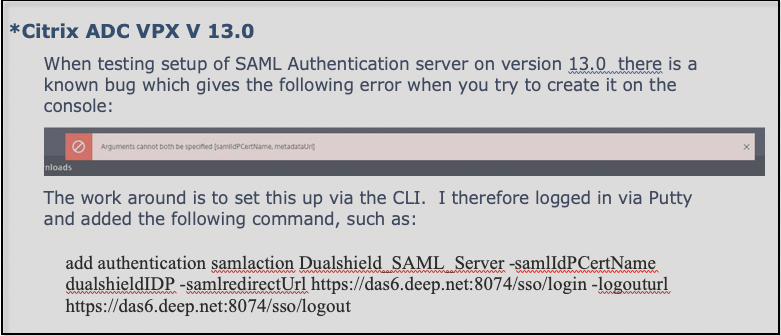
(If you end setting up SAML server via CLI, you will then need to repeat steps 7 and 9 – 12)
Setup SAML Policies
- ON ADC go into Citrix Gateway > Policies > Authentication > SAML
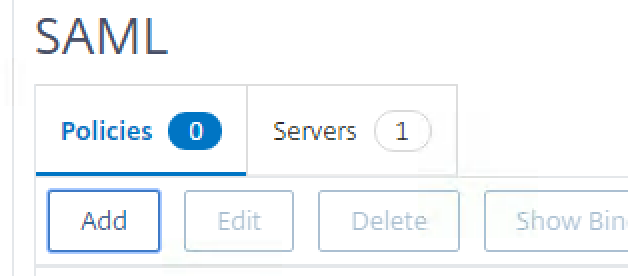
- Click on Policies tab at the top and then Add
3. Enter a Name
4. Select the SAML server you just created from the drop down
5. Create an ns_true expression
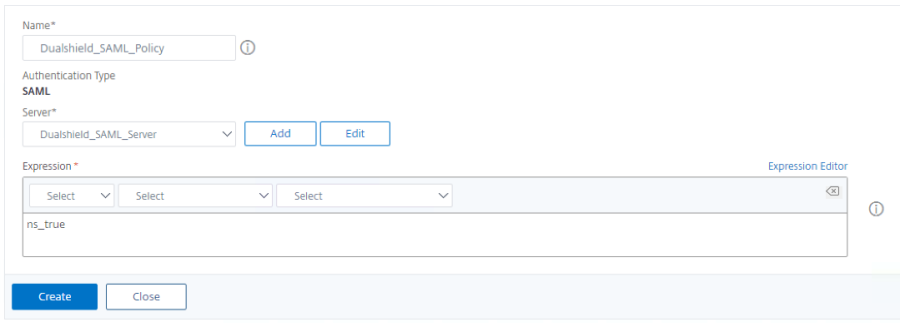
6. Click Create
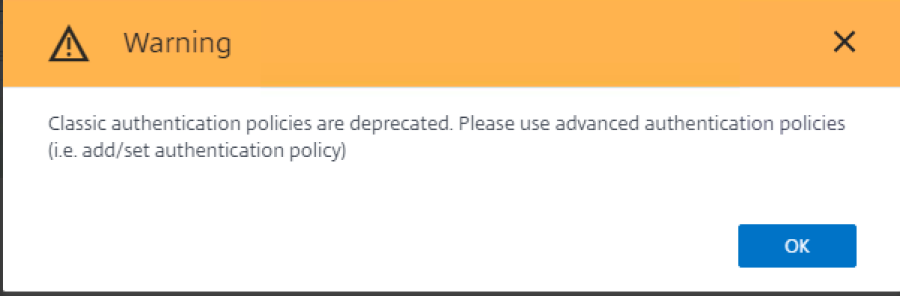
7. Ignore warning message as below and click OK