This guide is for upgrading a single DualShield 5 backend server or all-in-one server to DualShield 6.
Table of Contents
Start Upgrade Installation
Execute "Ddualshielddualshield-update-6.0.0.xxxxxxx.yyyy-signed.exe" (where xxxx xxx is the version number and yyyy the build number) to start the in-place upgrade installation:
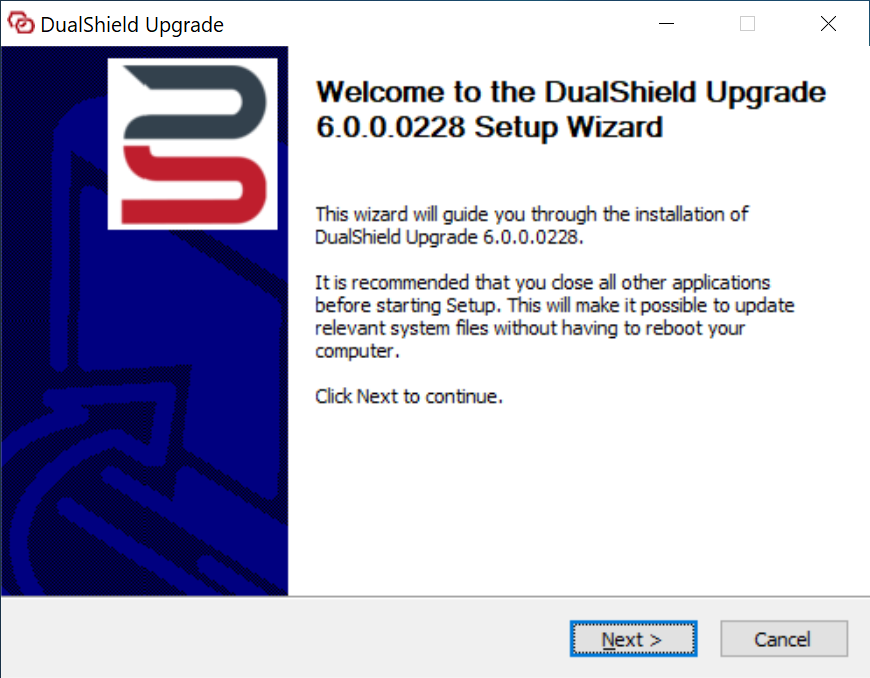
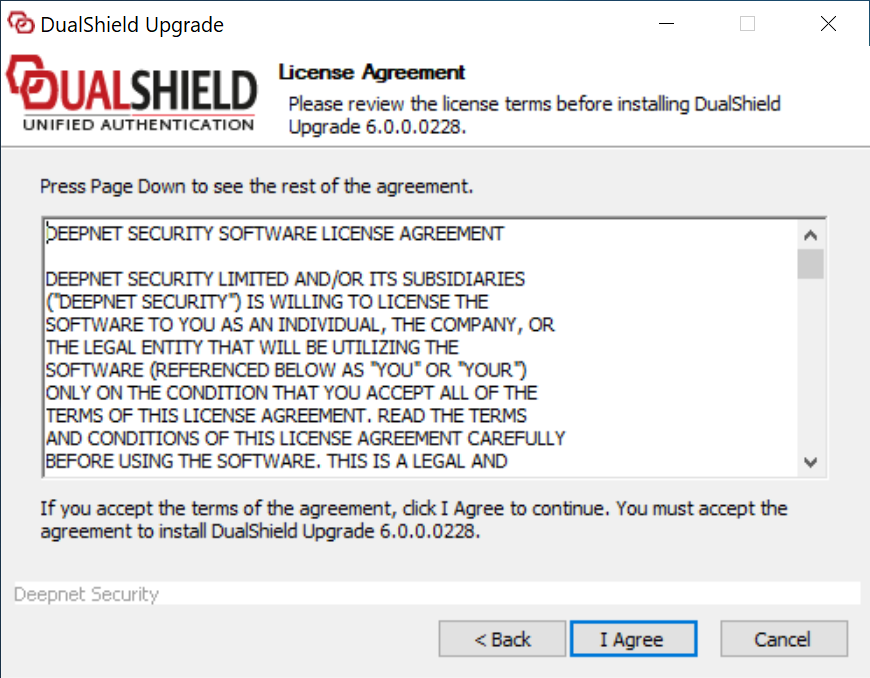
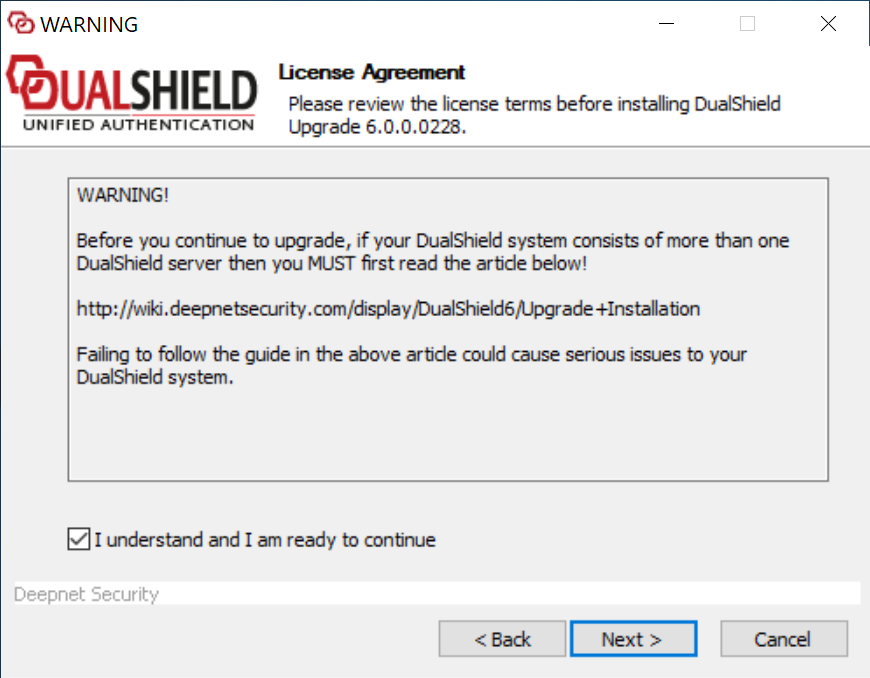
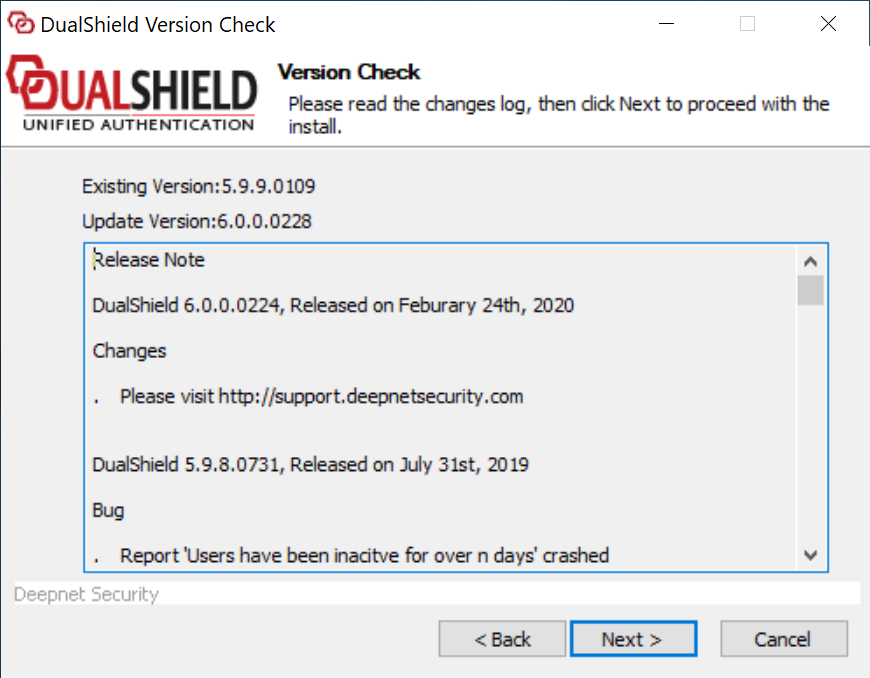
|
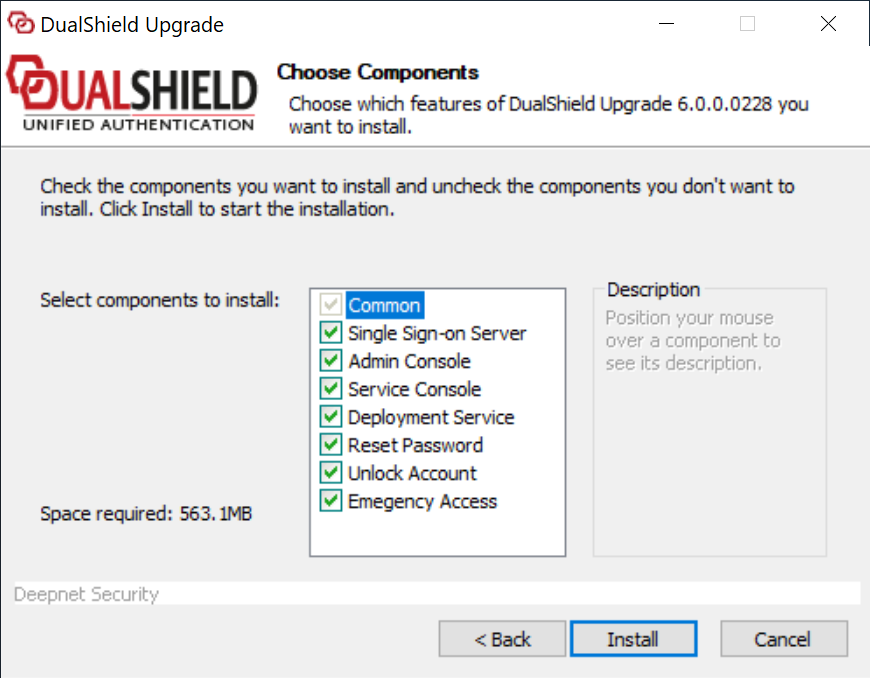
The upgrading processs process will keep all of the legacy components and modules, such as the management console etc, and it offers to install the following new components and modules:
...
Click Finish to complete the upgrade installation.
Wait for the DualShield server to be fully loaded
| Include Page | ||||
|---|---|---|---|---|
|
...