Follow the steps below:
| Table of Contents |
|---|
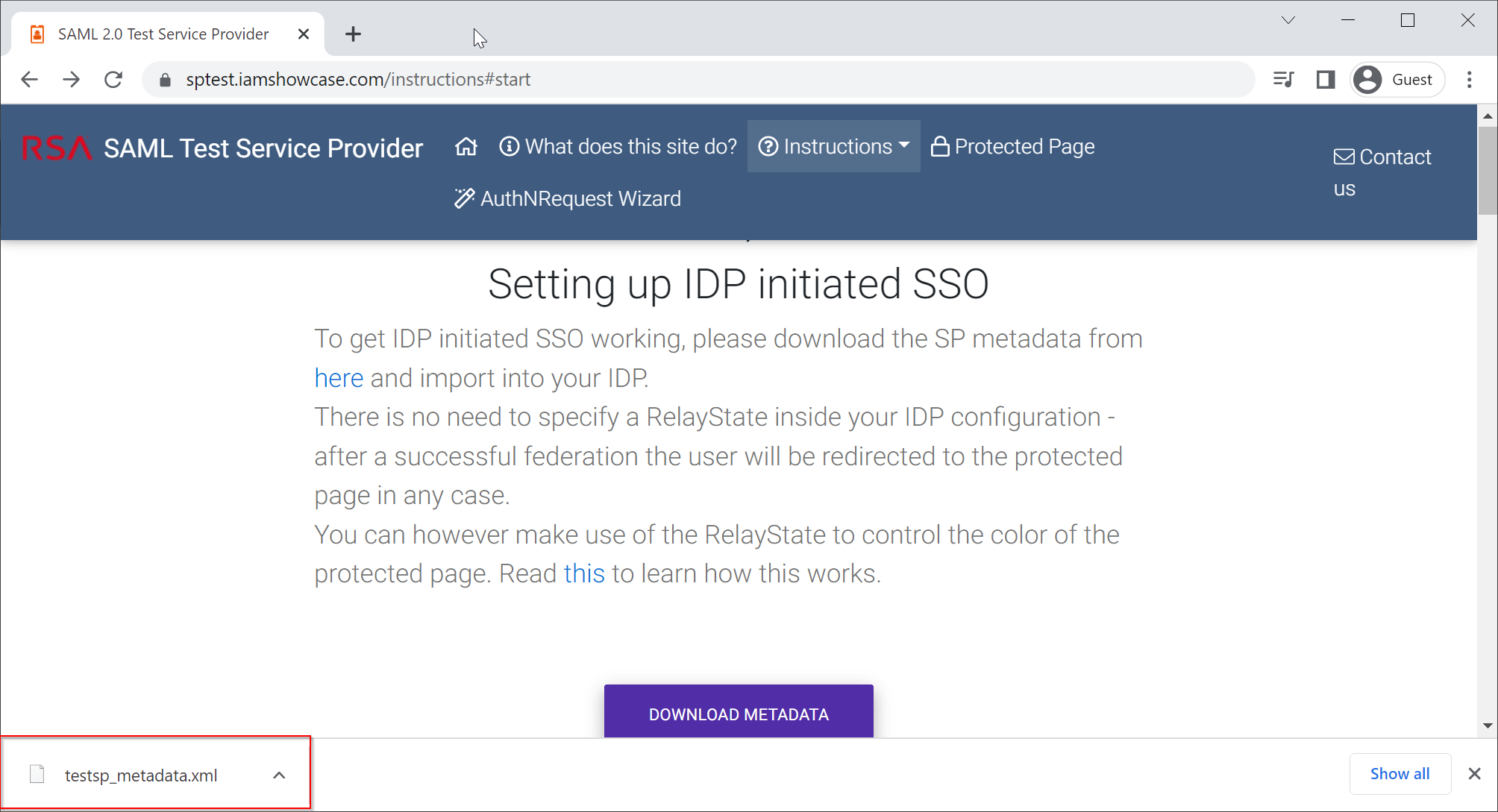
Download SP Metadata from SPTEST
Visit https://sptest.iamshowcase.com/instructions#start
...
A file called "testsp_metadata.xml" will be downloaded and saved in your local drive
Create SP in DualShield
In your DualShield Admin Console, navigate to "SSO | Service Providers"
...
Open the file "testsp_metadata.xml" in a text editor, copy its context and paste it into the Metadata box below:
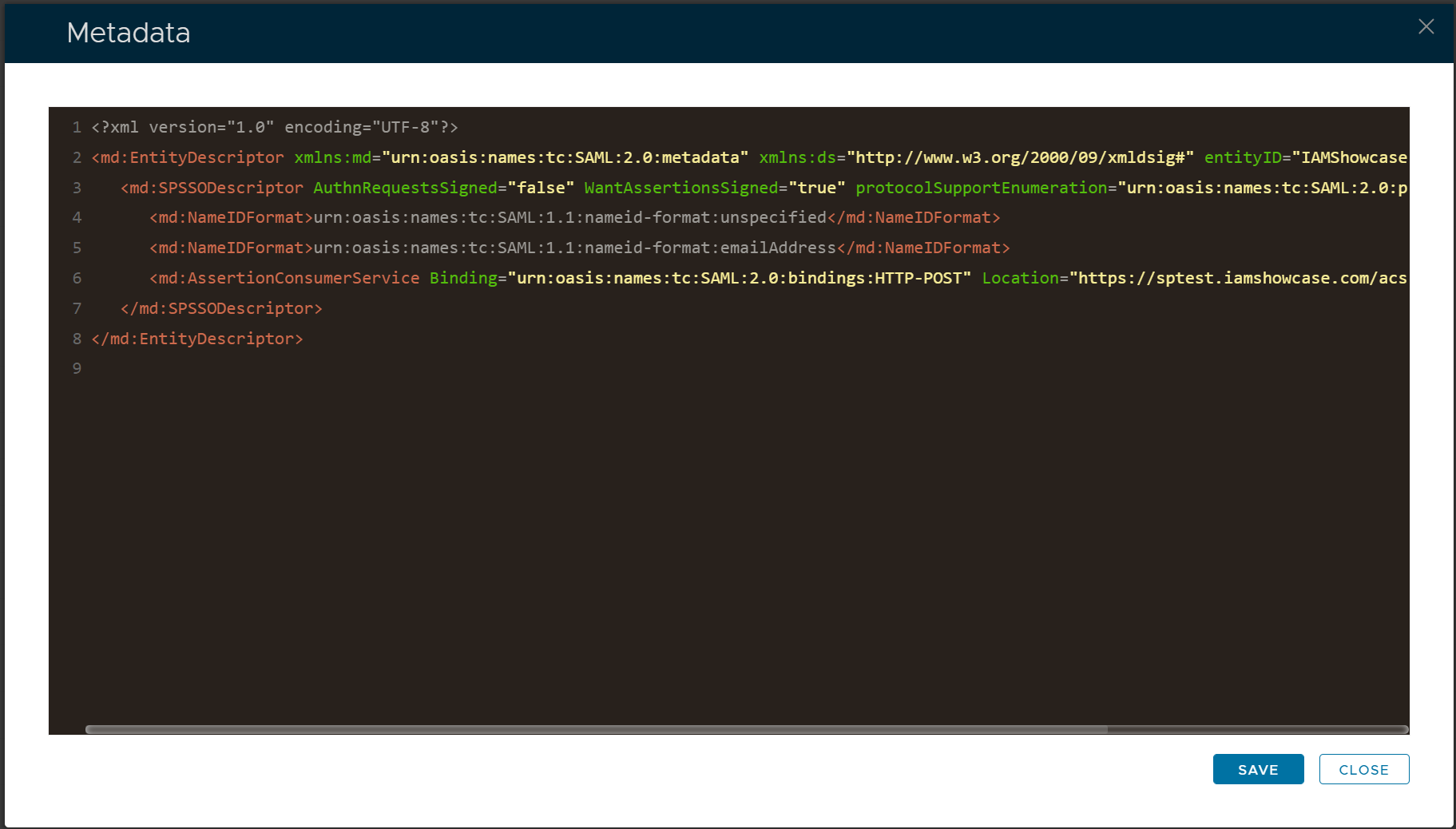
Click Save
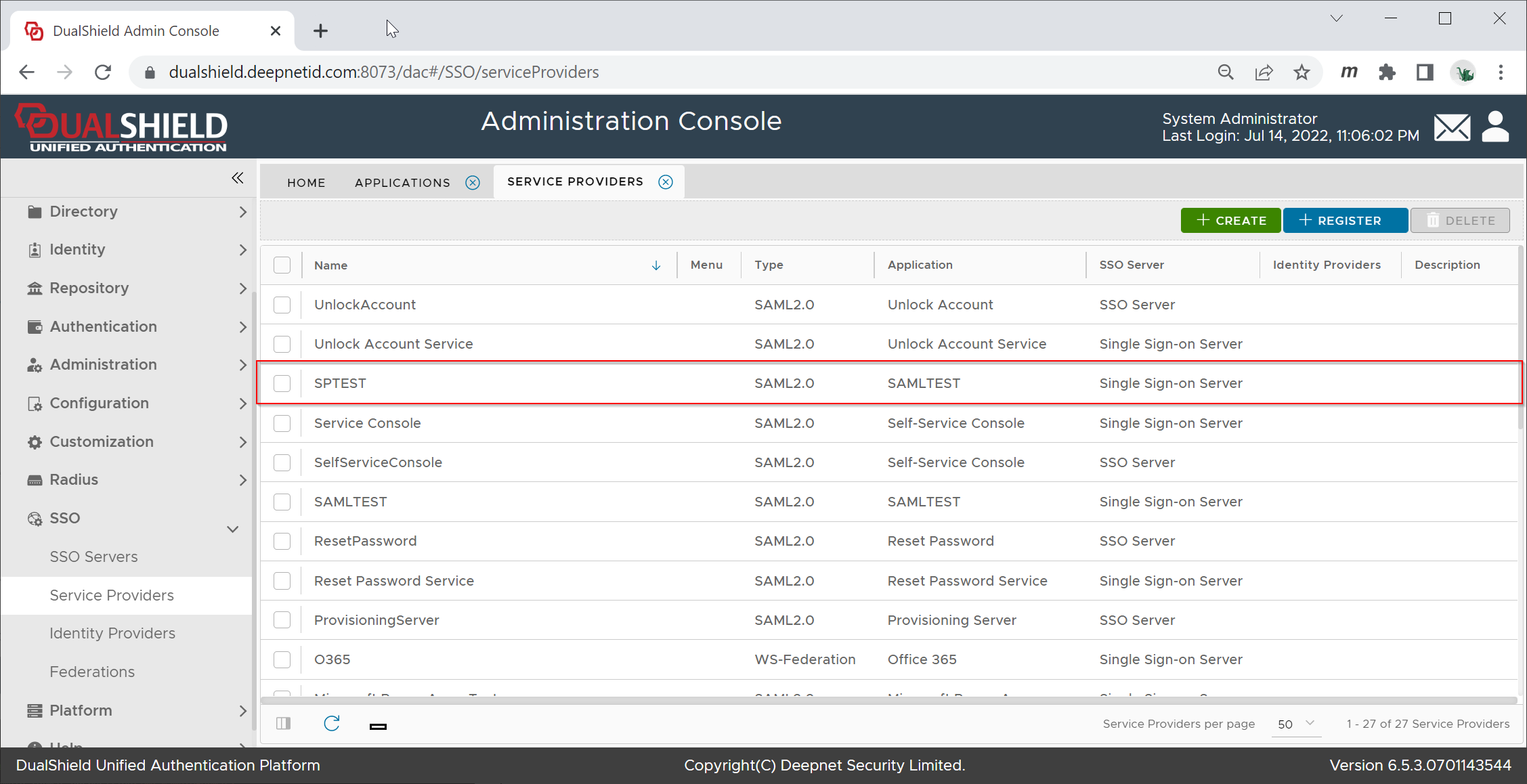
Download IdP Metadata from DualShield
| Include Page | ||||
|---|---|---|---|---|
|
Upload IdP Metadata to SPTEST
Visit https://sptest.iamshowcase.com/instructions#start again
Scroll down to "Upload your metadata file"
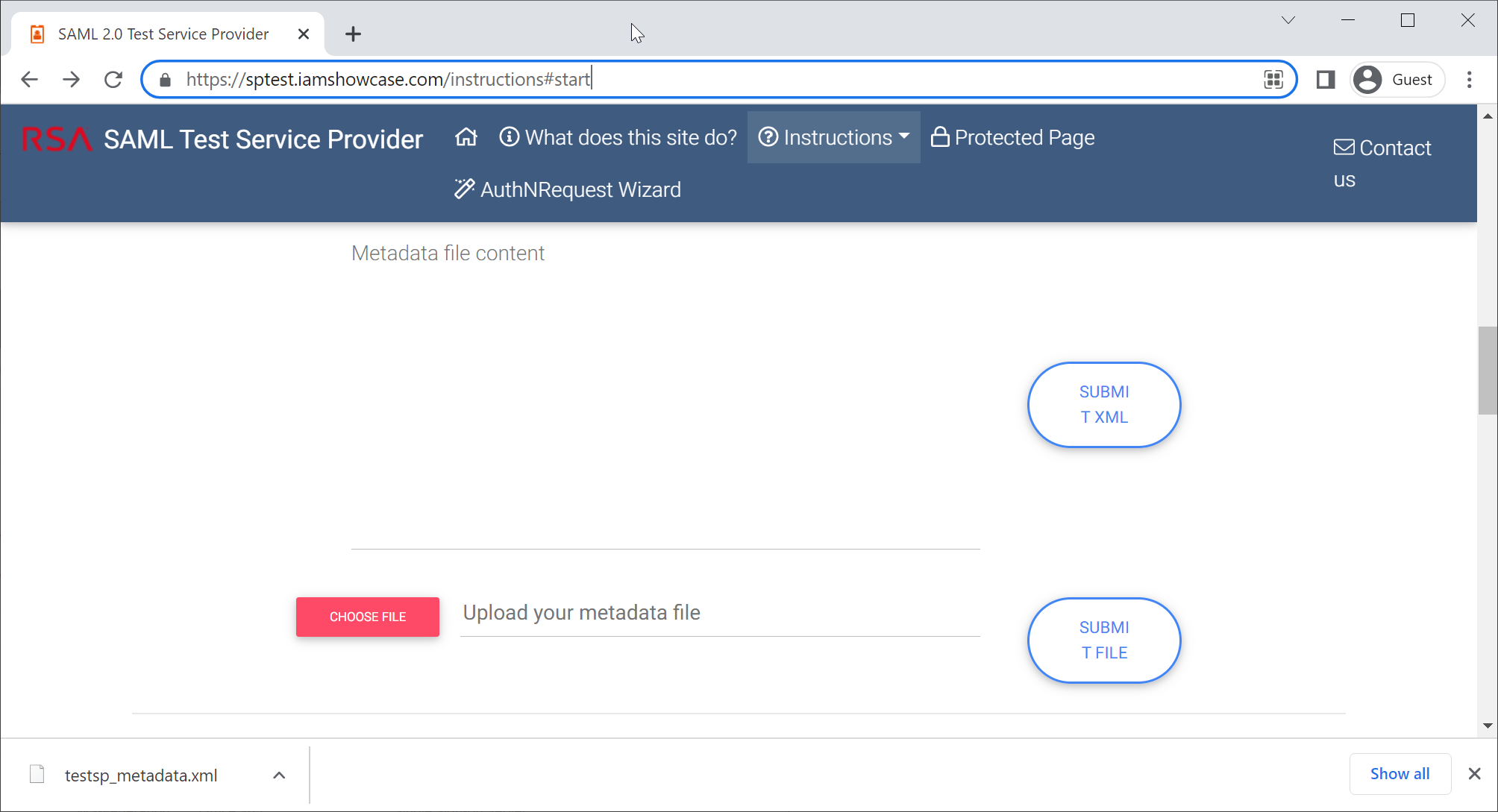
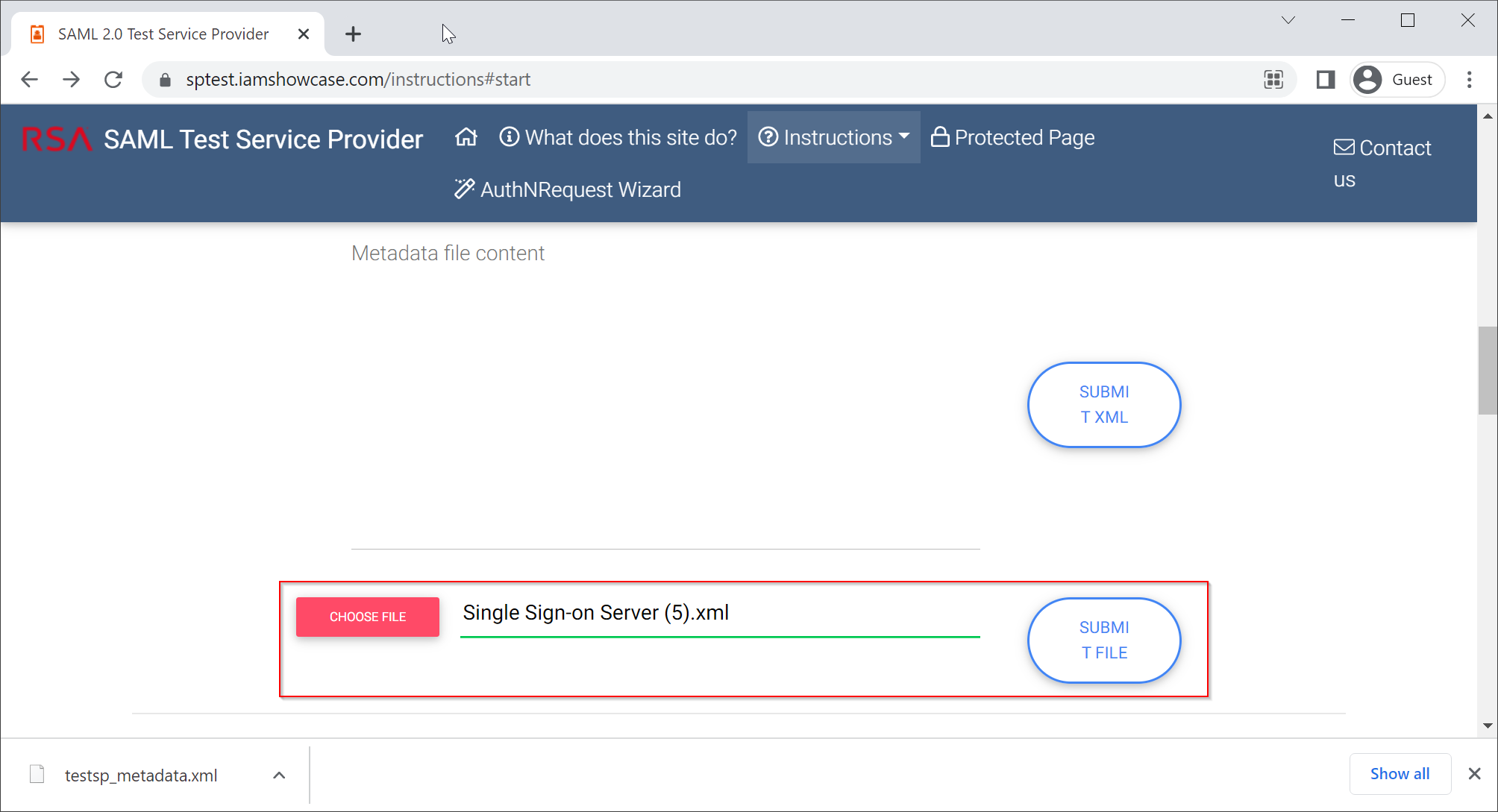
Choose the IdP Metadata file, click "Submit File"

Click "COPY URL to CLIPBOARD"
Test SAML Integration
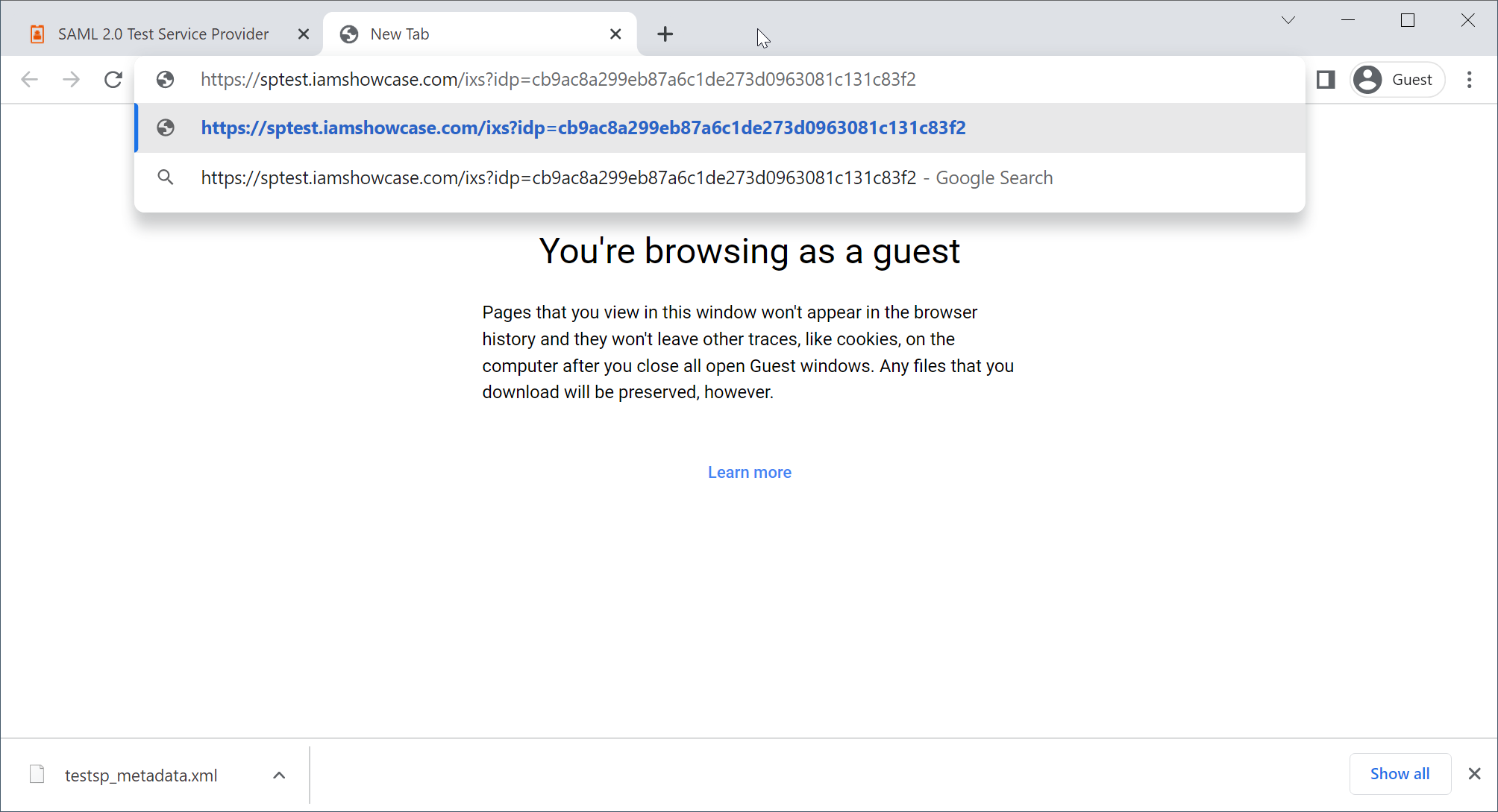
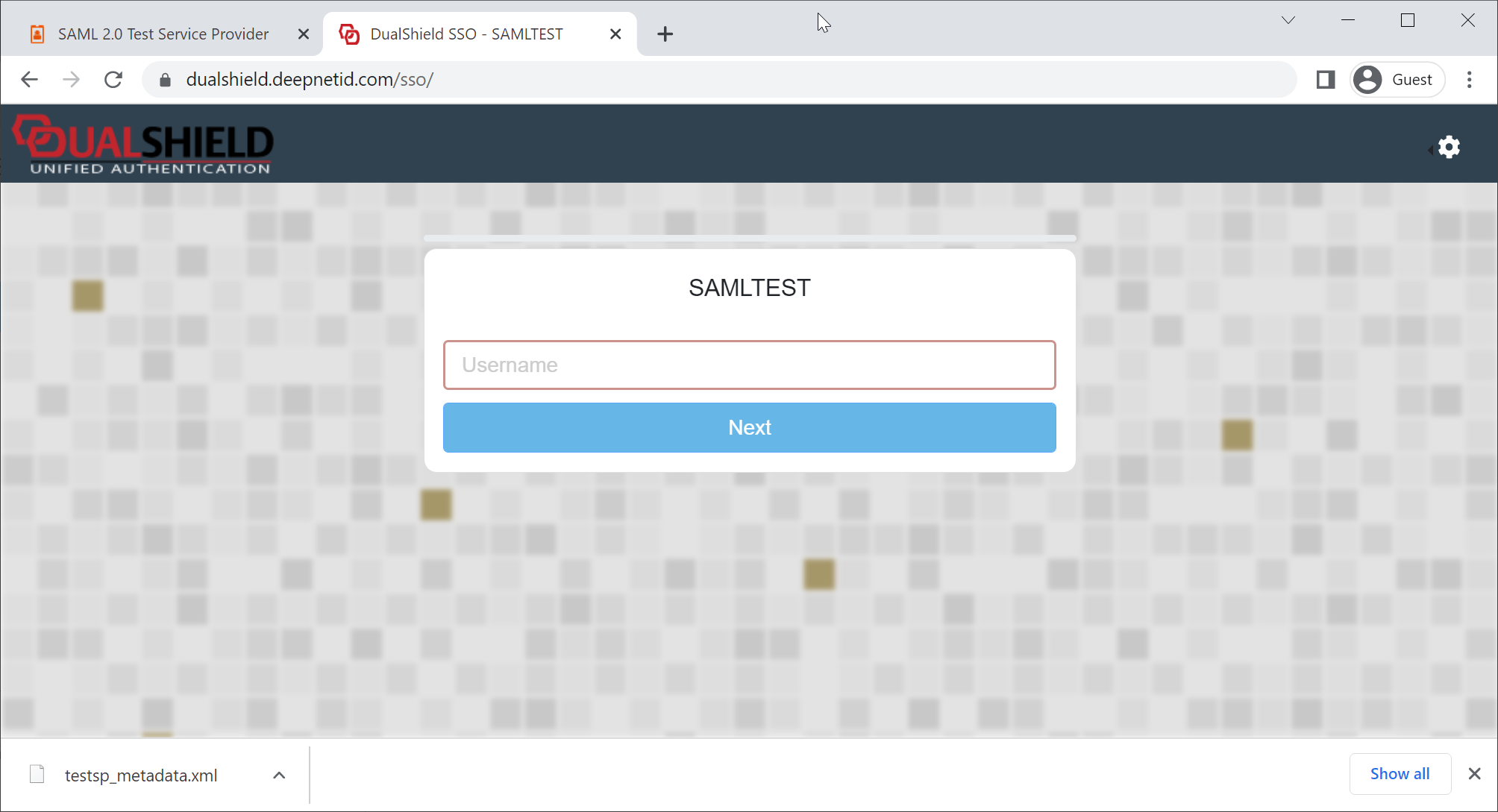
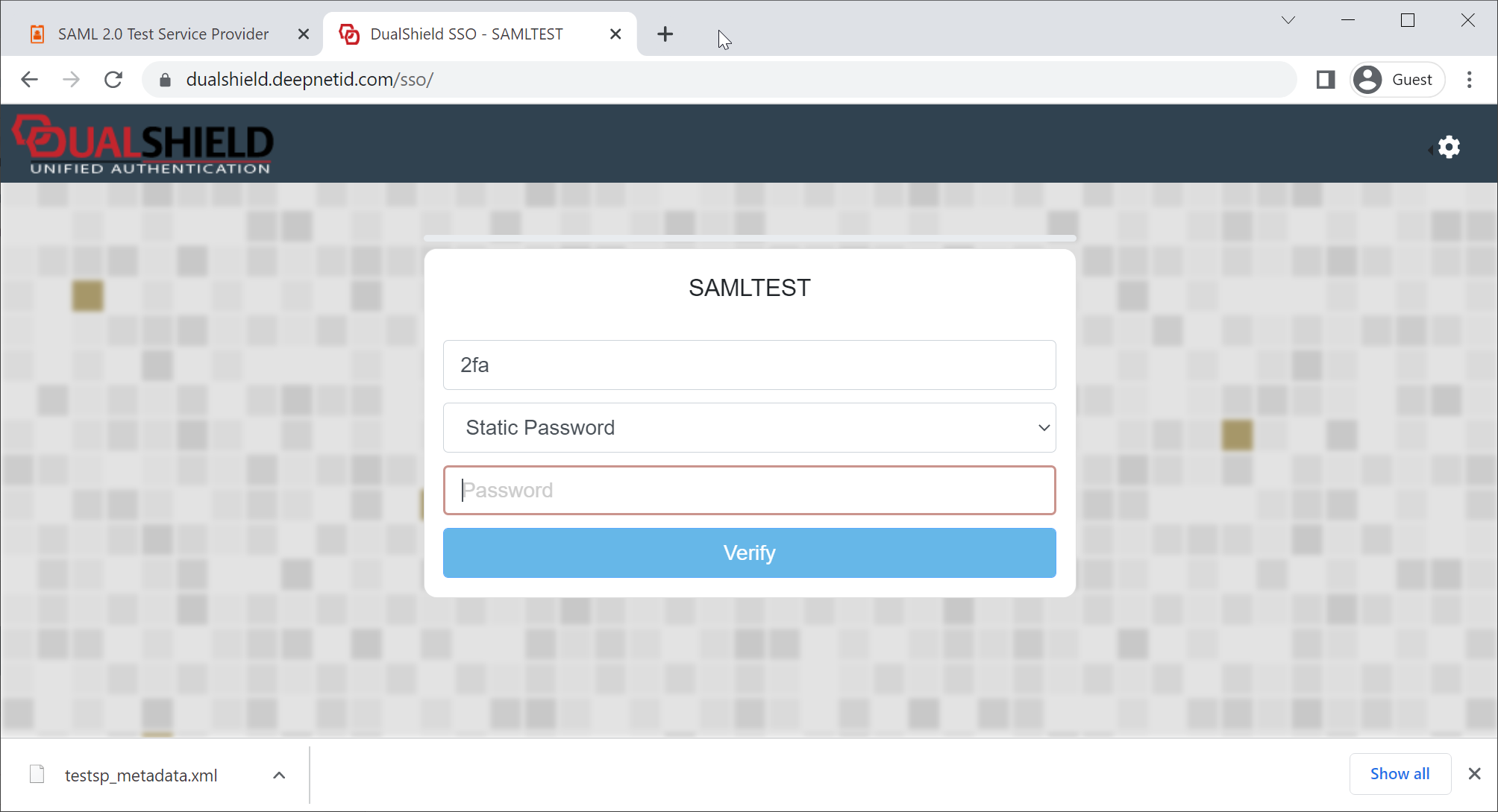
Open a new browser tab, paste the URL copied from SPTEST