This guide is for upgrading a single DualShield 5 backend server or all-in-one server to DualShield 6.
Table of Contents
Start Upgrade Installation
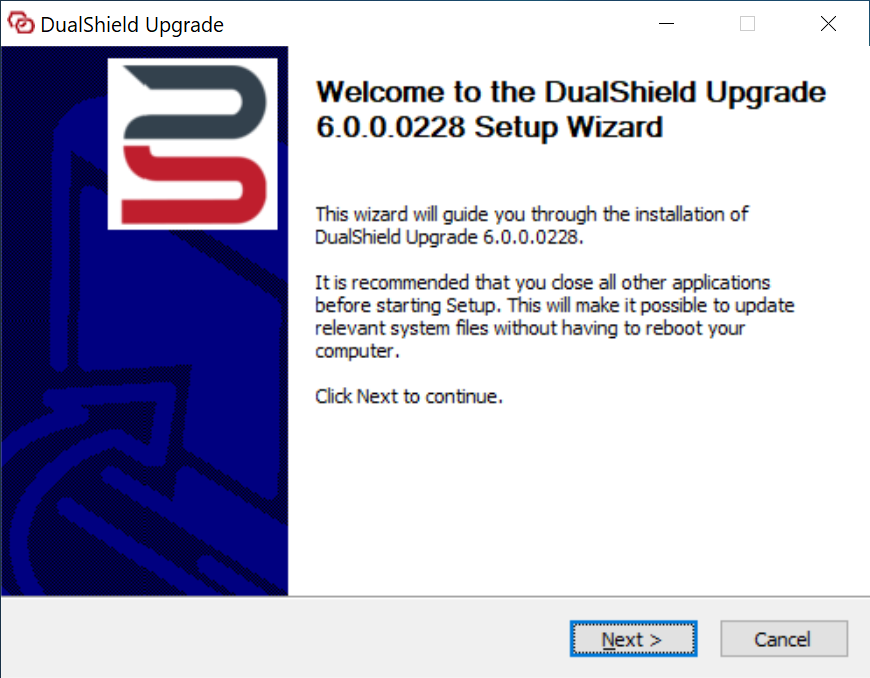
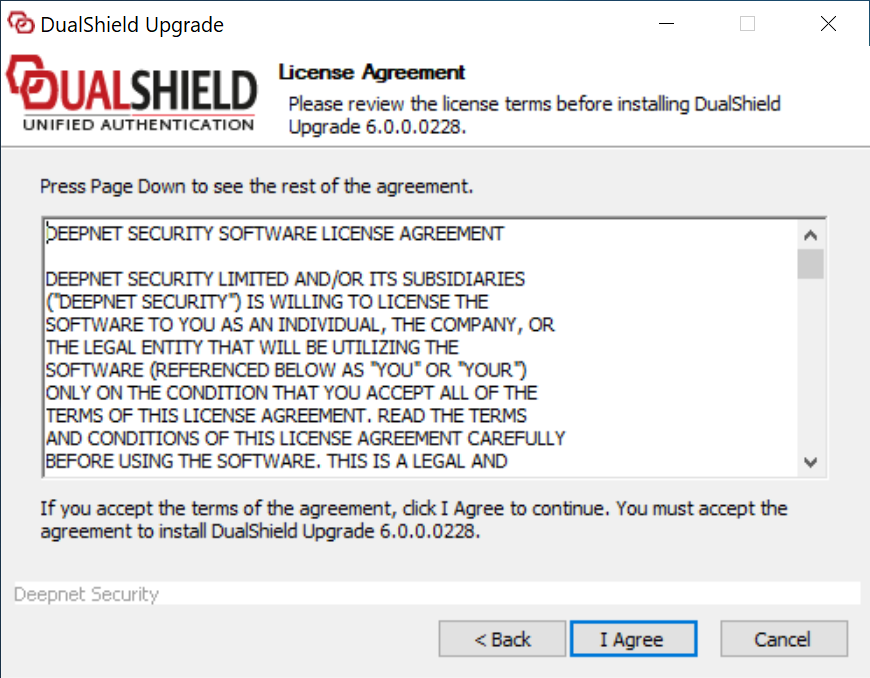
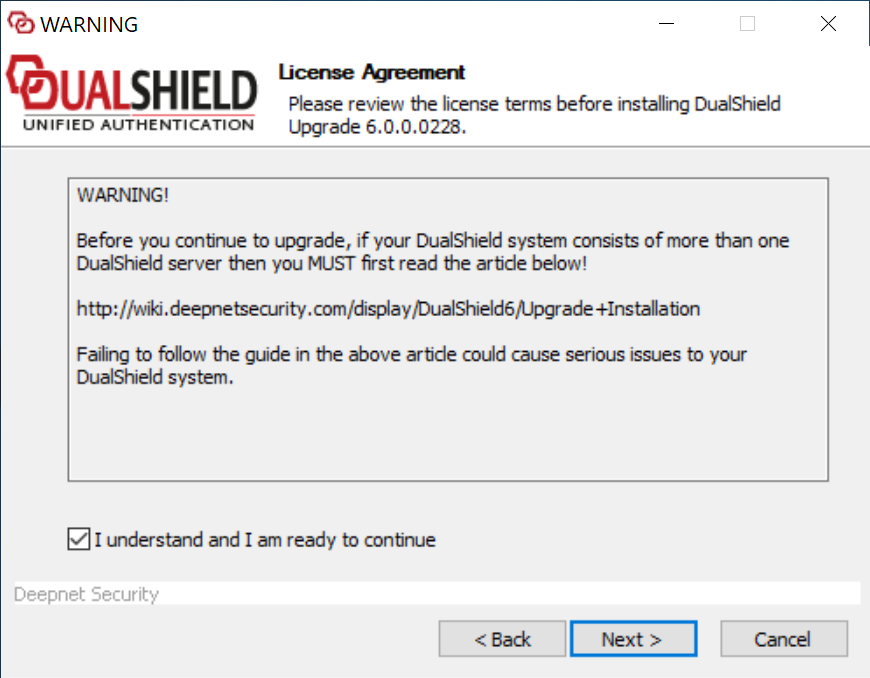
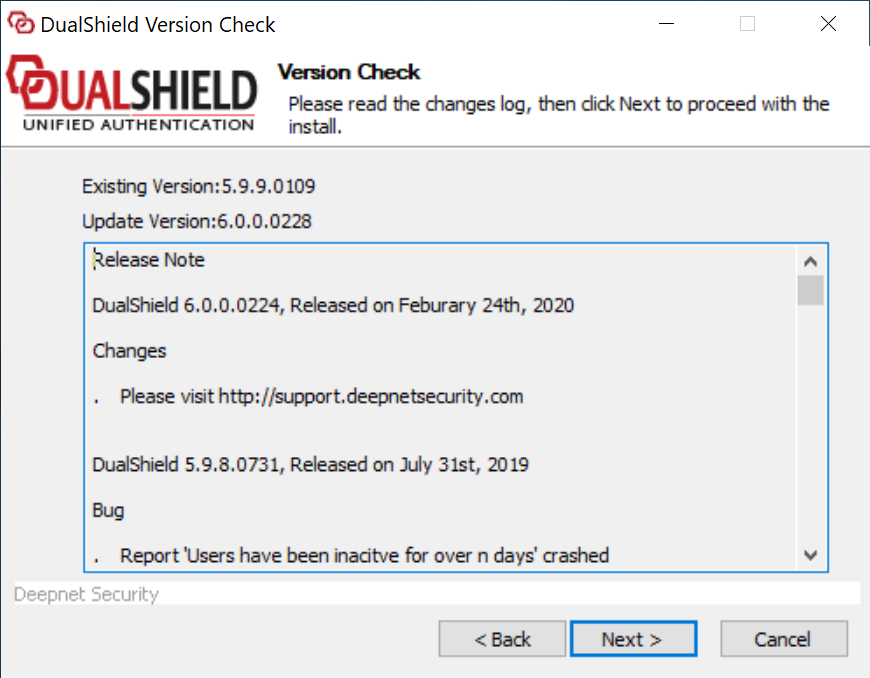
Execute "Ddualshielddualshield-update-6.0.0.xxxxxxx.yyyy-signed.exe" (where xxxx xxx is the version number and yyyy the build number) to start the in-place upgrade installation:
|
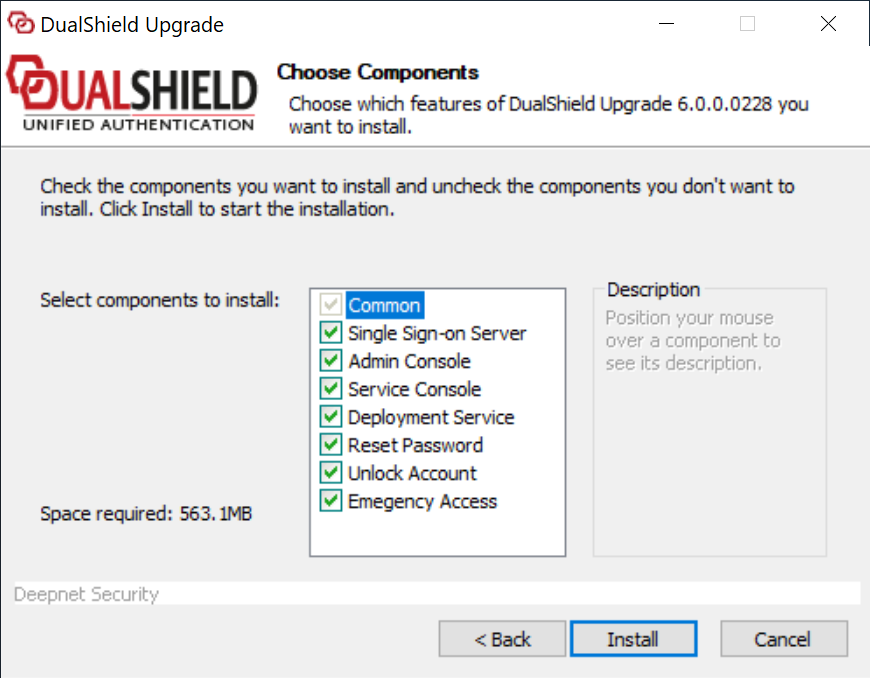
The upgrade The upgrading process will keep all of the legacy components and modules, such as the management console etc, and it offers to install the following new components and modules:
...
Click Finish to complete the upgrade installation.
Wait for the DualShield server to be fully loaded
| Include Page | ||||
|---|---|---|---|---|
|
...