Below is the workflow of a data signing and signature verification process
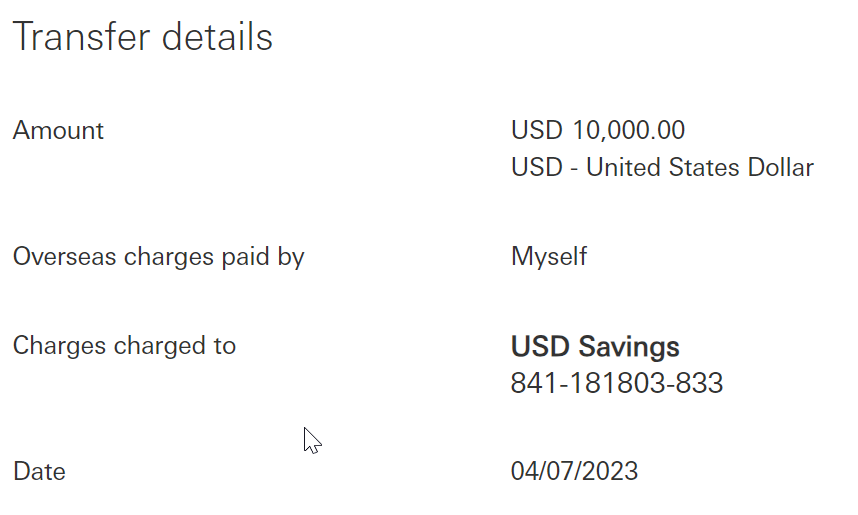
The 3rd-party application displays transaction details on the screen It generates a signing code based on the transaction details |
Enter the Signing Code below into your MobileID app: This code was generated based on the payee account number. Please verify and never enter digits that are unknown to you. | |||||||||||
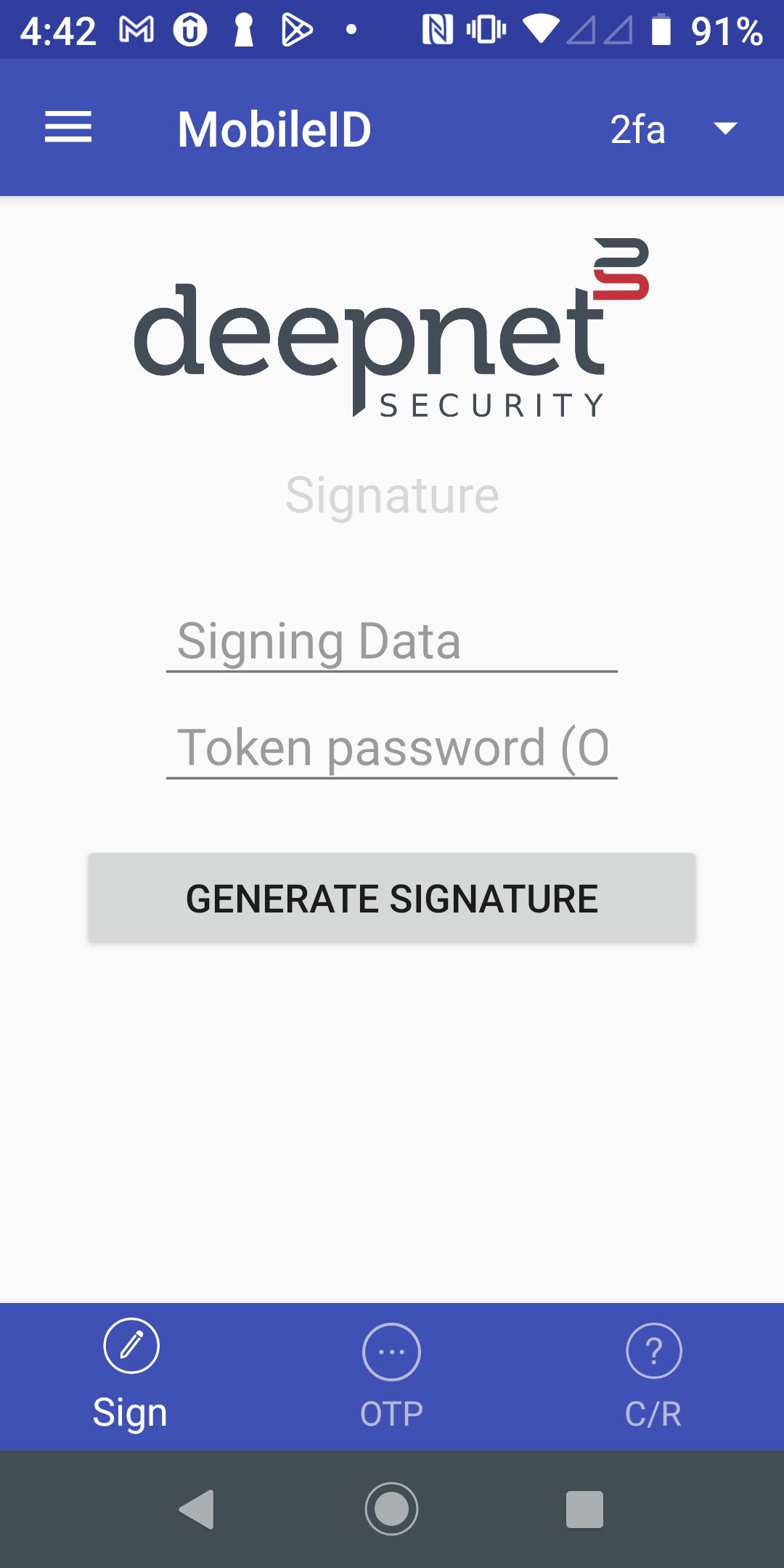
The user opens the MobileID app, and switches to the Sign page |
| |||||||||||
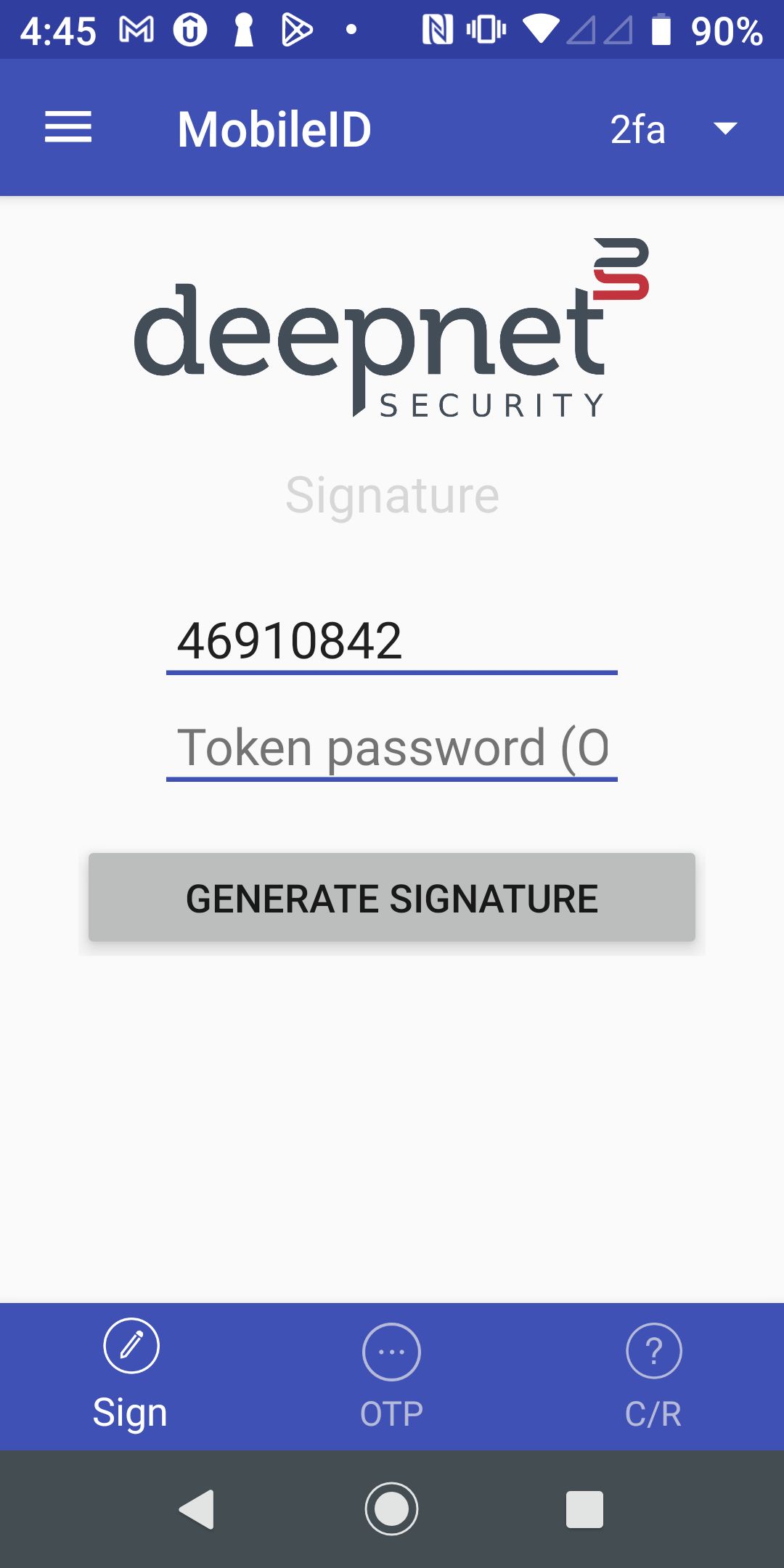
The user enters the signing code as the signing data, i.e. 46910842 |
| |||||||||||
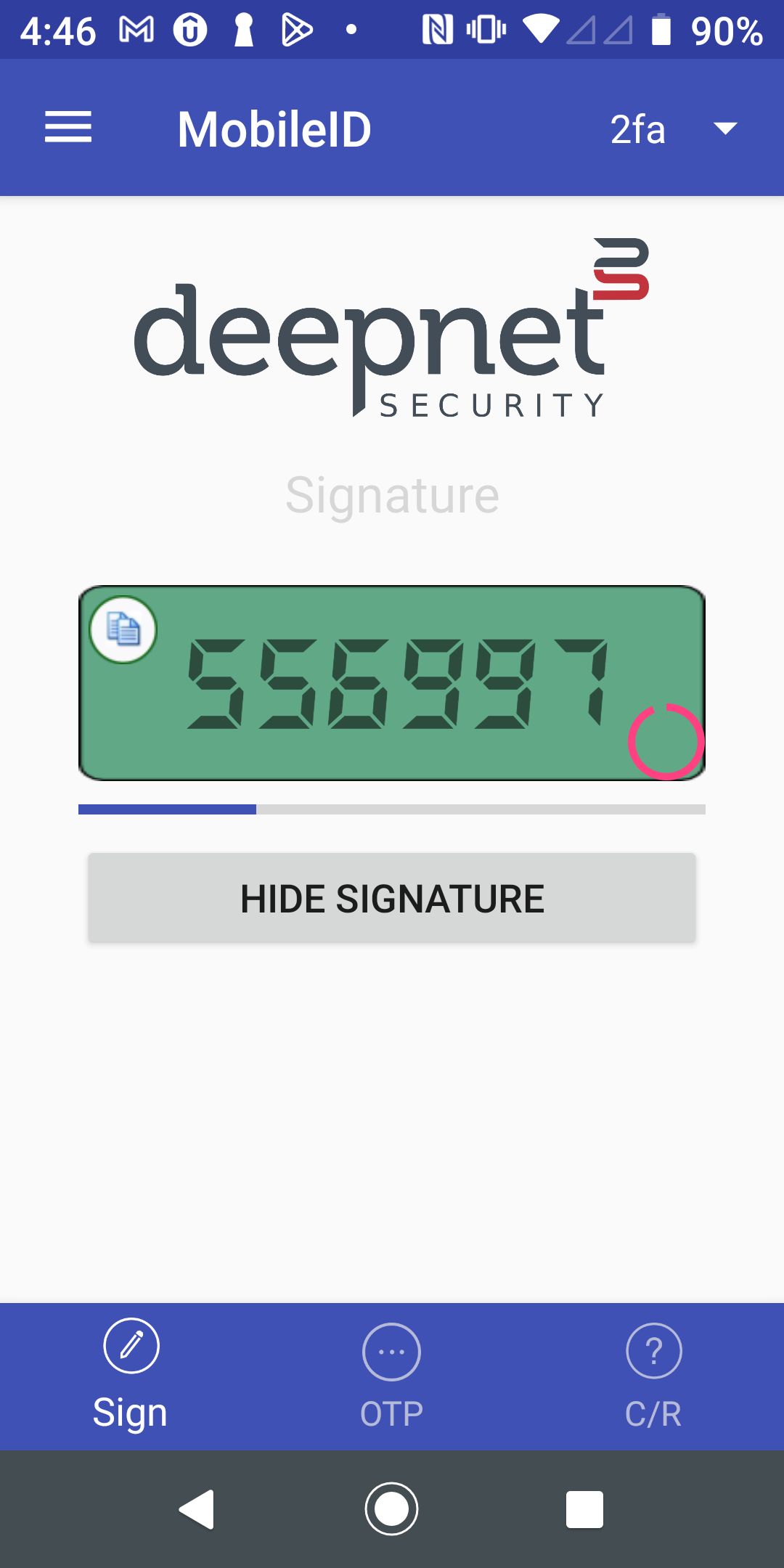
The user presses the "Generate Signature" button to get the signature code, e.g. 556997 |
| |||||||||||
| The user enters the signature code into the application, i.e. 556997 | Please enter the signature code below:
| |||||||||||
The 3rd-party application calls the DualShield API /auth/verifySignature to verify the signature code |
|