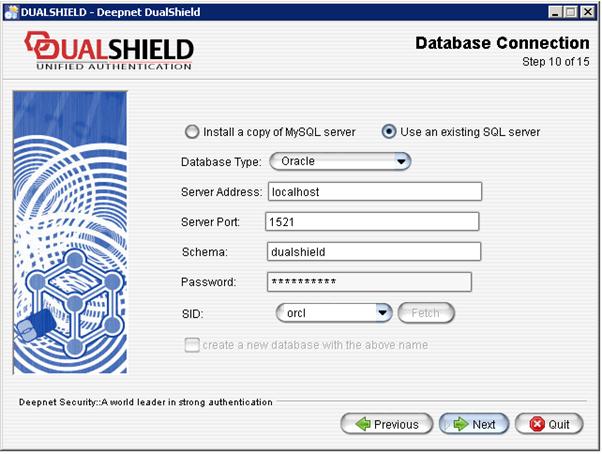
DualShield Authentication Server supports an external Oracle SQL server as the data store for itself.
First, in the Oracle server, you need to create a user account that will be used by the DualShield server to connect to the Oracle server.
| Code Block | ||
|---|---|---|
| ||
SQL> create user dualshield identified by password profile default default tablespace users account unlock
|
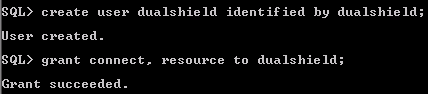
Then, you After you have created the user on the Oracle SQL server, you also need to grant connect and resource right rights to the user.
| Code Block | ||
|---|---|---|
| ||
SQL> ALTER USER dualshield quota unlimited on users;
SQL> grant connect,resource to dualshield;
|
During the DualShield installation process, enter the database setting below:Configure the Oracle database setting during the installation.
- Enter the newly created user's name on in the schema field, e.g. "dualshield;"
- Enter the passsword for password of the user;, e.g. "password"
- Enter the System Identifier (SID) of the Oracle server, e.g. "orcl"