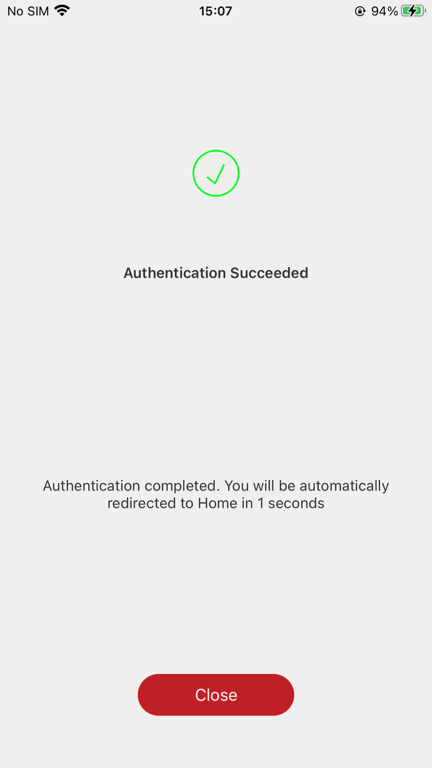
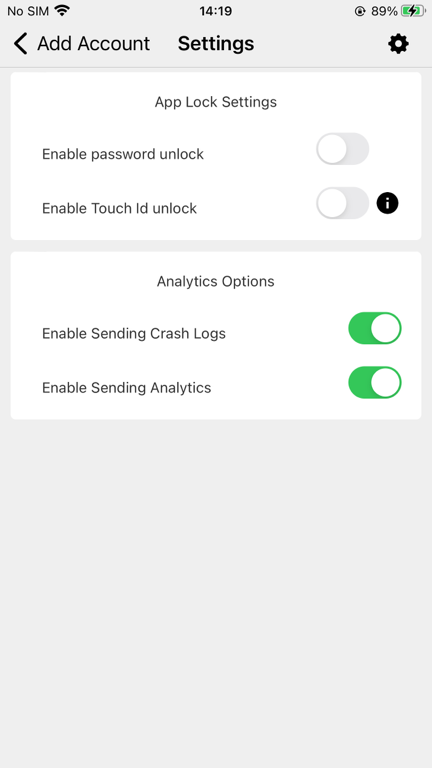
Add Account to the App
- Launch the Deepnet Authenticator app. You will be asked to create a PIN or use local authentication
...
Now scan the QR code using the Deepnet Authenticator app
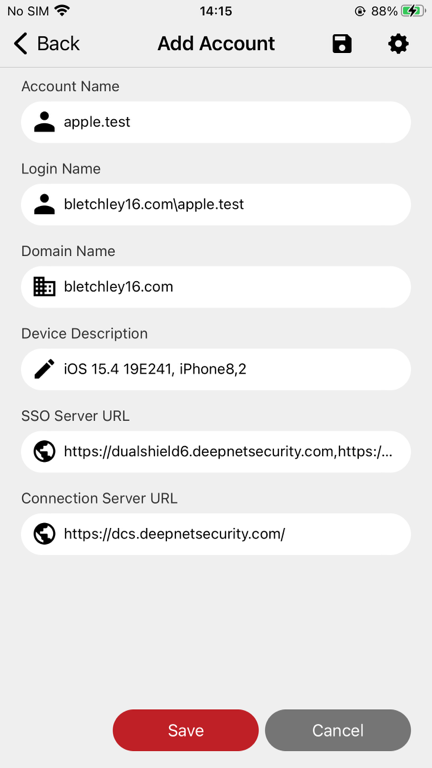
Click the Save button
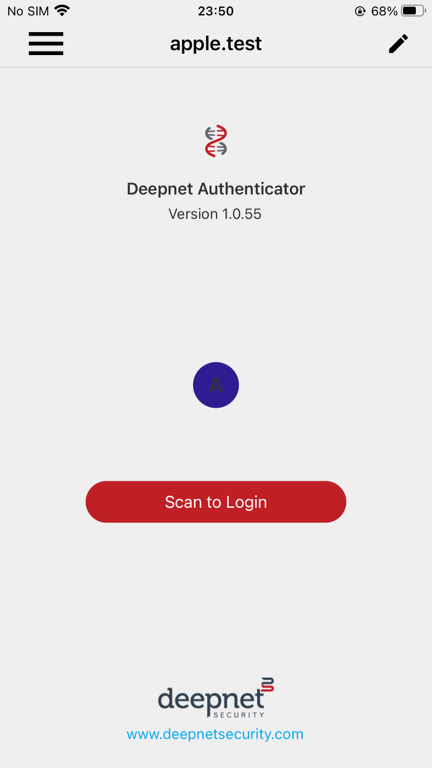
Use the App to Login
Log out from https://dualshield6.deepnetsecurity.com/dsc
Log back to https://dualshield6.deepnetsecurity.com/dsc
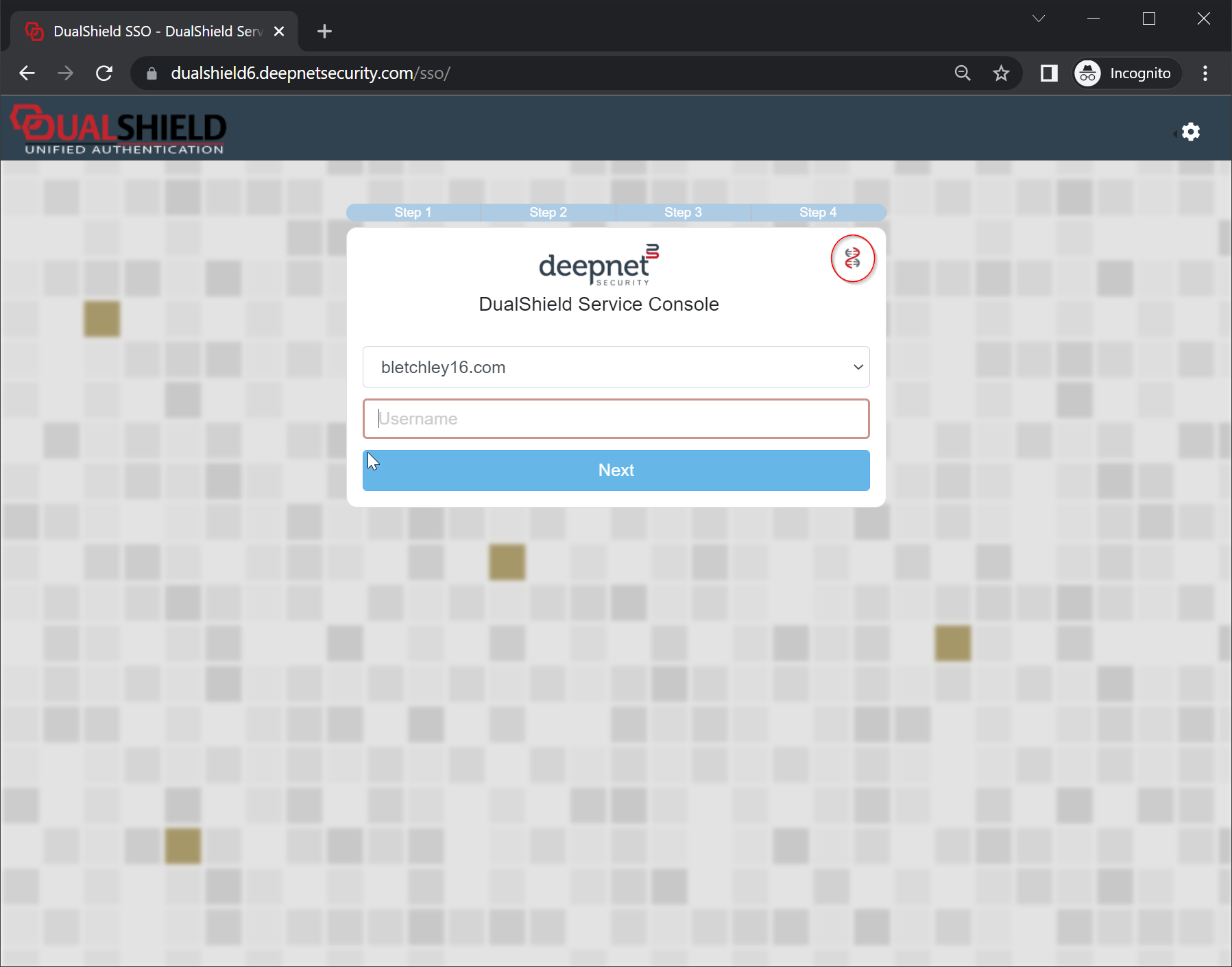
Click the DNA icon
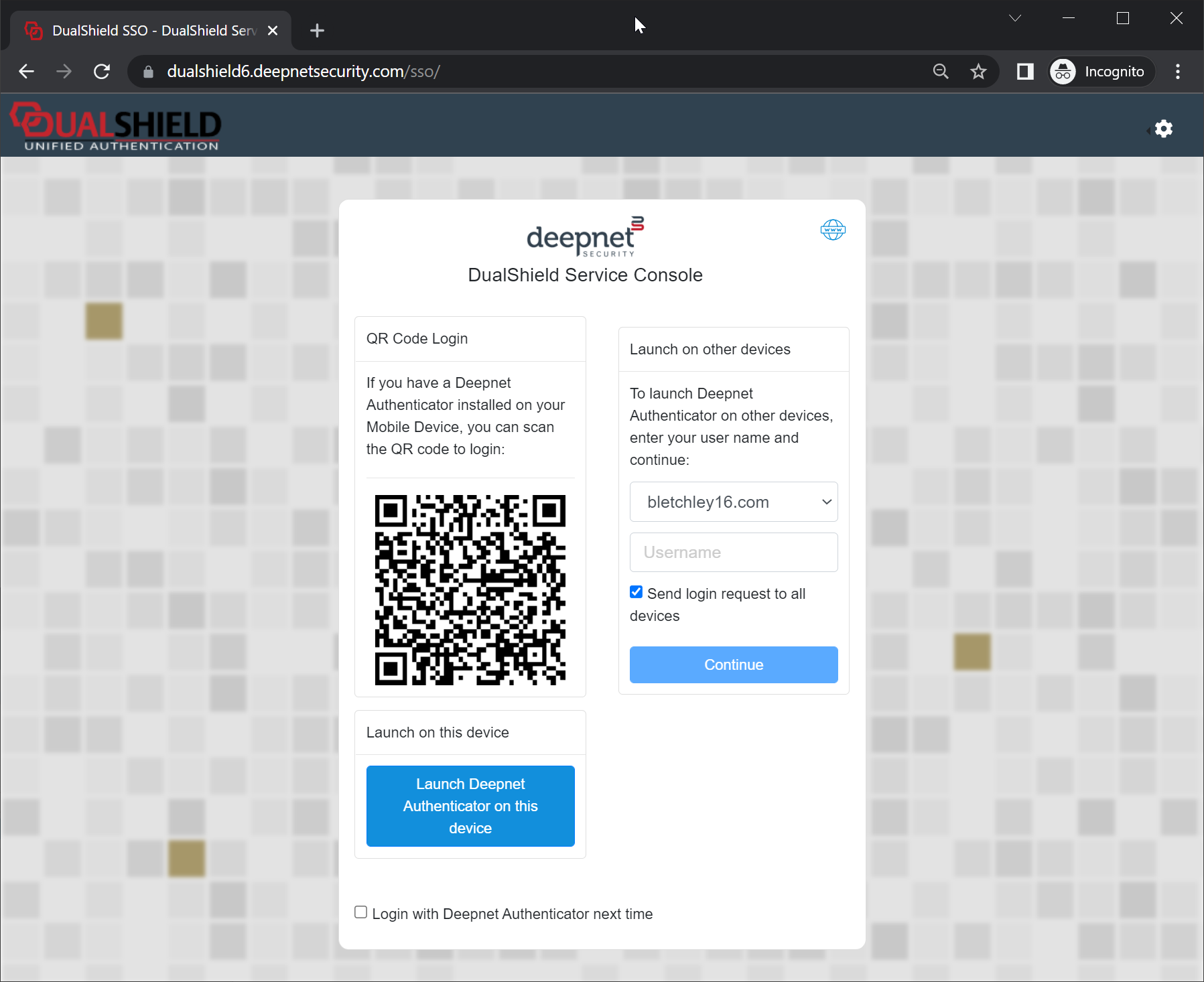
Using your DNA app
Click Scan to Login, and scan the QR code in the above login page
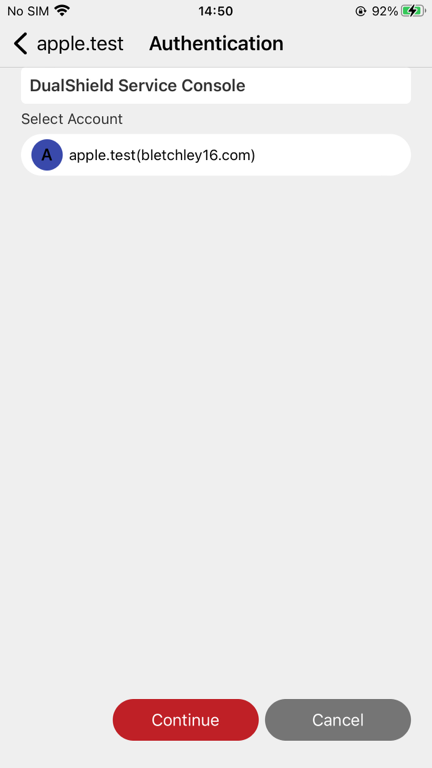
Click Continue
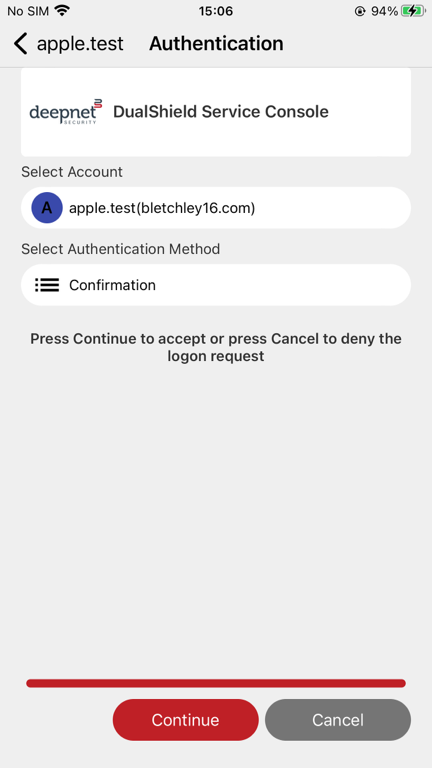
Click Continue