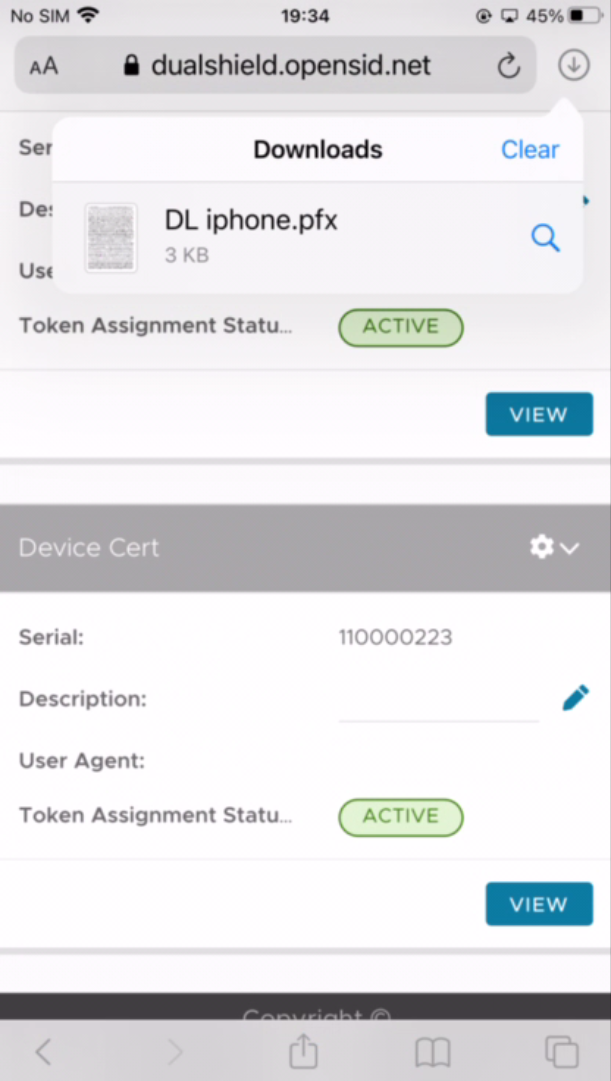
Navigate to the web page where you can download your SSL certificate
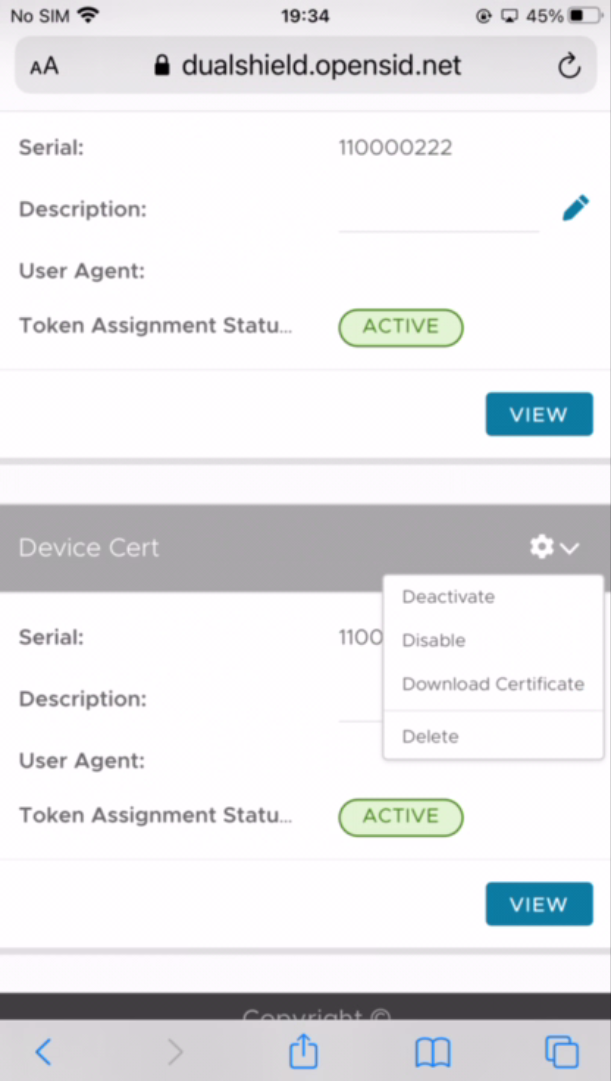
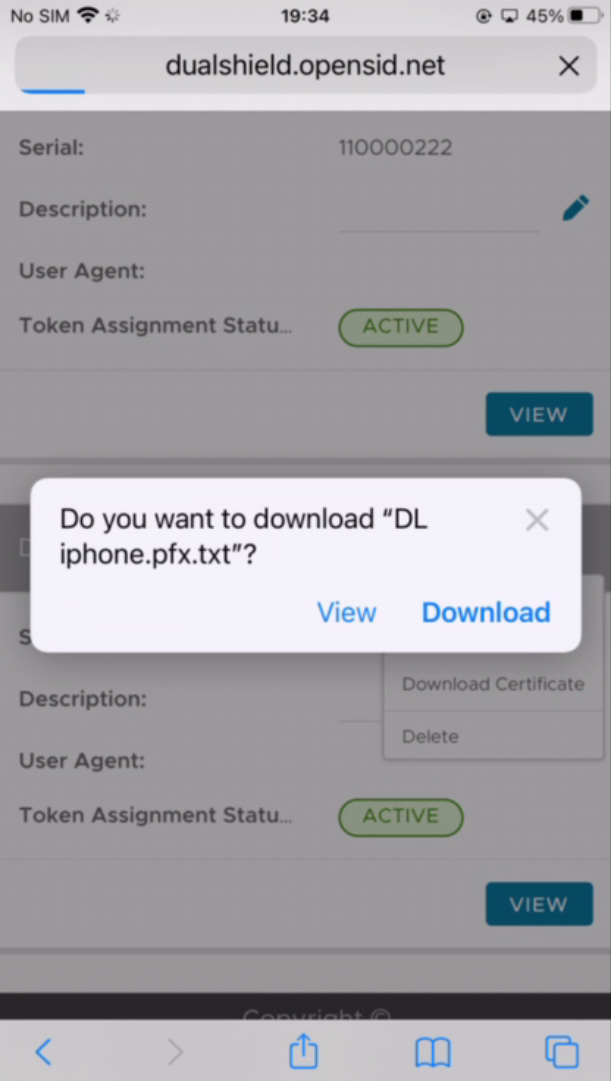
For instance, sign in to your DualShield Service Console, find the DeviceCert token, click "Download Certificate" from its context menu:
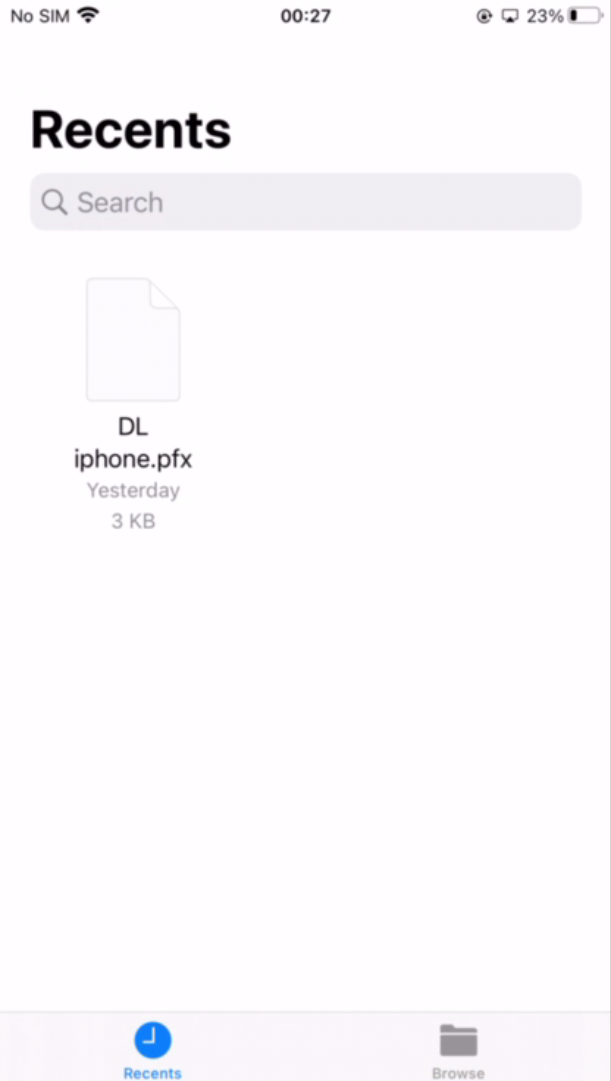
Launch the Files app
You should find your certificate file in the Recents folder
Click the certificate file
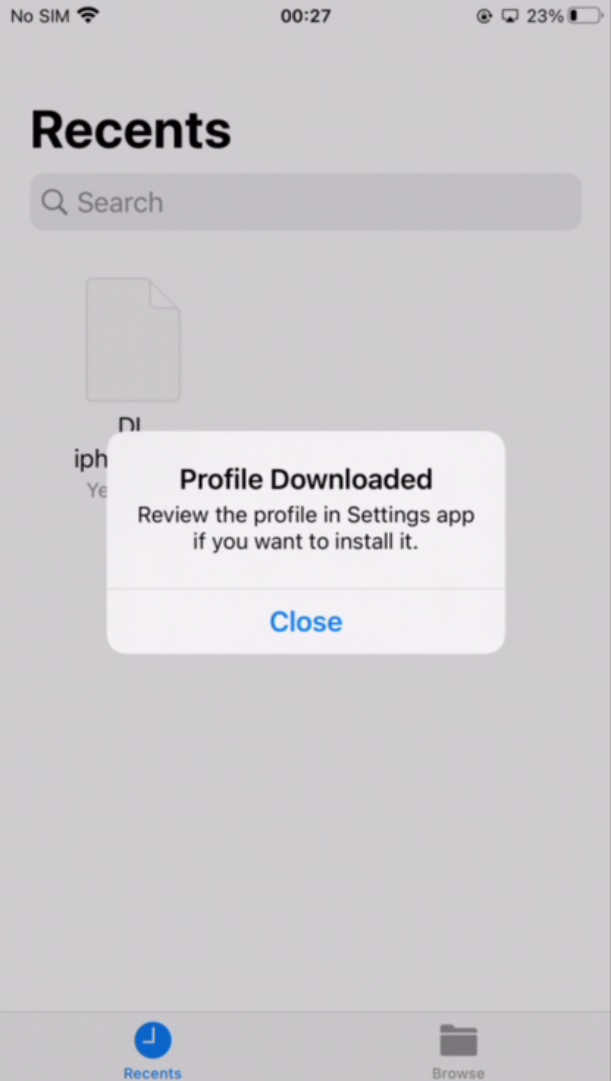
Navigate to Settings > General > Profiles
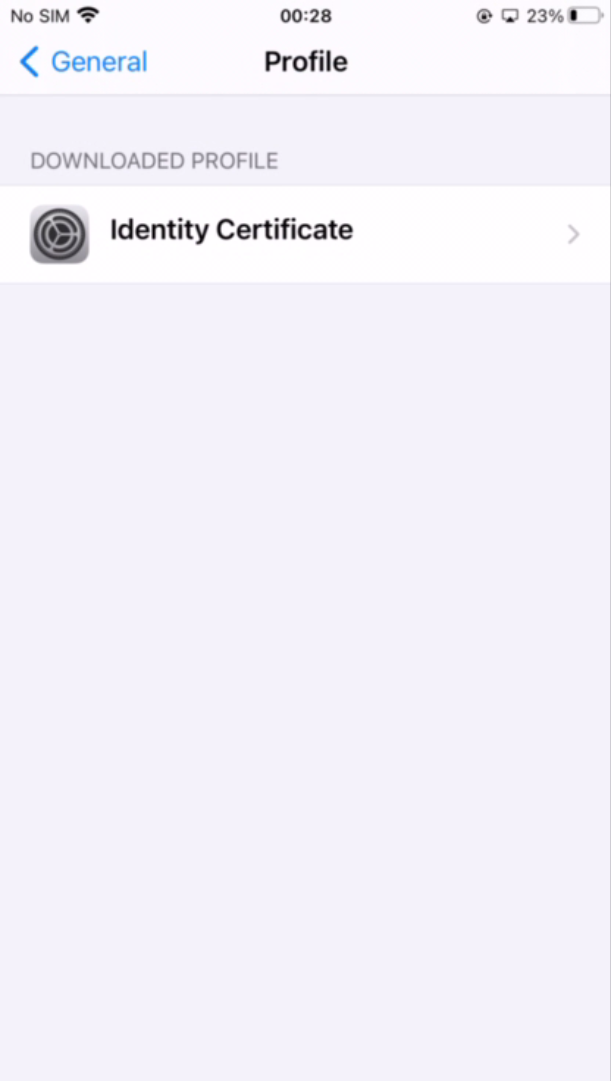
Click Identity Certificate
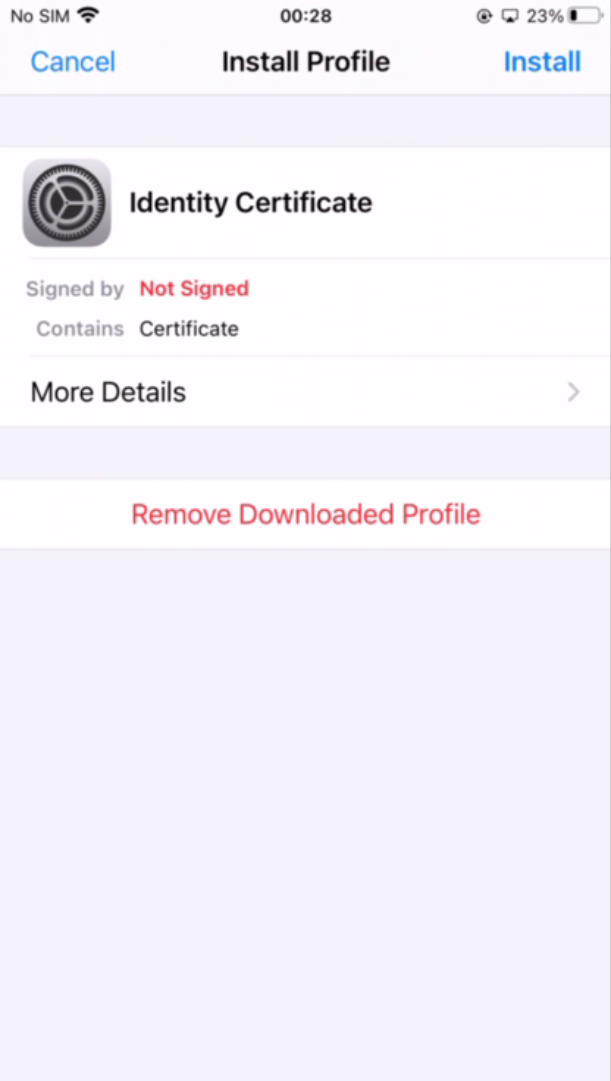
Click Install
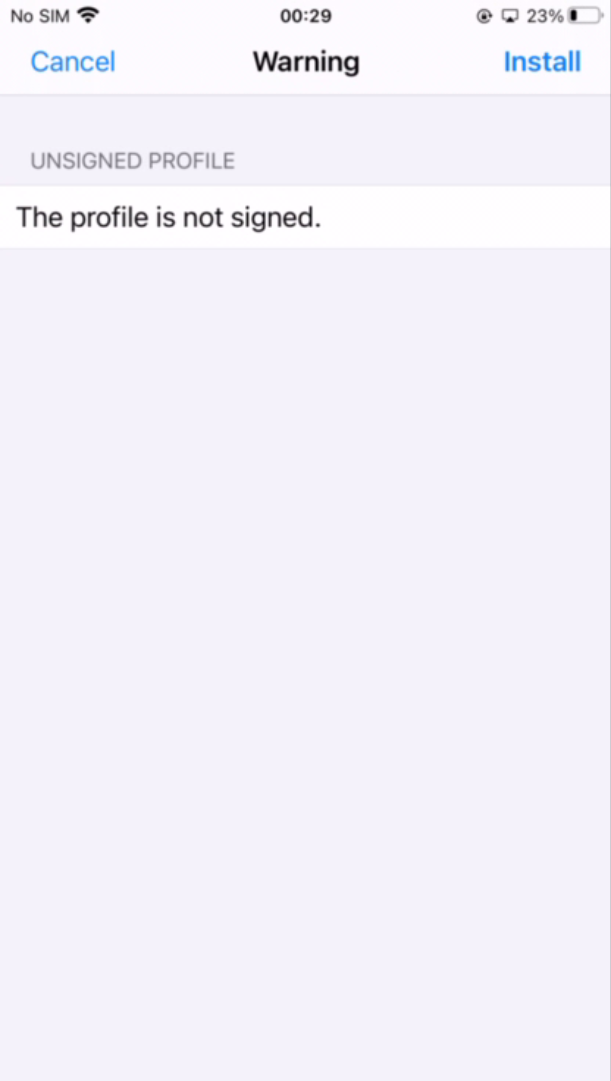
Click Install again
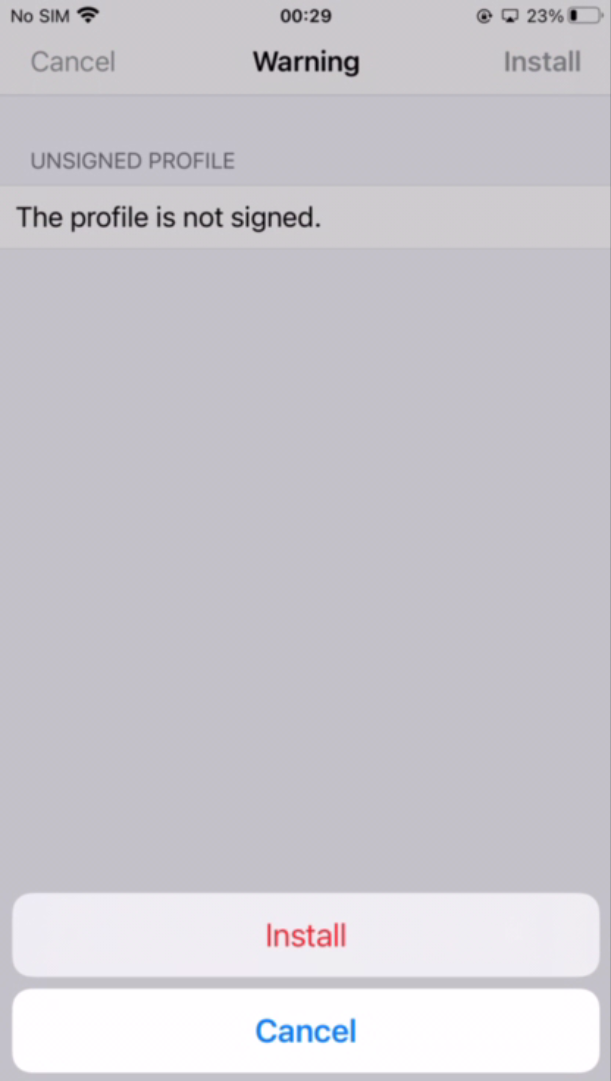
Click Install again
You will be prompted to enter the certificate password:
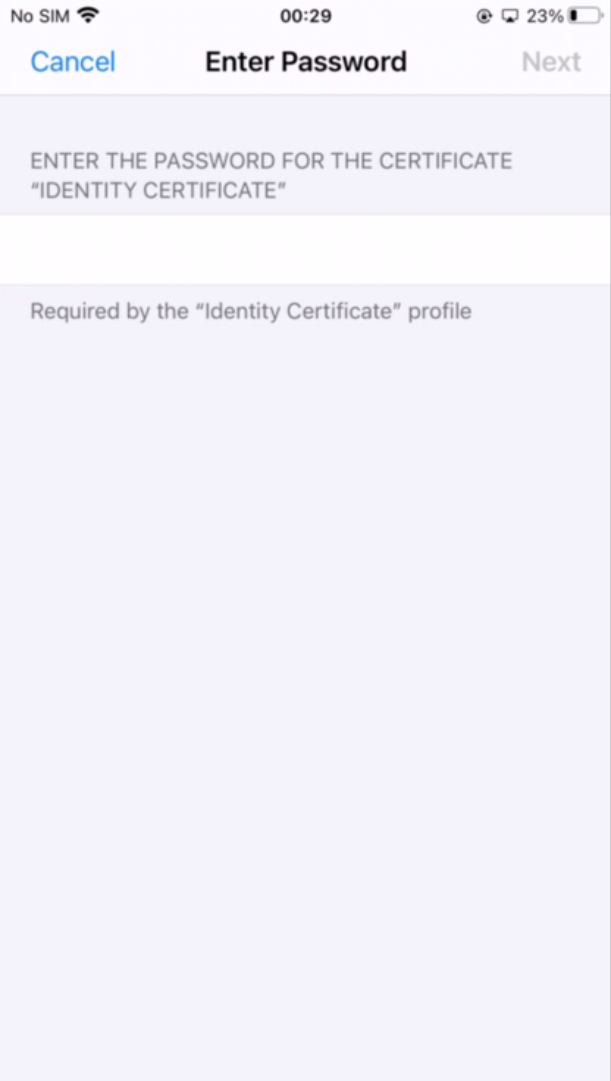
Enter the password
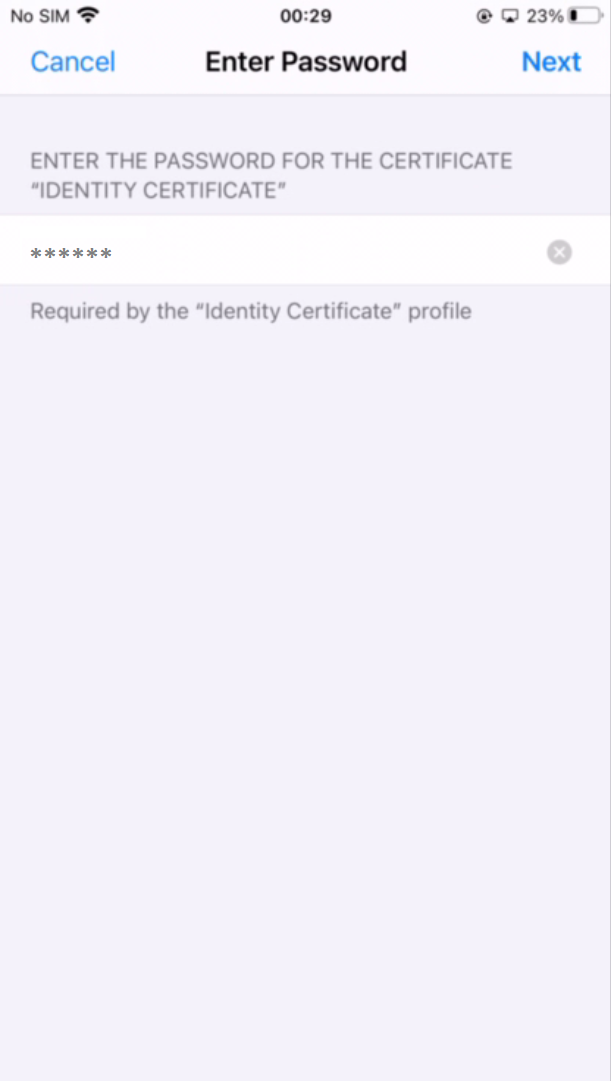
Click Next
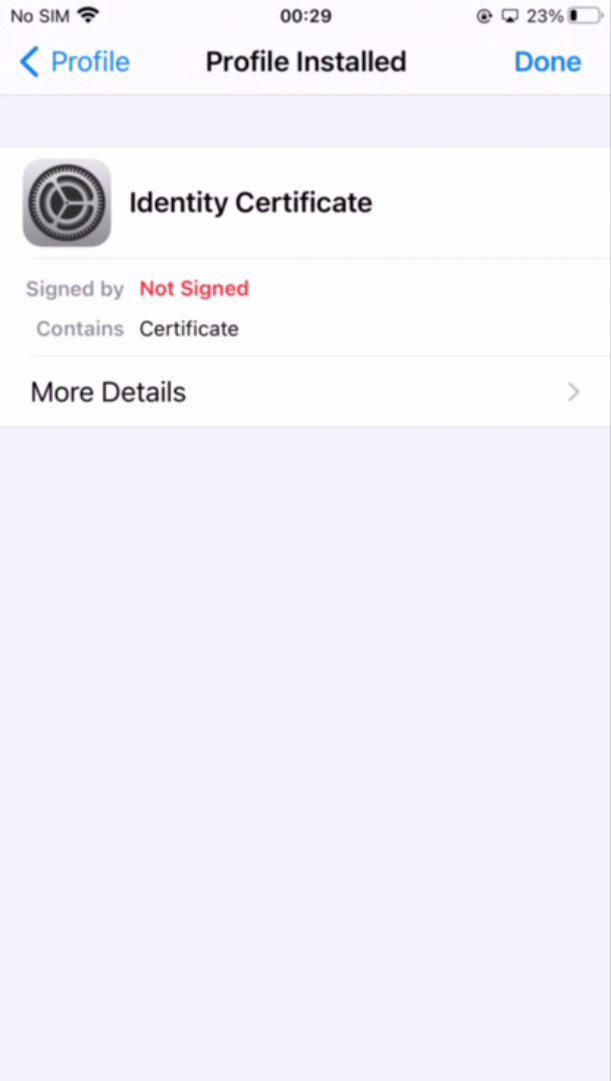
Click Done
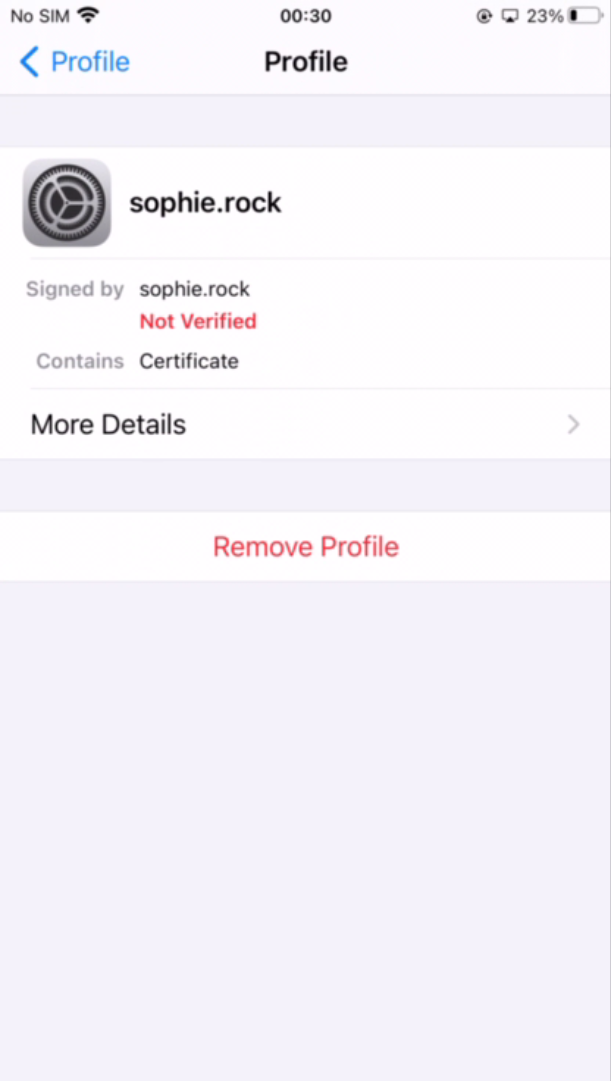
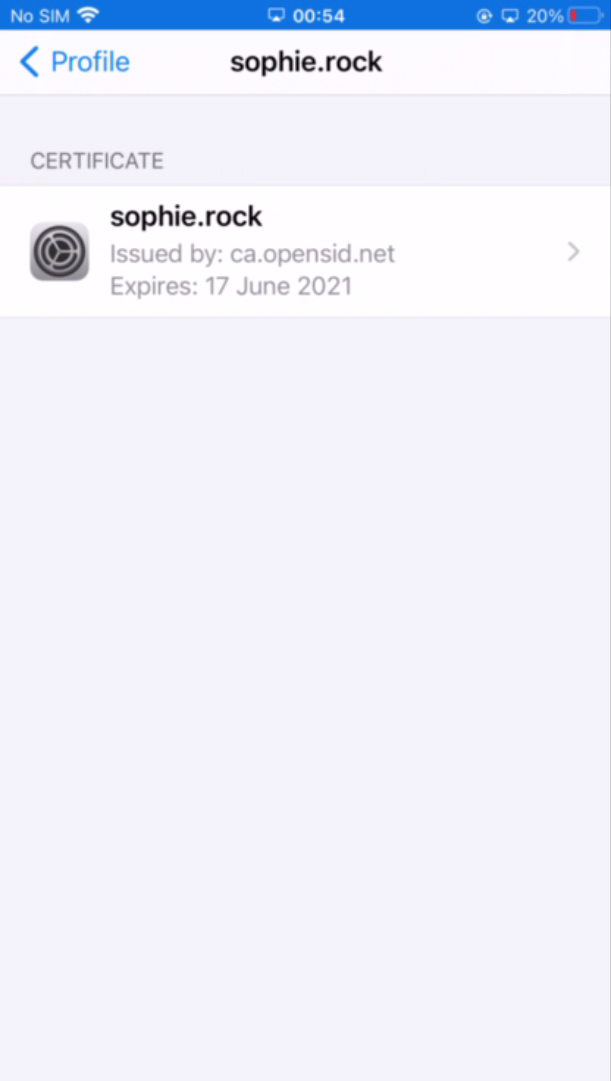
The certificate is installed successfuly
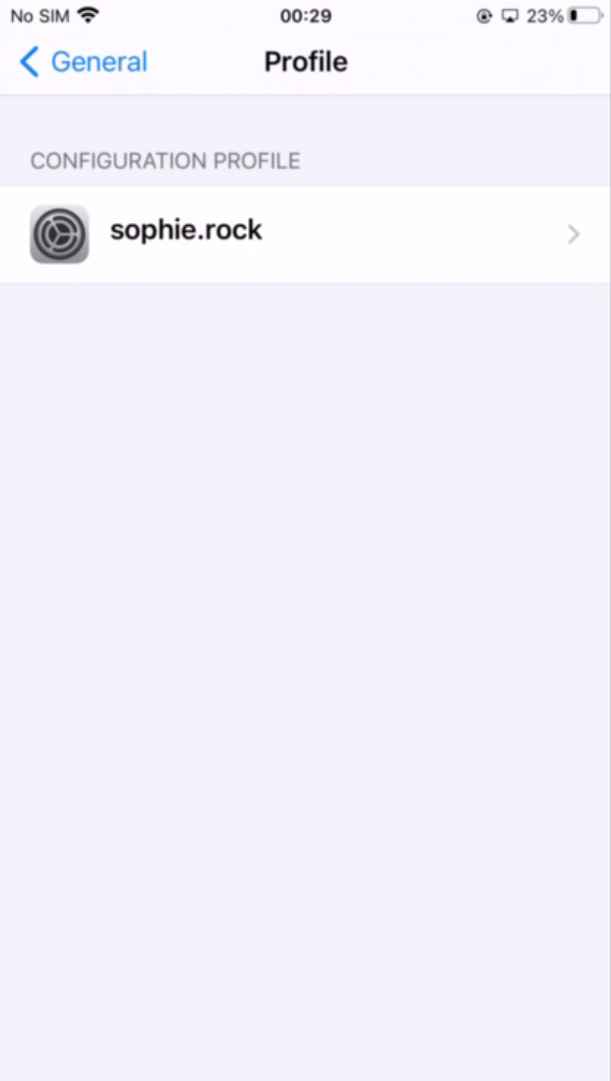
Click the certificate to double check its details