- Edit Your secure gateway under Network Object. Navigate to General Properties | VPN client | Authentication. Select Radius as Authentication Method, and pick DualShield Radius from selection list.

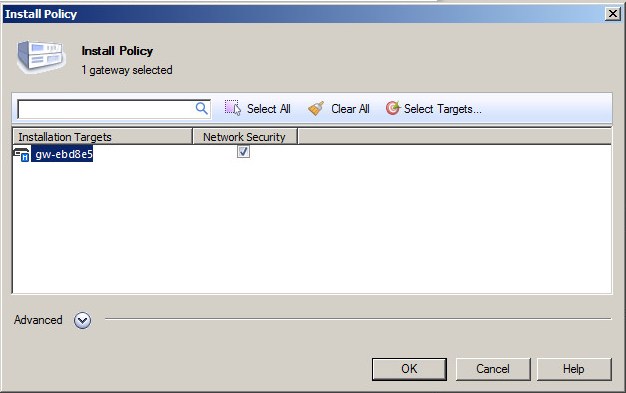
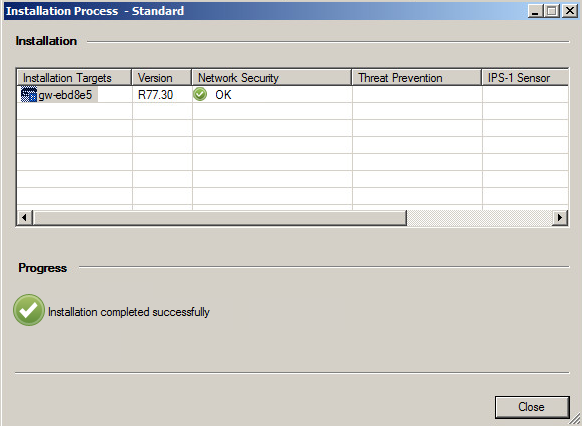
- Navigate to SmartDashboard | Install Plicy. Select your security gateway device and click the OK button to apply the changes.
Page History
Overview
Content Tools