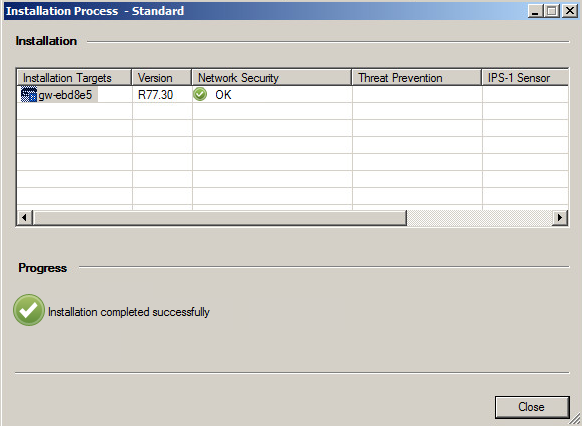
- Edit Your secure gateway under Network Object. Navigate to General Properties | VPN client | Authentication. Select Radius as Authentication Method, and pick DualShield Radius from selection list.
![DualShield MFA Platform > Configuration for VPN Client Access [R77] > Check VC.png](/download/attachments/35947331/Check%20VC.png?version=1&modificationDate=1587386001000&api=v2)
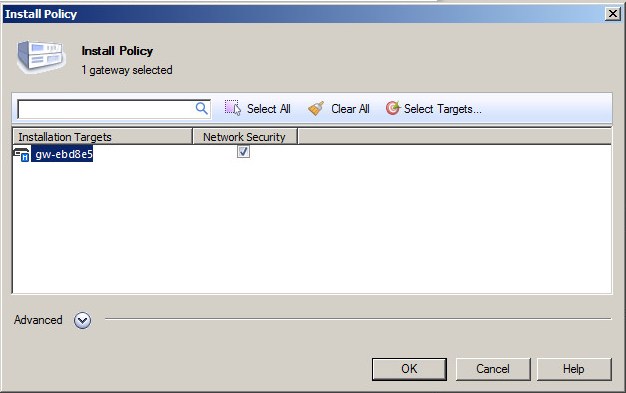
- Navigate to SmartDashboard | Install Plicy. Select your security gateway device and click the OK button to apply the changes.
![DualShield MFA Platform > Configuration for VPN Client Access [R77] > Check GPA.png](/download/attachments/35947331/Check%20GPA.png?version=1&modificationDate=1735923122343&api=v2)