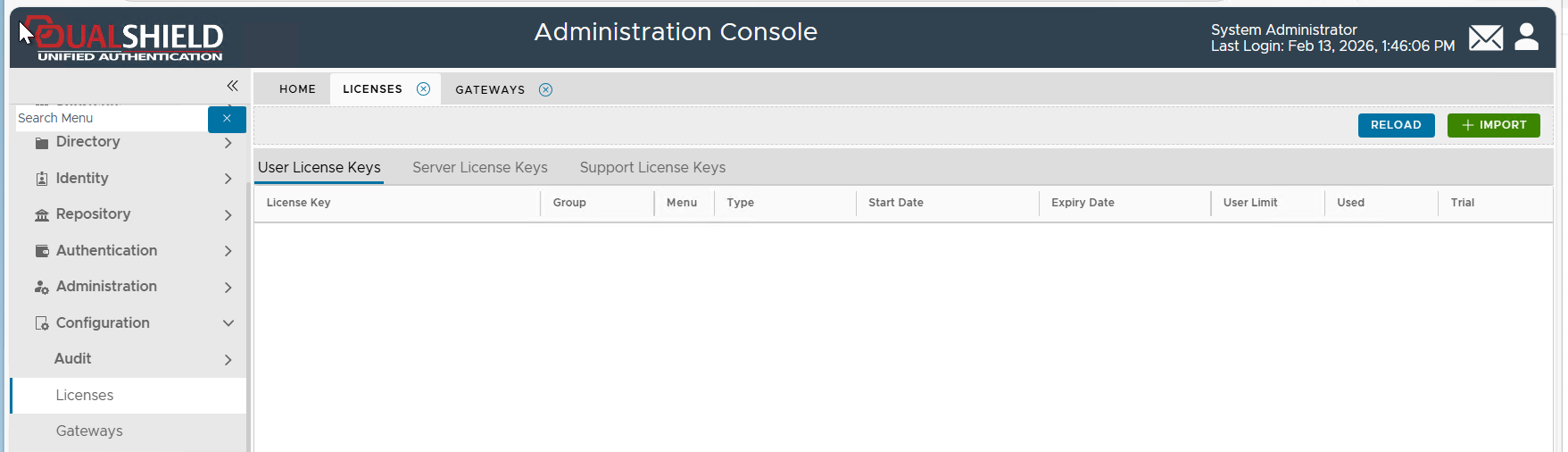
To delete a license key, navigate to Configuration > Licenses
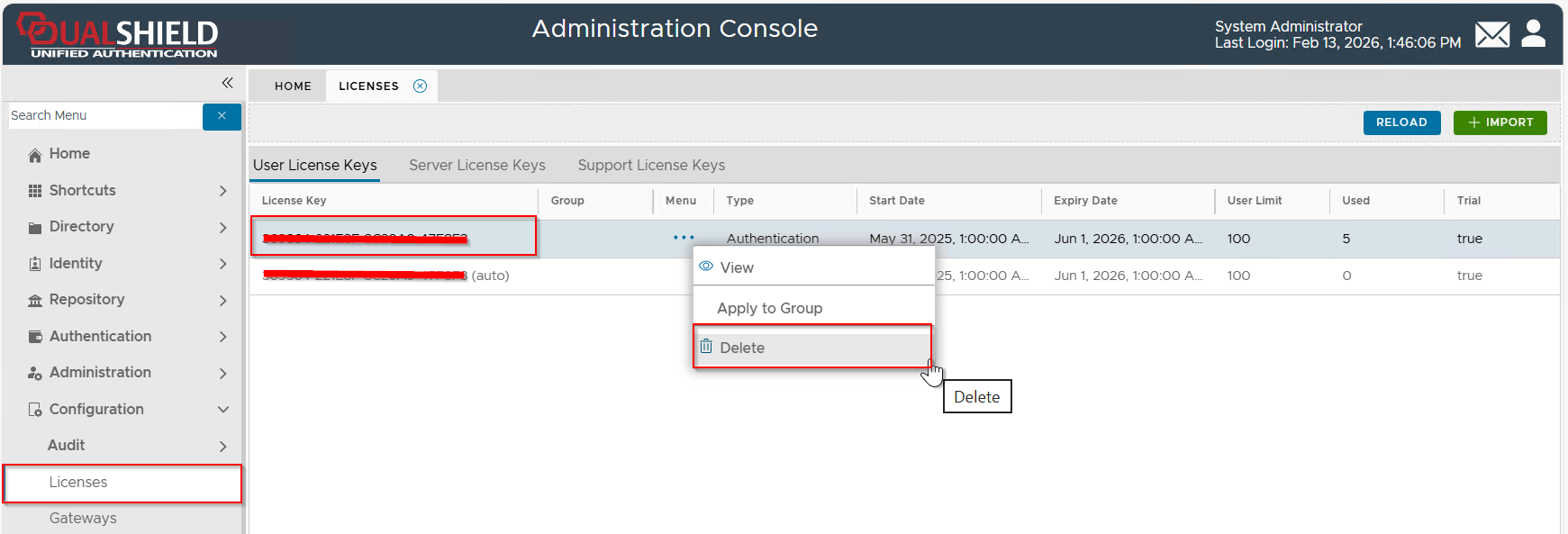
Select the license key that you want to delete, click its context menu, then select "Delete" from the menu
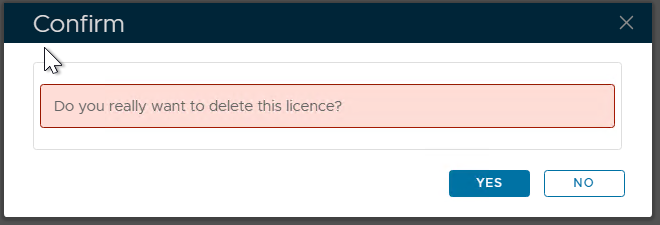
Press "YES" to continue.
If the server has no Internet connection, it will take a few more steps to delete the license.
| Expand | ||||||
|---|---|---|---|---|---|---|
|