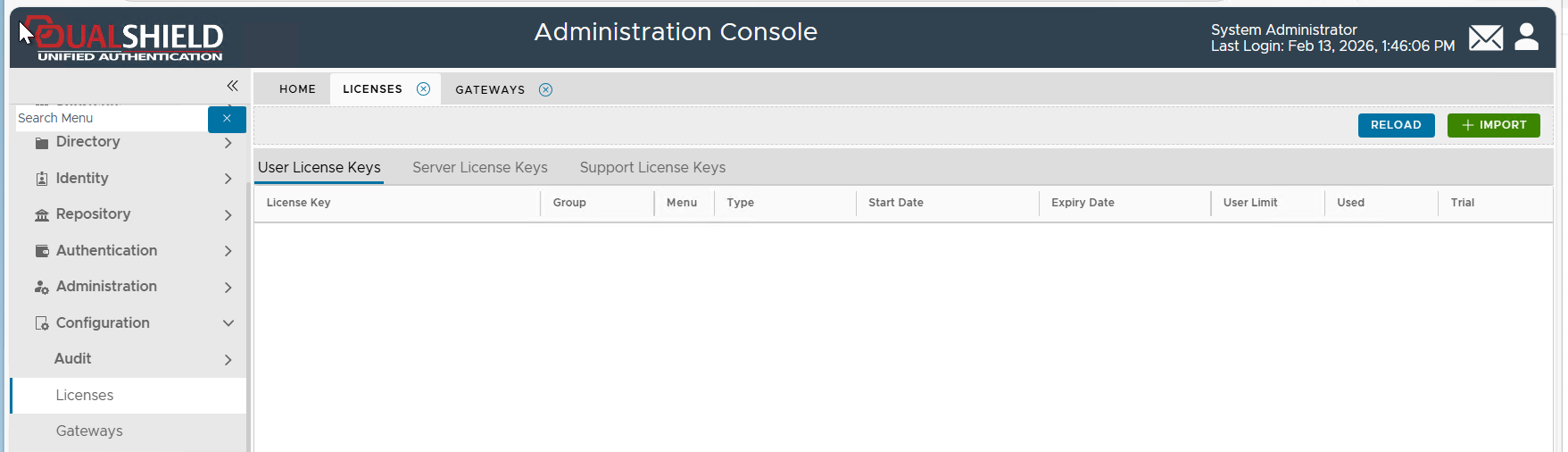
To delete a license key, navigate to Configuration > Licenses
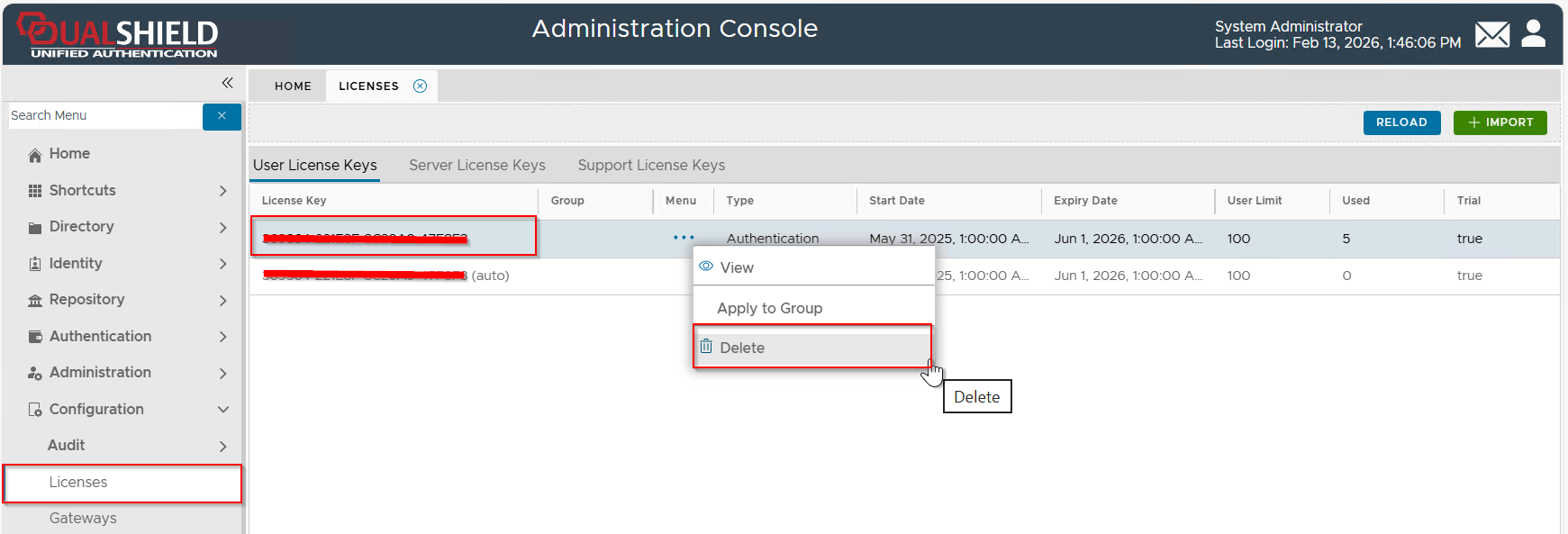
Select the license key that you want to delete, click its context menu, then select "Delete" from the menu
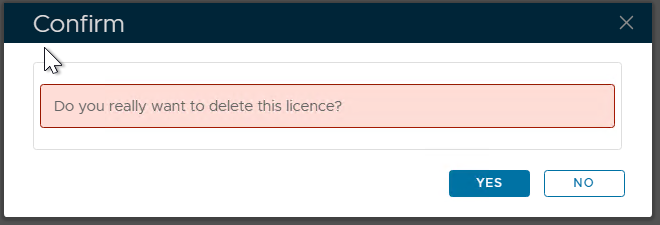
Press "YES" to continue.
If the server has no Internet connection, it will take a few more steps to delete the license.
If the server does not have an Internet connection, then you will get the error message below:
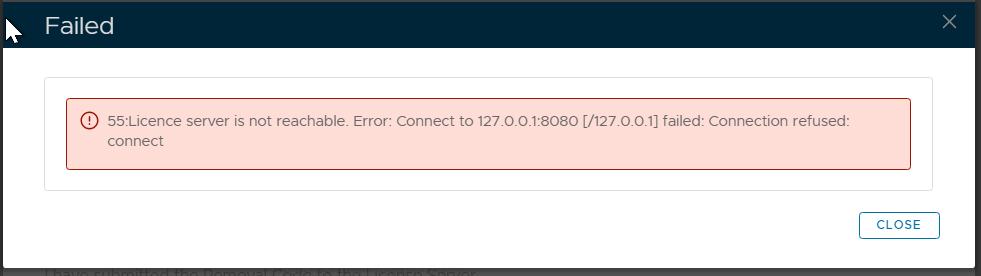
Press "CLOSE"
You will then get the prompt below:
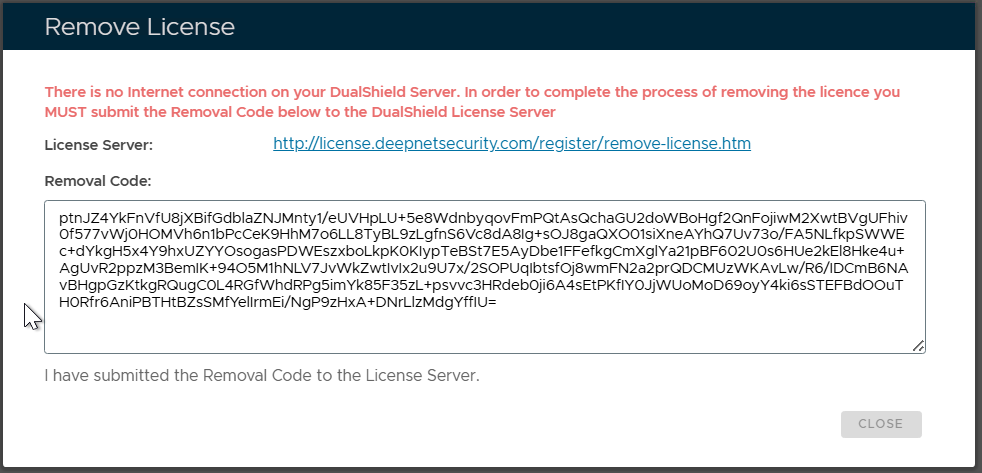
Now, you need to copy the "Removal Code", and visit the URL below on a PC that has an Internet connection
https://license.deepnetsecurity.com/register/remove-license.htm
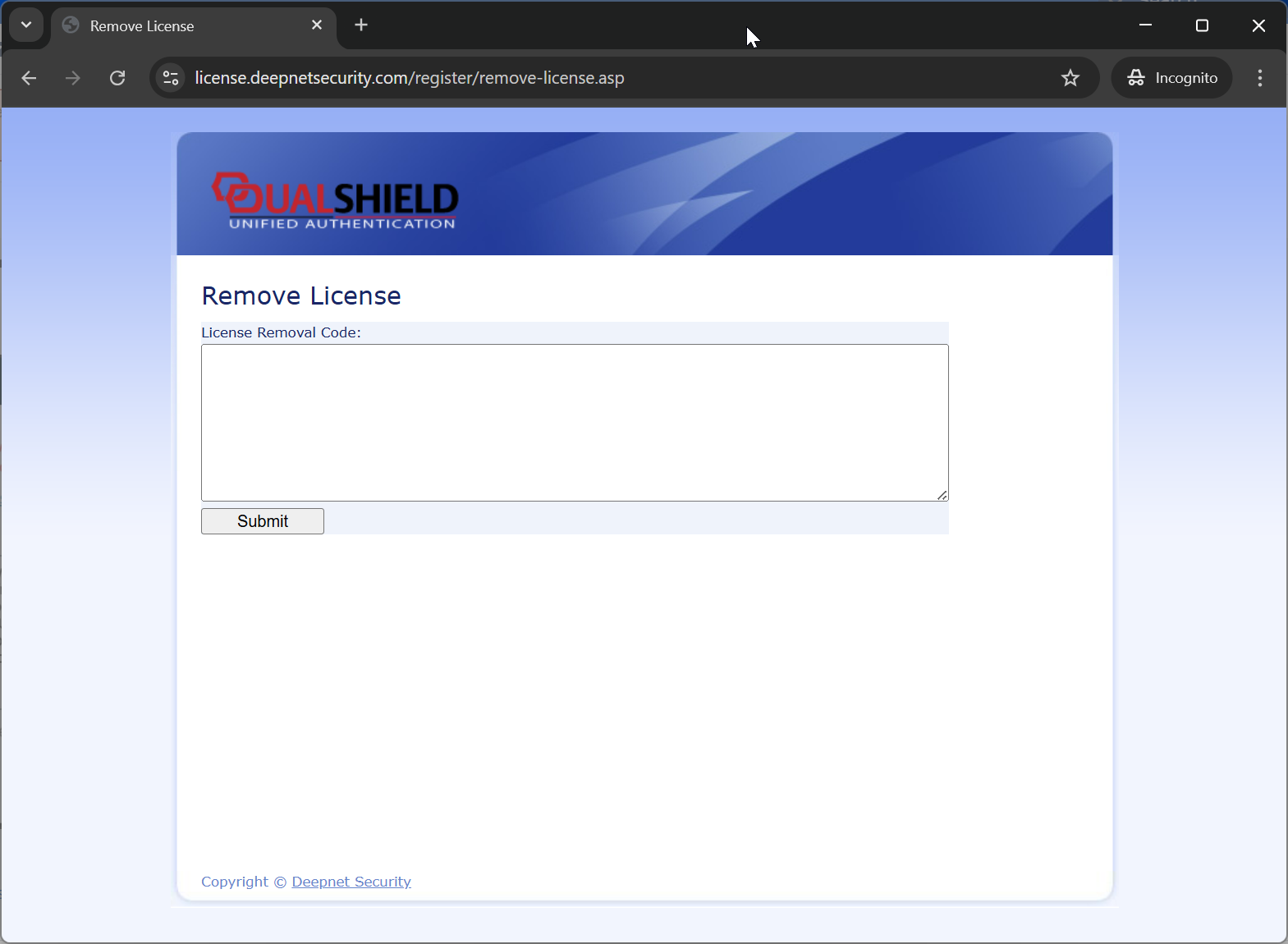
Paste the "Removal Code"
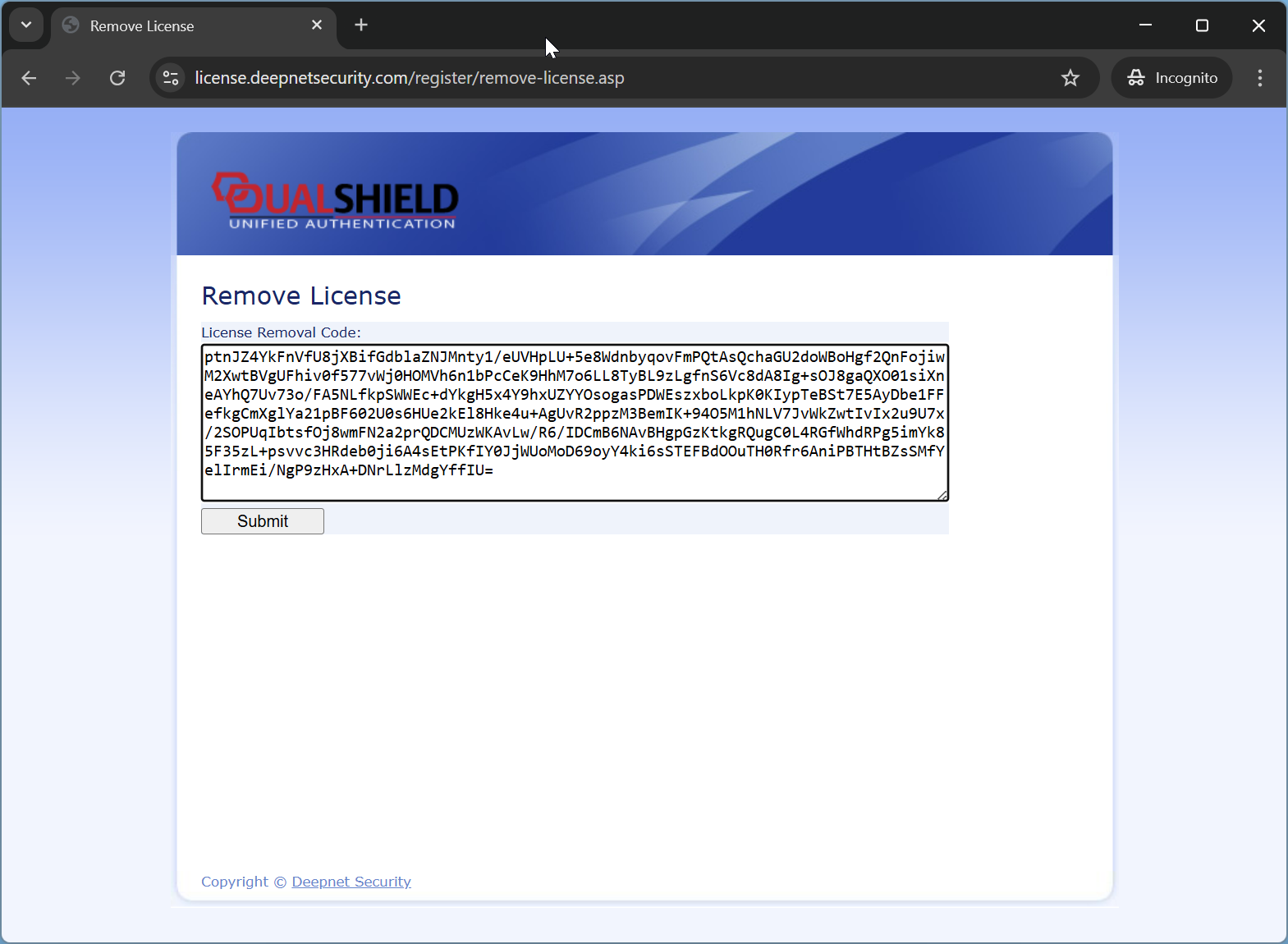
Press "Submit"
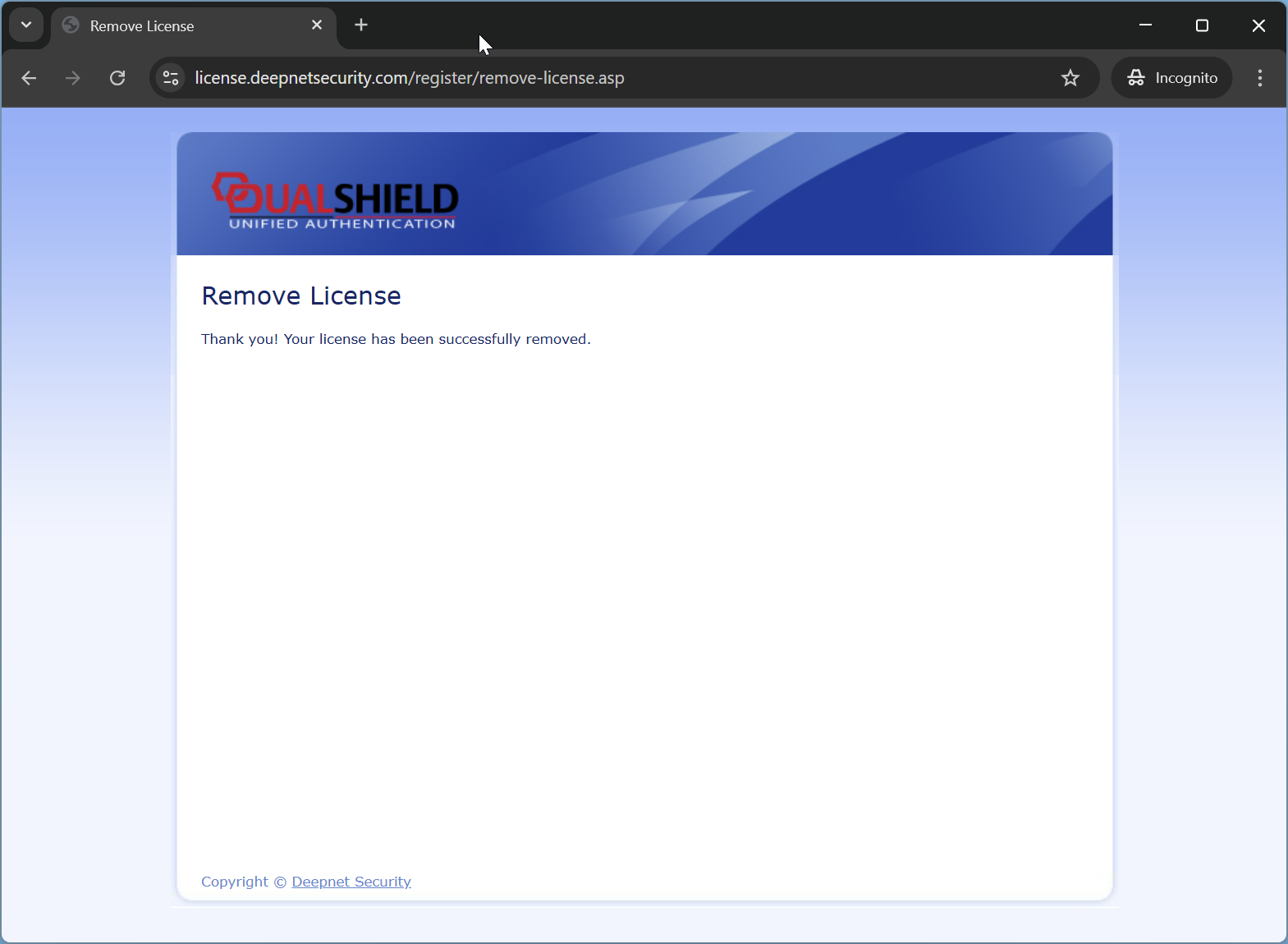
Now, switch back to the DualShield Admin Console screen
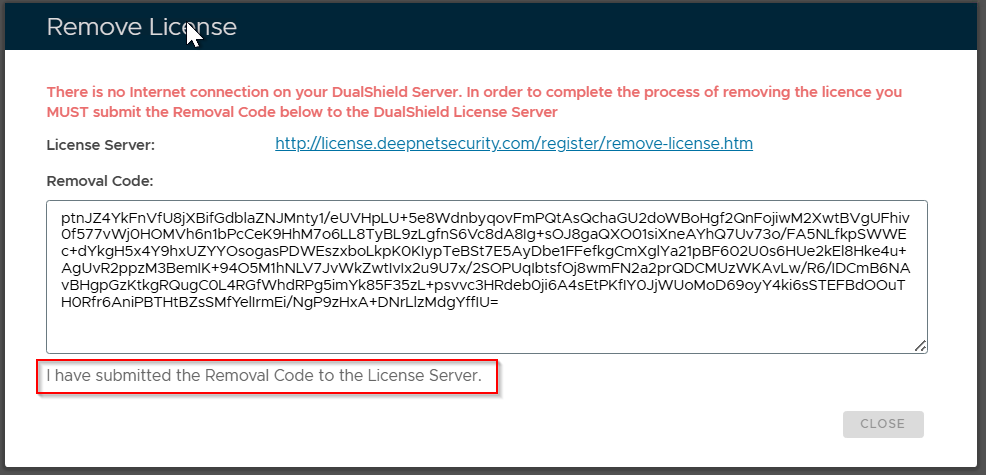
Click on the text "I have submitted the Removal Code to the License Server"
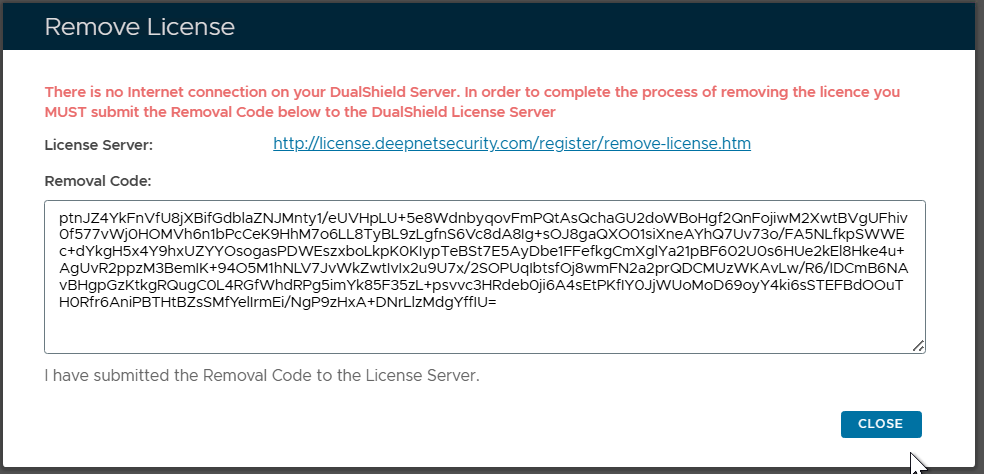
Finally, press the "CLOSE" button