...
Press the "Insert" button
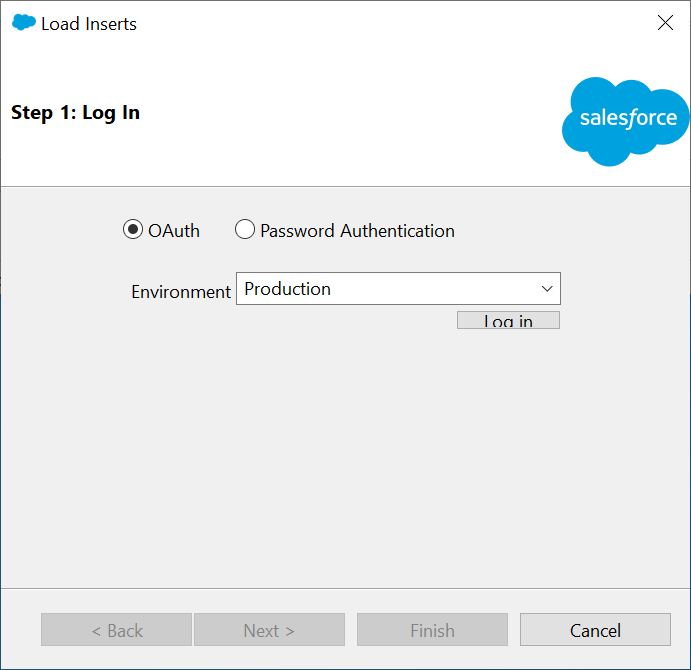
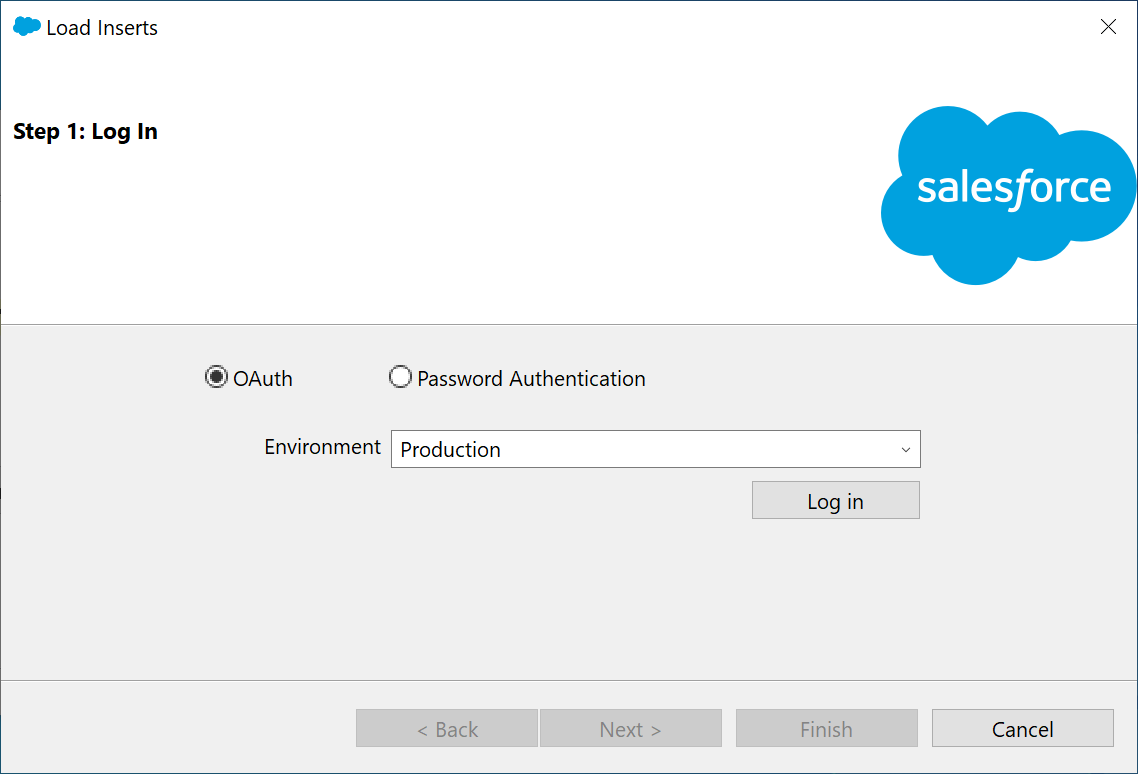
Press the "Log in" button
...
Click "Browse..." to select the Token CSV file you have prepared
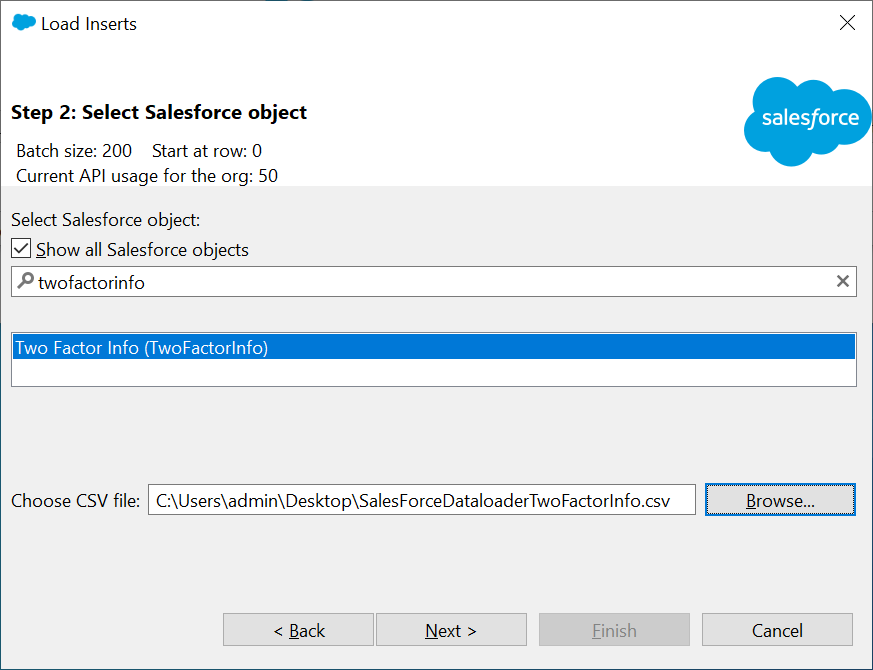
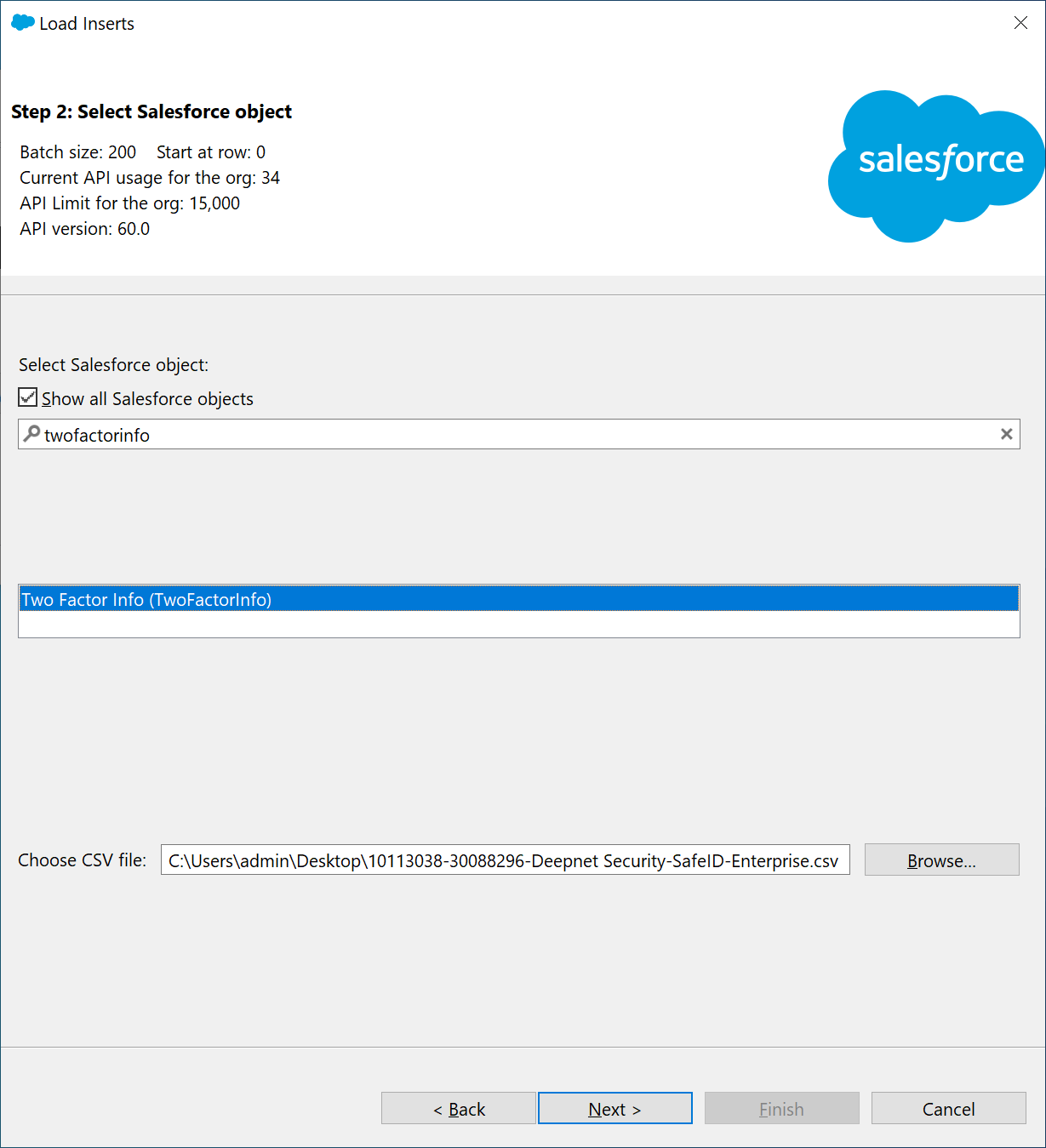
Press "Next"
You should be presented with a data selection window confirming the number of rows
...
You will now be presented with the page below

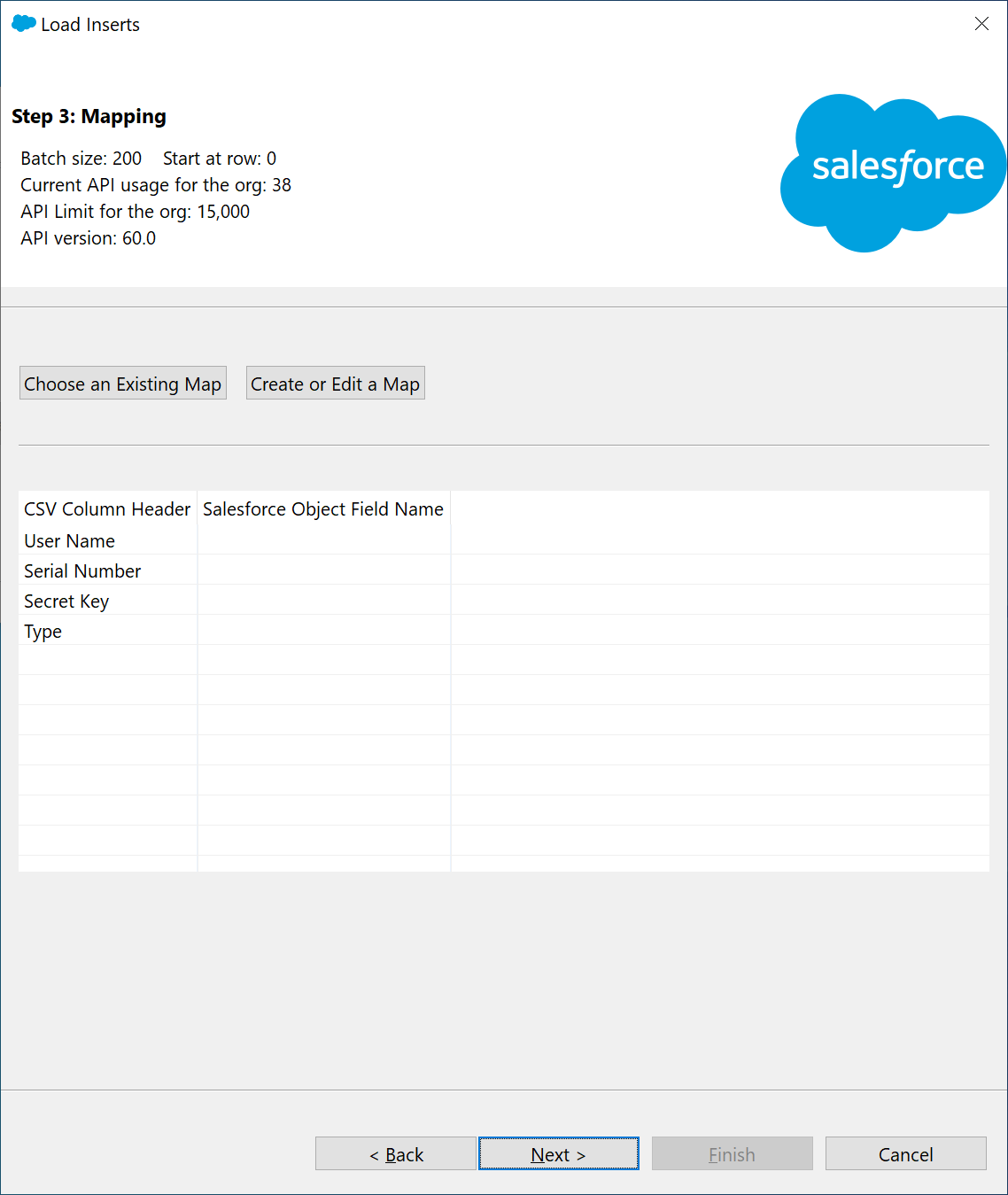
Click “Create or Edit a Map”
You will now be presented with the page below
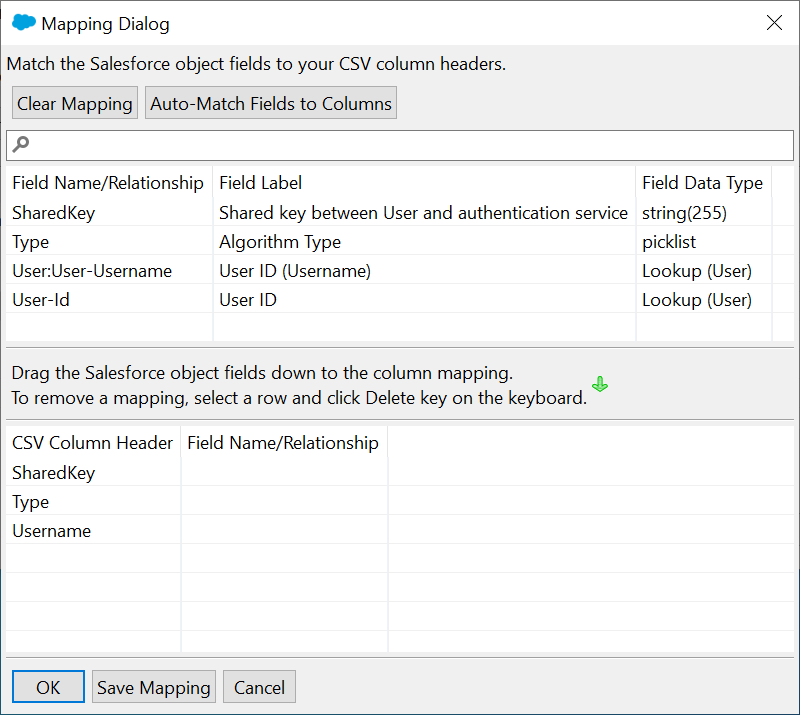
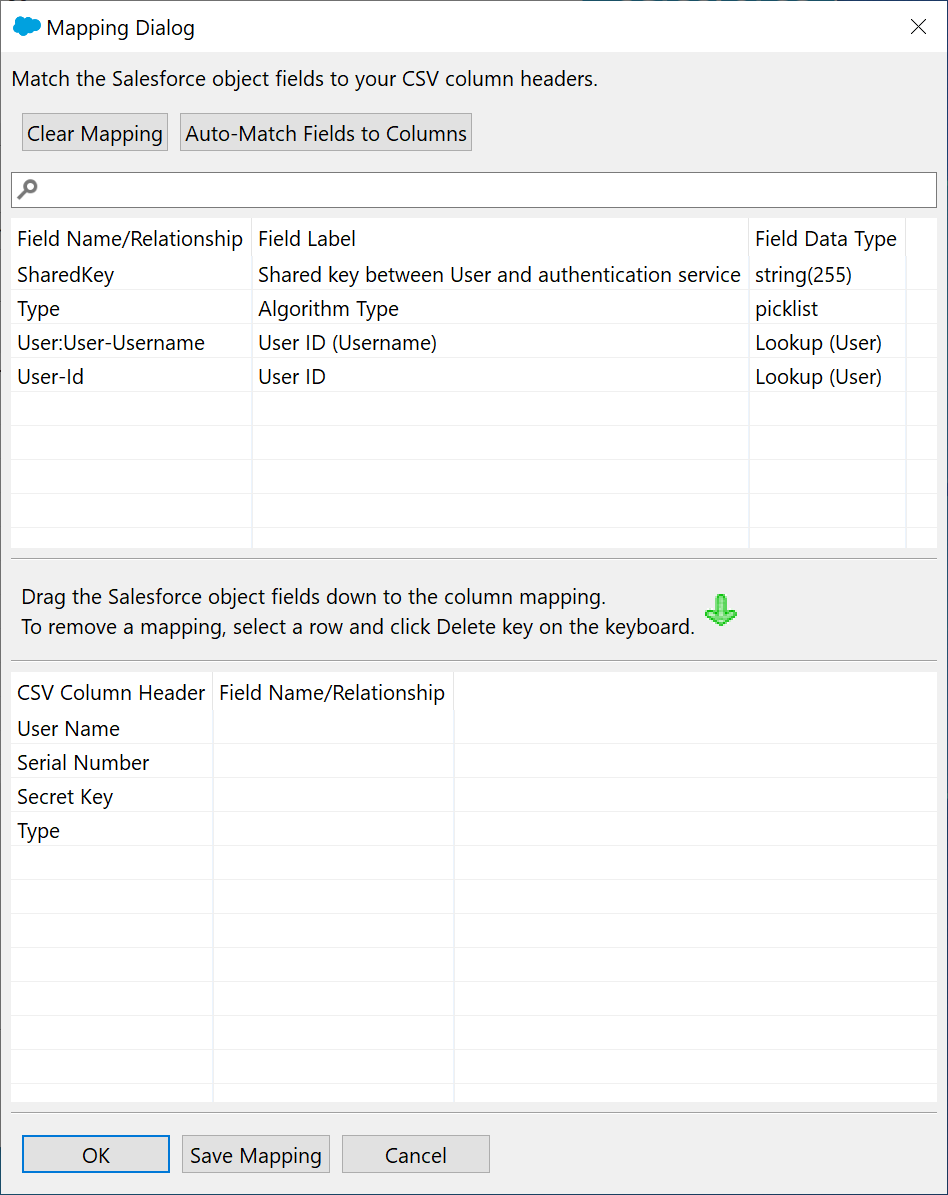
Drag the Salesforce object fields down below to the CSV Column, so that the result looks the same as the one below.
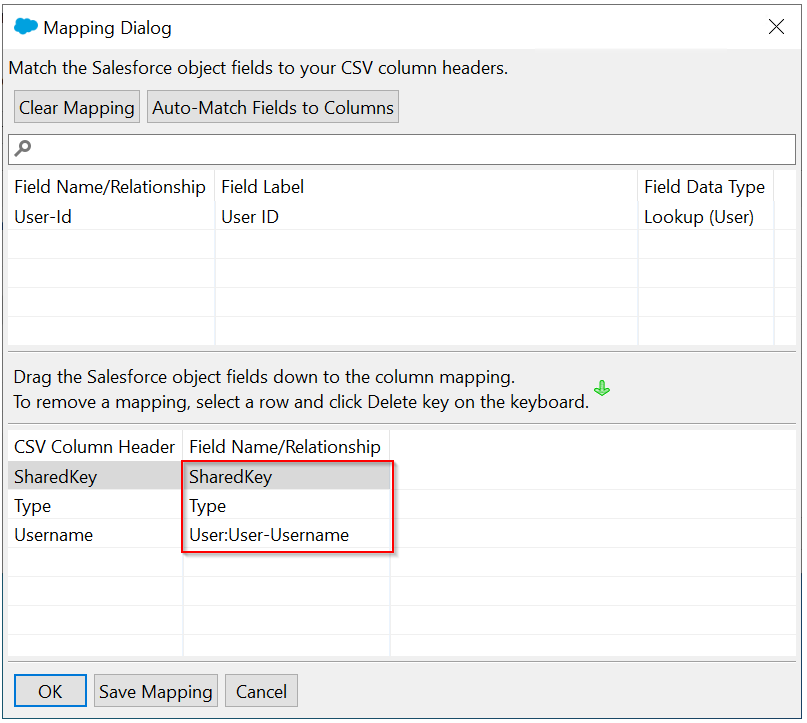
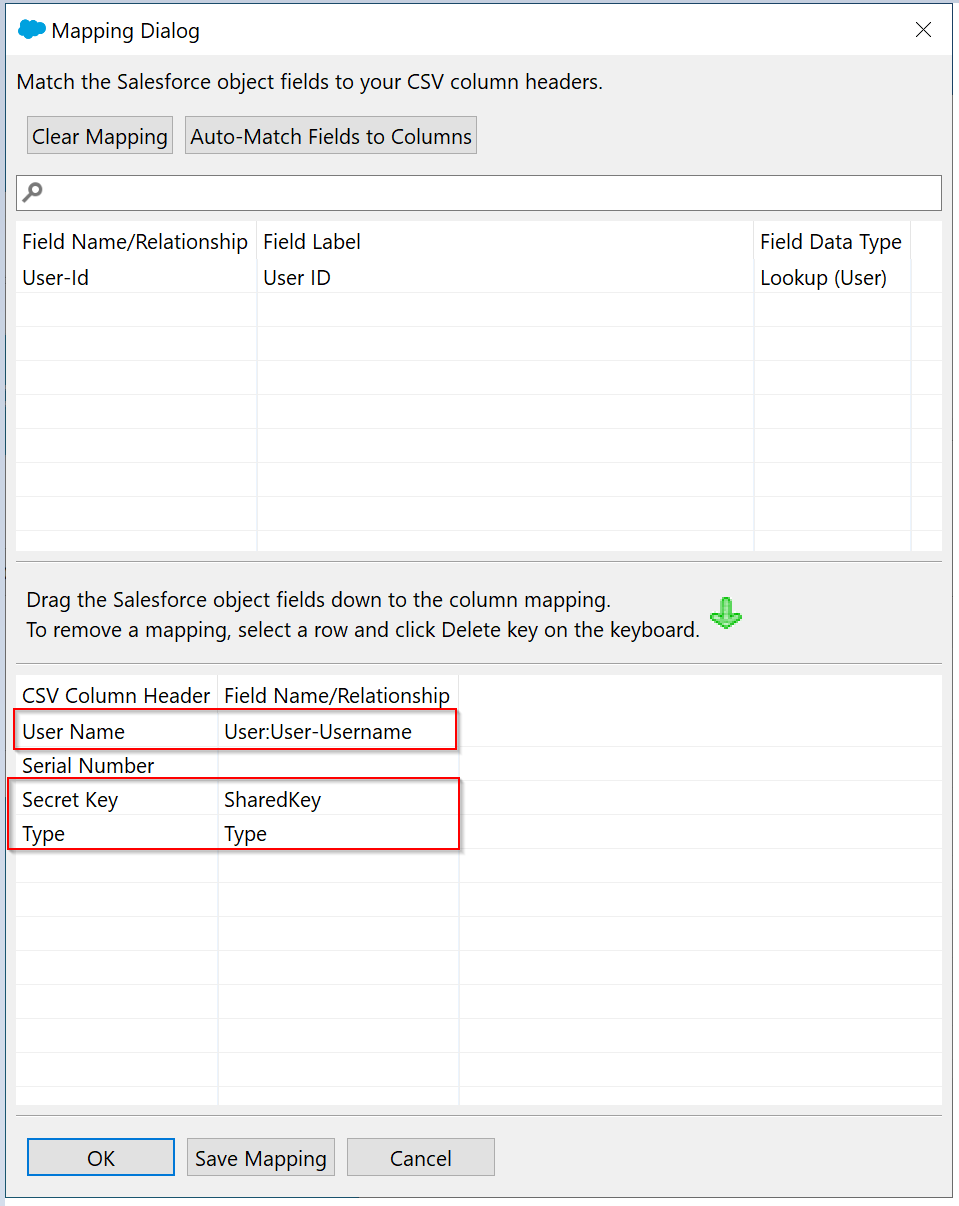
Click "OK"
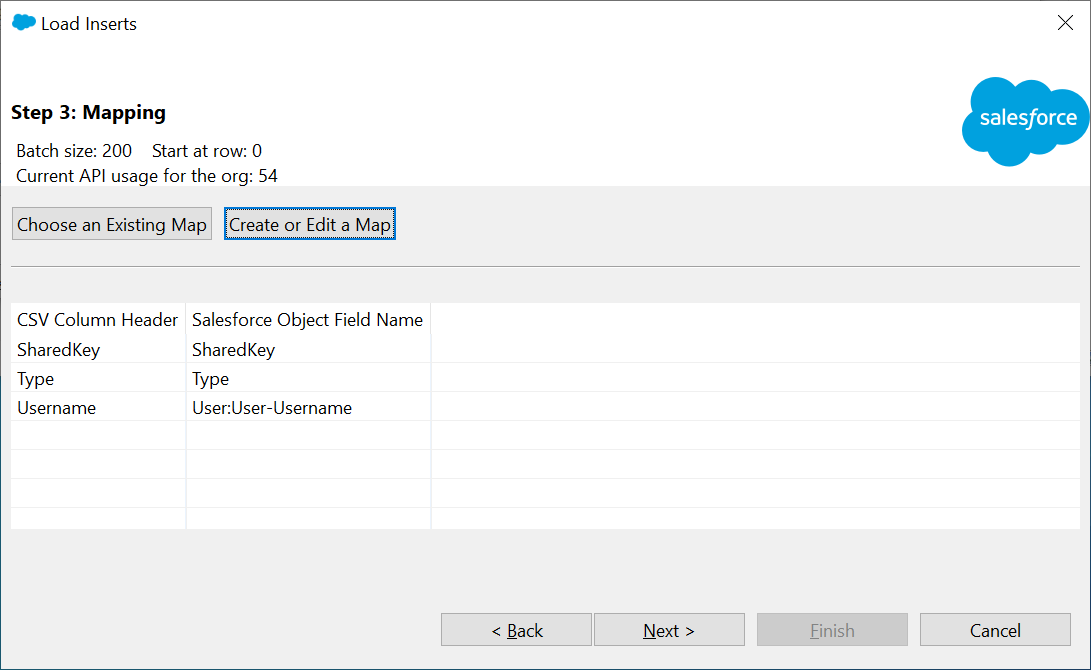
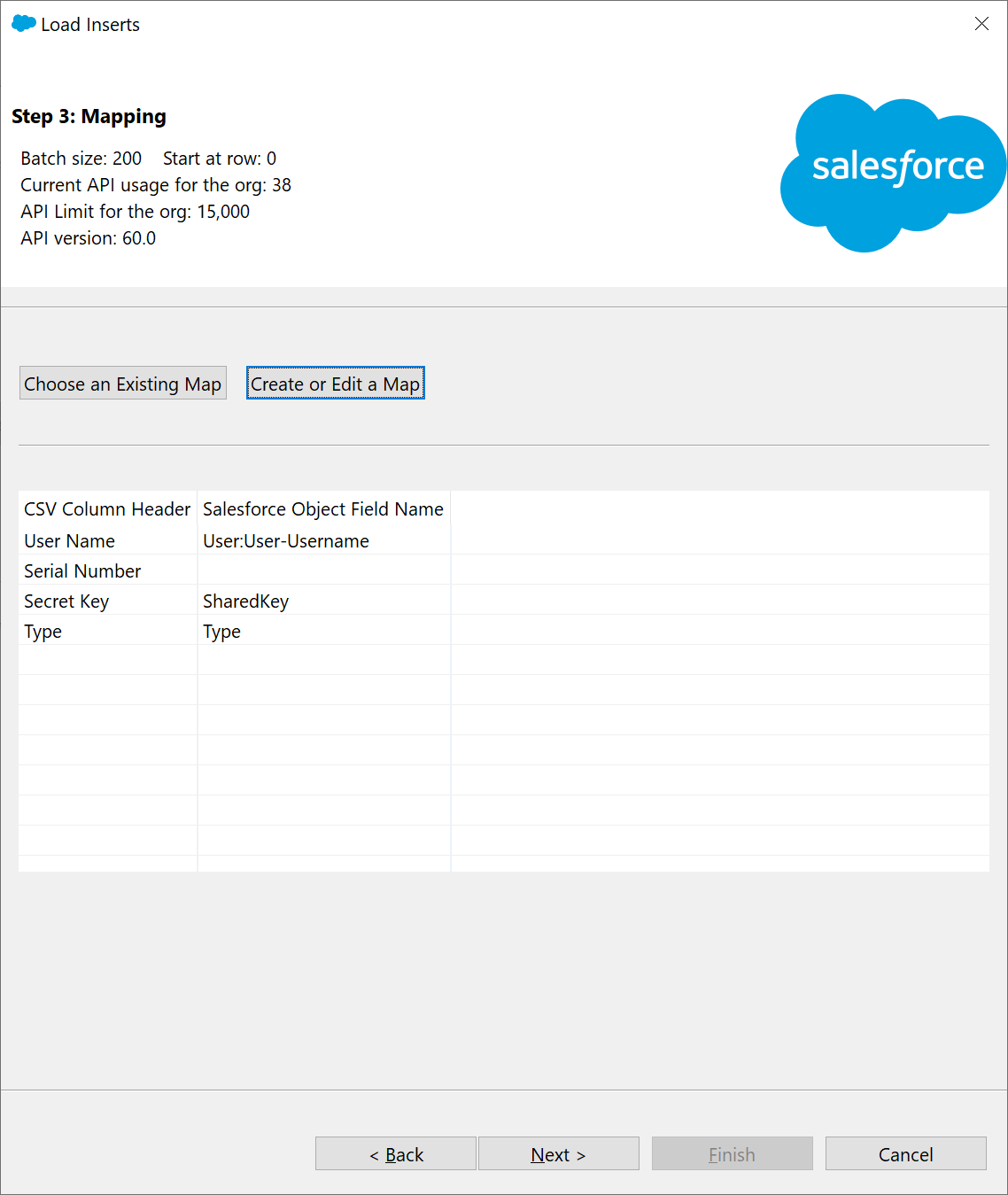
Click "Next"
You will then be asked to select a folder where the log of the Data Loader activity should be written to
...
You should now be presented with a window confirming that the records have been inserted into Salesforce
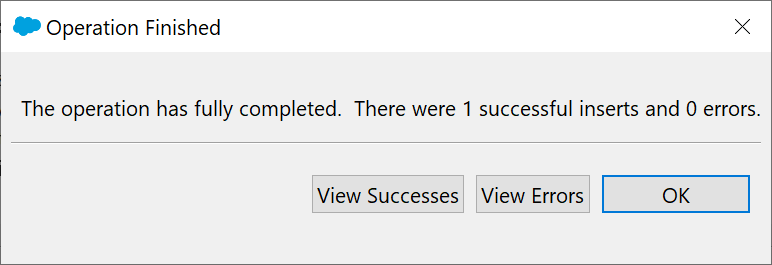
Tokens have now been successfully assigned to users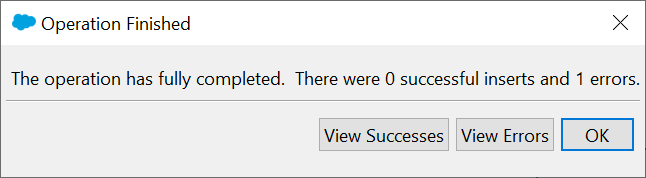
Click "OK"
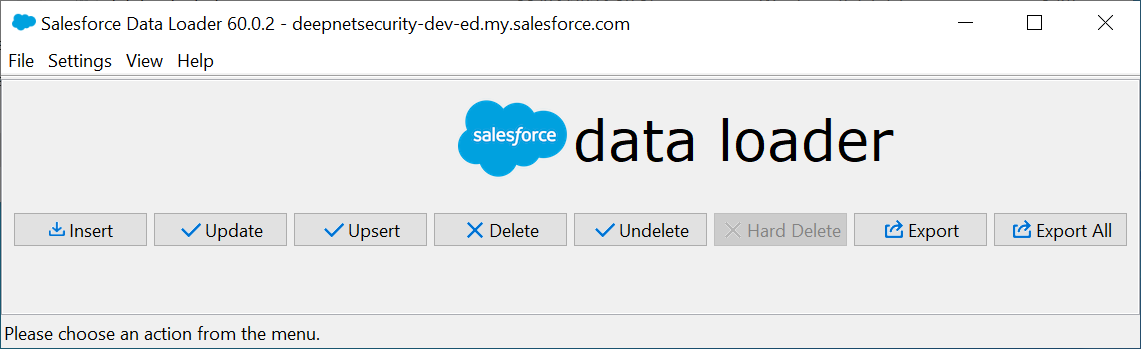
You can now close the Data Loader
...