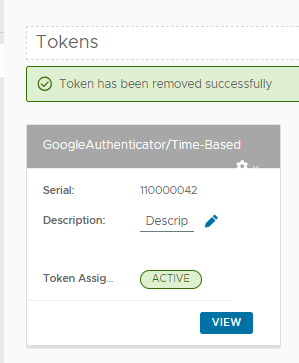
If the Self-Service Console has been enabled and made available for the user to request tokens, then after logging on to the console a user may request provisioning of a Google Authenticator token by clicking on the  button on the portal;
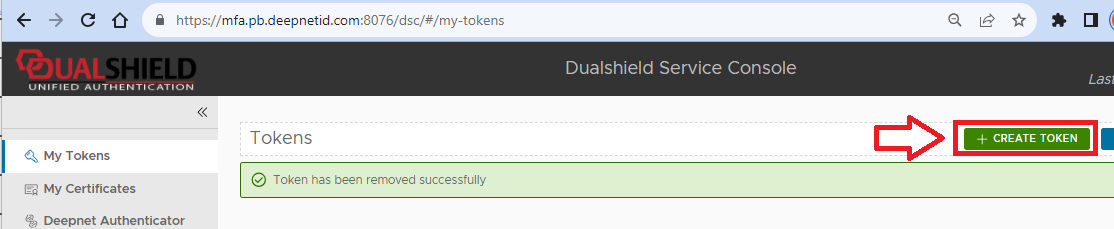
After the button has been pressed a window titled "Create new token" will open;
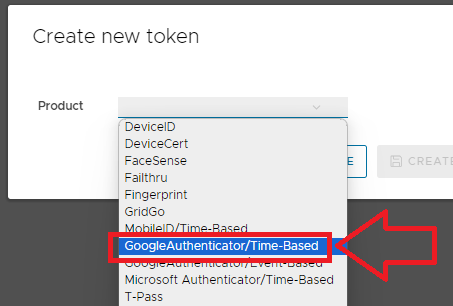
At the prompt "Product", select "GoogleAuthenticator/Time-Based", then click 
A new token will now be created for the user;