| Widget Connector | ||||||
|---|---|---|---|---|---|---|
|
A programmable hardware token is essentially a substitution for the Microsoft Authenticator app, and the process to set up a programmable hardware token is similar to setting up the Microsoft Authenticator app.
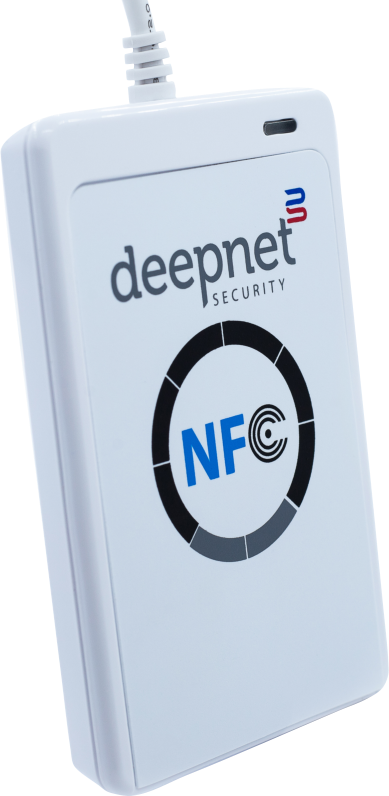
You can use your Android or iPhone to program the hardware token if your phone is NFC enabled. You can also use your Windows PC or laptop to program the hardware tokens. If you are going to use Windows PC or laptop, then you will need an NFC smart card reader.
| The steps below summarise the process: |
|
- Download the SafeID Programmer app onto your phone or PC
- Sign in to your AAD account, and add a third-party authenticator app
- Obtain the QR code of the authenticator app
- Use the SafeID Programmer app to burn the QR code into the hardware token
...