...
You can now either type in the name of a new group in Users/Groups or select an already existing group from the right-hand side
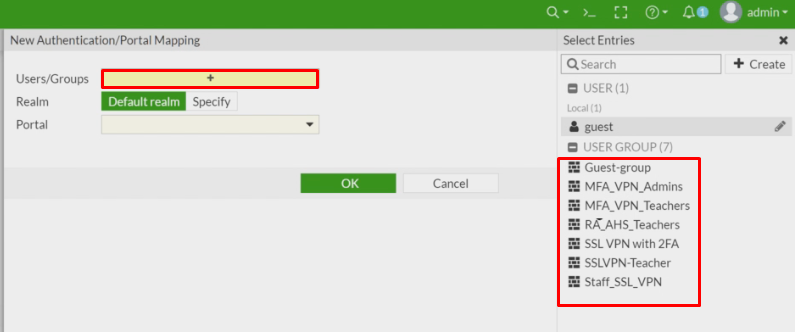
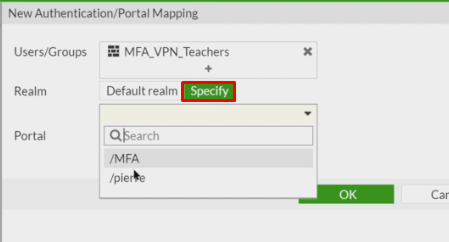
Once you have added/selected the group you need to then specify the realm, tat you created earlier.
Click Specify and then select the realm.
Finally, select the Portal you wish to use
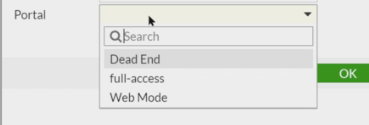
Click OK
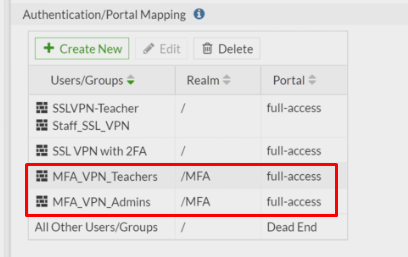
The Groups with the Realm and Portal will now be listed under Authentication/Portal Mapping