changes.mady.by.user Paul Ruvin
Saved on Sep 13, 2022
...
Navigate to Groups & Settings > All Settings > System > Enterprise Integration > Directory Services.
Under Advance Enable 'Use SAML for Authentication
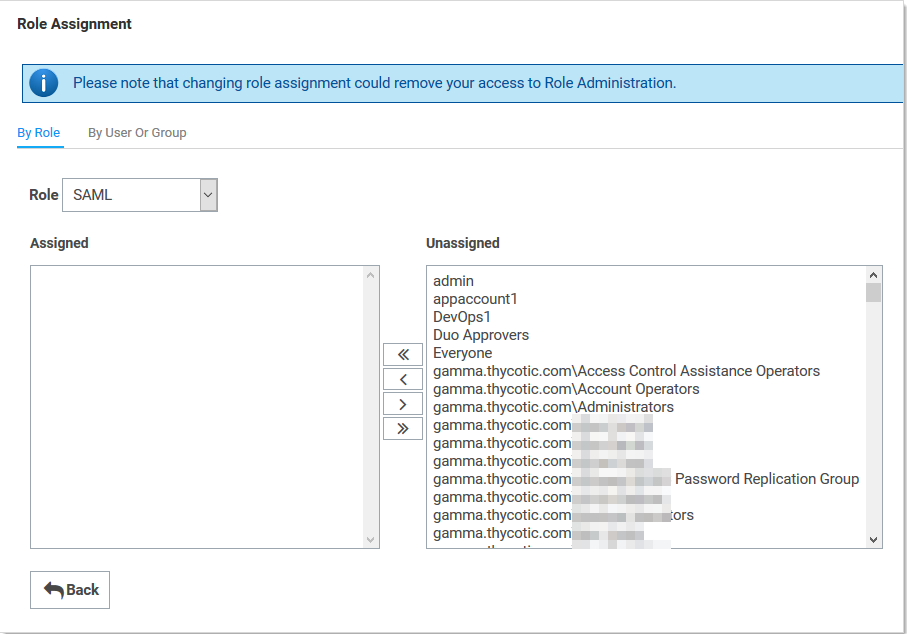
Click the Assign Roles link of the newly created role. The View Role Assignment page appears
Click the Role dropdown list to select the role you just created.
Upload the IDP metadata file that you had downloaded in the previous section Obtain the IDP Metadata File.
Image RemovedImage Added
On the Role Assignment page move the desired users to the Assigned list using the same method as before
Click the Save Changes button.