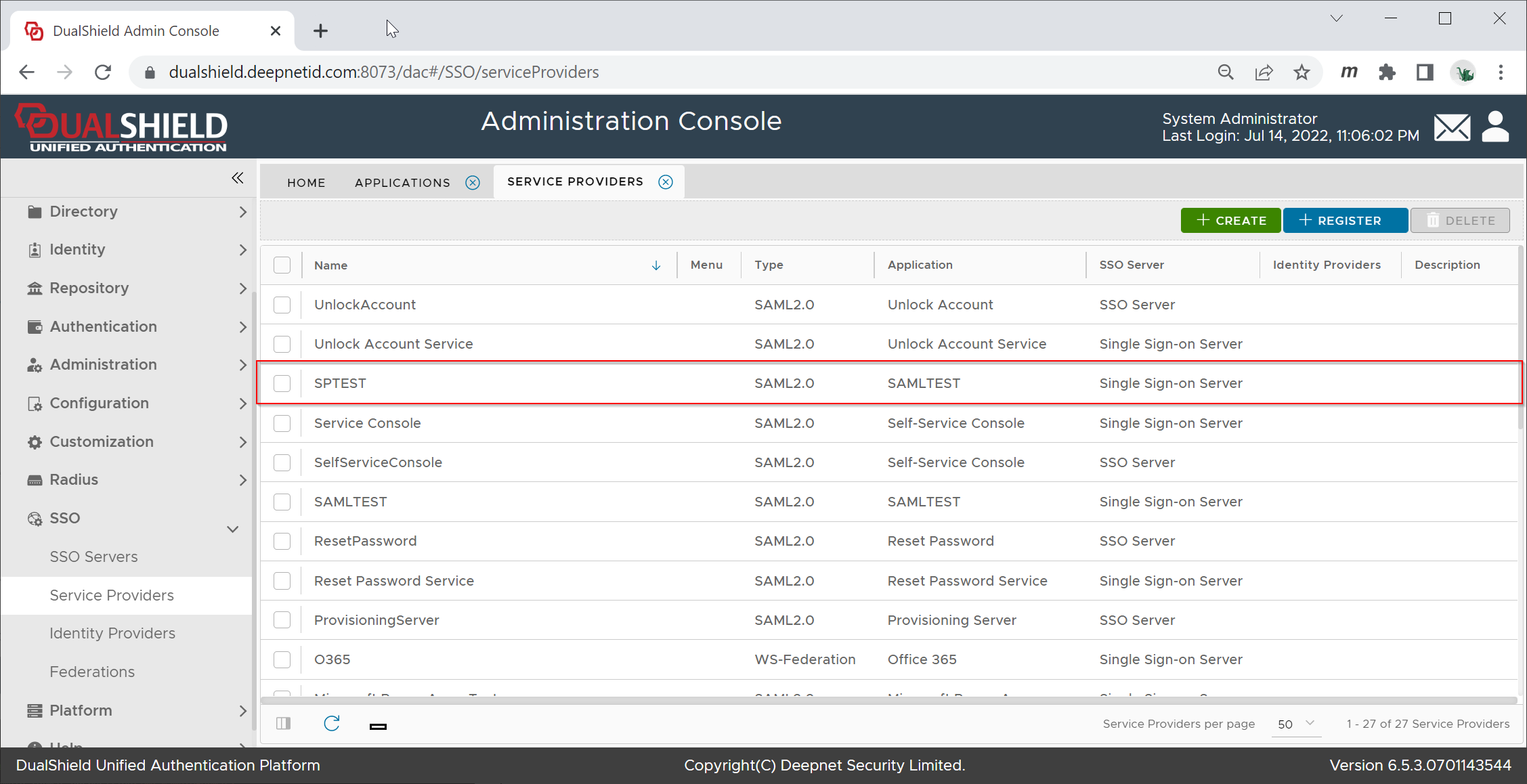
Download SP Metadata
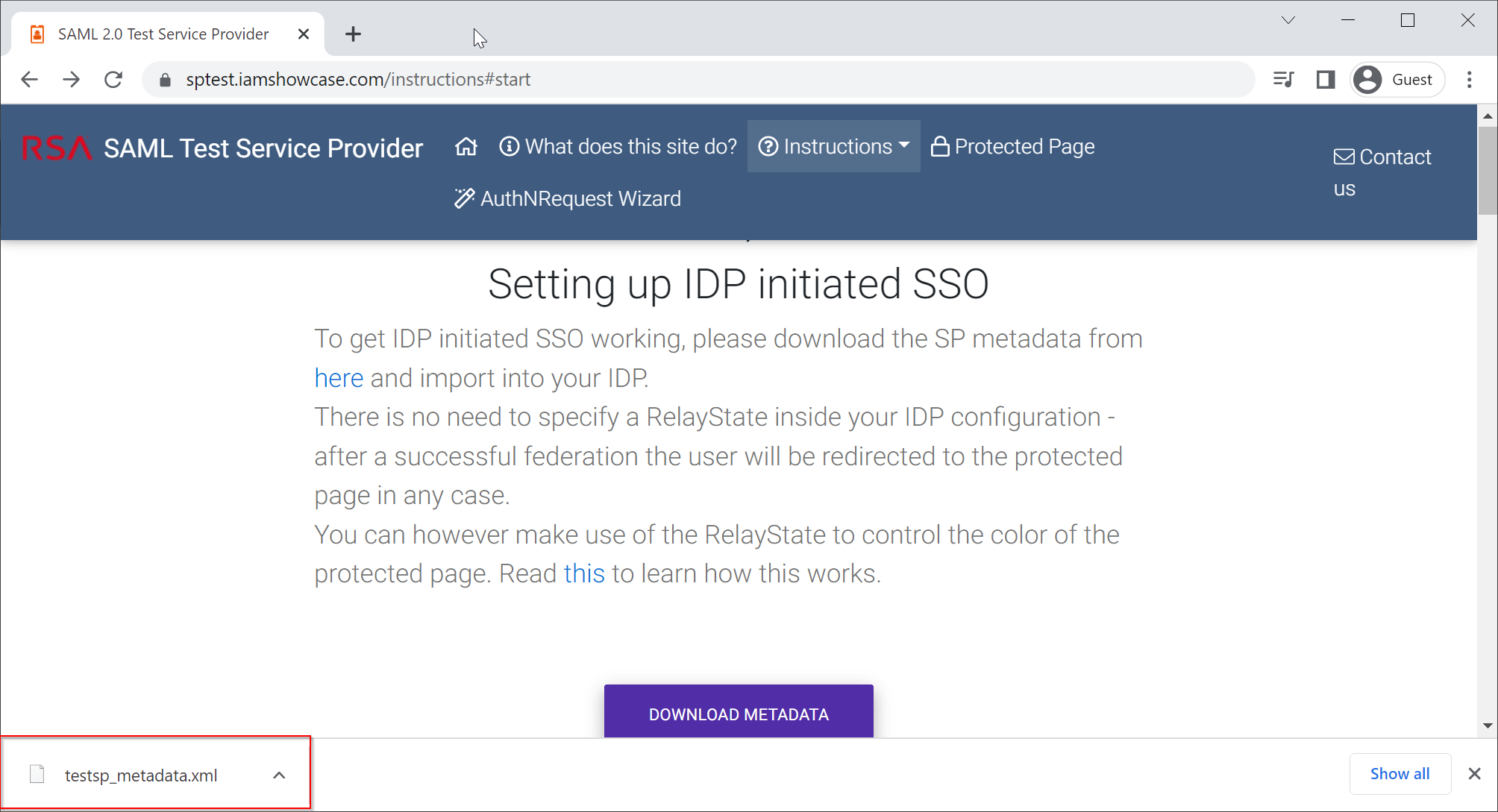
Visit https://sptest.iamshowcase.com/instructions#start

Right click "DOWNLOAD METADATA" and select "Save link as"
A file called "testsp_metadata.xml" will be downloaded and saved in your local drive
Create SP in DualShield
In your DualShield Admin Console, navigate to "SSO | Service Providers"
Click the "Create" button, and fill in the form as below:
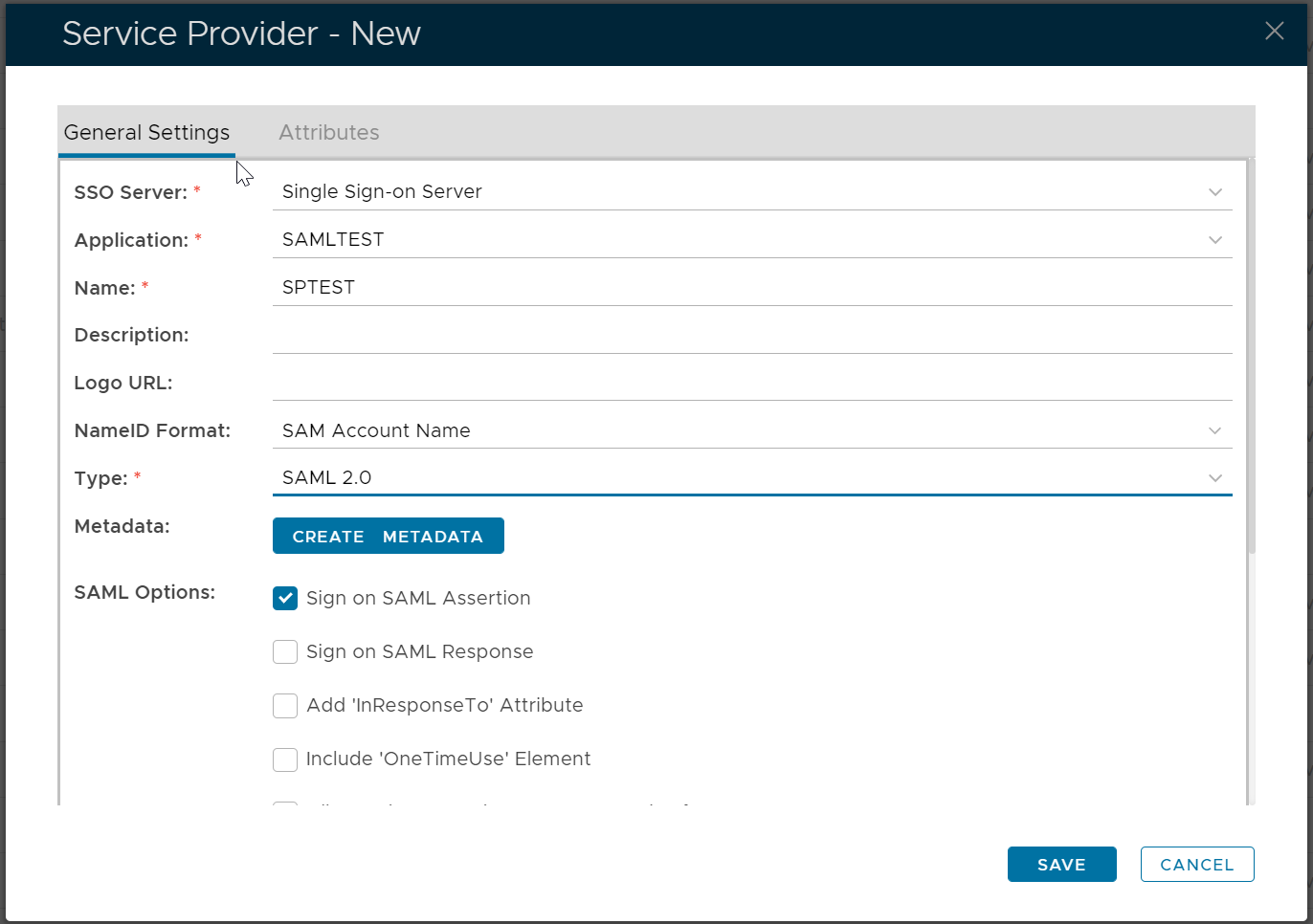
Click the "Create Metadata" button
Open the file "testsp_metadata.xml" in a text editor, copy its context and paste it into the Metadata box below:
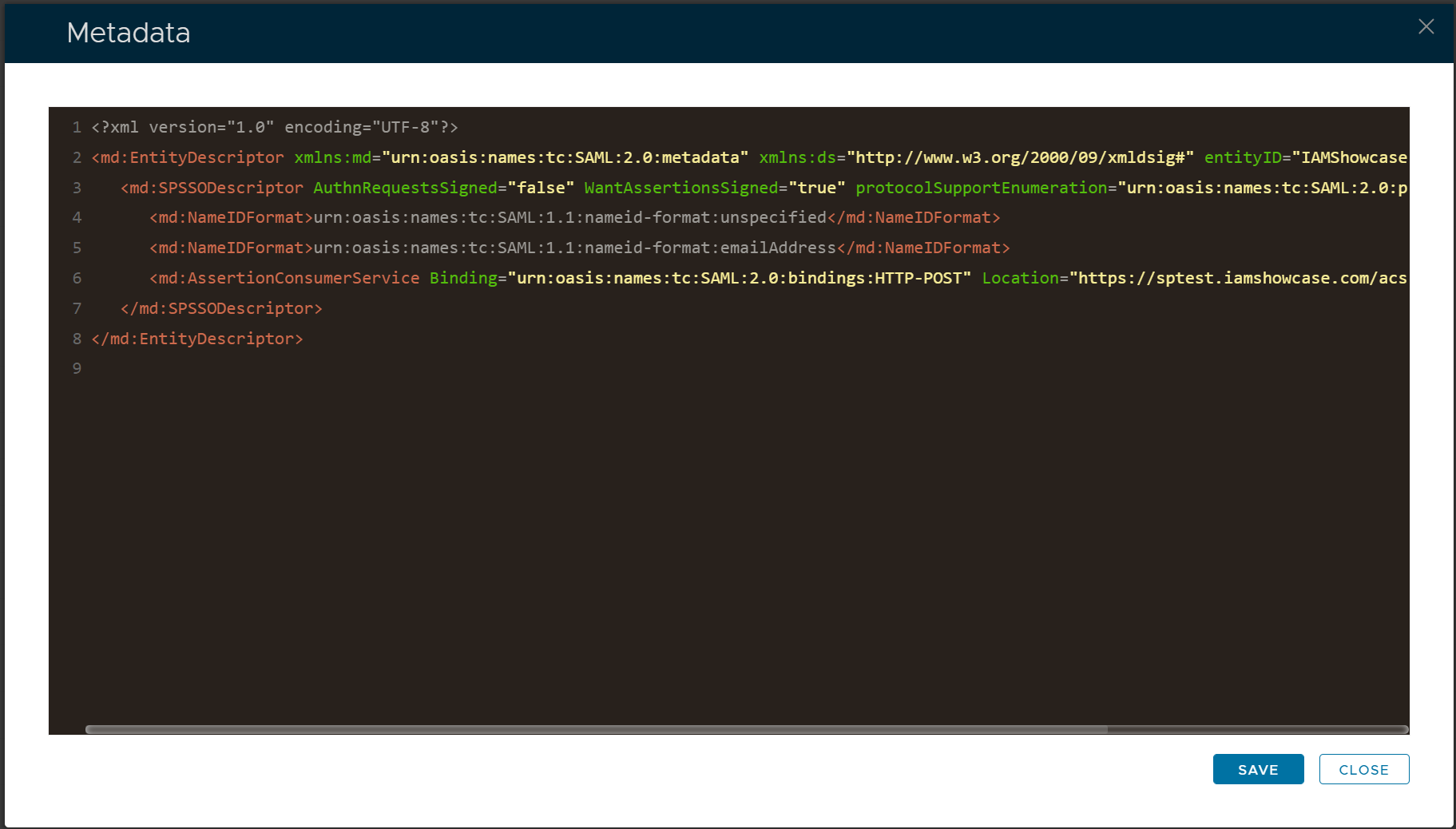
Click Save