You can set up Office 365 MFA from either your own PC or from the computer where your DualShield MFA server is running.
Download PS Script
Download this PowerShell script: setup-o365-sso.ps1, and save it to a local folder.
Download IdP Metadata from DualShield
If you are operating from your own PC, then first check whether or not you have access to your DualShield SSO service.
...
| Expand |
|---|
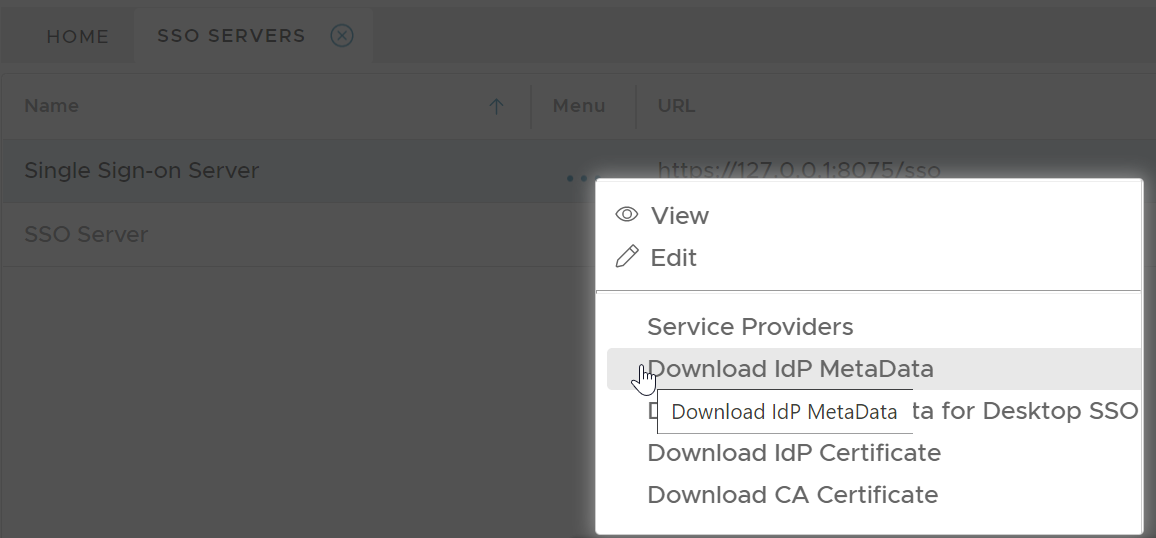
In your DualShield admin console, select "SSO | SSO Servers". Click the context menu of the SSO server, then select "Download IdP Metadata"
Save the IdP Metadata to a file, eg. "dualshield-idp-metadata.xml", in the same folder where the PowerShell script "setup-o365-sso.ps1" is saved. |
Enable SSO Federation in Office 365
Run Windows PowerShell as administrator
...