...
In this article, we will provide the instruction of how to set up merge replication.
Architecture
We have two servers:
- WIN-ADN7QEFVG8T: is the publisher server
- MSSQL: is the subscriber server
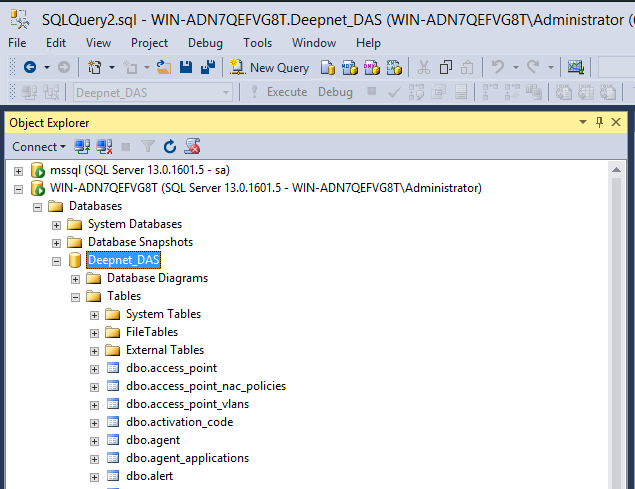
On the publisher server, a DualShield database called "Deepnet_DAS" has already been created by the DualShield server.
Preparation
On the publisher server, log into SQL Server Management Studio.
- Connect to both the publisher & subscriber server
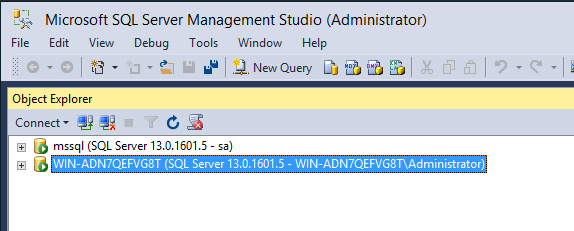
- Check that SQL Server Agent is running on the publisher server and the subscriber server.
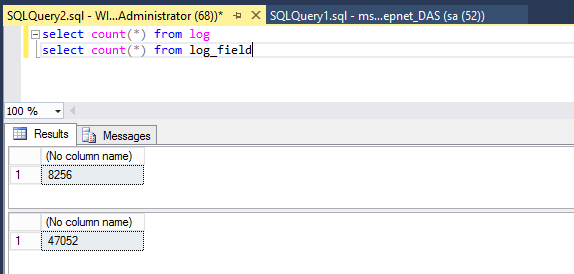
- Select the publisher server, check the size of 'log' and 'log_field' tables in the DualShield database, i.e. 'Deepnet_DAS'. If these 2 tables are large in size, truncate them (so that the initial replication process will be quick)
Create Publication
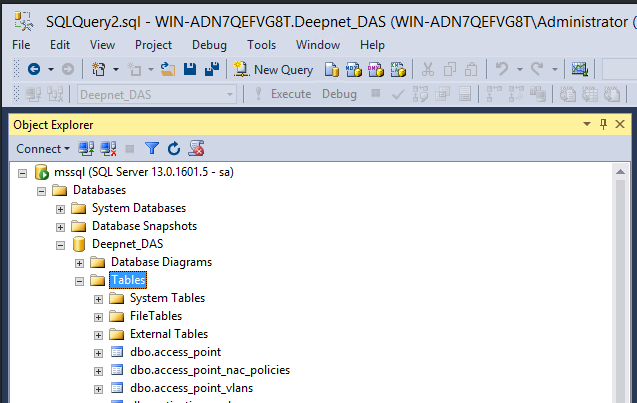
- Select "Replication > Local Publication" on the publisher server. Right click "Local Replication"
...
Now, we are ready to create subscriptions.
Create Subscription
- Select "Replication > Local Publication > Deepnet_DAS", then right click it to bring up its menu
...
In the subscription server, a new database "Deepnett_DAS" has been created. The content of the database has also been replicated.
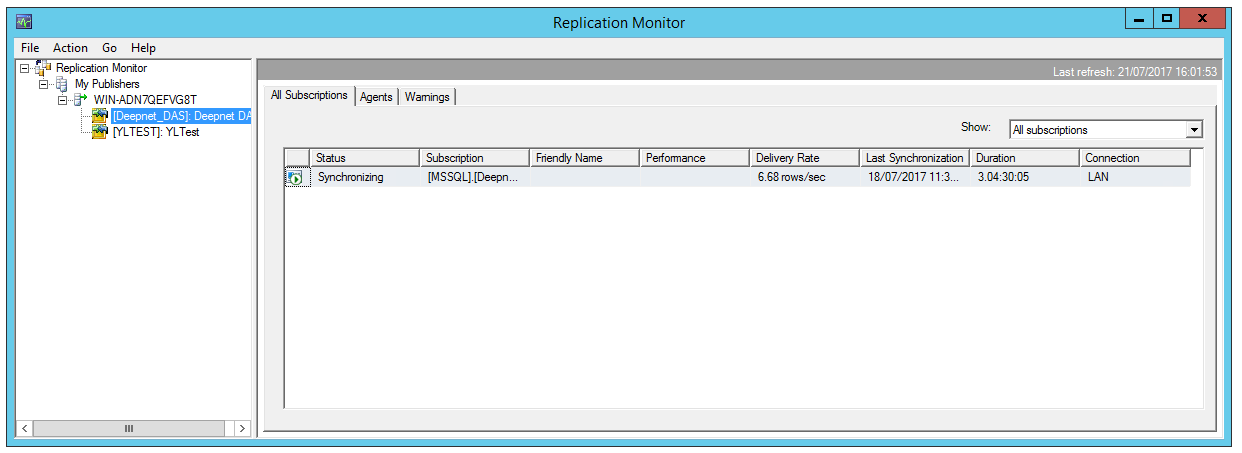
Replication Monitor
From the publisher server, navigate to "Replication > Local Publication > Deepnet_DAS", right click to launch the replication monitor:

References
- How Merge Replication Works
- Publishing Data Using Merge Replication
- Merge Replication type step by step
- All about “Identity Range Management”
...