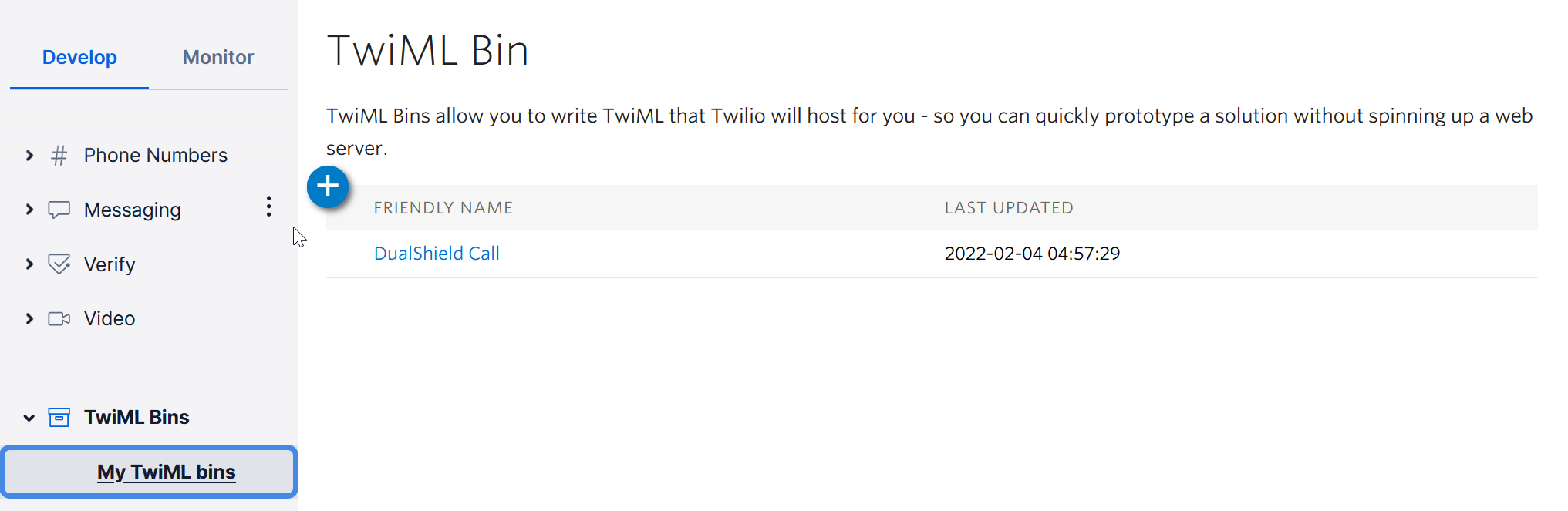
...
Click "Create new TwiML Bin"
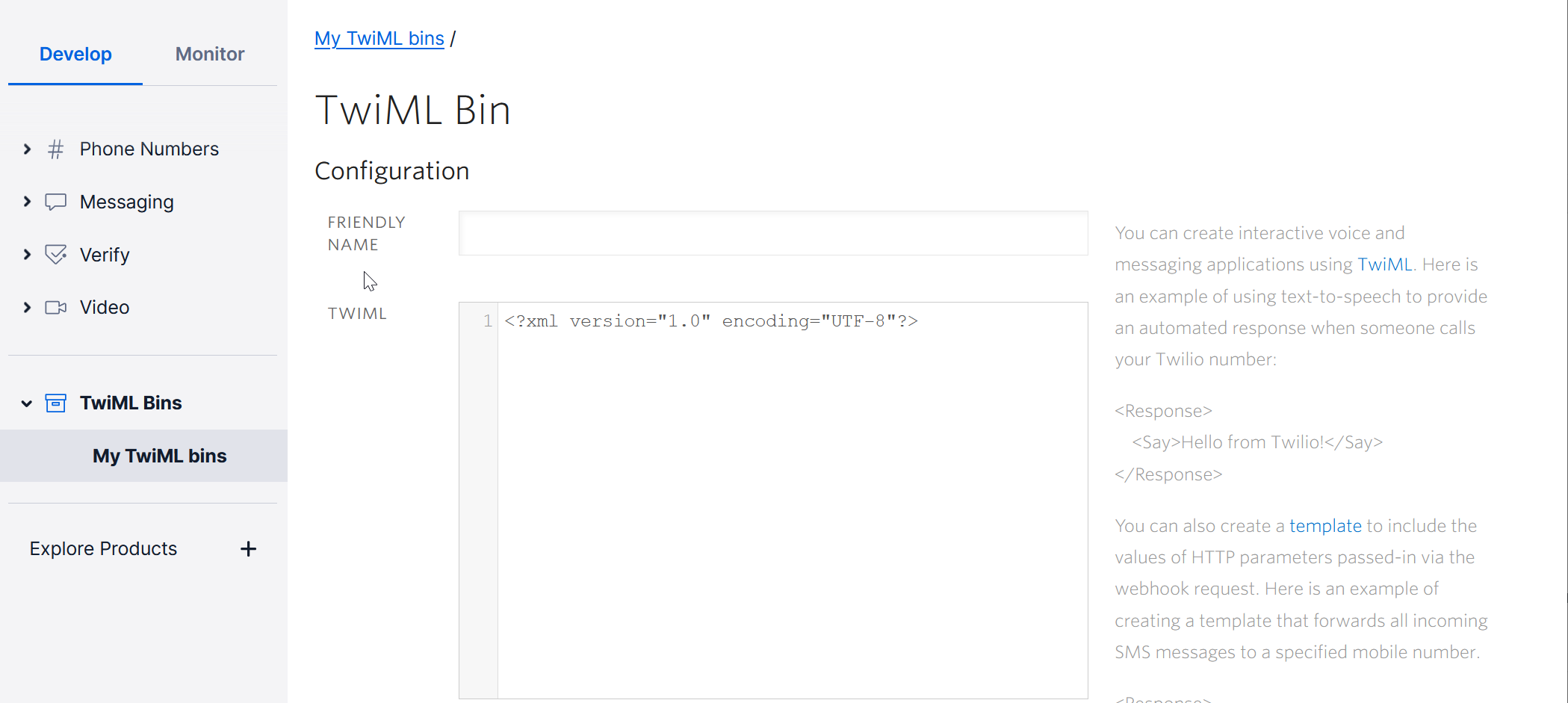
Enter a Friendly Name Name, e.g. "DualShield Call"
Add the following text in the TWIML box
| Code Block | ||
|---|---|---|
| ||
<Response>
<Gather action="https://Your-Dualshield-FQDN:8074/sso/callback/twilio/voice" method="POST" >
<Say voice="alice" language="{{LANG}}" loop="2">{{MSG}}</Say>
</Gather>
</Response> |
Replace "Your-DualShield-FQDN" with the real FQDN of your DualShield, e.g MFA.DeepnetID.com
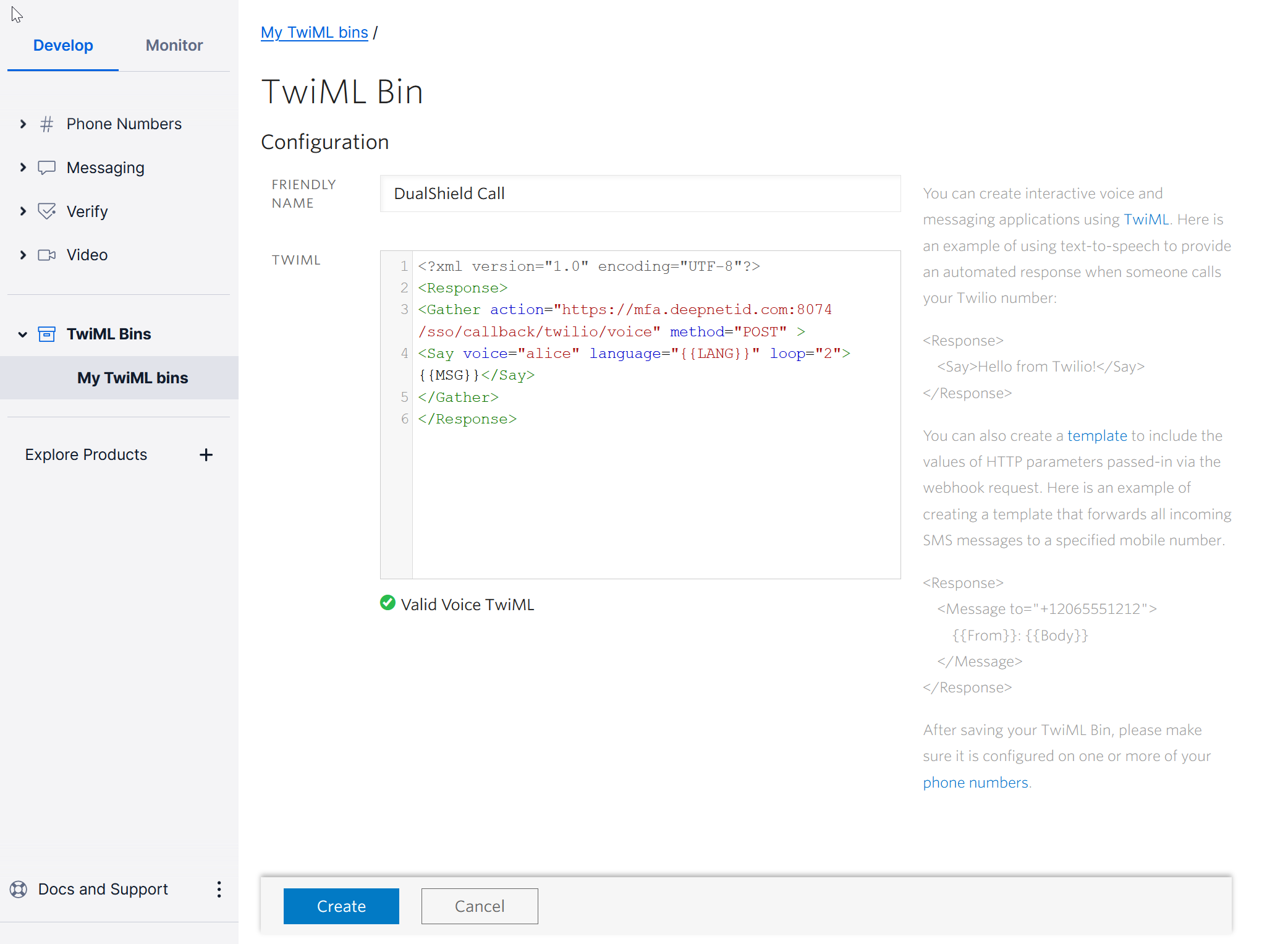
Click "CREATE"
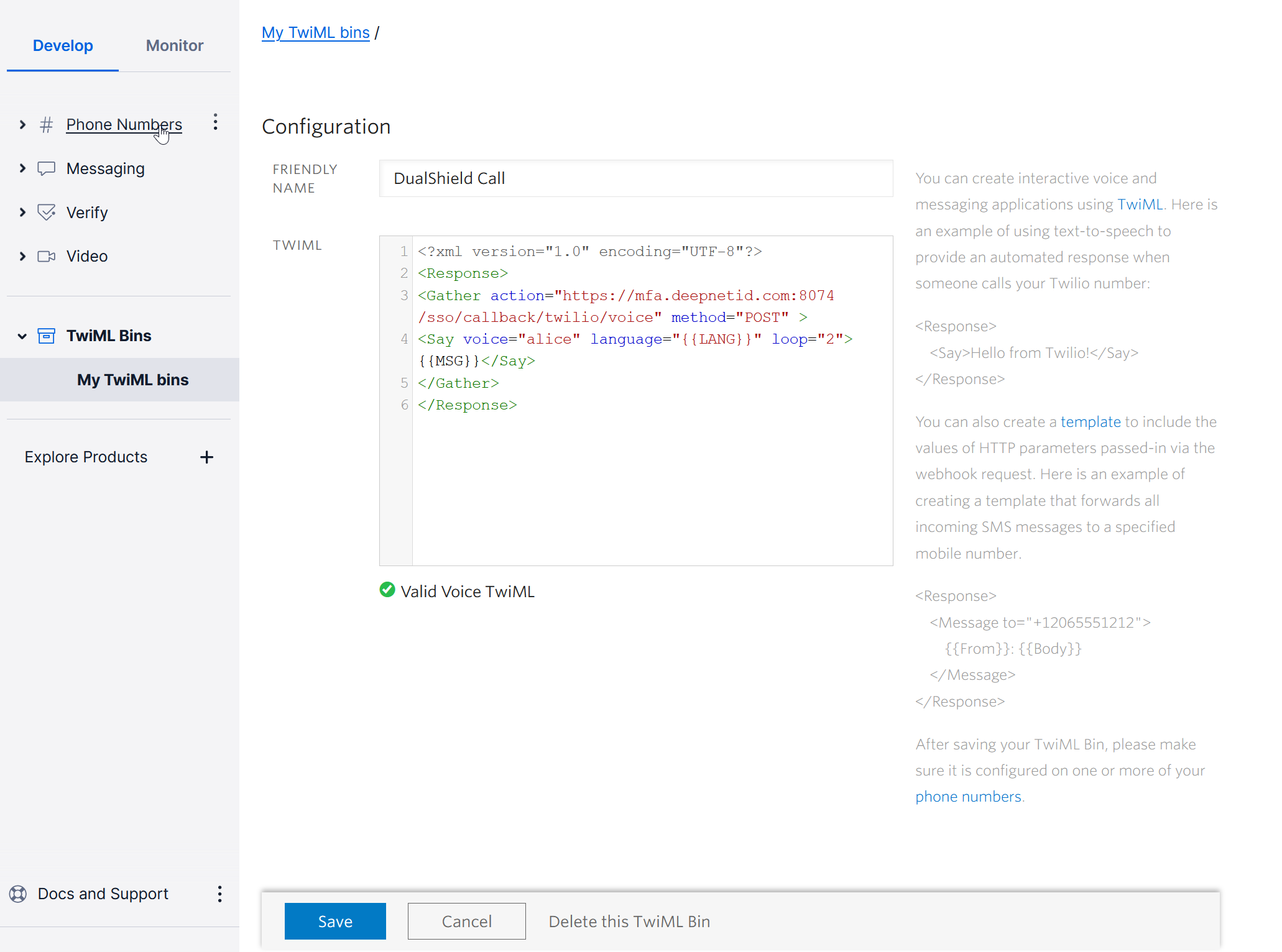
Click "SAVE"
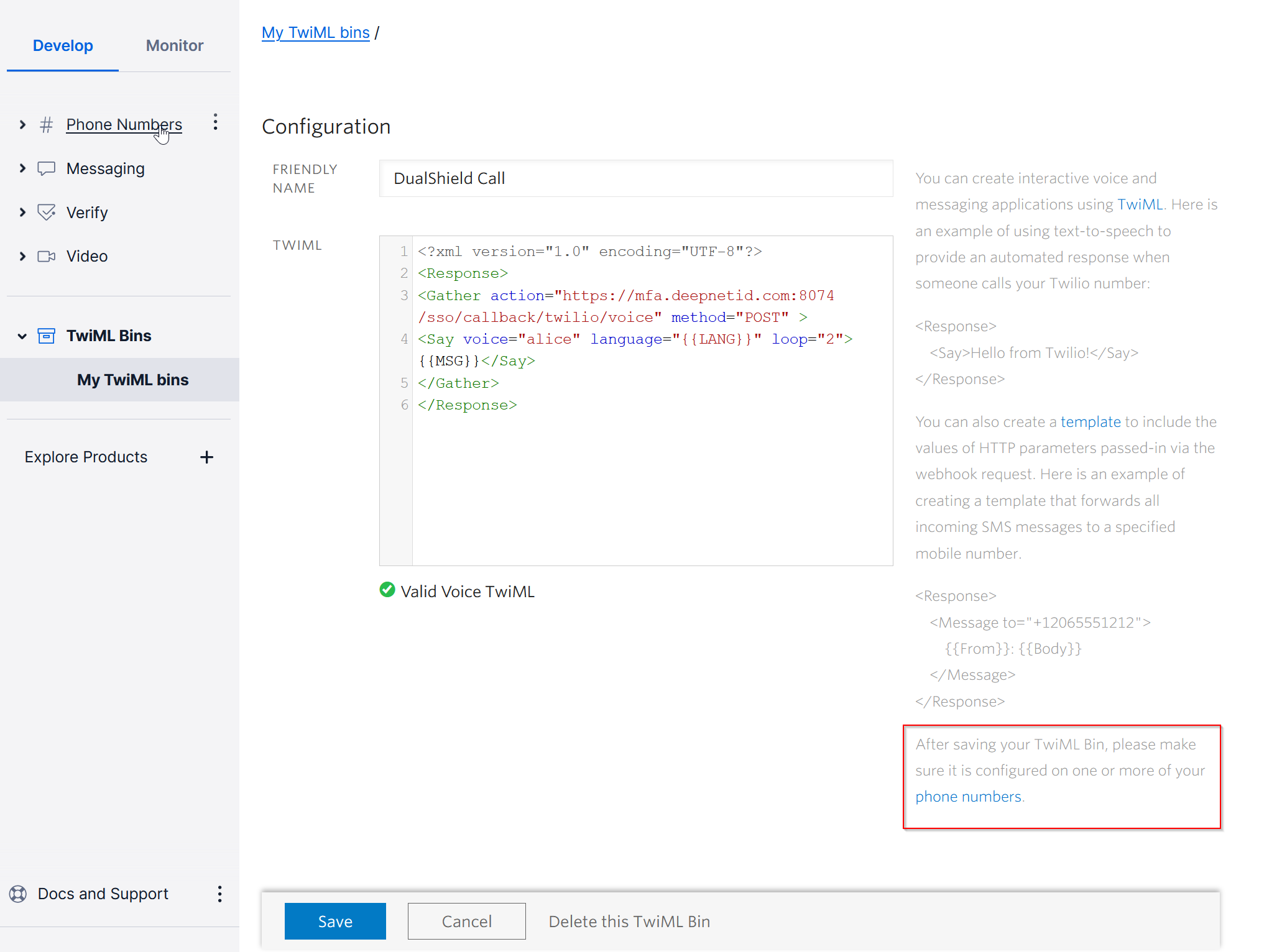
Now, click "phone numbers" in the box highlighted above
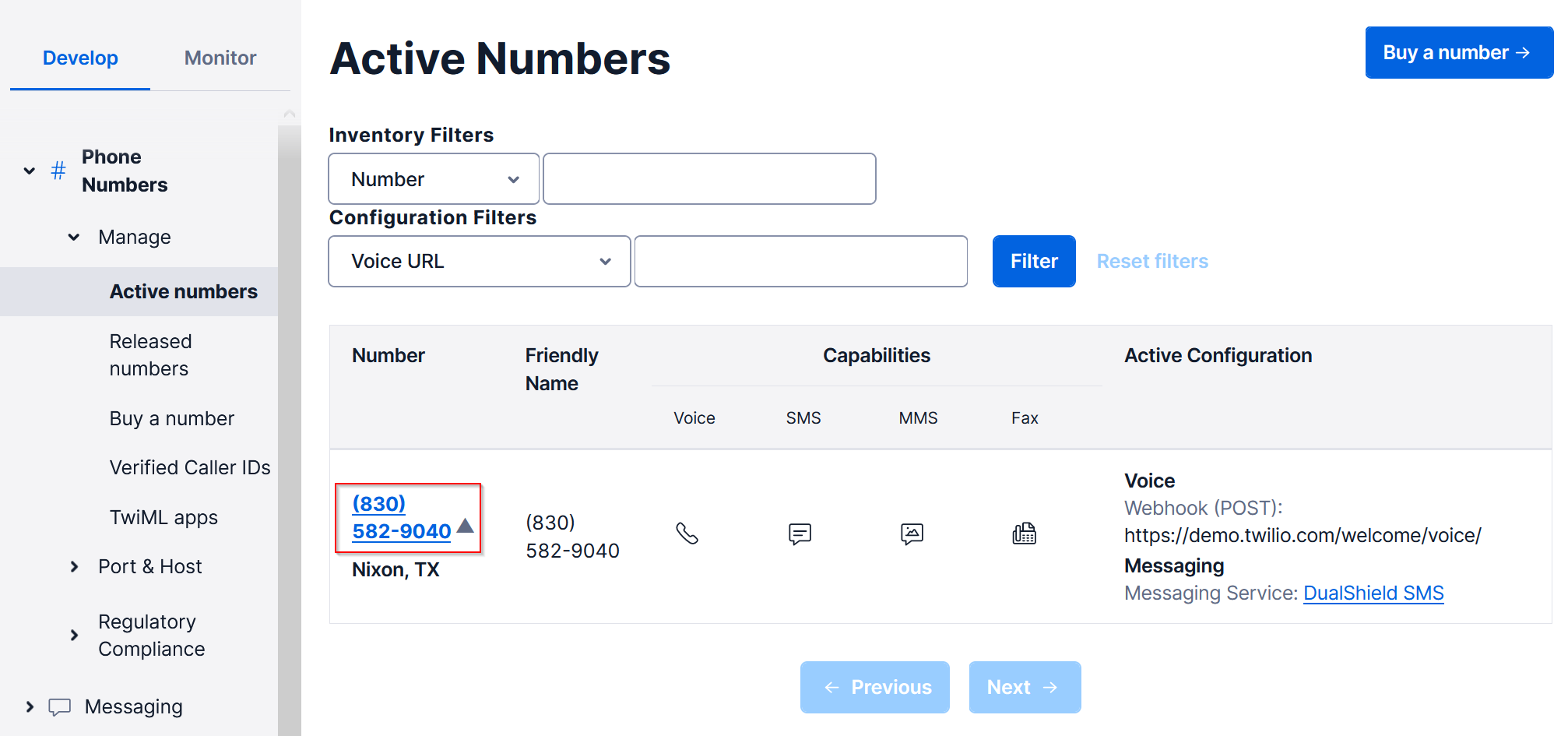
Scroll down to the Voice & Fax section
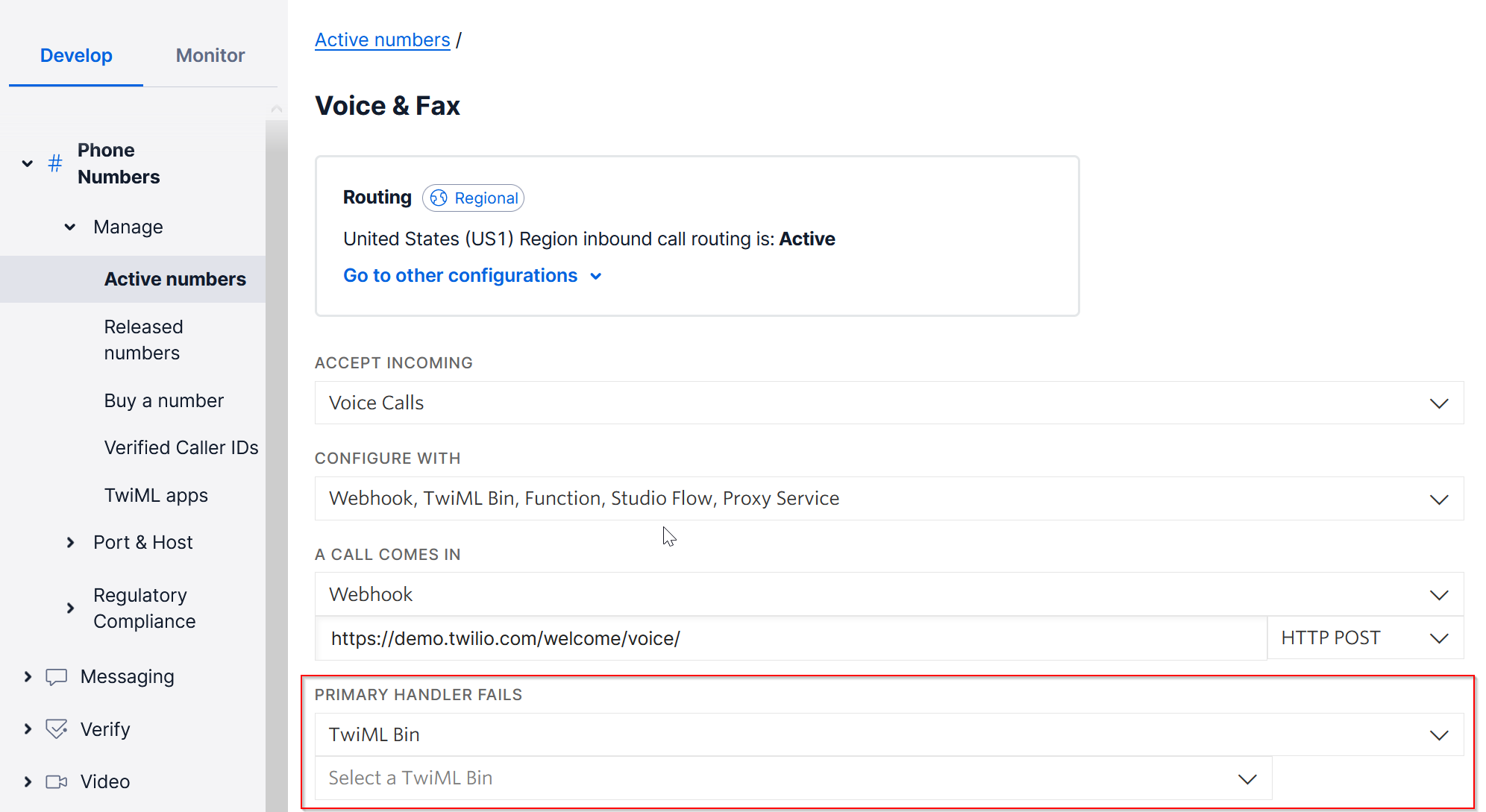
In the PRIMARY HANDLER FAILS drop list, select your TwiML Bin, e.g. DualShield Call
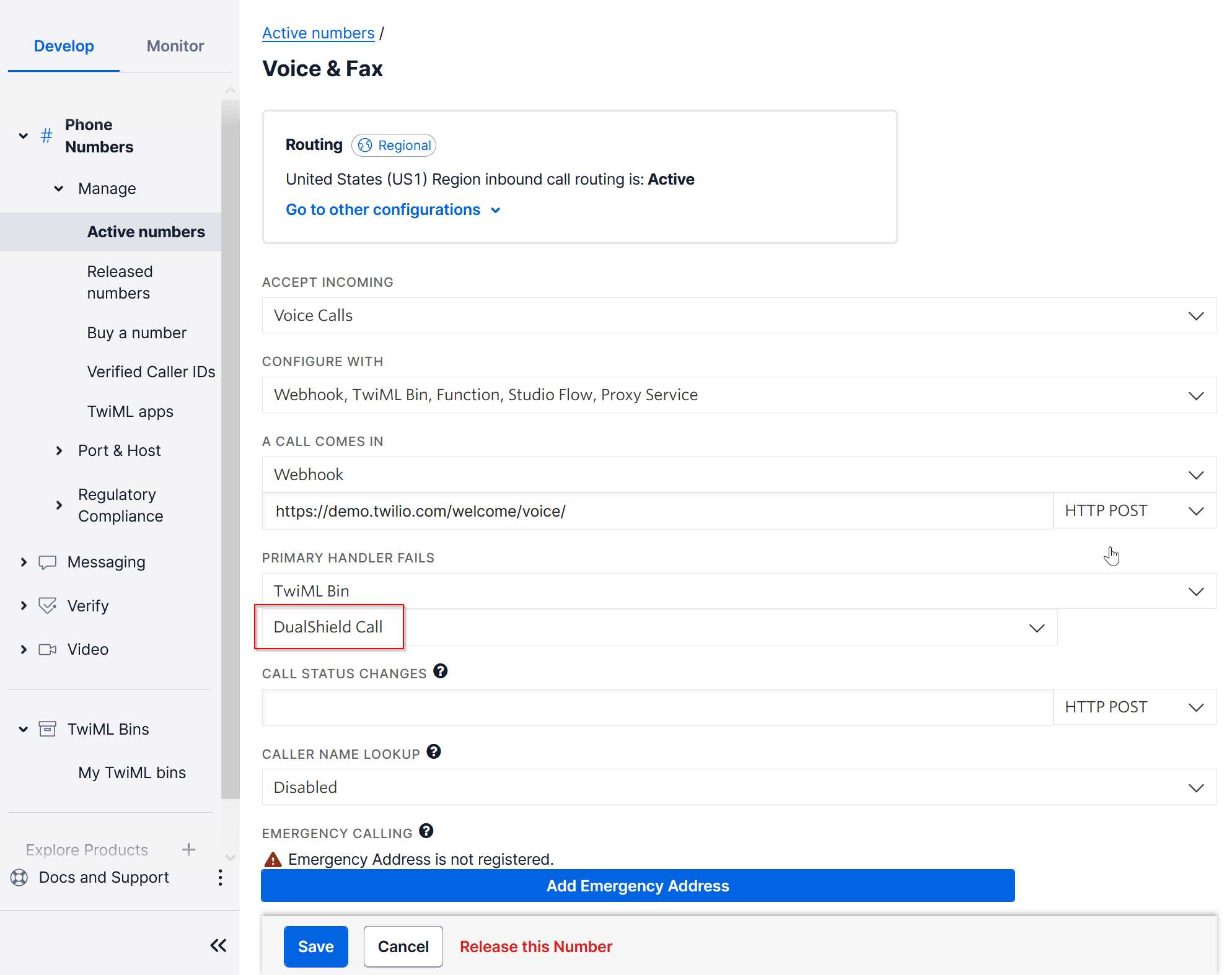
Click SAVE