...
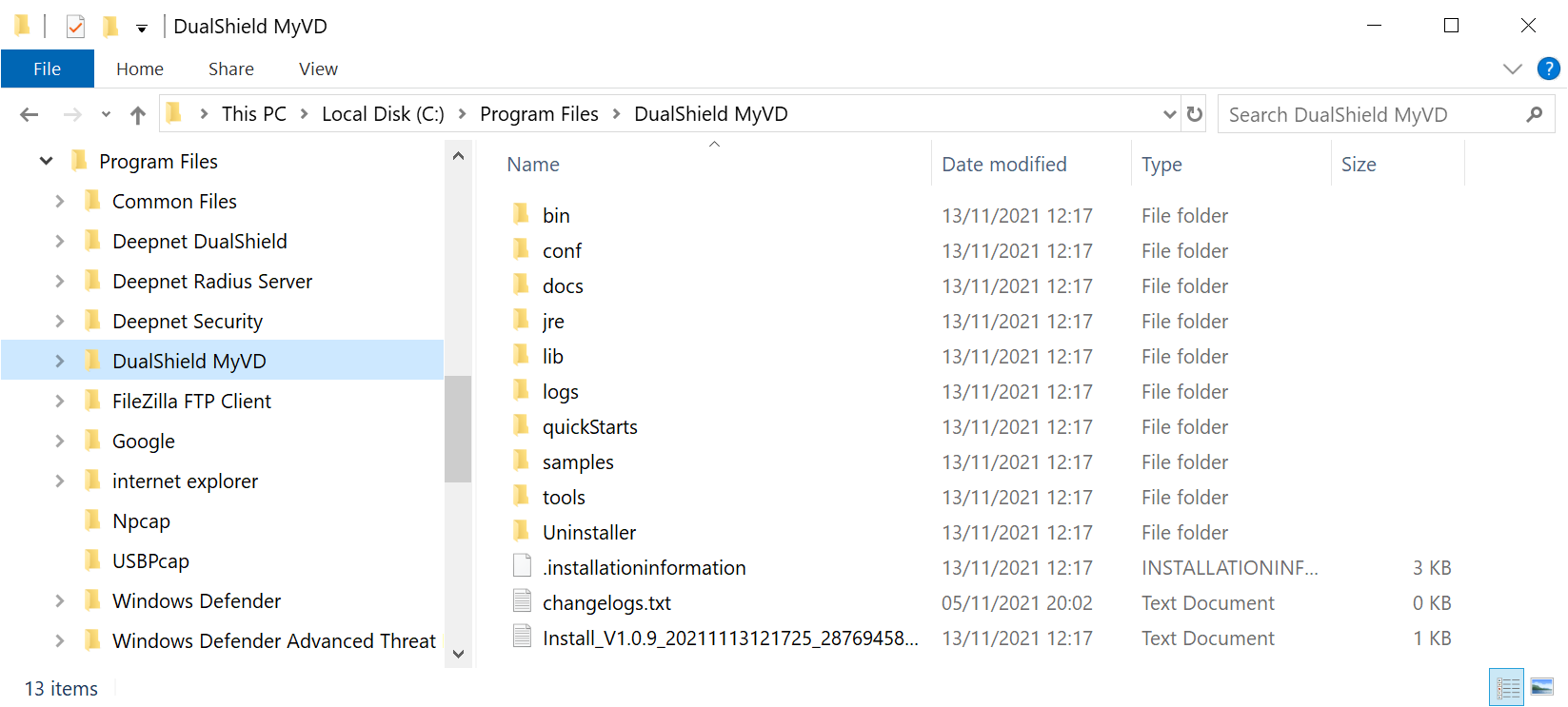
To install DualShield MyVD, launch its installer "setup-dualshield-myvd-xxxx.yyyy.exe", where xxxx.yyyy is its version and build number.
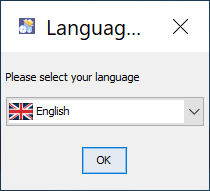 Image Modified Image Modified
|
|
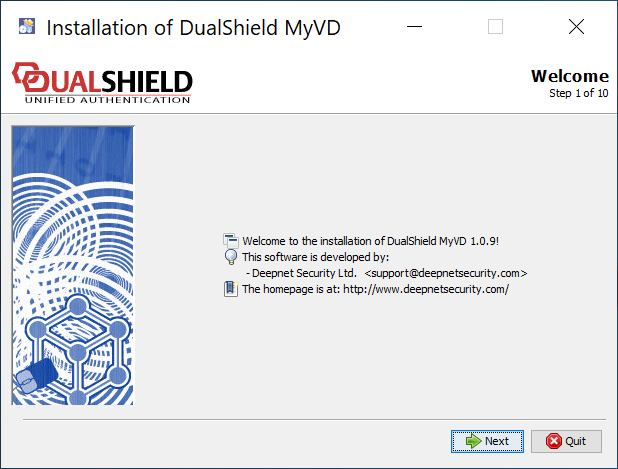 Image Modified Image Modified
|
|
 Image Modified Image Modified
|
|
 Image Modified Image Modified
|
|
 Image Modified Image Modified
|
|
 Image Modified Image Modified
| MyVD Port Number |
-------------------------------------------------------------------____________________________________________________________________________________________________ Enter the port number that MyVD will be using as its working port You can simply accept the default port number 10983 unless this port is not available. |
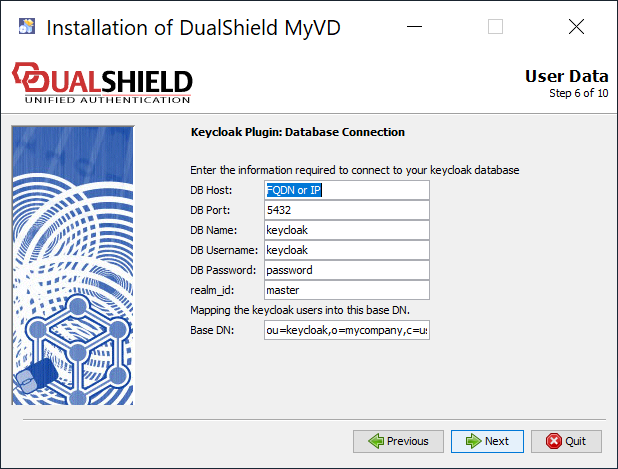 Image Modified Image Modified
| Keycloak Database Connection Provide the details below in order to make the connection to your Keycloak database | Field | Value |
|---|
| DB Host | Hostname or IP address of the Keycloak database | | DB Port | Database working port number | | DB Name | Name of the database. | | DB Username | Admin username of the database | | DB Password | Admin password | | Base DN | OU should equal the name of the realm in Keycloak that you want to connect to, e.g. "deepnet" You can change "o=mycompany, c=us" to anything that's appropriate to you, e.g. "o=world, c=com" |
|
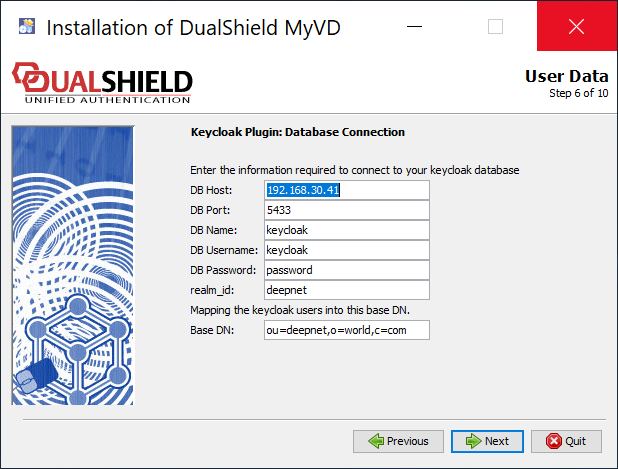 Image Modified Image Modified
|
|
 Image Modified Image Modified
|
|
 Image Modified Image Modified
|
|
 Image Modified Image Modified
|
|
 Image Modified Image Modified
|
|