...
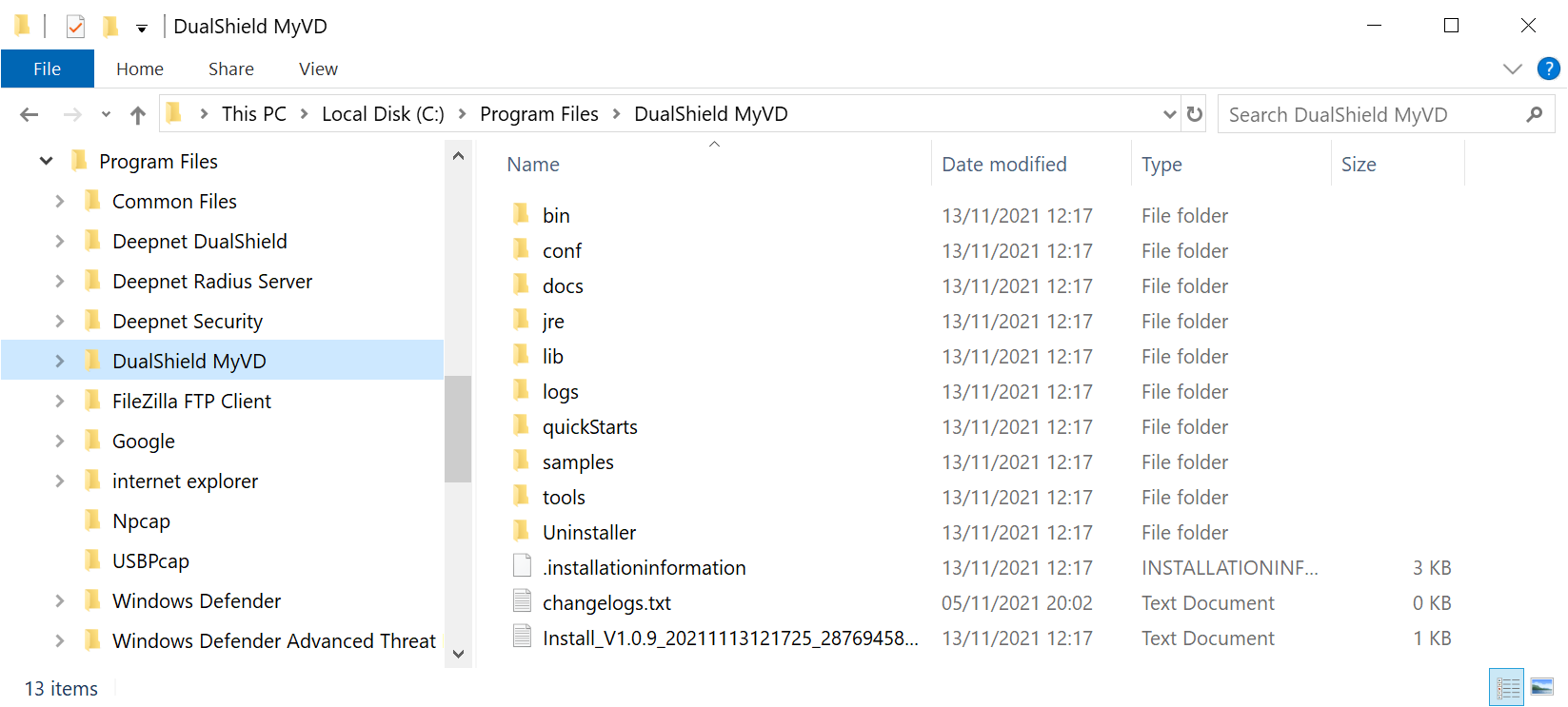
To install DualShield MyVD, launch its installer "setup-dualshield-myvd-xxxx.yyyy.exe", where xxxx.yyyy is its version and build number.
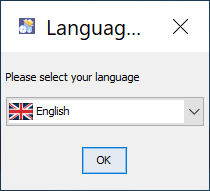 Image Modified Image Modified
|
|
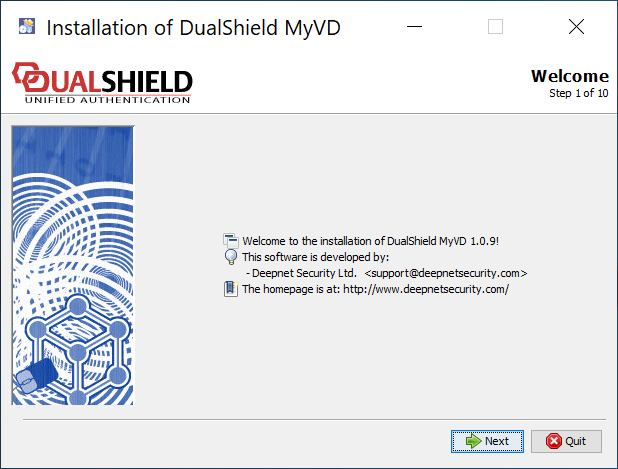 Image Modified Image Modified
|
|
 Image Modified Image Modified
|
|
 Image Modified Image Modified
|
|
 Image Modified Image Modified
|
|
 Image Modified Image Modified
| MyVD Port Number Enter the port number that MyVD will be using as its working port You can simply accept the default port number 10983 unless this port is not available. |
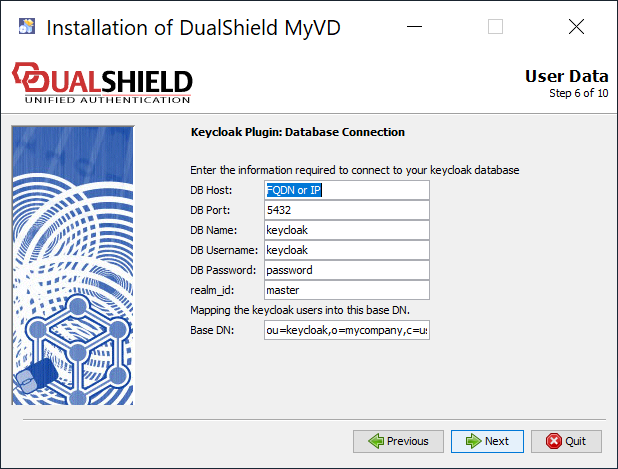 Image Modified Image Modified
| Keycloak Database Connection Provide the details below in order to make the connection to your Keycloak database | Field | Value |
|---|
| DB Host | Hostname or IP address of the Keycloak database | | DB Port | Database working port number | | DB Name | Name of the database. | | DB Username | Admin username of the database | | DB Password | Admin password | | Base DN | OU should equal the name of the realm in Keycloak that you want to connect to, e.g. "deepnet" You can change "o=mycompany, c=us" to anything that's appropriate to you, e.g. "o=world, c=com" |
|
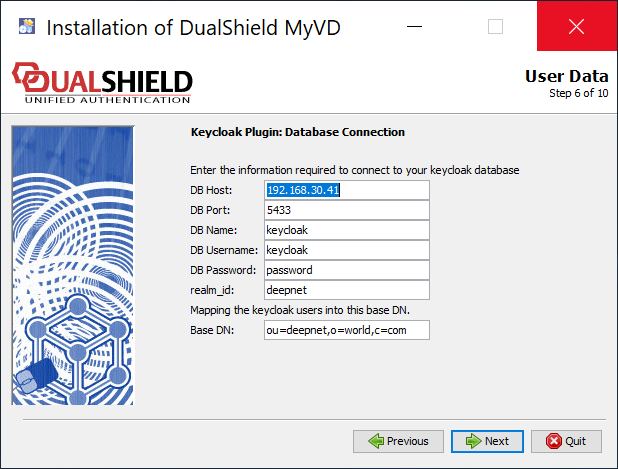 Image Modified Image Modified
|
|
 Image Modified Image Modified
|
|
 Image Modified Image Modified
|
|
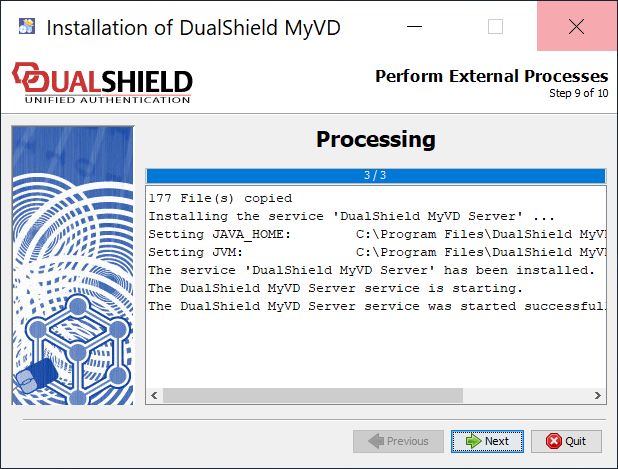 Image Modified Image Modified
|
|
 Image Modified Image Modified
|
|