changes.mady.by.user Paul Ruvin
Saved on Aug 17, 2021
...
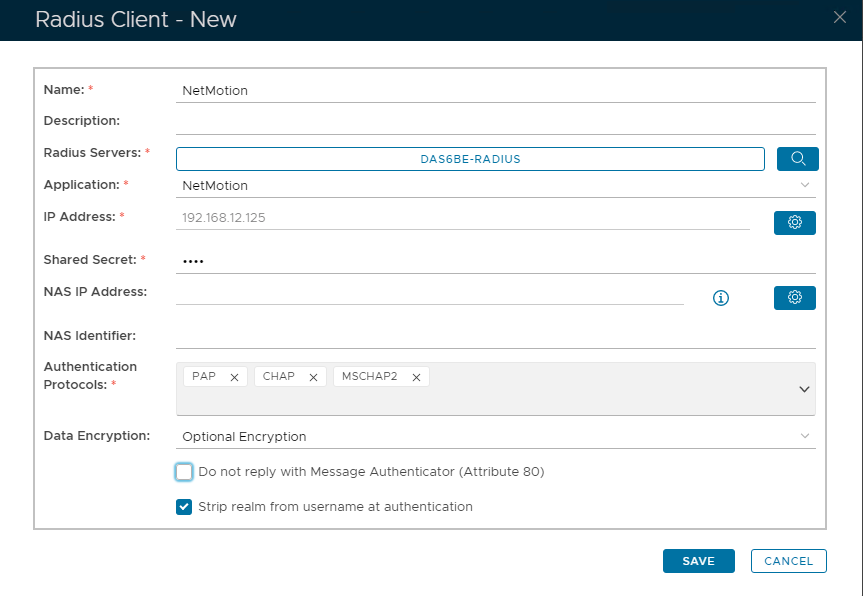
Specify the following Values:
Image Added
*Use the buttons on the right to enter the value.
eg to specify Radius Servers click on and then select from
Image RemovedImage Added
To Specify IP Address click on Then type the IP address here
and clicking the Add button
 and then select from
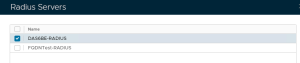 Image Removed
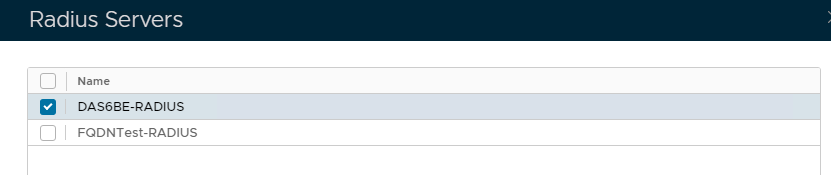 Image Added
 Then type the IP address here
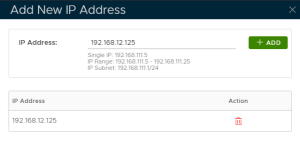 Image Removed
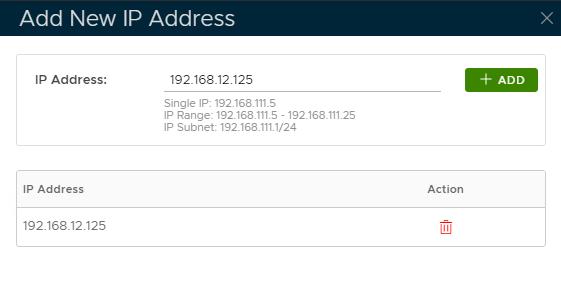 Image Added