In the policy of "MobileID/Tine-Based", there is a section called "OOBA-Push". First of allCommonly, you will only need to make sure that change the following options:
- Enable the option "Enable OOBA)
- Enter the URL in the "OOBA
...
- URL" entry
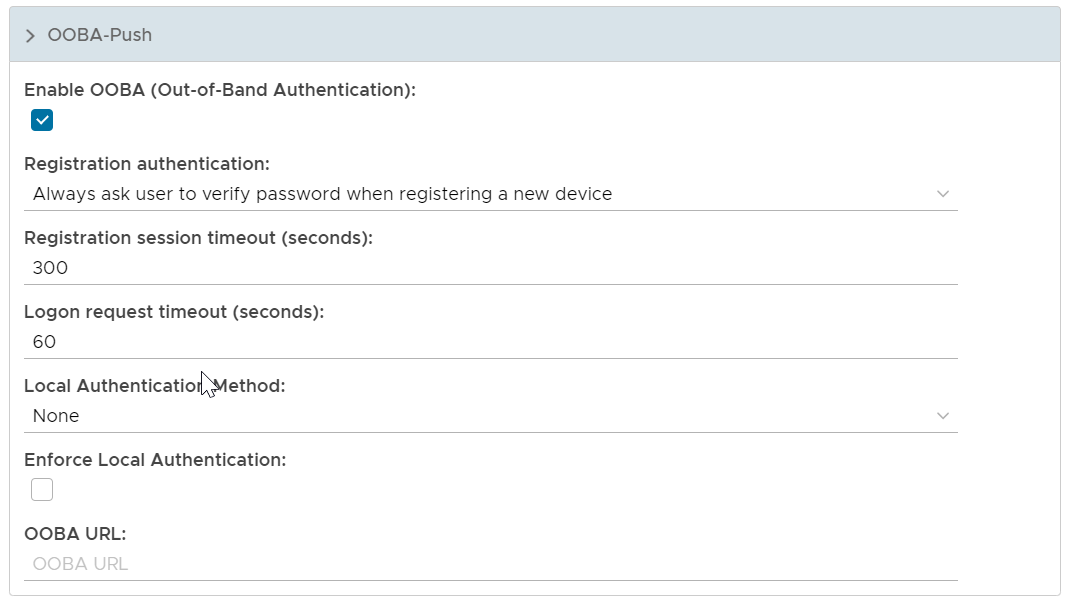
Enable OOBA (Out-of-Band Authentication)
...
If this option is enabled, then users must be verified by the specified local authentication in order to approve a push authentication request
OOBA URL
In DualShield 6, OOBA registration and verification functions are provided by the DualShield SSO service. In a DualShield system in which there are multiple DualShield SSO servers, e.g. one in the frontend and one in the backend, then you must specify the SSO server that is to be used for OOBA by entering the FQDN of the SSO server.