...
| Expand | ||
|---|---|---|
| ||
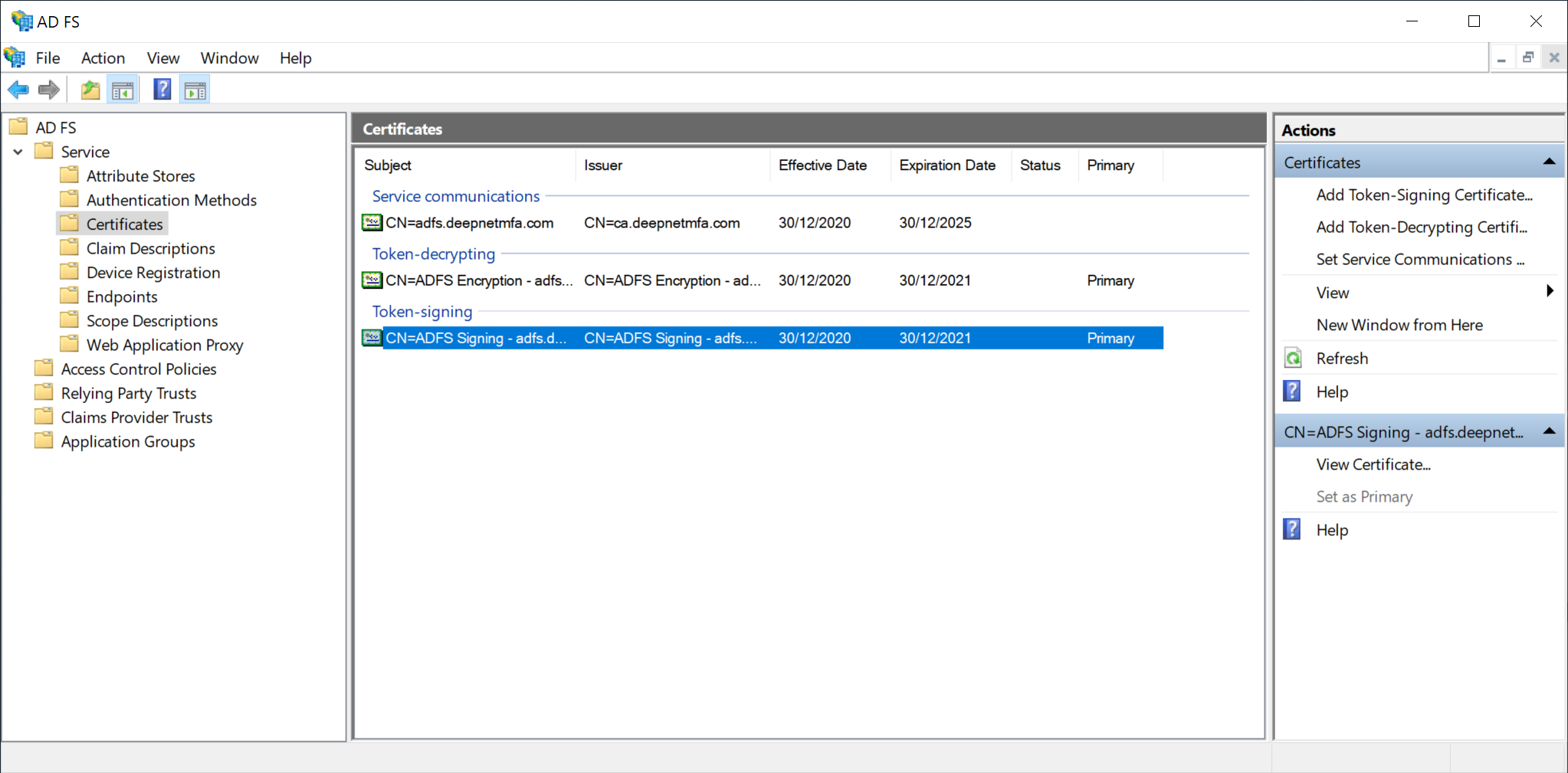
Open the ADFS Management Console Select the Certificates folder to display the certificates. Look for the Token-signing certificate,
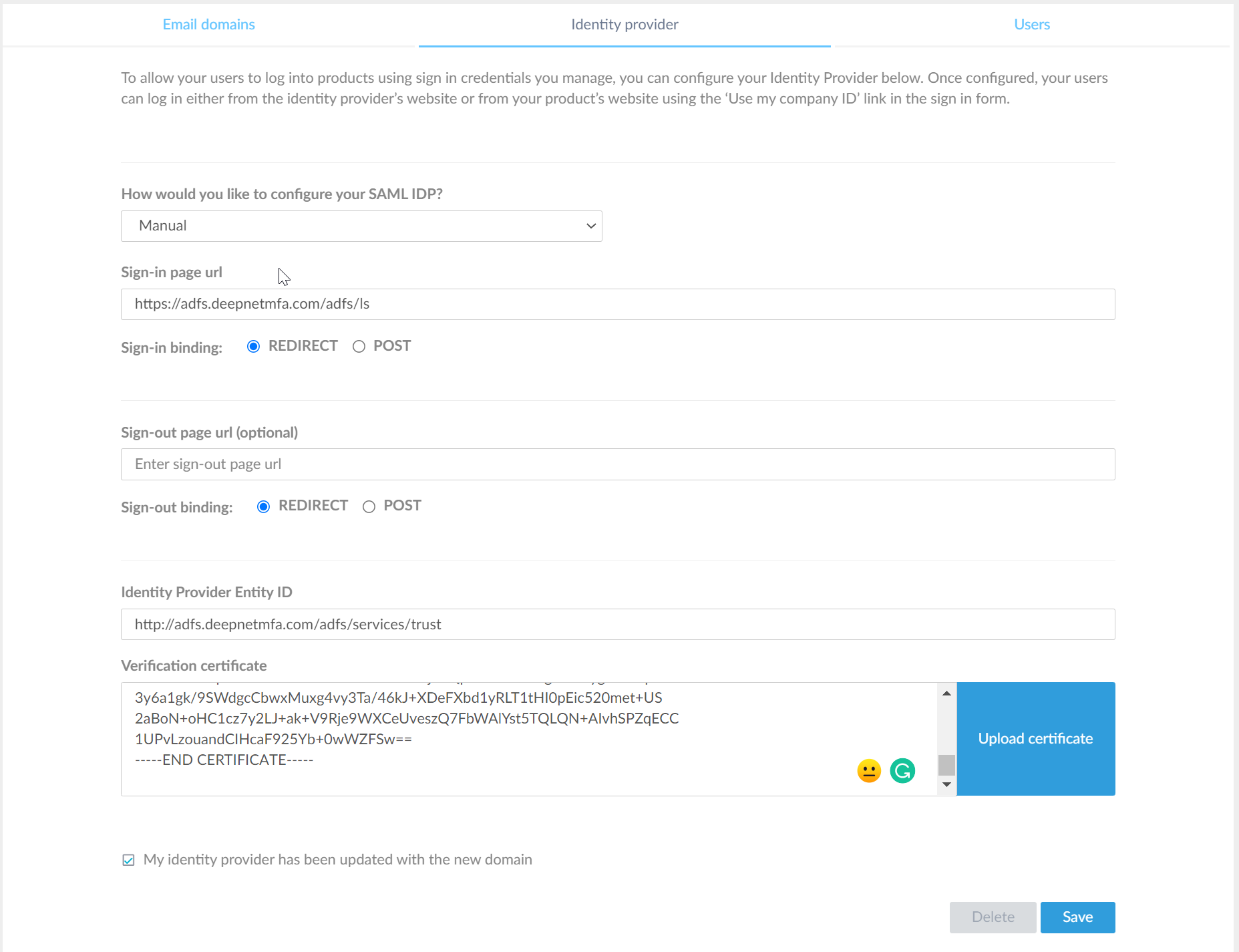
Right click on it and select View Certificate. Select the Details tab, and then the Copy to File option. Using Certificate export wizard, select the Base-64 Encoded X.509 (.Cer). Assign a name to the file to complete the export of the certificate into a file. |