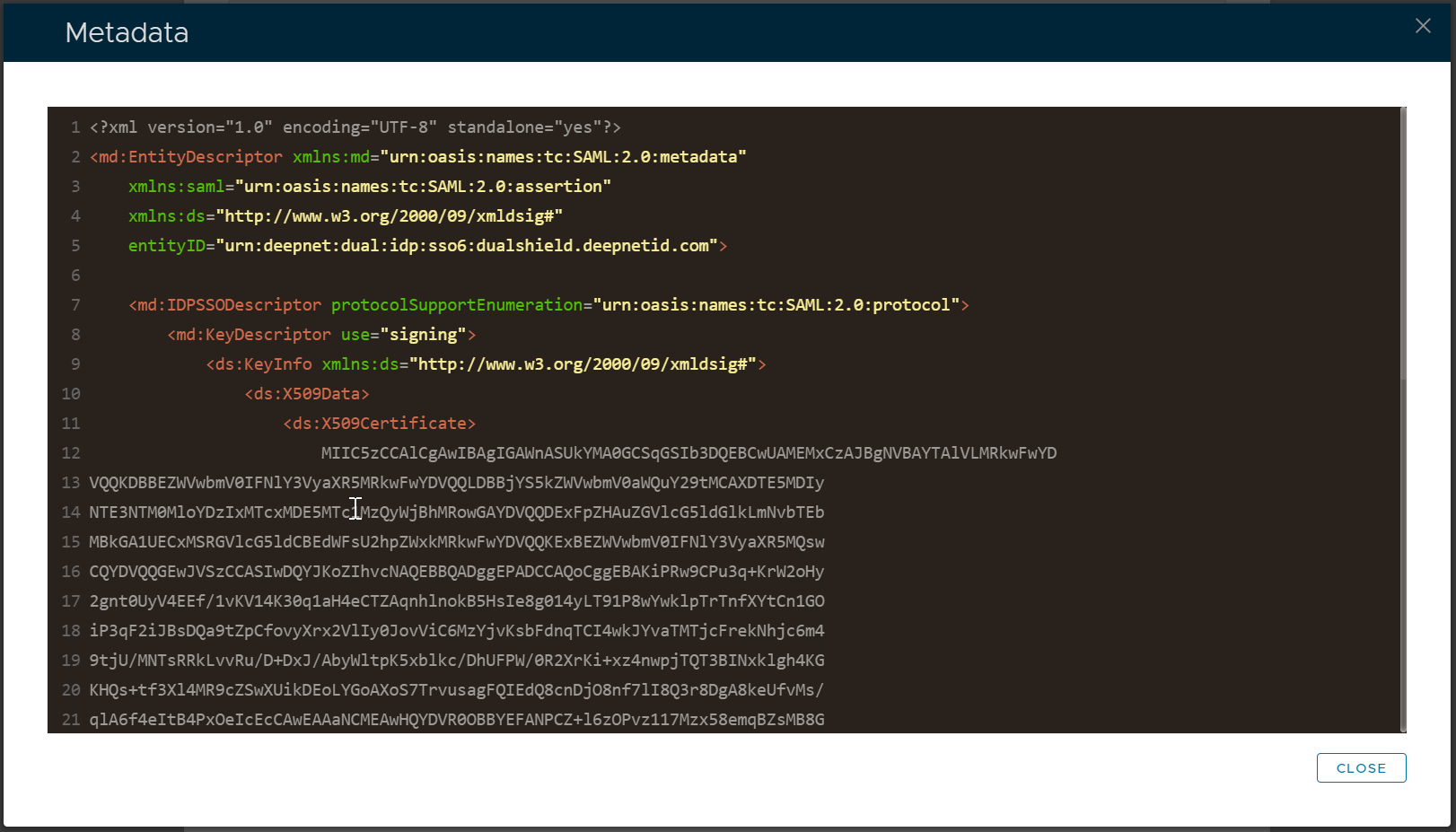
...
Download metadata from the Admin Console
To download the IdP Metadata of DualShield SSO, select "Platform | SSO Server" in In the Admin Console
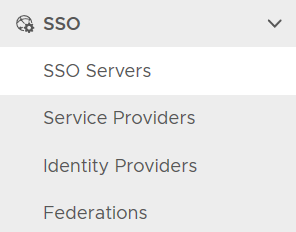
click the context menu of the , find the SSO server

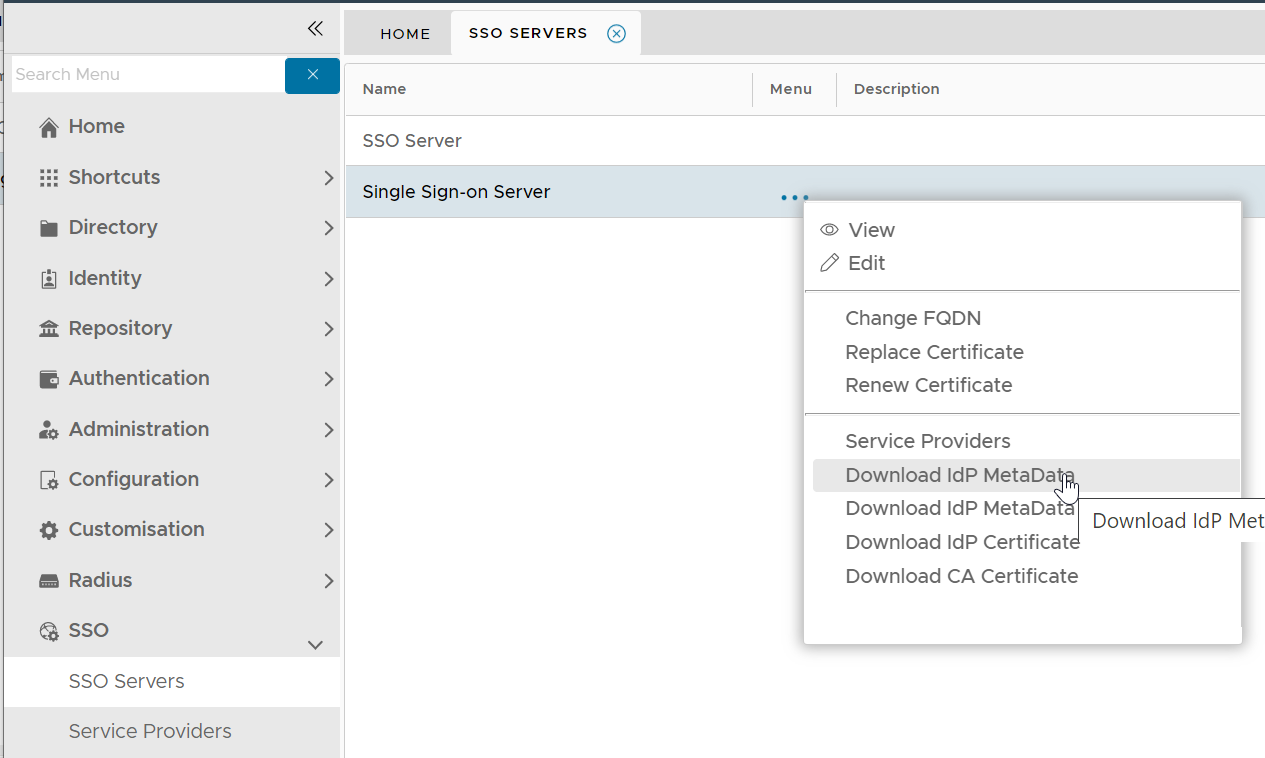
select Select "Download IdP MetaData" from its context menu. It will be saved in the local drive as "SSO Server.xml"
...
Download metadata by copy and paste
In the Admin Console, find the SSO server

Select "View" from its context menu
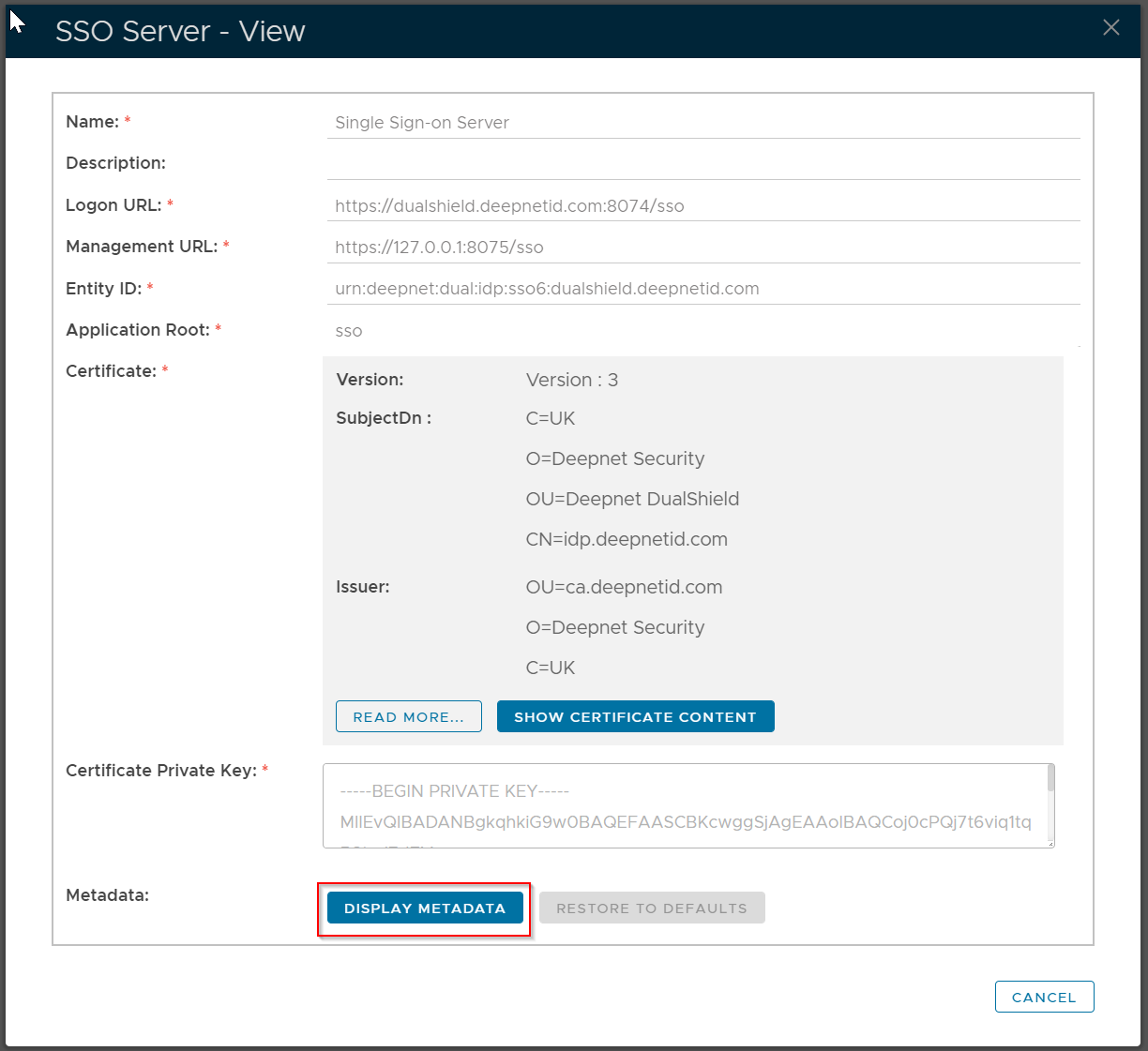
Click "Display Metadata"