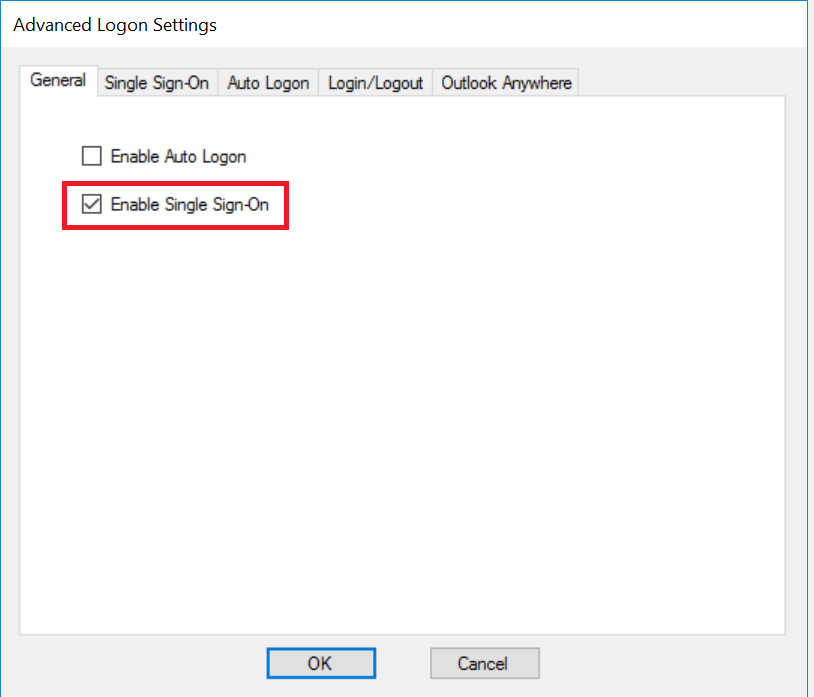
To enable Single Sign-On, tick the option "Enable Single Sign-On" in the General tab
Then, click the "Single Sign-On" tab
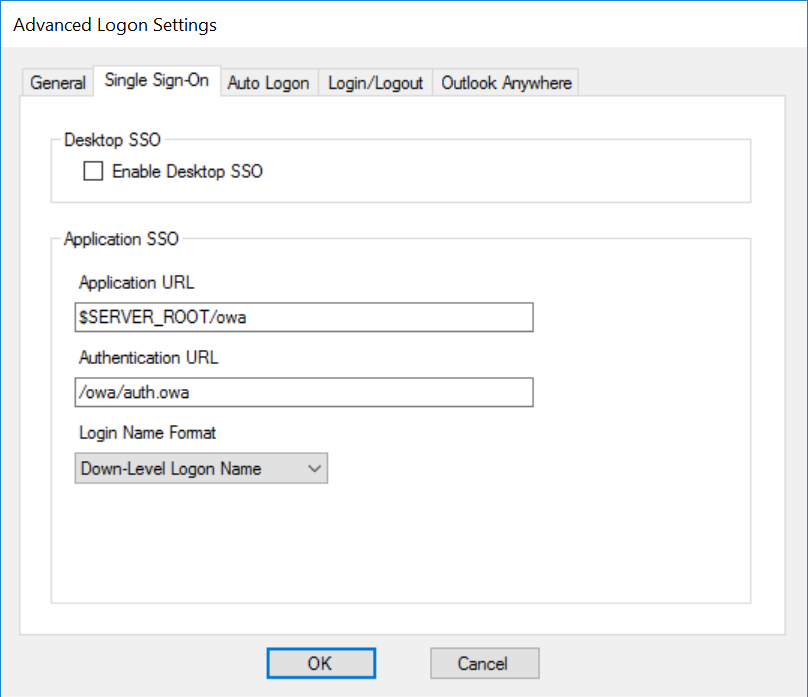
If the web application is one of the pre-configured server types such as OWA, then usually there is no need for any further configuration in this tab.
| Enable Desktop SSO | If the web application is to be accessed by users from domain joined desktops or laptops, you can enable SSO from the desktop logon to web logon |
| Application URL | |
| Login Name Format |
Click "OK"
aaa