Generally, an application has to be published before it can be accessible to by users. Radius applications have to be published on Radius servers.
To publish an application, select "Authentication | Agents", find the application and click its context menu, then select "Agents" from the menu:

This will bring up a list of agents:
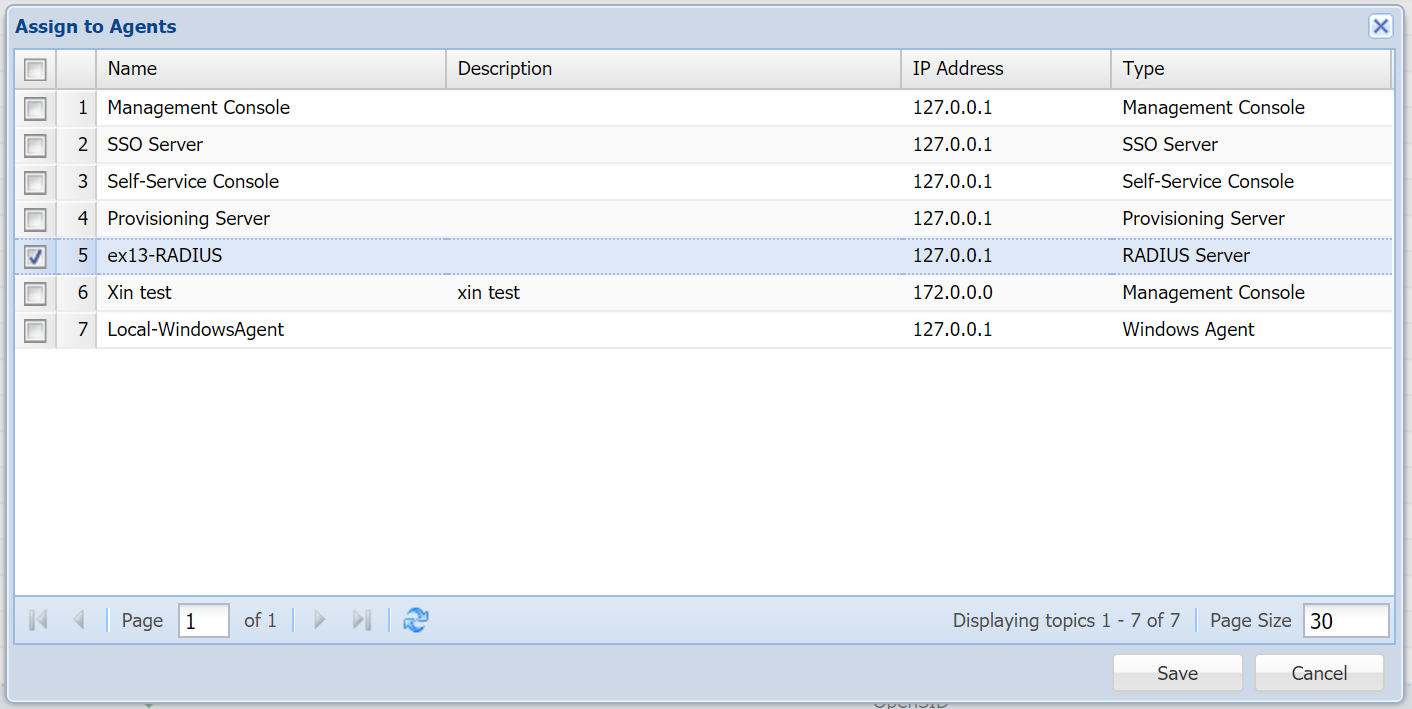
Select the Radius server(s) on which you want to publish the application. An application can be publish on one or many servers.
| Expand | ||||||
|---|---|---|---|---|---|---|
| ||||||
|
Radius applications have to be published on one or many Radius servers.
