The type of logon procedure for an VPN integration must be RADIUS.
Once a logon procedure has been created, you
In DualShield, a logon procedure defines how users should be authenticated when they attempt to logon to an application. A logon procedure consists of one or more logon steps. In each logon step, the system administrator defines the authenticators that can be used by users to authenticate themselves.
To create a Radius Logon Procedure, select “Authentication | Logon Procedure” and click the “Create” button on the toolbar:
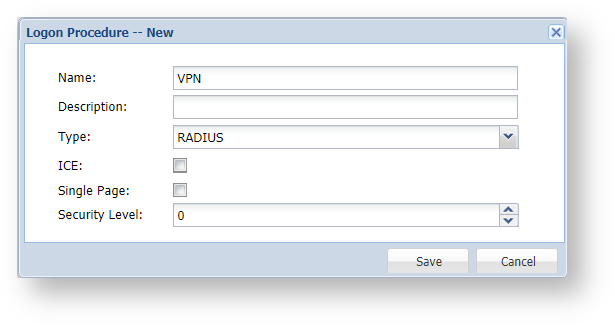
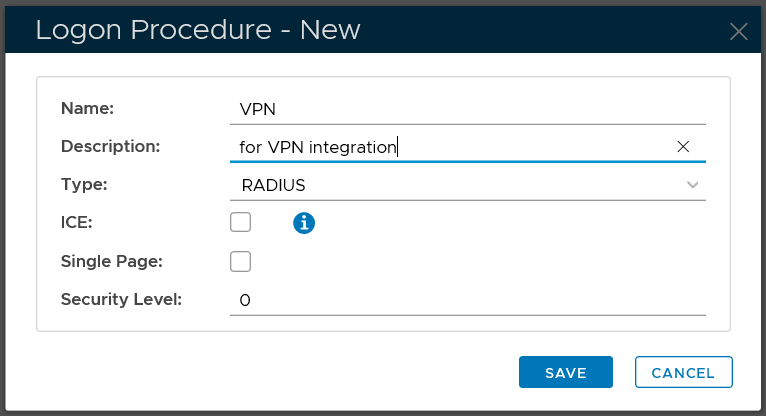
Enter the "Name", "Description" and select "RADIUS" from the "Type" list. Click "Save" to create the logon procedure.
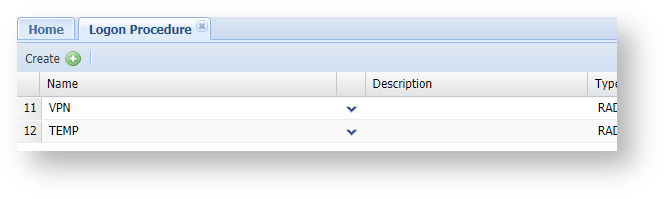

Now, you need to add logon steps in to the newly created logon procedure. Depending on the VPN system and the authenticators to be used, you have two options: one-step logon and two-step logon.