...
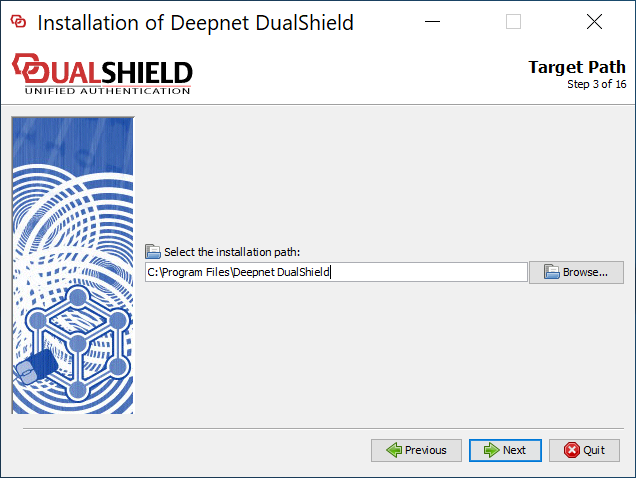
Execute "DualShieldSetup64-6.0.0.xxxx-signed.exe" (where xxxx is the build number) to start a fresh new installation:



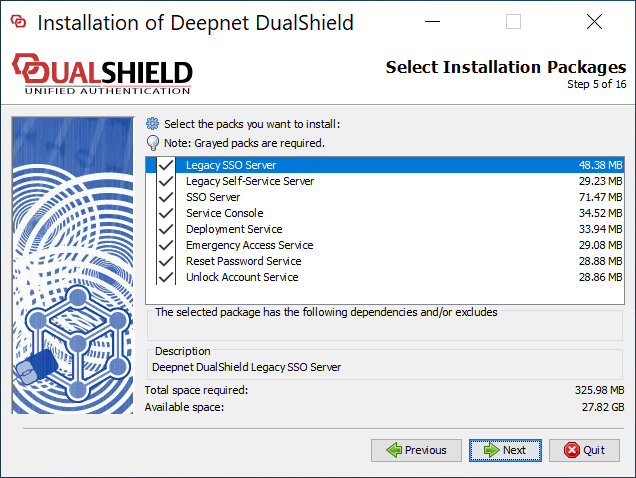
If you want to keep the legacy components, make sure that you select the following
- Legacy SSO Server
- Legacy Self-Service Server

Make sure that Server FQDN is correct. If you do not want to change your DualShield frontend's FQDN then it must be the same as it currently is.
It is recommended that you provide a commercial SSL certificate for your DualShield frontend server as it is meant to be accesses from the Internet.

change "dualshield.your-corporate-doamin.com" to the FQDN of your DualShield backend server, e.g. "dualback.deep.net"


