...
Download the latest version of the original application installer of , such as the Computer Logon MA
| Expand | ||||||
|---|---|---|---|---|---|---|
|
...
Launch the Deepnet Configuration Editor, open the project, e.g., "Computer Logon MA project"
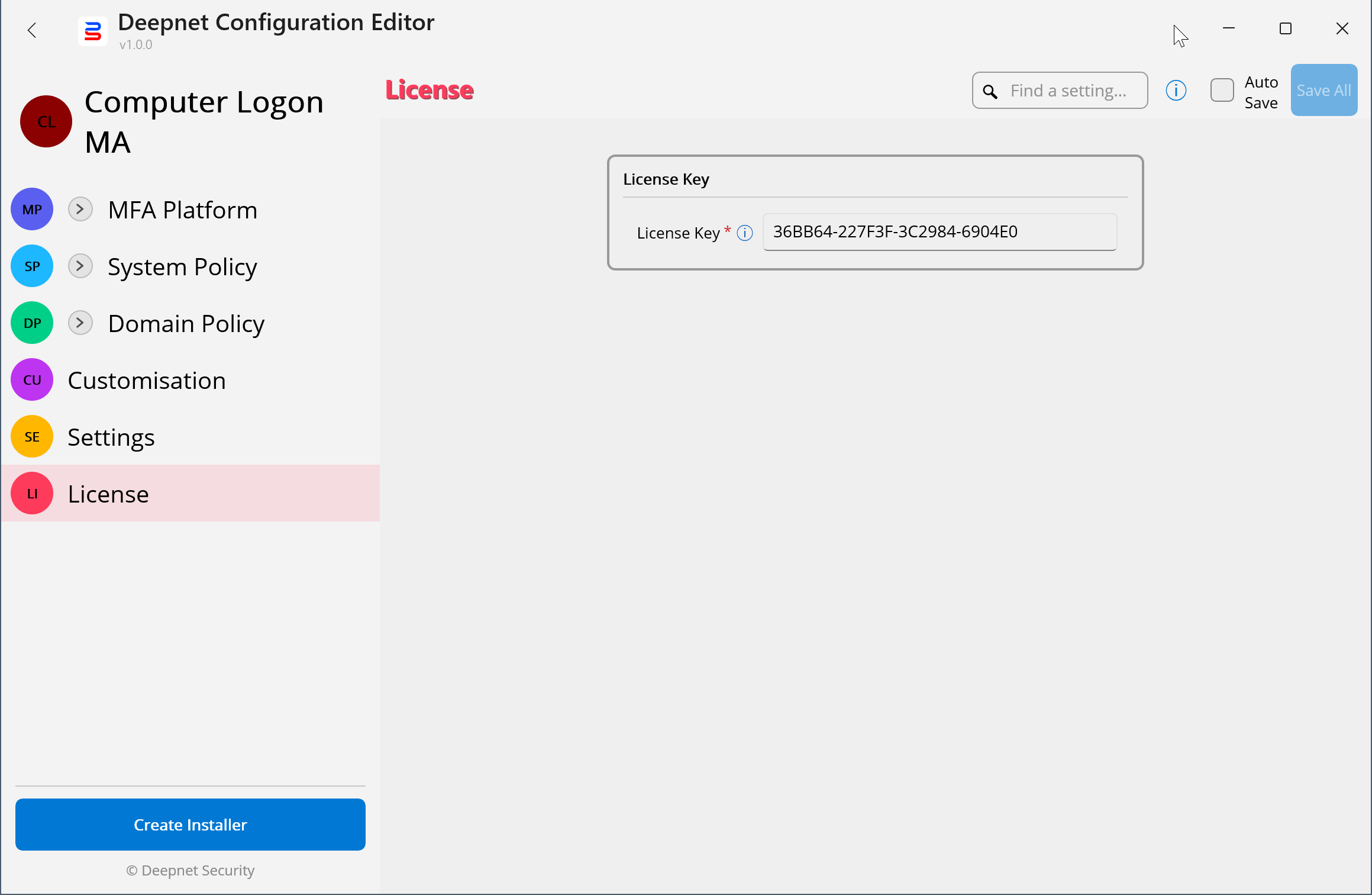
Make sure that you have completed the configuration, settings, customisation, and the license key if required, etc.
Press the "Create Installer" button
...
In the "Application Installer" field, select the original application installer file of , e.g. the "Computer Logon MA" installer that you have downloaded
Optionally, enter the MD5 of the installer file
...
Your custom installer is named after the name of the project, e.g. "Computer_Logon_MA.exe"