...
| Field | Value | |||||
|---|---|---|---|---|---|---|
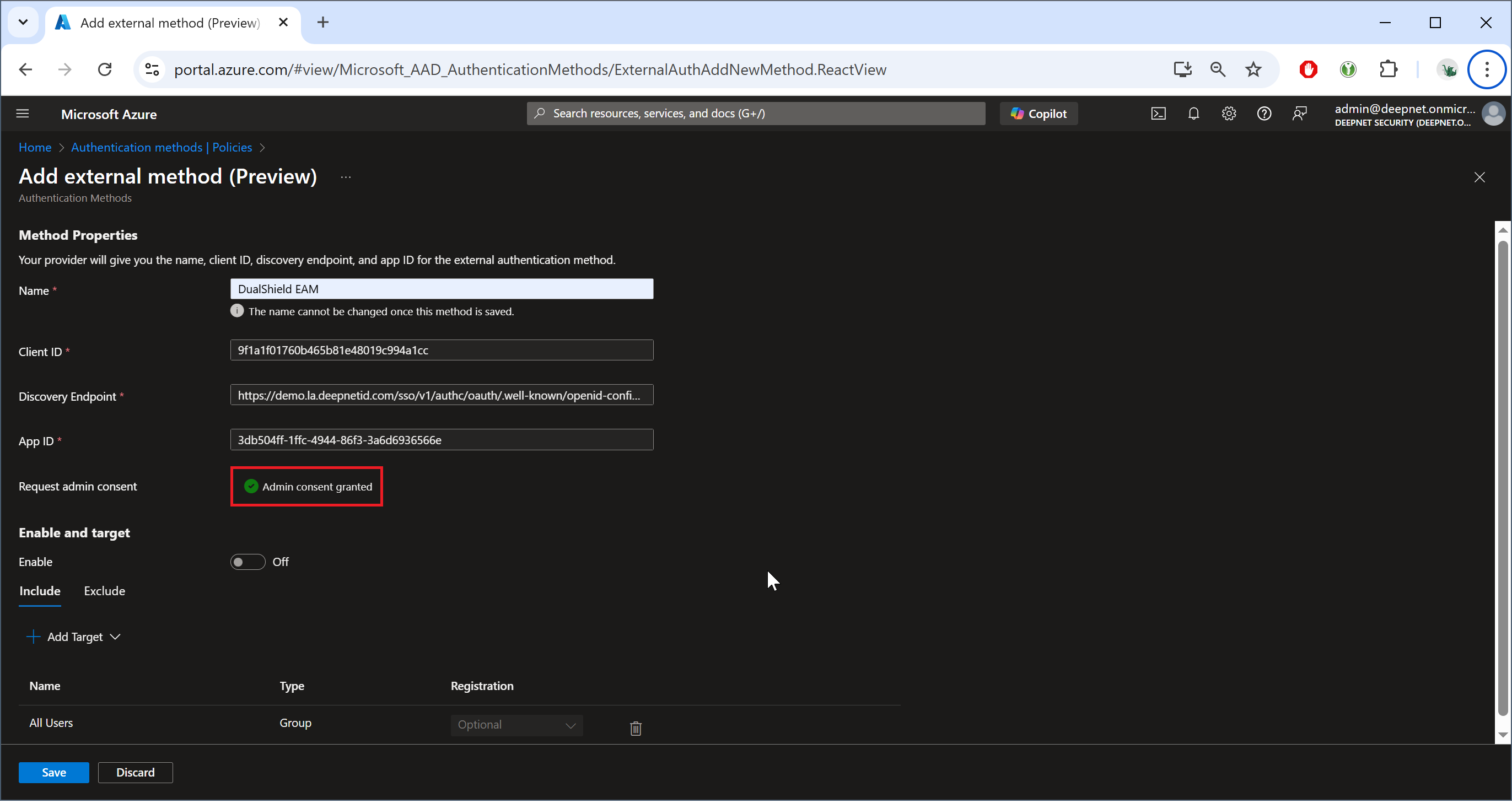
| Name | name of the new external authentication method, e.g. "DualShield (EAM)" | |||||
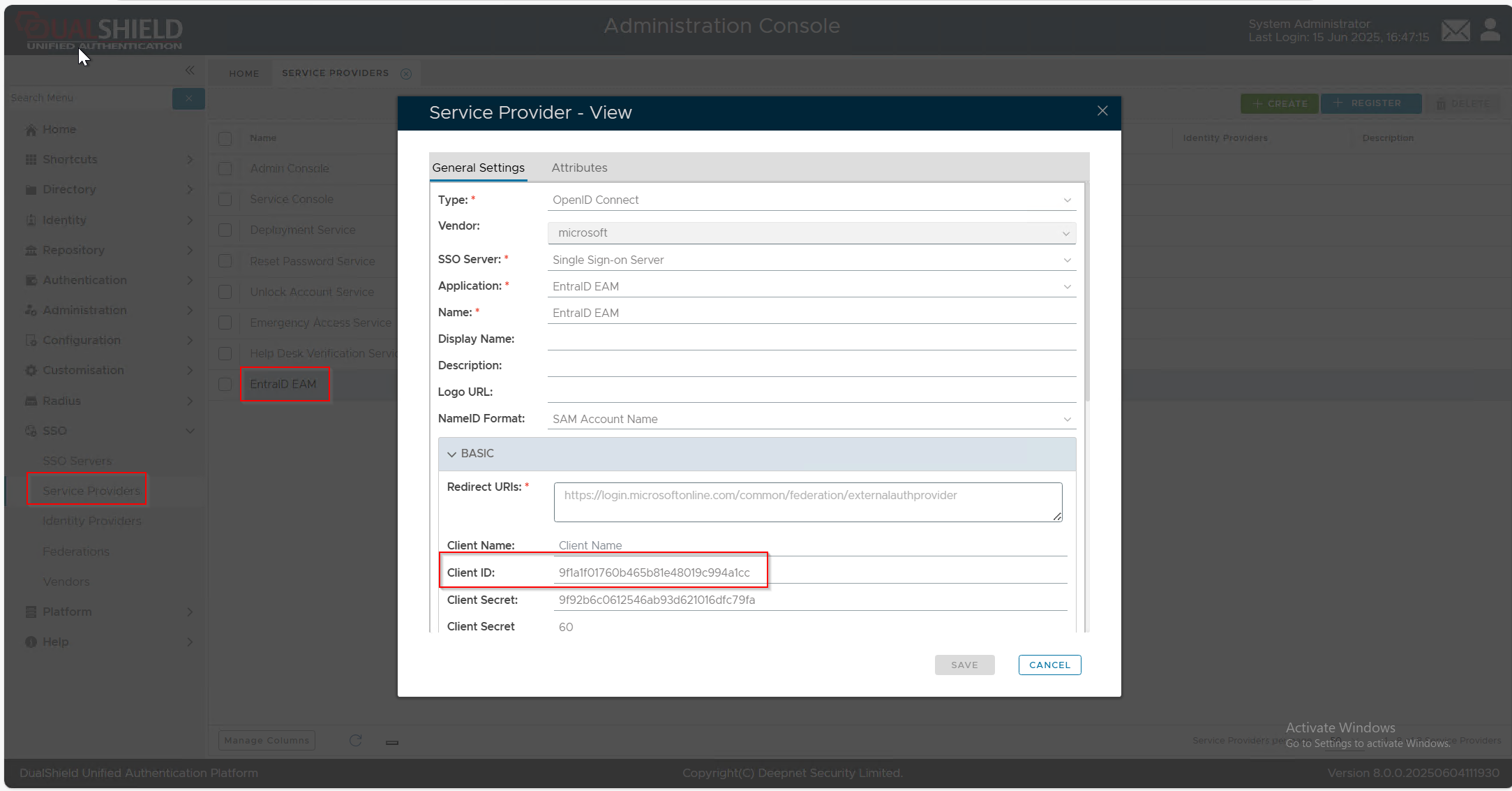
| Client ID | The Client ID of the service provider created in your DualShield server for EAM integration, e.g. "Entra ID EAM"
| |||||
| Discovery Endpoint | https://Your-DualShield-SSO-Server-FQDN/sso/v1/authc/oauth/.well-known/openid-configuration | |||||
| App ID | The Application ID of the enterprise application created in your Entra ID tenant for EAM integration, e.g. "DualShield EAM"
|

If you do not have sufficient permissions, then you will see the button "Request permission"
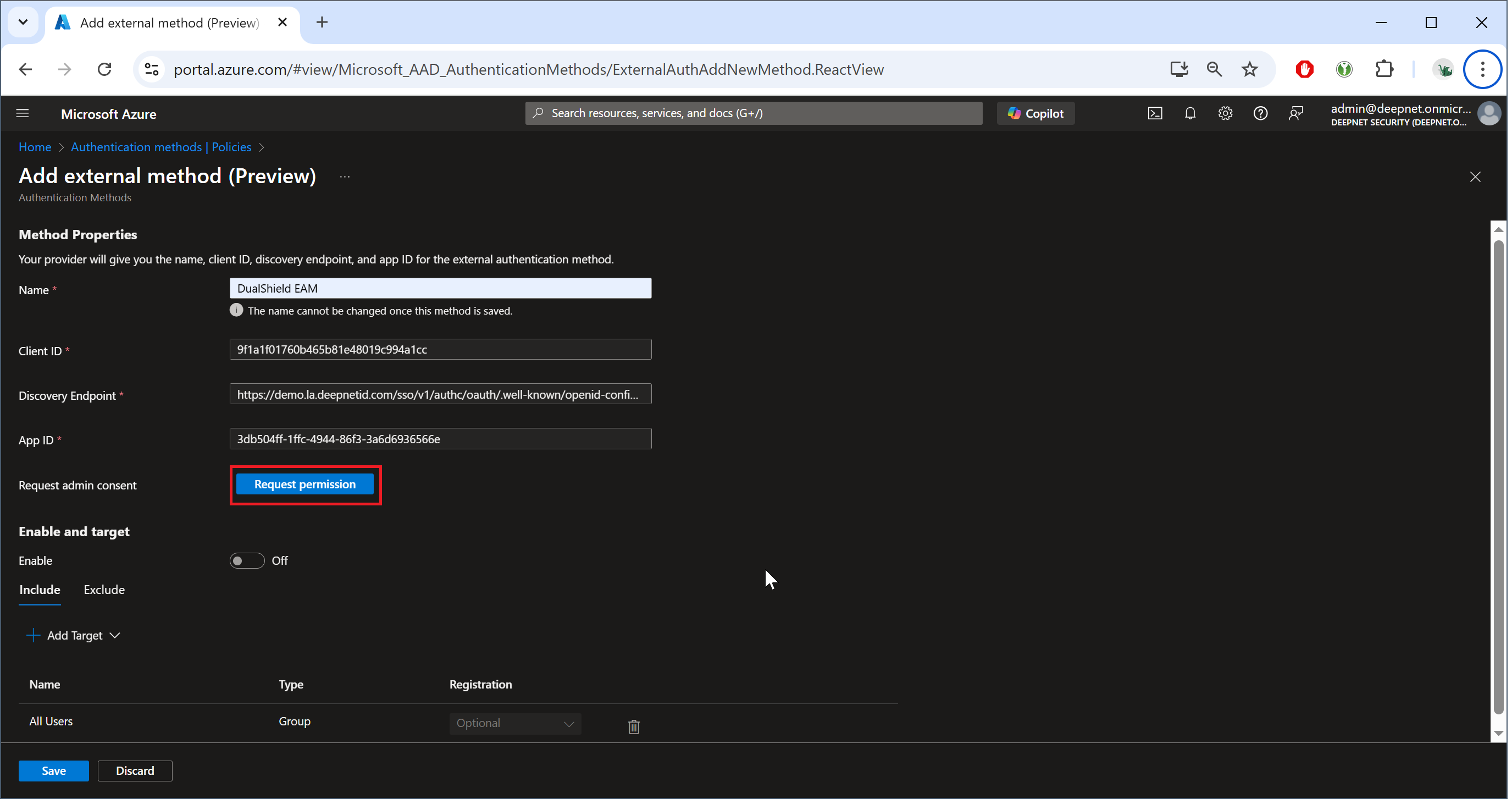
To continueNext, click the button "Request permission"
| Expand | ||
|---|---|---|
| ||
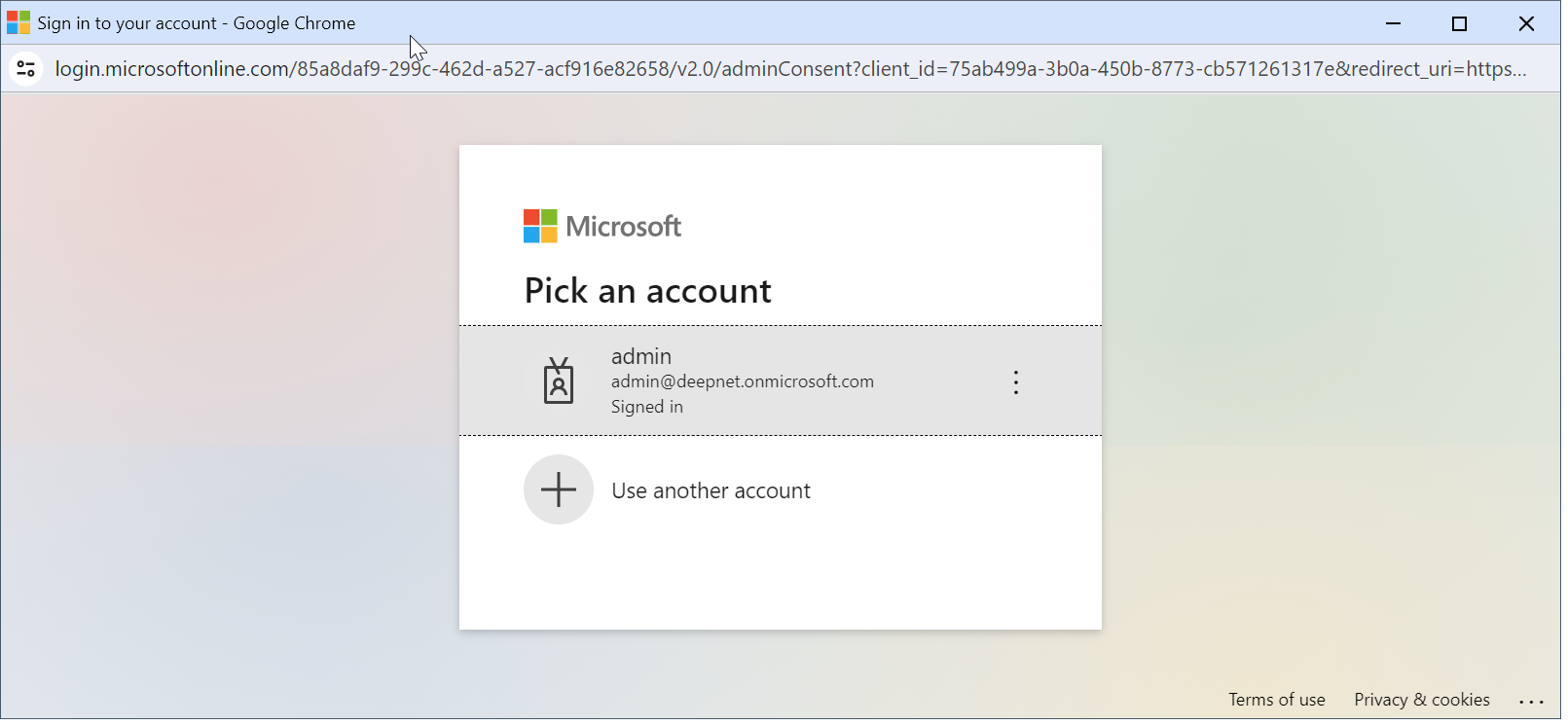
A browser window will pop up and ask you to select an account.
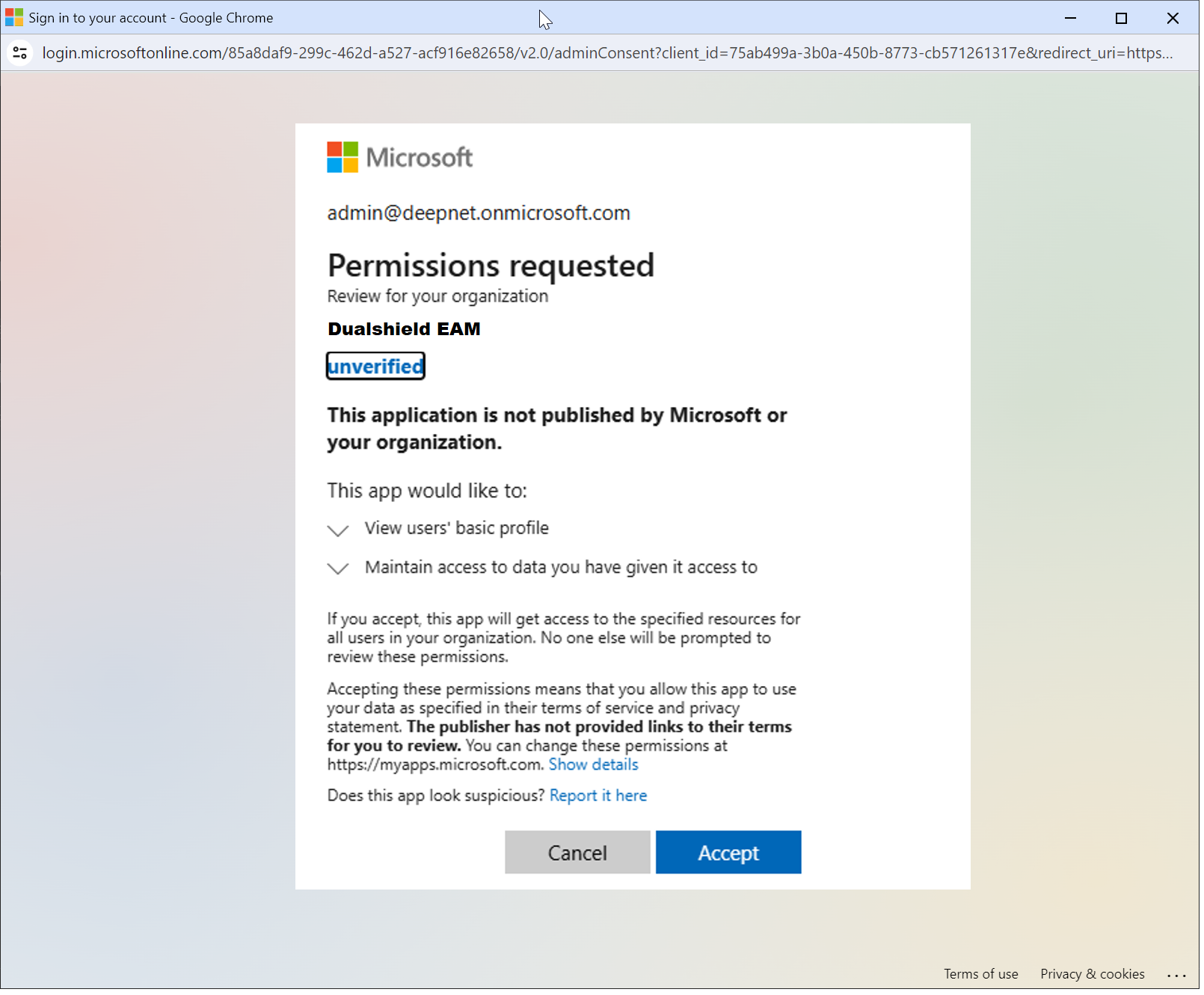
Please select an admin account for your Entra tenant. The Microsoft "Permission requested" window will be prompted:
Click "Accept" |
You should now see "Admin consent granted"
...