...
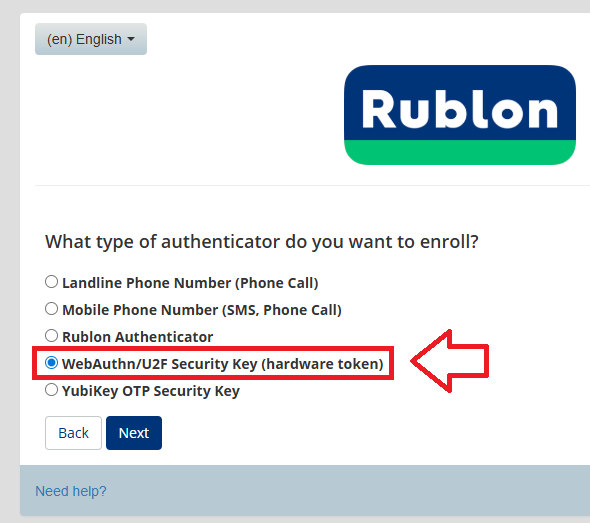
You can now add your Fido key as an authentication option by selecting the option "WebAuthn/U2F Security Key (hardware token)", then clicking  ;
;
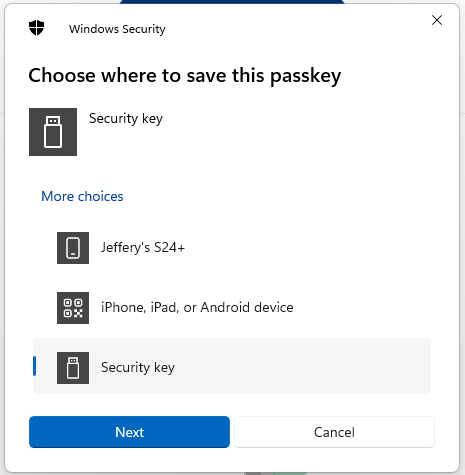
You will now be prompted to specify the device that is to be added as a passkey.
Select the option "Security key", then click  ;
;
You are now notified that access to google will be prepared with your Fido2 security key - click  to proceed to the next step;
...
Once you have touched the Fido2 Key will be added as a passkey authentication method to your Rublon account.
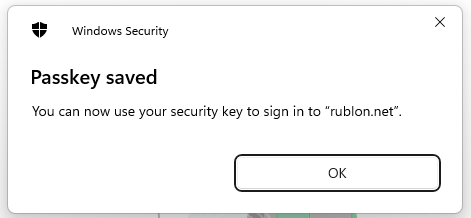
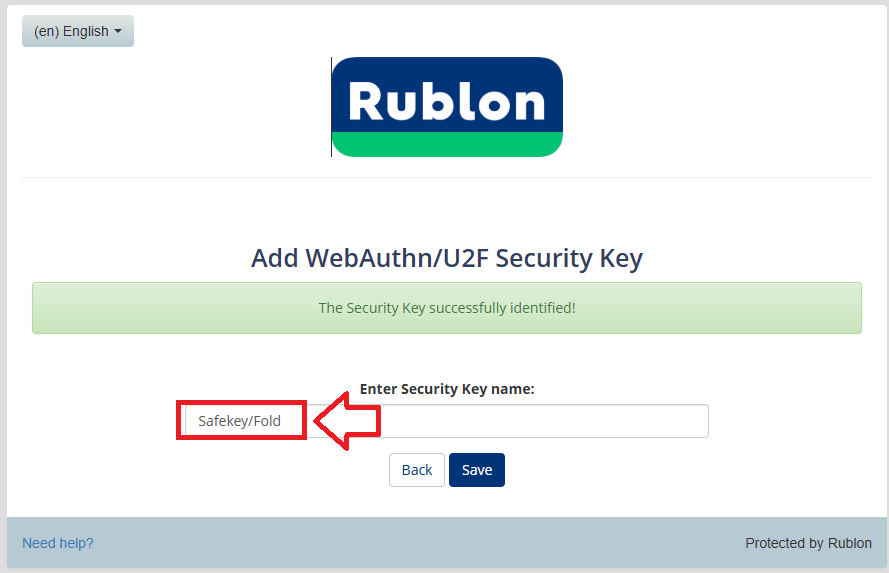
Click "OK", and you will be asked to provide a name for the key. Supply a suitable name then click 
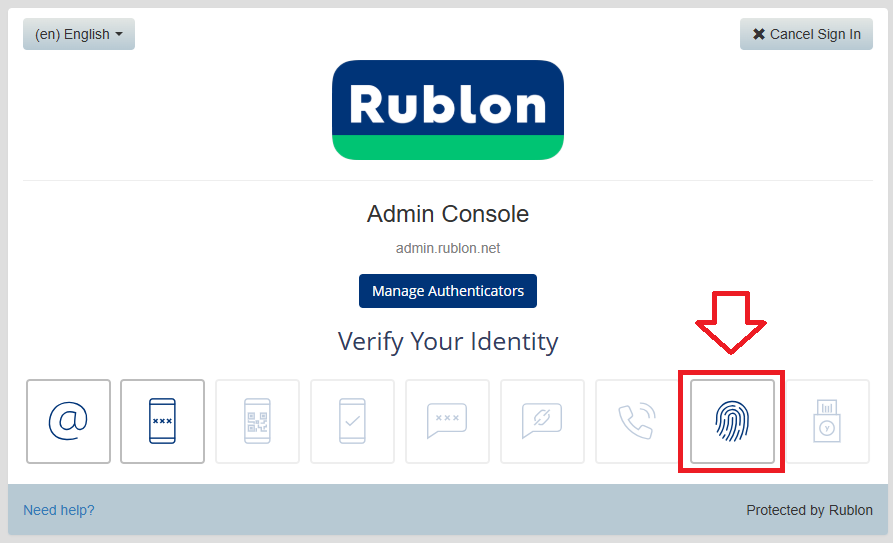
You will now find that the icon for the Fido security key is now enabled (the fingerprint icon indicated below);