...
Select "Do not display a license"
Click "Next"
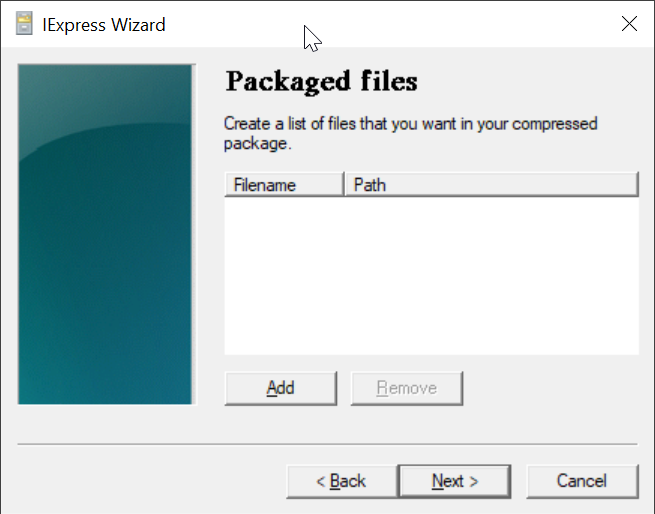
Click "Add"
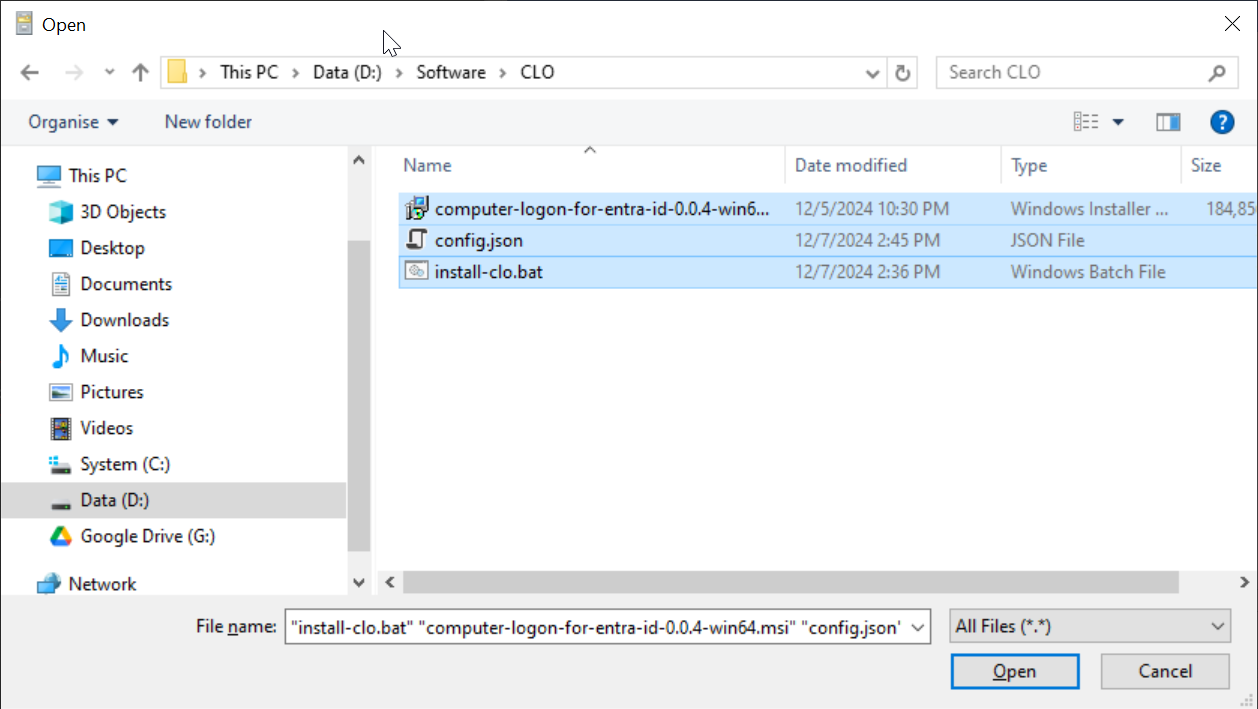
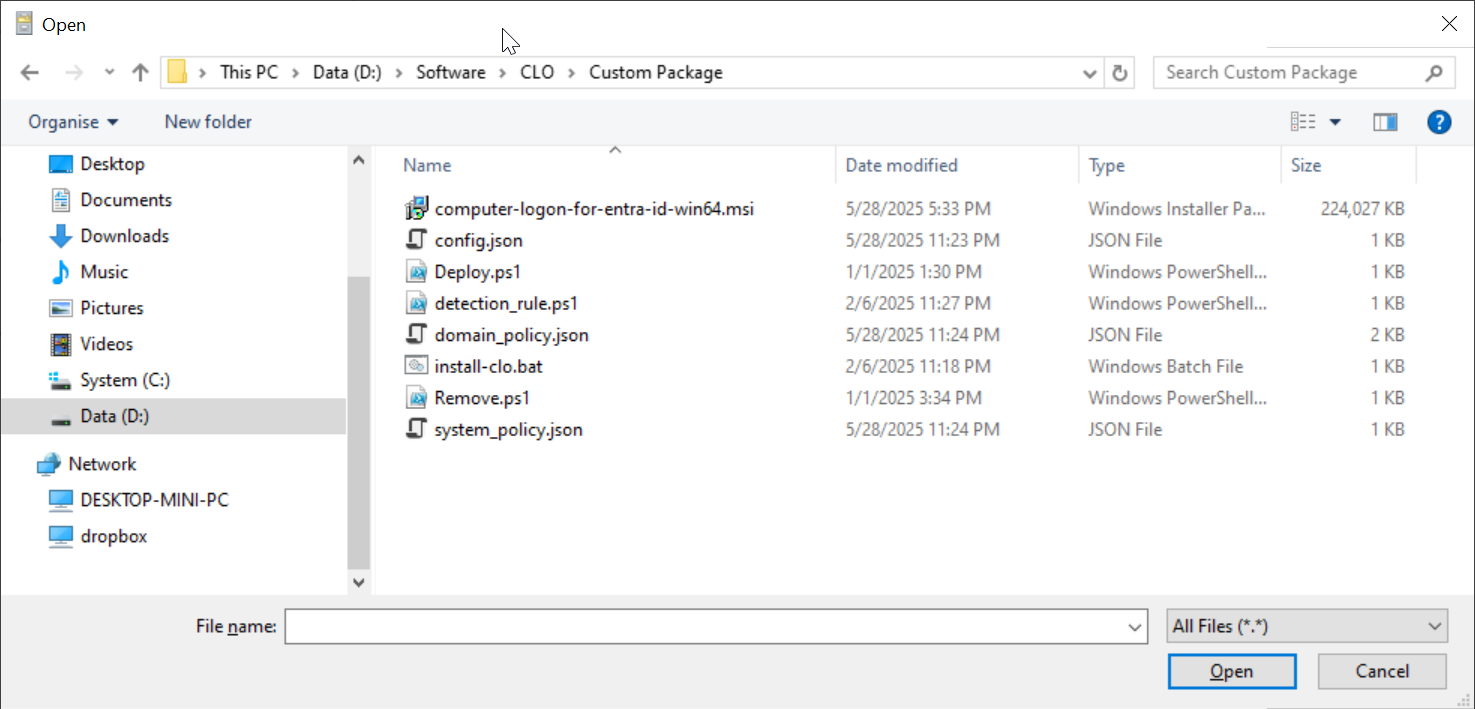
Navigate to the folder where the files are kept, e.g. "D:\Software\CLO\Custom Package"
Select all files in the folder
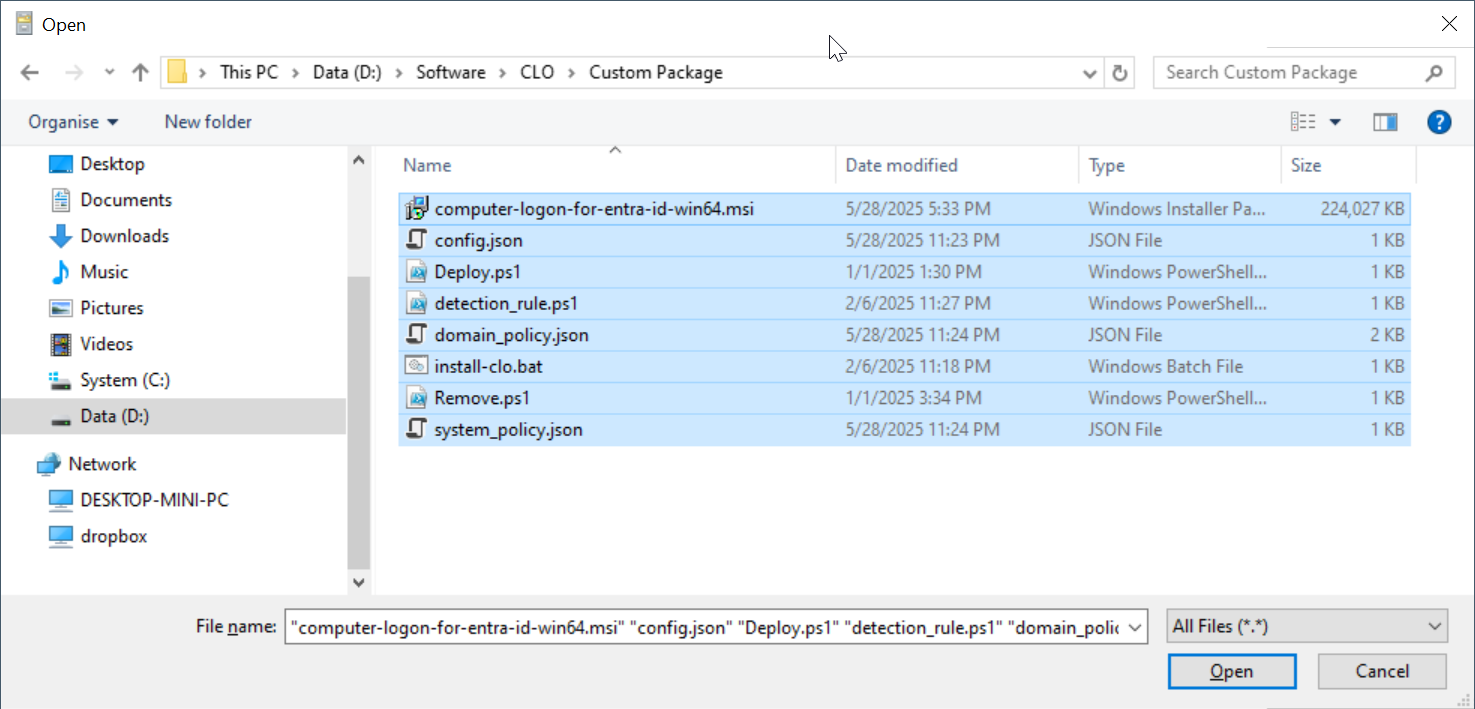
click "Open"

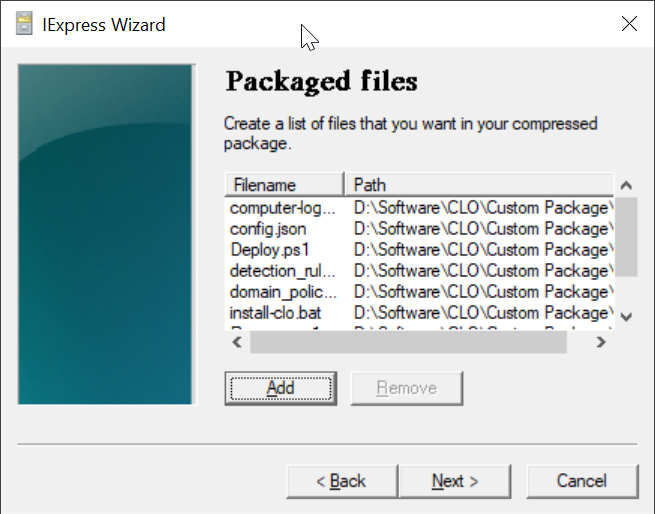
All 3 files are added
...
In the "Install Program" box, enter "cmd /c install-clo.bat"
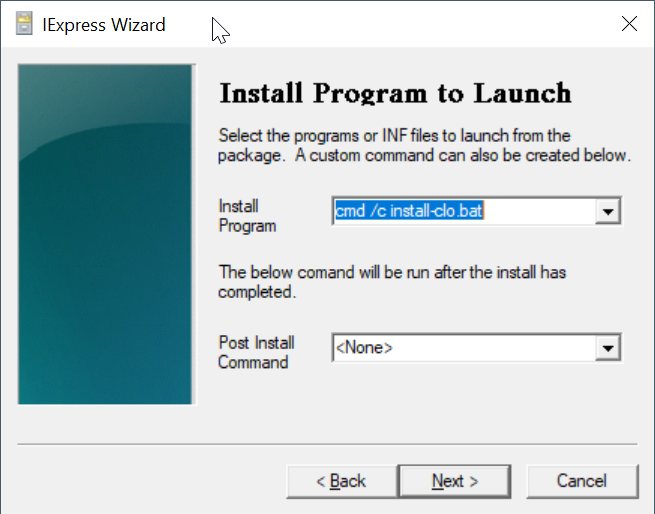
Click "Next"
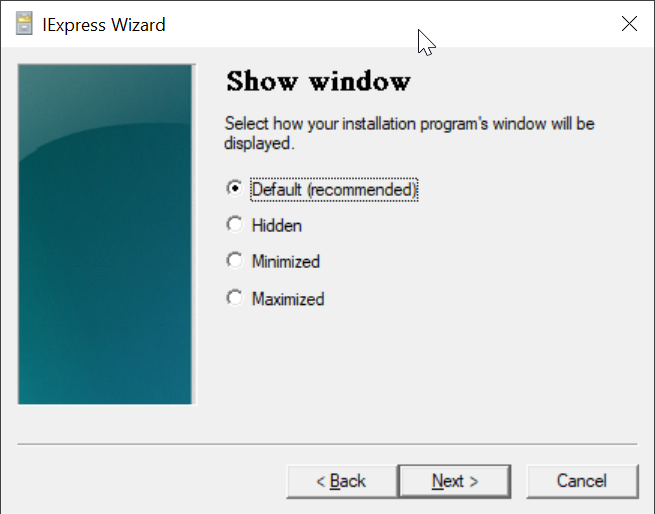
Click "Next"
...
Wait for it to finish
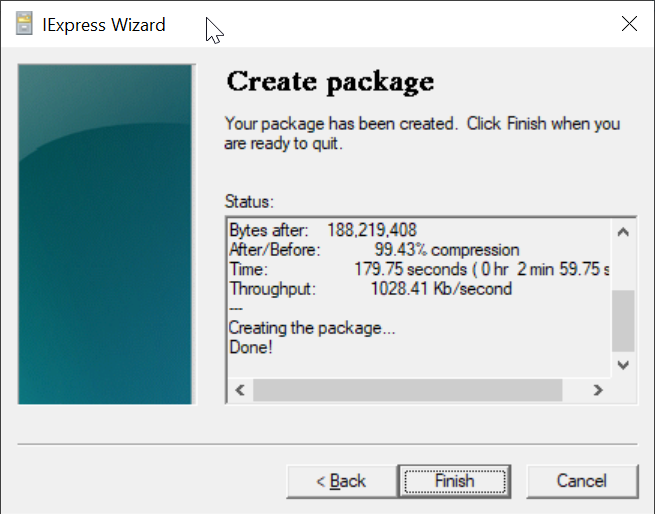
Click "Finish"
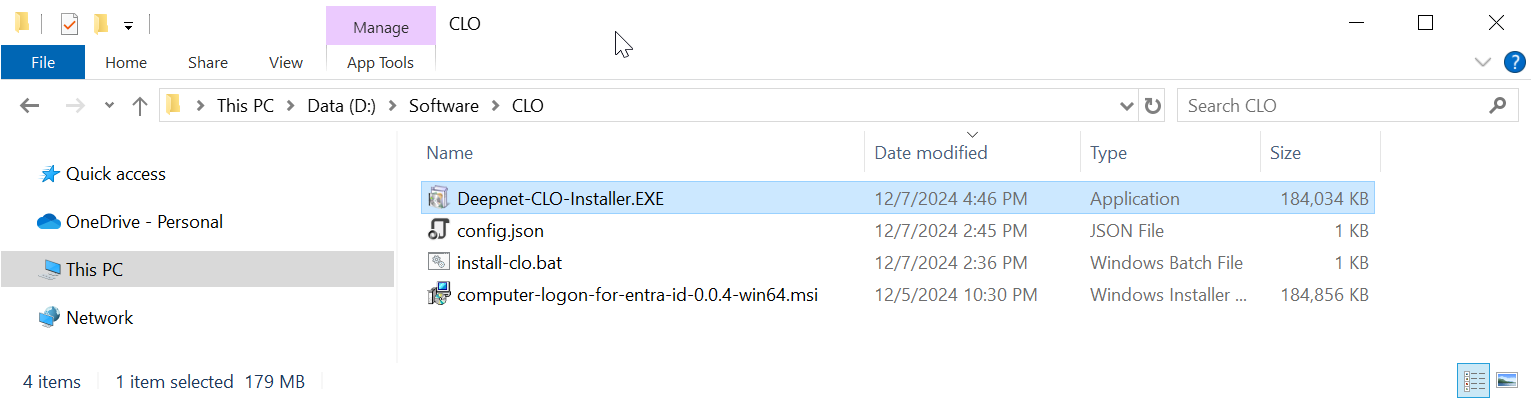
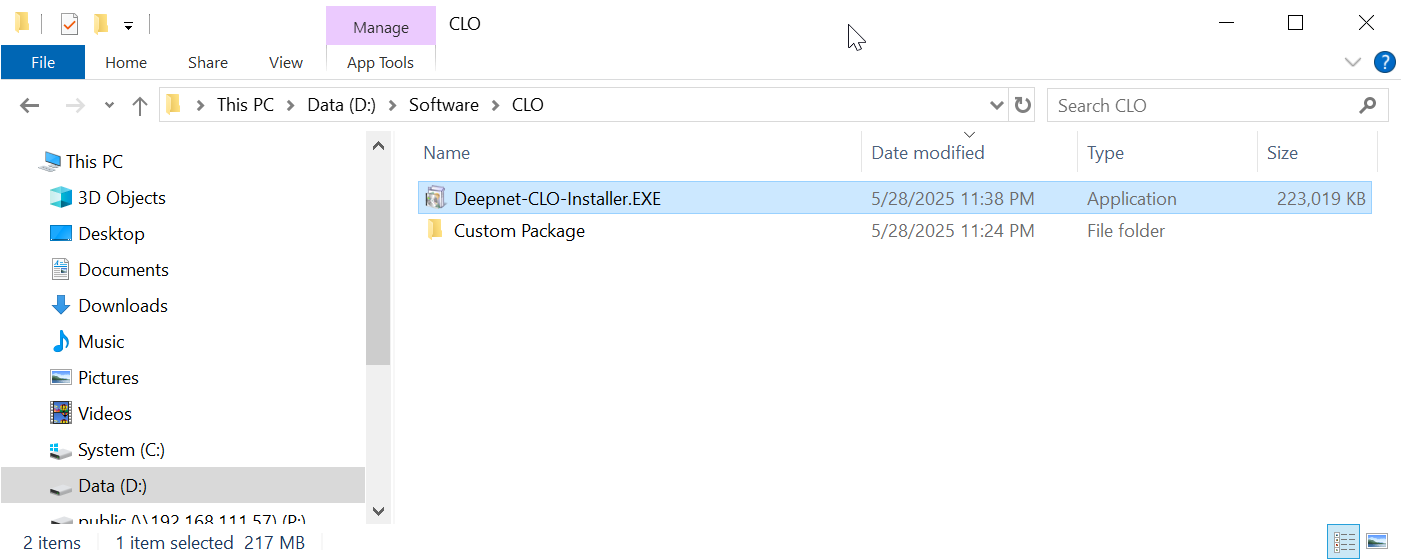
Now, you can distribute your custom installer "Deepnet-CLO-Installer.EXE" to your users.
...