Log into the Admin Console and go to SSO>Service Providers
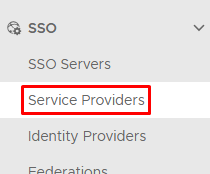
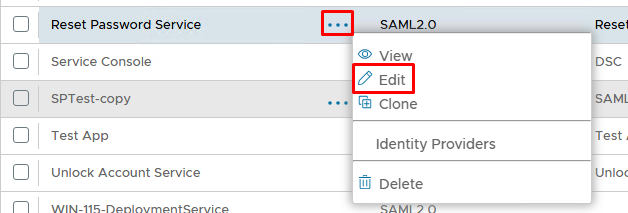
Edit the Service Provider you wish to add to the index page. For example the internal Reset Password console...
Enable Support SP-initiated logon
Specify the Logon URL
Enable Publish on SSO Server
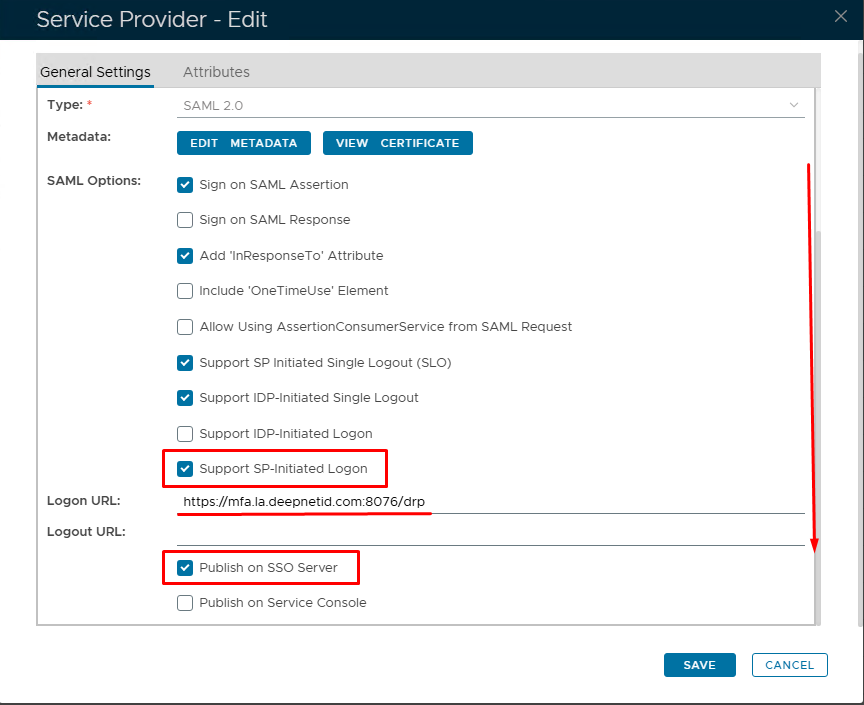
Click Save
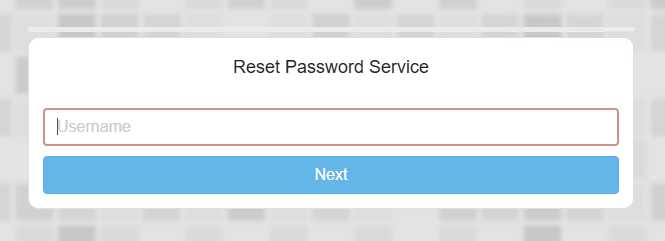
An icon for Reset Password will now appear under the Business Applications on the Index Page.
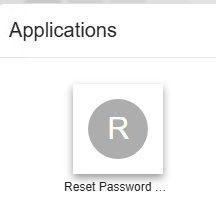
The end user can click on this and it will redirect to the SSO logon page for the Reset Password Service
...
| title | Publishing Business Apps with Customisation |
|---|
If you have your own bespoke web applications you may wish to customise your icons using your company logos
To do this go to Customisation>Business Applications
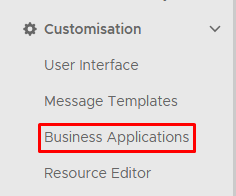
Click Create on the top right.
Configure using the following example
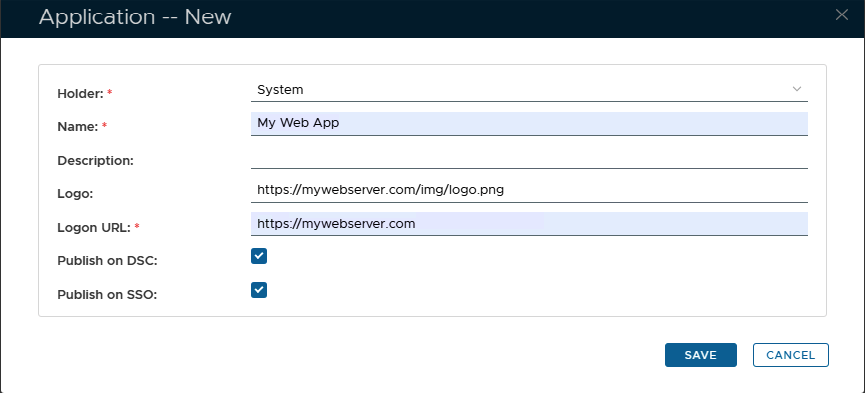
Please note: The 'Holder' can only be 'System', as otherwise it will not be displayed on the Index page
Replace the Logo and URL with the paths to your own webserver which is MFA protected.
There is no need to do any additional steps on the SSO Service Provider configuration.
...