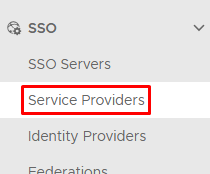
Log into the Admin Console and go to SSO>Service Providers
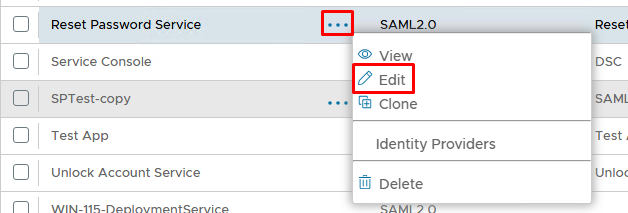
Edit the Service Provider you wish to add to the index page. For example the internal Reset Password console...
Enable Support SP-initiated logon
Specify the Logon URL
Enable Publish on SSO Server
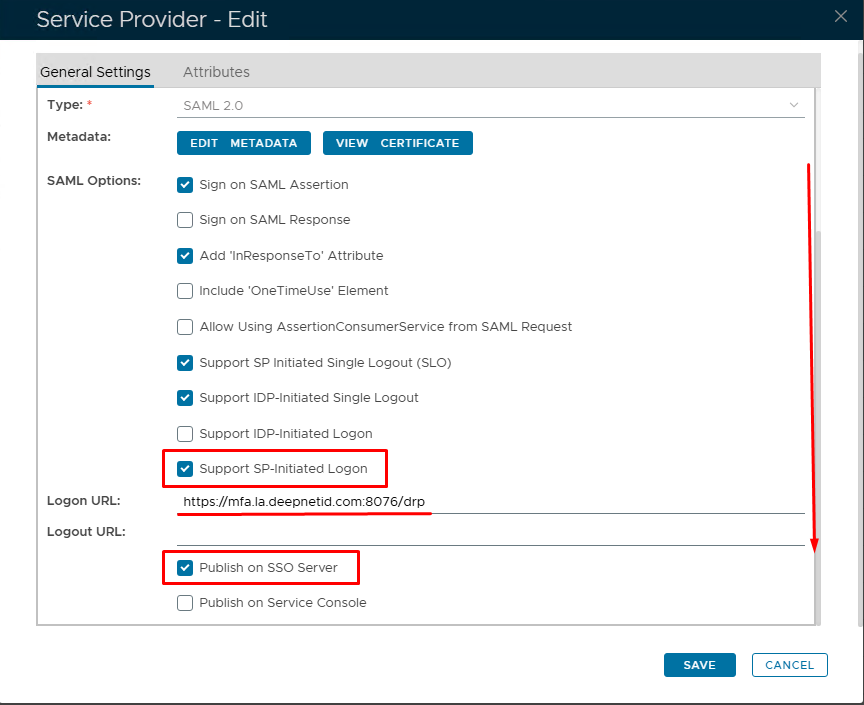
Click Save
An icon for Reset Password will now appear under the Business Applications on the Index Page.
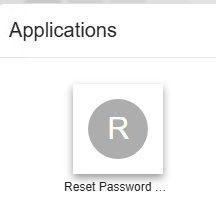
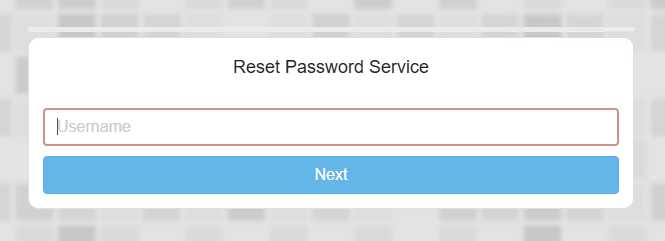
The end user can click on this and it will redirect to the SSO logon page for the Reset Password Service