Once the user has navigated to the Emergency Code section, codes may be generated for the user via the  (example below);
Expand title Example of generating Emergency Codes using the Service Console Panel borderColor grey bgColor #F8F8F8 borderStyle dashed Provided the feature has been enabled in the policy settings, and after selecting the "Emergency Codes" page, the user will need to request codes using the
button;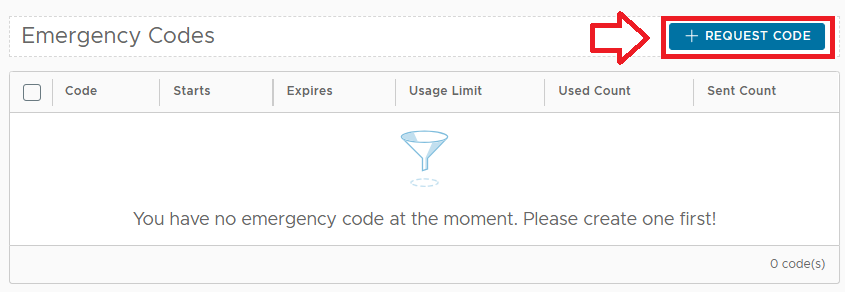
After clicking on the button you will be asked how many emergency codes are needed;

For this example we will select 2 codes (by increasing the count to 2, then clicking
 ).
).
The requested number of Emergency codes are then generated and presented to the user.