Navigate to "Directory | Users", select the domain, search for the user to issue the code to, select the emergency code to be send then click on the  button;

Find the emergency code that is to be sent to the user, select the user then click the  button;

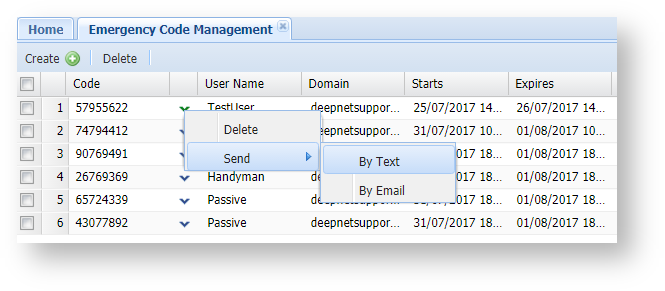
You will then be presented with the delivery channels that are available for this user, click on your selection from this list and the Emergency Code will be sent to the user;

A confirmation message will be shown displaying if the code was sent successfully;

Emergency Codes can be sent by text message using the following procedure;
...
| title | From the Management Console, navigate to "Repository | Emergency Code Management"; |
|---|
...
| borderColor | grey |
|---|---|
| bgColor | #F8F8F8 |
| borderStyle | dashed |
...
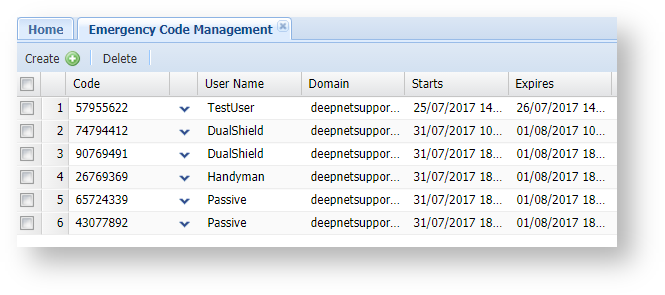
Left click on the context menu of the Emergency Code that you want to send, then select "Send | By Text";
...