...
Open the config.json in a text editor, such as Notepad

Insert your "tenant_id" and "client_id"
If the application you set up for Computer Logon with MFA supports single tenant
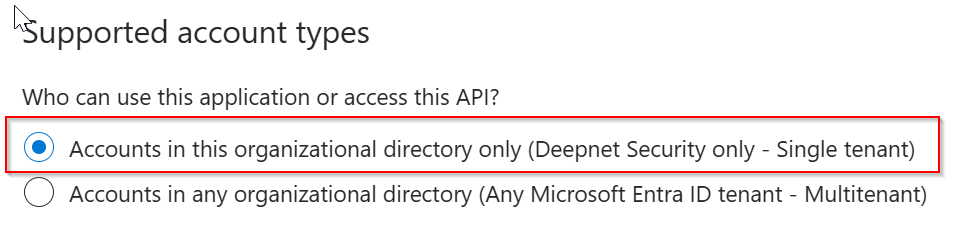
then, replace "YOUR-TENANT-ID" in the configuration file with your Tenant ID in the Entra ID.
However, if the application you set up for Computer Logon with MFA supports multitenant
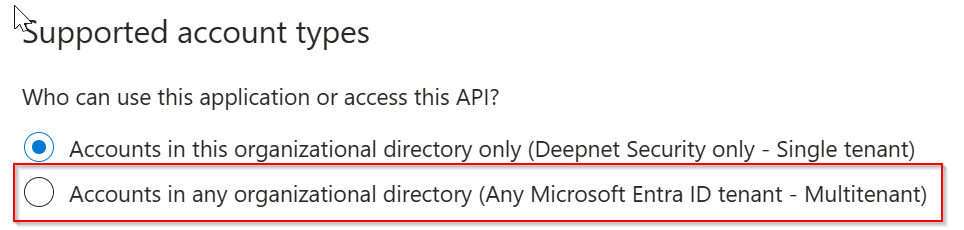
then, replace "YOUR-TENANT-ID" in the configuration file with the word "common"
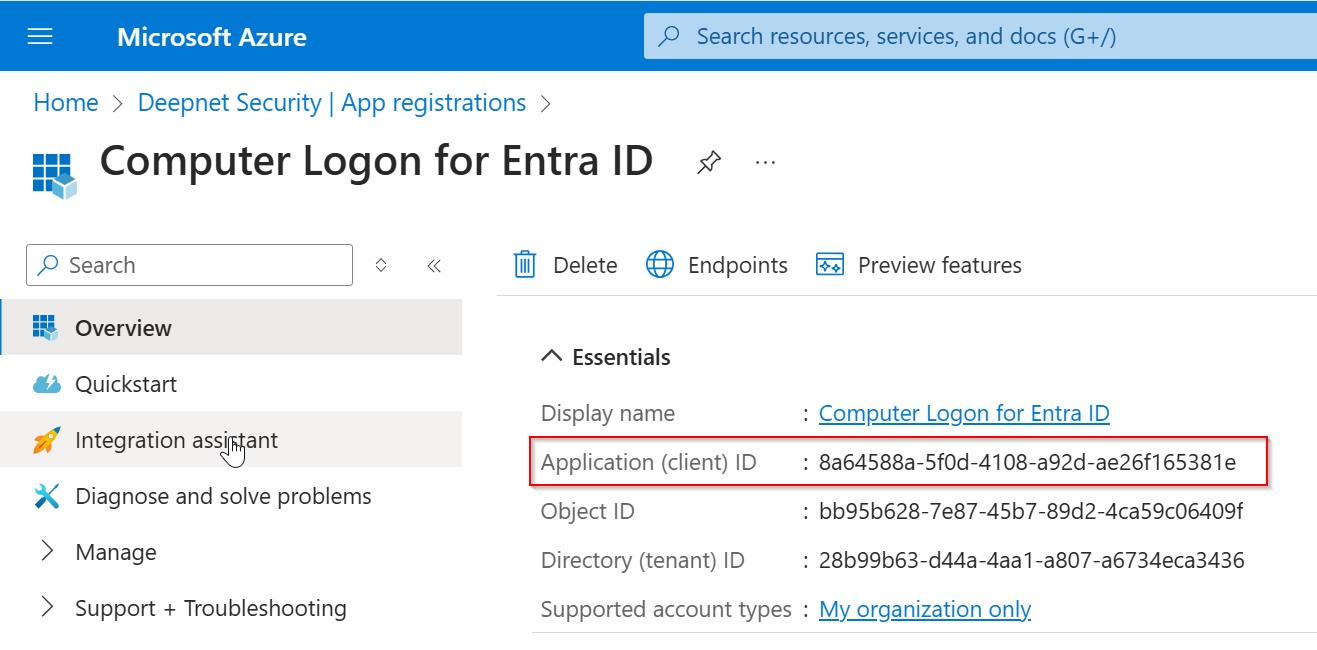
Now, replace "YOUR-CLIENT-ID" with the "application (client) ID"
Save the configuration file.
 Save the file.
Step 3: Create a custom installer package using iExpress
...