If you have been successfully authenticated by DualShield authentication server, but you however are not now able to login to SalesForce and receive see the following error message:
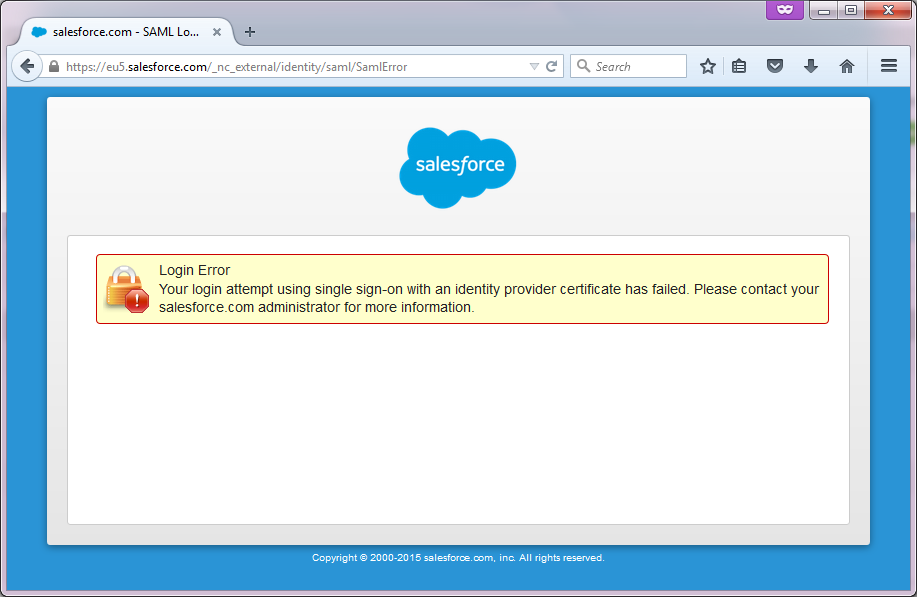
Login to the Salesforce Setup configuration console, navigate . Navigate to "Security Controls" | "Single Sign-On Settings", click "SAML Assertion Validator", and you will should see the error details:
. 
Below are examples of two common error messages.
...
Cause: The login name returned by DualShield does not exist in Salesforce or does not match with your account name in Salesforce Salesforce.
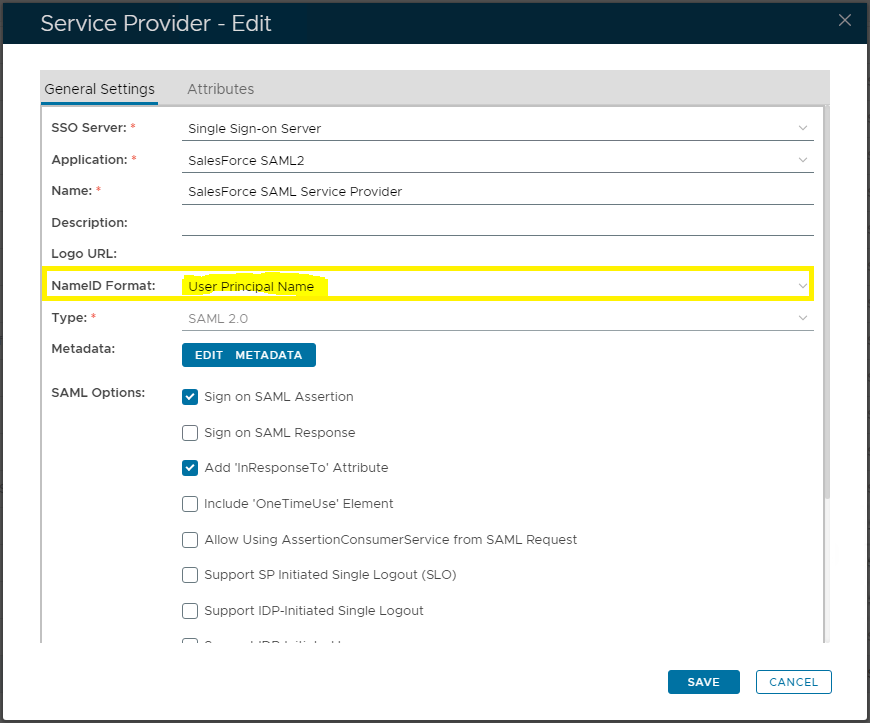
How to Fix: Change the NameID format in the Service Provider settings in DualShield to the appropriate format. For instance, if your Saleforce SalesForce account name is in the format of UPN, then change the NameIF NameID format to UPN. :

Example 2:

Cause: The system clock of your DualShield server Server is incorrect.
How to Fix: Correct the system the system clock of your DualShield serverServer.