...
Edit Logon Procedure
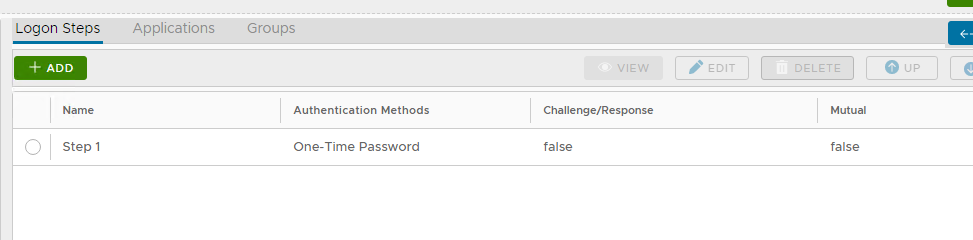
In the DualShield Management Administration Console, edit the Logon Procedure for your Juniper VPN Application. You will only need require One Logon Step, typically “One-Time Password” as the authentication method:

Configure Juniper VPN
- Under Authentication Servers set up an LDAP authentication server. :
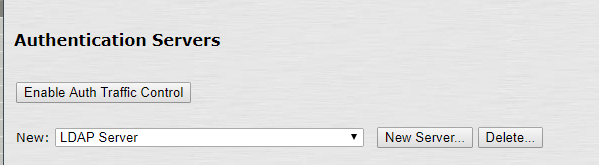
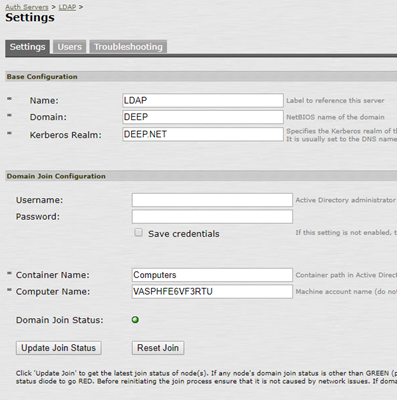
2. Edit User Authentication Realm
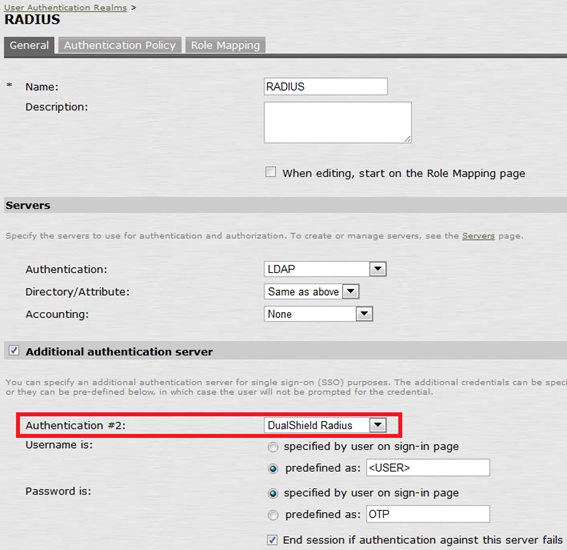
Set LDAP as the first authentication server and DualShield Radius as the second Second authentication server.
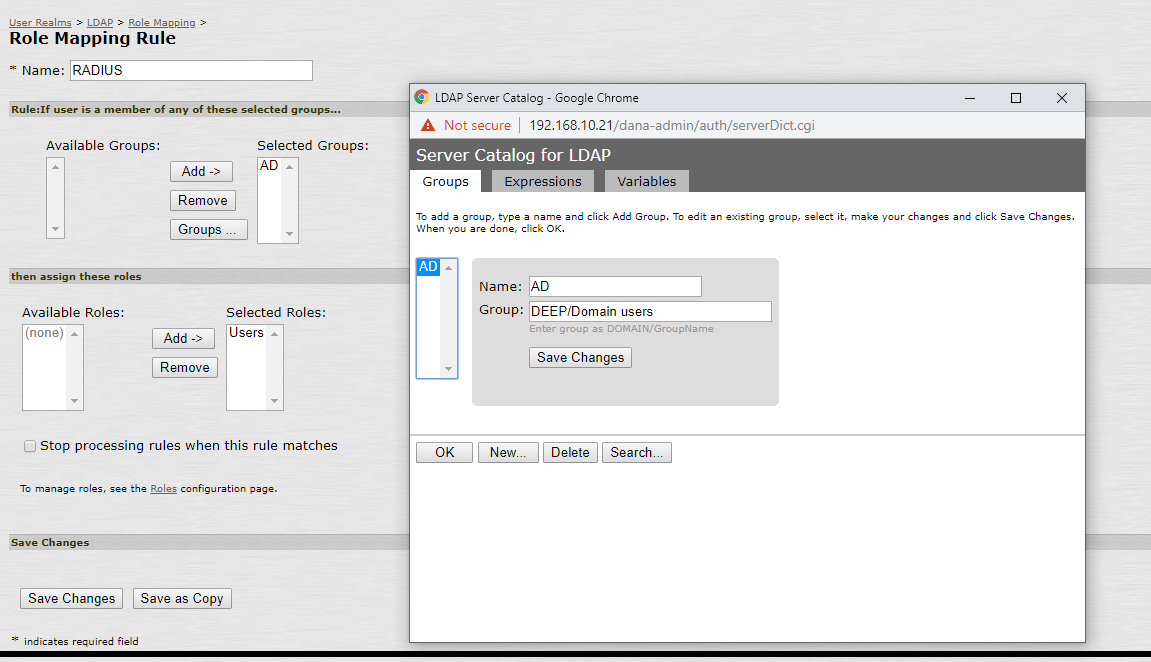
3. Define the Role Mapping, e.g.

3. Under Signing In → Sign-in Policies create a new Signing URL: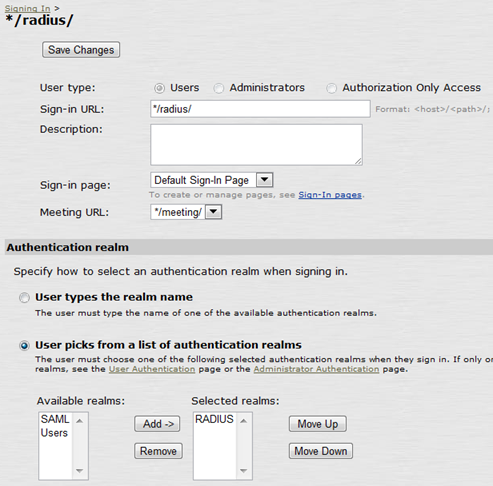
Test Logon
At logon, Juniper SA will present a logon form with the user name, password and the secondary password:
...