...
Select "Replace Certificate" from the context menu

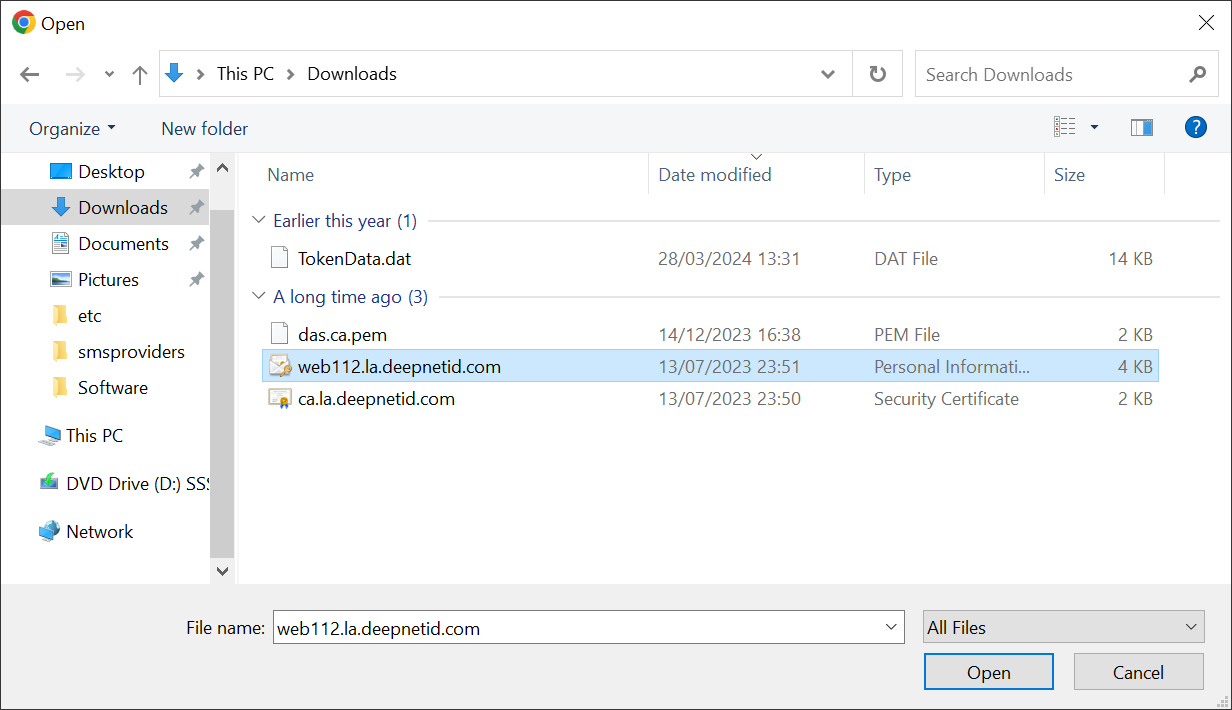
In the The "Replace Console Certificate" dialogue box either select the pfx file of your current commercial certificate (and CA certificates if required), enter the certificate password, and click on "Save".

window will pop up:

There are 2 options in this window
- Select File
- Select Server Certificate
If Alternatively, if you already have the certificate under imported into the "server certificate" in the Admin Console Repositoryrepository, then click on the "Select Server Certificate" instead.  option
| Expand |
|---|
Select the correct certificate from the Server Certificate list and click "Save" |
Otherwise, click the "Select File"  option to import a new certificate:
| Expand |
|---|
select the certificate to be imported
Then, click the "Save" button |