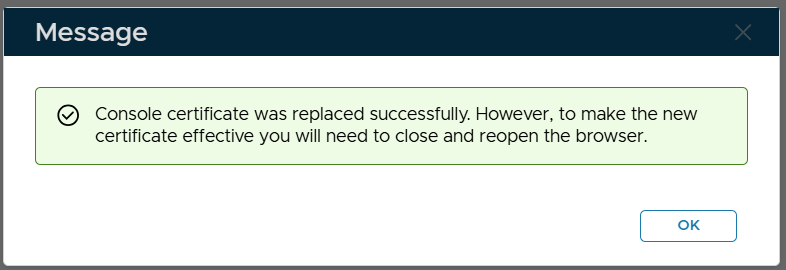
If you already have the PFX file of the new certificate generated from a 3rd-party tool, then please follow the guide below.
Navigate to "SSO | SSO Servers", click the context menu of "Single Sign-On Server"
Select "Replace Certificate" from the context menu

The "Replace Console Certificate" window will pop up:
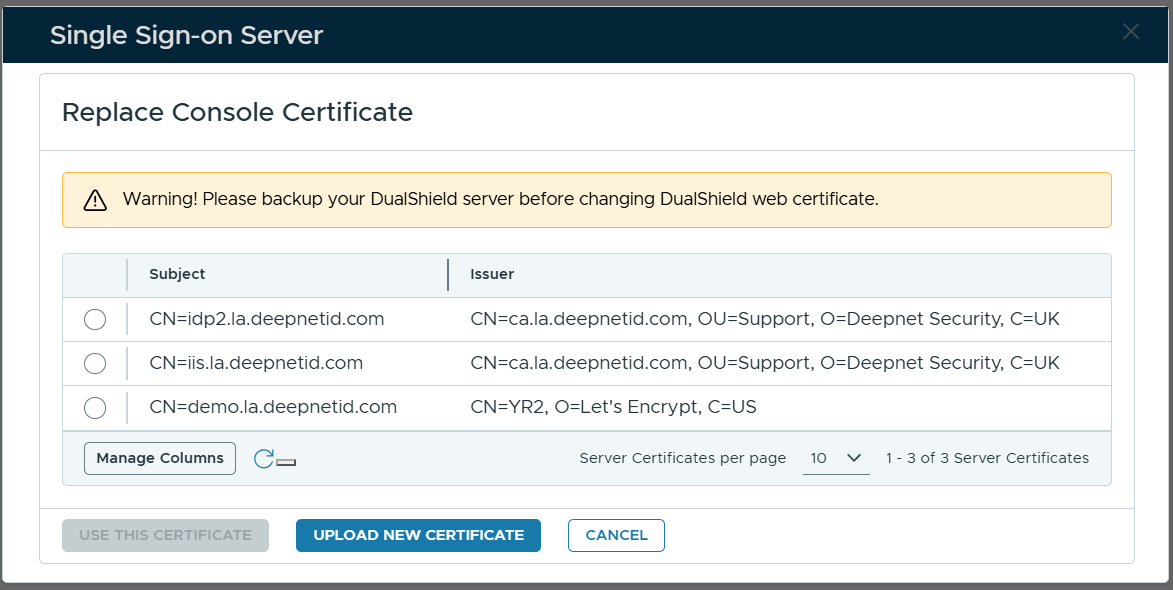
Select the certificate to be used
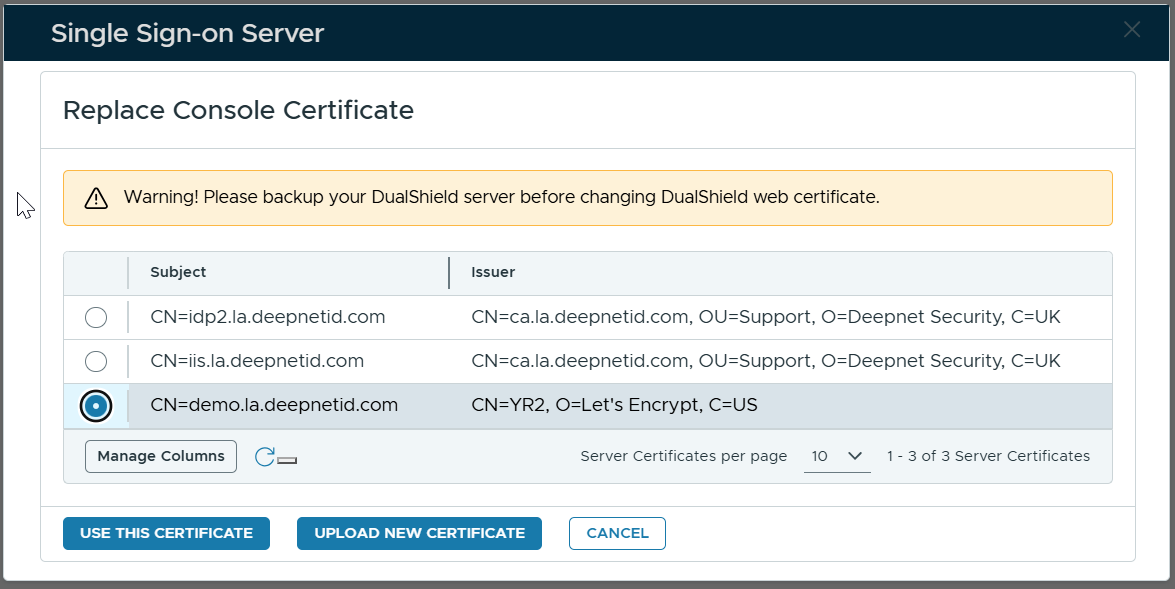
Click "Use This Certificate"